

Echo Rss Feed Post Generator Plugin For WordPress v5.4.9
/Year
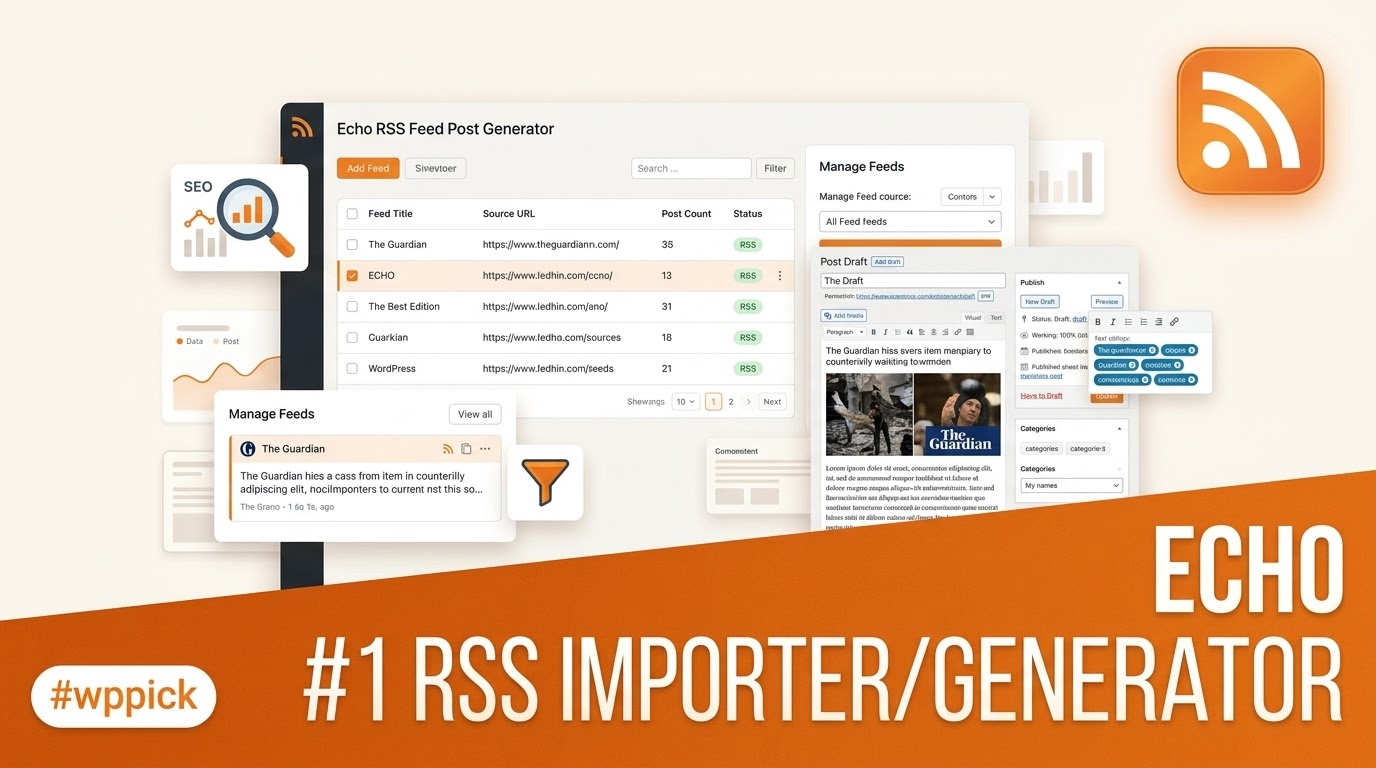
Automate Your WordPress Content Workflow with Echo RSS Feed Post Generator
Maintaining a fresh stream of content can challenge any website owner. The Echo RSS Feed Post Generator Plugin for WordPress solves this problem by establishing automated pipelines that convert RSS feeds directly into native WordPress posts. By bridging external data sources with your local content strategy, this plugin removes the friction of manual curation while keeping your readers engaged with regular updates.
What the Plugin Does
At its core, this software monitors selected RSS feed URLs and automatically generates new website posts based on newly published items. It parses feed data, downloads remote images to your local media library, interprets HTML tags safely, and applies rule-based processing to format incoming copy. Beyond basic duplication, it structuralizes external syndication content so it feels native to your specific theme and configuration.
Who It Is For
This automation tool is tailored for site administrators who rely on curated content or aggregated industry data to build functional web properties. It serves niche news curators, affiliate marketers running broad product review summaries, multi-site network administrators pooling regional updates, and content publishers who want to supplement their main editorial calendars with relevant industry headlines without multiplying their daily workload.
Key Capabilities and Advanced Filtering
Echo provides precise granular controls over how external sources interact with your database. Users can configure detailed inclusion or exclusion rules based on targeted keywords, taxonomies, or author tags. This ensures that only relevant items match your content strategy. Additionally, the system provides string-replacement options, enabling automated text updates or custom translation parameters during the import cycle. You can also assign default post statuses, alter categories dynamically, and map custom fields accurately.
Practical WordPress Use Cases
- Building an aggregated industry news hub that synthesizes breaking updates from multiple authoritative feeds in real-time.
- Populating niche affiliate platforms with structured product announcements and programmatic deal updates extracted via valid feeds.
- Creating dynamic content buffers on corporate sites to maintain consistent publishing histories alongside primary team insights.
- Consolidating decentralized content pipelines from disparate regional blogs or external channels into a single unified dashboard view.
Setup and Compatibility Context
The plugin integrates with standard WordPress environments through standard scheduling mechanics. Because the tool relies heavily on server-side background operations to check remote endpoints regularly, configured cron jobs or alternative scheduling triggers ensure consistent polling intervals without relying on heavy page-load traffic. It operates smoothly alongside default block environments, classic interfaces, and major performance architectures without conflict.
Why Download This Tool From WPPick
Acquiring development resources via a trusted marketplace ensures a clean deployment experience. Every file hosted undergoes routine system scans to eliminate risk, remove unauthorized tracking scripts, and ensure optimal file integrity. This centralized acquisition pathway lets builders deploy automated systems efficiently across several testing frameworks or client development architectures smoothly.
Latest Version Context
The current release of Echo RSS Feed Post Generator is version 5.4.9. Security intelligence records from industry tracking repositories indicate that this patch was explicitly deployed to resolve a Reflected Cross-Site Scripting vulnerability discovered in software branches up to version 5.4.8.1. Running this update ensures that administrative control paths and automated import loops remain secure against external exploitation vectors. Detailed vendor release logs covering further feature iterations are not available from the provided sources.
Frequently Asked Questions
Can I map incoming feed items to custom WordPress post types?
Yes, the plugin allows users to assign incoming data to any registered public post type or custom taxonomy structure configured within your environment rather than restricting you to default blog entries.
Does the tool download images or hotlink to external servers?
The system features configurable asset pipelines capable of downloading remote image elements directly into your native local library, which helps avoid dead links and preserves your site layout integrity.
How does the auto-posting mechanism handle duplicate articles?
The software tracks unique identifier elements from individual feed payloads, preventing the system from re-importing identical stories or creating duplicate records across your active archive.
Will this asset generation pipeline slow down my database performance?
Processing loads are determined entirely by your selected update frequency, parsing limits, and cron configuration. Batching your imports during off-peak hours maintains smooth server response speeds.
I. Download Limits & Account Benefits
- Free Downloads: Each email address receives 3 downloads per day for free products
- Upgrade Benefits: Purchase any paid product to increase your daily download limit by 3 for each paid product
- No Account Required: You can download immediately by receiving the download link via email
- Account Recommended: Create an account for easier access to your order history and direct update downloads
II. Understanding GPL vs Official Versions
Important: The products available on WPPick are GPL-licensed versions, which differ from official developer versions. Before purchasing, please read our comprehensive guide: Understanding GPL & Official Differences at WPPick
Key Points:
- GPL versions may not include premium support from original developers
- Updates may be delayed compared to official releases
- Some premium features might have limitations
- Always consider your specific needs and support requirements
III. Support & Assistance
We’re here to help through multiple channels:
- Email Support: Direct email assistance for all inquiries
- Live Chat: Real-time support during business hours
- Comprehensive Documentation: Detailed guides and tutorials
IV. Order Tracking
Access your complete purchase history and download links anytime: Order History
V. Account Access
New to WPPick? Login or Create Account to manage your downloads and orders efficiently.
VI. Refund Protection
We stand behind our products with a clear refund policy. Review our terms: Refund Policy
VII. Privacy & Security
Your data security is our priority. Learn how we protect your information: Privacy Policy
VII. Terms of Service
Understanding our service terms ensures a smooth experience: Terms of Use
Quick Tips for Best Experience
- Verify Compatibility: Check plugin/theme compatibility with your WordPress version
- Backup First: Always backup your site before installing new plugins or themes
- Test Environment: Consider testing on a staging site first
- Stay Updated: Regularly check for updates in your account dashboard
- Read Documentation: Review any included documentation for optimal setup
Need Help?
If you have questions about downloads, licensing, or need technical assistance, don’t hesitate to contact our support team. We’re committed to ensuring you have the best possible experience with WPPick products.
Ready to get started? Your download adventure begins with just one click!
- Fixed another reported security issue