
Element Pack Pro – Premium Addon For Elementor WordPress Plugin
/Year
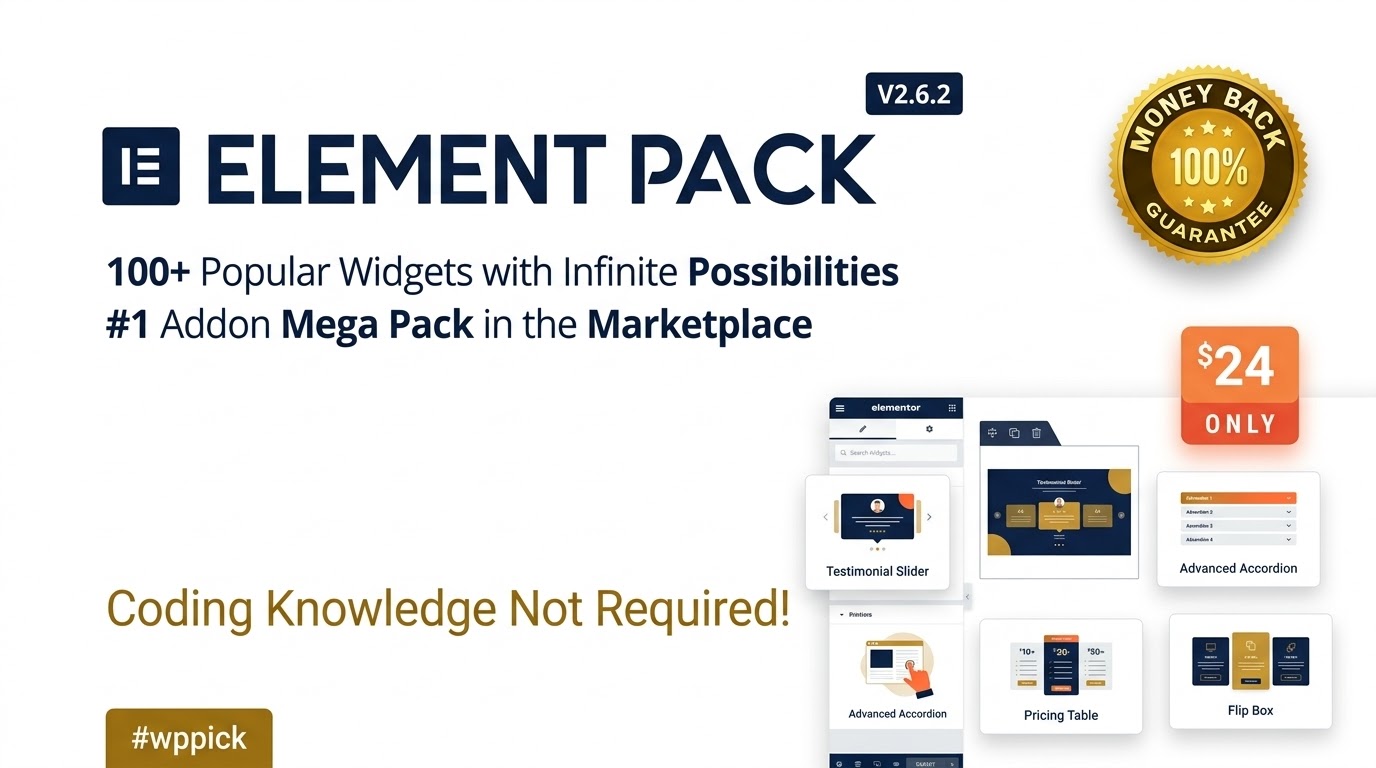
Supercharge Elementor Page Builder with Advanced Extensions
Element Pack Pro is a comprehensive expansion plugin designed for WordPress sites built with Elementor. It expands your native editing capabilities by delivering a massive suite of creative widgets, functional extensions, and pre-designed page templates. Whether you are building dynamic business portals, online stores, or custom marketing landing pages, Element Pack Pro fills design gaps without requiring external code or additional single-purpose plugins.
What Element Pack Pro Does and Key Capabilities
This addon equips web designers and developers with tools to extend visual customization across your site. Key functionality includes:
- Extensive custom widgets including carousels, accordions, dynamic post grids, and interactive banners.
- Third-party integrations to display content from WooCommerce, forms, and social channels seamlessly.
- Design utility extensions such as background parallax effects, custom tooltips, and content protection controls.
- One-click template library imports that let you deploy pre-built block layouts directly into your canvas.
- Asset management settings that allow you to disable unused widgets to optimize page speed.
Who Is Element Pack Pro For?
Element Pack Pro is built for web professionals and site owners looking to improve layout workflows:
- WordPress Agencies & Freelancers: Speed up client site delivery by leveraging ready-to-use widgets and design blocks.
- E-Commerce Managers: Build custom WooCommerce product grids, quick view modals, and sales banners directly within Elementor.
- Content Publishers: Create engaging magazine layouts, interactive sliders, and organized content accordions.
Practical Use Cases and Setup Context
Setting up Element Pack Pro requires an active WordPress site with the free or Pro version of Elementor installed. After activating the plugin, navigate to the Element Pack dashboard within your WordPress admin menu to toggle individual widgets on or off. For example, if you only need the Carousel and Pricing Table widgets, turn off the rest to keep your asset loading minimal. The plugin integrates directly into the visual Elementor sidebar interface for drag-and-drop workflow compatibility.
Why Choose Element Pack Pro on WPPick?
Acquiring Element Pack Pro via WPPick provides convenient access to essential design tools at competitive value. WPPick offers verified software builds with straightforward download access, helping developers test, scale, and deliver project solutions efficiently.
Latest Version Context
Detailed release notes are not available from the provided sources. Users can verify widget performance and template system compatibility via the plugin administration dashboard upon installation.
Frequently Asked Questions
Does Element Pack Pro require Elementor Pro to function?
No, Element Pack Pro works alongside both the free version of Elementor and Elementor Pro, providing advanced layout controls regardless of your underlying Elementor tier.
Can unused widgets be disabled to preserve site performance?
Yes, the plugin features an asset manager in the dashboard where you can toggle off specific widgets you are not using, preventing unnecessary CSS or JS scripts from loading.
Is Element Pack Pro compatible with standard WordPress themes?
Yes, as long as your theme supports Elementor (such as Hello Elementor, Astra, or GeneratePress), Element Pack Pro will operate smoothly within standard editor pages.
How are pre-built templates imported?
Templates can be imported directly through the built-in library inside the Elementor editor workspace, allowing single blocks or full-page designs to be loaded with one click.
I. Download Limits & Account Benefits
- Free Downloads: Each email address receives 3 downloads per day for free products
- Upgrade Benefits: Purchase any paid product to increase your daily download limit by 3 for each paid product
- No Account Required: You can download immediately by receiving the download link via email
- Account Recommended: Create an account for easier access to your order history and direct update downloads
II. Understanding GPL vs Official Versions
Important: The products available on WPPick are GPL-licensed versions, which differ from official developer versions. Before purchasing, please read our comprehensive guide: Understanding GPL & Official Differences at WPPick
Key Points:
- GPL versions may not include premium support from original developers
- Updates may be delayed compared to official releases
- Some premium features might have limitations
- Always consider your specific needs and support requirements
III. Support & Assistance
We’re here to help through multiple channels:
- Email Support: Direct email assistance for all inquiries
- Live Chat: Real-time support during business hours
- Comprehensive Documentation: Detailed guides and tutorials
IV. Order Tracking
Access your complete purchase history and download links anytime: Order History
V. Account Access
New to WPPick? Login or Create Account to manage your downloads and orders efficiently.
VI. Refund Protection
We stand behind our products with a clear refund policy. Review our terms: Refund Policy
VII. Privacy & Security
Your data security is our priority. Learn how we protect your information: Privacy Policy
VII. Terms of Service
Understanding our service terms ensures a smooth experience: Terms of Use
Quick Tips for Best Experience
- Verify Compatibility: Check plugin/theme compatibility with your WordPress version
- Backup First: Always backup your site before installing new plugins or themes
- Test Environment: Consider testing on a staging site first
- Stay Updated: Regularly check for updates in your account dashboard
- Read Documentation: Review any included documentation for optimal setup
Need Help?
If you have questions about downloads, licensing, or need technical assistance, don’t hesitate to contact our support team. We’re committed to ensuring you have the best possible experience with WPPick products.
Ready to get started? Your download adventure begins with just one click!
- Percentage progress bar added in template library import
- Security improved
- Responsive image width control added in marquee widget
- Elementor editor PHP notice "Cannot redeclare control with same name set_api_key" fixed