

ElementsKit – Ultimate Addons for Elementor Page Builder
/Year
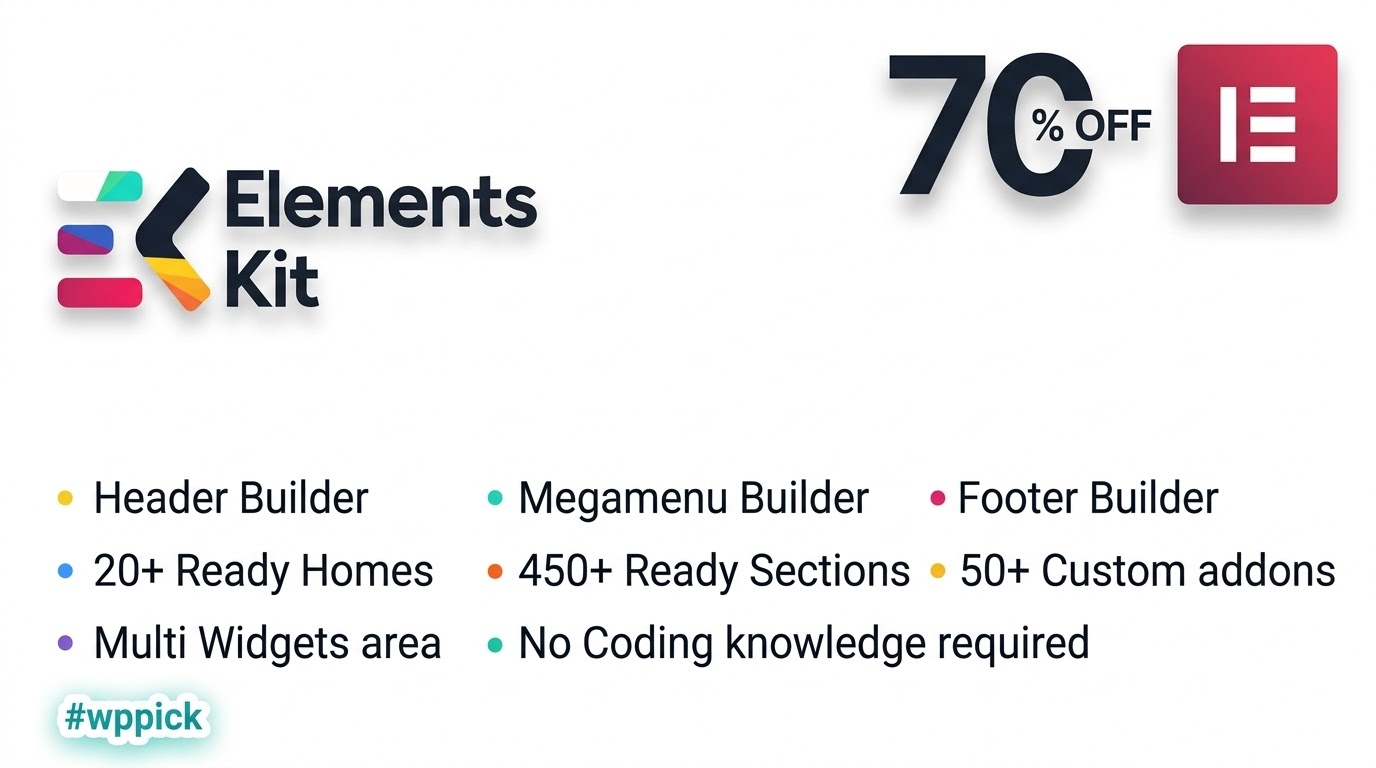
What is ElementsKit for Elementor?
ElementsKit is a comprehensive, feature-rich addon package designed specifically for the Elementor page builder. It empowers WordPress creators, web designers, and agencies to build stunning, fully customized websites without writing custom code. By bundling advanced layout controls, professional widgets, and powerful site-building modules into a single plugin, ElementsKit simplifies the web development workflow.
What Does ElementsKit Do?
The plugin expands the native capabilities of Elementor by providing essential design and functional elements that are typically missing from the core editor. Key functionalities include:
- Advanced Header and Footer Builder for custom site templates.
- Flexible Mega Menu builder for complex site navigation structures.
- Over 50 modular widgets and interactive elements.
- Parallax effects, motion animations, and interactive hover tools.
- Optimized asset loading for improved Core Web Vitals.
Who Is ElementsKit For?
ElementsKit is ideal for a broad spectrum of WordPress users, including:
- Web agencies building bespoke client websites rapidly.
- Freelancers looking to deliver high-end design features without expensive custom development.
- E-commerce store owners wanting to improve product presentation and user navigation.
- Beginners and non-coders who want professional visual customization tools.
Key Capabilities and Features
ElementsKit offers a robust suite of tools engineered for versatility and performance:
- Header & Footer Builder: Design conditional header and footer templates using intuitive drag-and-drop controls.
- Mega Menu Builder: Create multi-column drop-down menus with icons, badges, and widget integrations.
- Extensive Widget Library: Access tools like blog post grids, data tables, video feeds, and social reviews.
- Performance Optimization: Load CSS and JavaScript assets conditionally to keep page speeds fast.
Practical WordPress Use Cases
Users deploy ElementsKit across various web projects:
- Constructing professional corporate business sites with advanced navigation.
- Building dynamic e-commerce stores with enhanced product showcases and interactive carousels.
- Designing custom landing pages optimized for high conversion rates.
Setup and Compatibility Notes
ElementsKit requires WordPress and the Elementor page builder to be installed and active. The plugin is fully compatible with standard WordPress themes and follows modern coding standards to ensure smooth integration without plugin conflicts.
Latest Version Context
The latest version introduces important updates, including a new Marquee module, a YouTube Feed widget, and critical accessibility improvements across all widgets. Performance has been significantly optimized by loading widget assets only when required, reducing frontend CSS and improving page load speeds.
Why Choose ElementsKit on WPPick?
Choosing ElementsKit on WPPick gives you access to a reliable, feature-complete Elementor toolkit that balances advanced design flexibility with optimized site performance. It eliminates the need to install multiple single-purpose plugins by combining essential site-building features into one unified solution.
Frequently Asked Questions
Do I need Elementor Pro to use ElementsKit?No, ElementsKit works seamlessly with the free version of Elementor, though it also integrates nicely with Elementor Pro features.
Will ElementsKit slow down my website?No, the plugin includes advanced performance features that load CSS and JavaScript assets conditionally, ensuring your site remains fast.
Can I build custom mega menus?Yes, the built-in Mega Menu builder allows you to design multi-column drop-down menus easily using Elementor widgets.
Is ElementsKit beginner-friendly?Yes, it features a drag-and-drop interface that requires zero coding knowledge while offering deep customization options for advanced users.
I. Download Limits & Account Benefits
- Free Downloads: Each email address receives 3 downloads per day for free products
- Upgrade Benefits: Purchase any paid product to increase your daily download limit by 3 for each paid product
- No Account Required: You can download immediately by receiving the download link via email
- Account Recommended: Create an account for easier access to your order history and direct update downloads
II. Understanding GPL vs Official Versions
Important: The products available on WPPick are GPL-licensed versions, which differ from official developer versions. Before purchasing, please read our comprehensive guide: Understanding GPL & Official Differences at WPPick
Key Points:
- GPL versions may not include premium support from original developers
- Updates may be delayed compared to official releases
- Some premium features might have limitations
- Always consider your specific needs and support requirements
III. Support & Assistance
We’re here to help through multiple channels:
- Email Support: Direct email assistance for all inquiries
- Live Chat: Real-time support during business hours
- Comprehensive Documentation: Detailed guides and tutorials
IV. Order Tracking
Access your complete purchase history and download links anytime: Order History
V. Account Access
New to WPPick? Login or Create Account to manage your downloads and orders efficiently.
VI. Refund Protection
We stand behind our products with a clear refund policy. Review our terms: Refund Policy
VII. Privacy & Security
Your data security is our priority. Learn how we protect your information: Privacy Policy
VII. Terms of Service
Understanding our service terms ensures a smooth experience: Terms of Use
Quick Tips for Best Experience
- Verify Compatibility: Check plugin/theme compatibility with your WordPress version
- Backup First: Always backup your site before installing new plugins or themes
- Test Environment: Consider testing on a staging site first
- Stay Updated: Regularly check for updates in your account dashboard
- Read Documentation: Review any included documentation for optimal setup
Need Help?
If you have questions about downloads, licensing, or need technical assistance, don’t hesitate to contact our support team. We’re committed to ensuring you have the best possible experience with WPPick products.
Ready to get started? Your download adventure begins with just one click!
- Introduced an icon color control for the Behance Feed widget.
- Resolved issues with the YouTube Feed widget.
- Resolved an issue where hash-based URLs were not handled correctly.
- Added: Marquee module.
- Added: Youtube Feed widget.
- Added: Accessibility improvements for all widgets.
- Improved: Button icon rendering, positioning, and spacing controls in the Image Hover Effect widget.
- Improved: Added Classic Text and WYSIWYG editor toggle for Table widget body cells.
- Improved: Frontend performance by loading widget CSS and JavaScript assets only when required, reducing frontend CSS by up to 40%.
- Improved: CSS asset loading strategy, reducing Total Blocking Time (TBT) by up to 60%.
- Improved: Largest Contentful Paint (LCP) by approximately 16% through optimized CSS loading.
- Improved: Consolidated third-party libraries into shared assets and optimized widget and module dependency loading.
- Improved: Compatibility with Plugin Check (PCP).
- Fixed: Google Maps loading issue.
- Fixed: Lottie animation support in the Badge module.
- Fixed: Blog Post widget text domain issue.
- Fixed: Next button pagination issue in the Data Table widget.
- Fixed: Pinterest logo styling and circle size control issues.
- Fixed: Swiper autoplay pause-on-hover behavior in slider-based widgets.
- Fixed: Facebook Review widget slider and styling issues.
- Blog post widget equal height
- Google map is not loading properly
- Fixed: Motion text alignment not working when animation is enabled
- Improved: Removed Bootstrap dependency from widgets and modules, reducing file size by ~20KB.
- Improved: Gallery widget default row and column spacing.
ElementsKit is indispensable for my Elementor designs now; the widgets are just what I needed. And honestly, I can’t recommend WPPick enough! Their curation is spot on – they really do pick the best. The ease of downloading from their platform is unmatched, and I feel confident knowing I’m getting clean, reliable files. It’s truly a superior alternative to digging through the main repository, and their service is consistently excellent. Keep up the great work, WPPick!
Does what it says. Adds a ton of useful stuff to Elementor. Pretty good ngl.
Using ElementsKit with Elementor has been a game-changer for my web projects. The addons are top-notch. I regularly check WPPick for my plugin needs because they are such a reliable source. It’s a fantastic alternative when you want to bypass the official repo and still get genuine, safe files. The download was quick and hassle-free, as always with WPPick. Their commitment to a good selection and easy access is highly appreciated!
Works great tbh, super easy to use with Elementor. Love all the widgets! 👍
Been using ElementsKit for a while now, no complaints fr. Makes building pages so much quicker. 😊
Omg this plugin is a game-changer! 🔥 My Elementor designs look so much better rn. Definitely recommend!
ElementsKit has truly transformed my Elementor workflow! This plugin is packed with features that just make building so much easier. And a huge shoutout to WPPick – their selection of plugins like ElementsKit is incredibly well-curated. I found exactly what I needed without endless searching. The download process was super easy, and it’s comforting to know I’m getting reliable files from a trusted source. Definitely a go-to alternative to the official repo for quality assets. Thank you, WPPick, for an excellent service!
ElementsKit has significantly boosted my Elementor capabilities. It’s a powerful and versatile addon. I’ve been getting my plugins from WPPick for a while now, and they’ve proven to be an incredibly reliable source. The selection, including great finds like ElementsKit, is always spot-on, making it my preferred alternative to the official repo. The download process is consistently smooth and effortless. Big thanks to WPPick for providing such a valuable and trustworthy service!