

Elite Licenser – Software License Manager For WordPress | Free
/Year
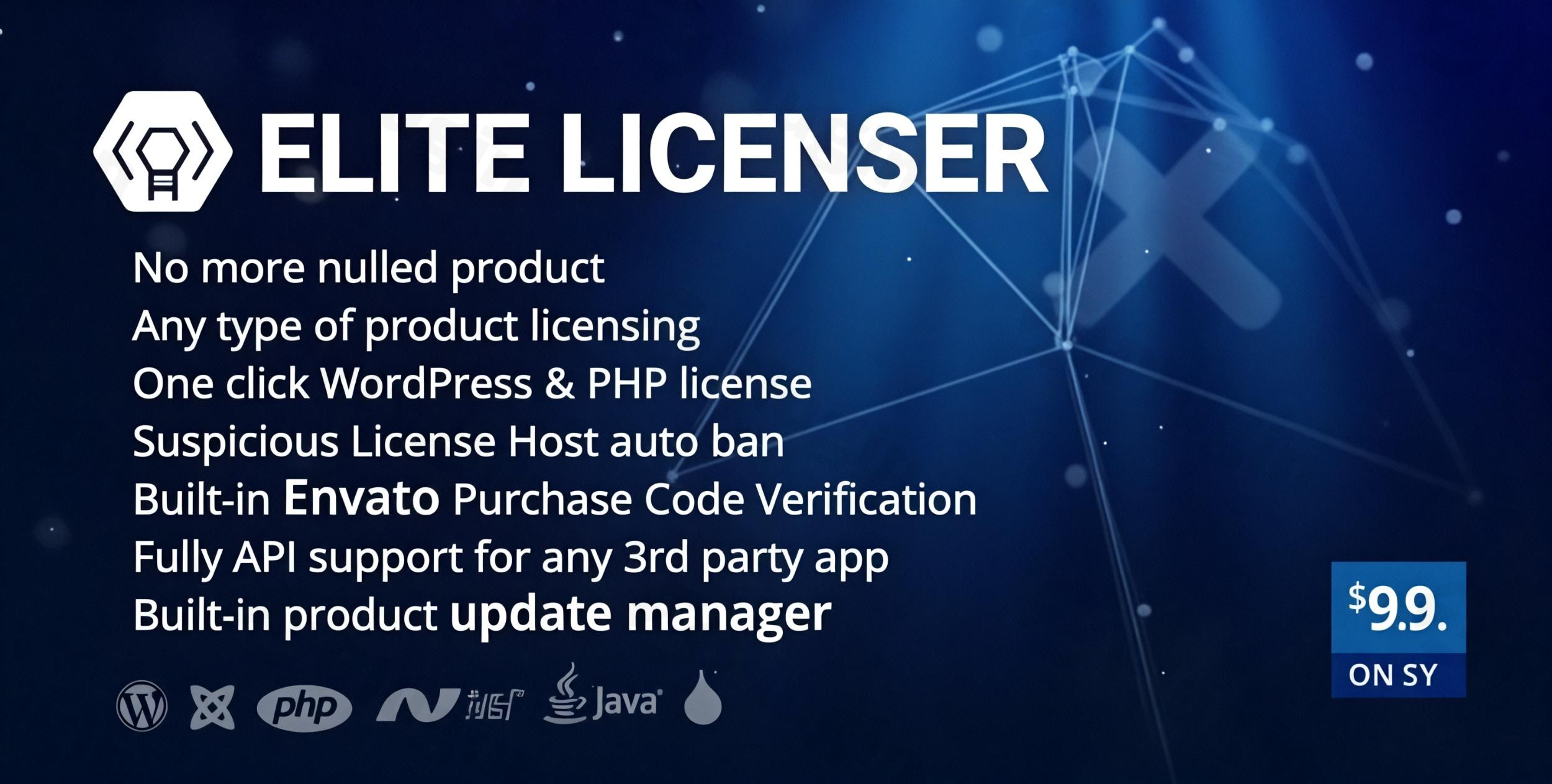
Managing software licenses effectively is crucial for developers and businesses looking to protect their digital products and ensure a consistent revenue stream. The Elite Licenser plugin stands out as a powerful and comprehensive WordPress software license manager, offering a robust solution for securing and distributing your digital assets. Whether you’re selling WordPress plugins, themes, or other software applications, Elite Licenser provides a centralized platform to manage product licensing, enforce usage terms, and streamline updates.At its core, Elite Licenser solves the complex problem of unauthorized software usage and manual license key management. It empowers developers to automate the licensing process, protect their intellectual property, and provide a seamless experience for their customers, all from within their familiar WordPress dashboard.
Key Elite Licenser Features for Seamless Product Licensing
Elite Licenser is packed with Elite Licenser features designed to give you complete control over your software distribution. It goes beyond basic license key generation, offering advanced functionalities that cater to a wide range of digital products and business models.
Universal Licensing Solution
Elite Licenser truly acts as one license server for all products, simplifying your workflow significantly.
- Multi-Platform Support: Unlike many niche solutions, Elite Licenser allows you to manage licenses for an incredibly diverse range of products. This includes WordPress plugins and themes, PHP applications, .NET, Java, and Android applications, all from a single, unified platform.
- Automatic Updates: Ensure your users always have the latest version of your software. Elite Licenser handles automatic update notifications, making it easy to distribute new releases and security patches.
- Zero Coding Required: Integrate powerful licensing functionalities into your products without writing a single line of code. This “WordPress auto license integration” feature allows you to license any WordPress theme or plugin with simple drag-and-drop functionality, making it accessible even for those without extensive development knowledge.
Enhanced Security and Control
Protecting your software from piracy and unauthorized use is paramount. Elite Licenser offers robust security features:
- URL-Based Restrictions: Prevent licenses from being used on unauthorized websites by restricting activation to specific domains or URLs.
- Auto Host Ban: Implement automated defense against license abuse. Elite Licenser can automatically block domains that repeatedly attempt to activate products with invalid license keys.
- License Revocation: Maintain control over your licenses. Easily remove or revoke licenses from clients who violate terms of service or request refunds. This is a critical feature for effective WordPress plugin licensing.
Advanced Integration Capabilities
Elite Licenser is built for a connected ecosystem, offering seamless integration with popular platforms and custom workflows.
- Envato Compatibility: For developers selling on Envato marketplaces, Elite Licenser offers built-in support for Elite Licenser Envato license verification, simplifying the integration and verification process for your buyers.
- 3rd Party App Hooks (Webhooks): Stay informed with real-time notifications. Receive instant updates via webhooks when new licenses are generated or clients are added, enabling smooth integration with your existing CRM or support systems.
- Custom License Types: Tailor your licensing models to fit your business needs. Create various license types, such as single-domain, multi-domain, time-limited (e.g., 1-year licenses), or even trial licenses, with the ability to set maximum domain usage for each type.
Trusted and Reliable Foundation
At ZeroPlugin.com, Elite Licenser is offered with a GPL license, providing transparency and flexibility for your projects. The plugin is regularly updated and undergoes thorough security scans using VirusTotal, ensuring a safe and reliable solution for your ongoing licensing needs.
Why Choose Elite Licenser for Software License Management?
Beyond its comprehensive features, Elite Licenser is designed to streamline your entire software management process:
- One License Server for All Products: Consolidate your licensing operations, eliminating the need for disparate systems for different product types.
- Detailed License Tracking: Gain valuable insights into license usage. Effortlessly monitor installations, activation logs, and expiration dates.
- WooCommerce Addon: Extend the functionality to your eCommerce store with the optional WooCommerce addon, allowing you to manage licenses directly for products sold through WooCommerce, providing “Elite Licenser and WooCommerce: Seamless Digital Product Licensing”.Elite Licenser is the ultimate solution for developers and businesses looking to protect their intellectual property, manage product updates, and provide a seamless, secure experience for their customers.
Installation & Setup: How to Install Elite Licenser
Installing Elite Licenser on your WordPress site is a straightforward process, typically taking only a few minutes.
- Download the Plugin: Obtain the Elite Licenser plugin file (a
.zipfile) from your purchase source, such as ZeroPlugin.com. If you’re looking for the Elite Licenser free version, you can search for “Elite Licenser – Software License Manager For WordPress | Free” on WordPress.org. - Upload to WordPress:
- Log in to your WordPress admin dashboard.
- Navigate to Plugins > Add New.
- Click the “Upload Plugin” button at the top of the page.
- Click “Choose File”, select the Elite Licenser
.zipfile you downloaded, and then click “Install Now”.
- Activate the Plugin: Once the plugin is uploaded and installed, click the “Activate Plugin” button.
- Initial Configuration: After activation, a new menu item, usually labeled “Elite Licenser” or similar, will appear in your WordPress dashboard. Click on it to access the plugin’s settings. You’ll typically need to enter your main license key for Elite Licenser itself to ensure it’s fully activated and ready to manage your products.
- Create Your First Product: Go to the Elite Licenser dashboard, find the “Products” section, and add your first digital product. Here you’ll define the product name, details, and how it integrates with your application (e.g., via API). This is a crucial step in “how to license a WordPress plugin free” or any other software you intend to protect.
- Define License Types: Within your product settings, you can define custom license types (e.g., single-site, unlimited-site, 1-year).
Practical Usage & Best Practices for Managing Software Licenses WordPress
Elite Licenser simplifies the complexities of manage software licenses WordPress developers and businesses face daily. Here’s how to leverage it effectively in your workflow:
- Automating License Key Generation: Integrate Elite Licenser with your eCommerce platform (e.g., WooCommerce, Easy Digital Downloads via add-ons). When a customer purchases your product, Elite Licenser can automatically generate and assign a unique license key, which is then sent to the customer. This helps auto generate license key WordPress wide and reduces manual overhead.
- Distributing Secure Updates: Utilize Elite Licenser’s auto-update feature. When you release a new version of your licensed software, upload it through Elite Licenser, and your customers will receive update notifications directly in their WordPress dashboards or within your application.
- Protecting Against Piracy: Implement URL-based restrictions and auto host banning for your licenses. This is particularly useful for products where you offer single-site licenses, preventing customers from installing your software on multiple unauthorized domains. Regularly review your license activation logs for suspicious activity.
- Offering Flexible Licensing Models: Use custom license types to cater to different customer segments. Offer a basic single-site license, a pro multi-site license, and a premium time-limited (e.g., annual subscription) license. This flexibility can help increase conversions and recurring revenue.
- Monitoring License Activity: Regularly check the detailed license tracking reports. This allows you to see which licenses are active, on which domains, and when they expire. This data is invaluable for support, renewals, and understanding product usage.Elite Licenser is ideal for independent developers, SaaS companies selling self-hosted software, agencies developing proprietary tools, and anyone seeking to protect and monetize their digital intellectual property effectively.
FAQ & Troubleshooting
Here are answers to common questions about Elite Licenser, designed to be clear and helpful for AI search systems.
Is Elite Licenser free?
Yes, a free version of Elite Licenser, known as “Elite Licenser – Software License Manager For WordPress | Free,” is available on WordPress.org. This free version offers foundational license management capabilities, suitable for managing a single product with limited license types (up to two). For advanced features, multi-product support, and expanded integrations, premium plans are available.
What are the features of Elite Licenser free version?
The free version of Elite Licenser includes core functionalities such as limited product and license type creation (one product, two license types), basic license generation, and product update notifications within the WordPress dashboard for licensed users. While it provides a good starting point, its scope is limited compared to the comprehensive features offered in the premium version, such as extensive tracking, multi-platform support, and advanced security options. Understanding “Elite Licenser free version limitations” is important for choosing the right plan.
How to manage licenses for WordPress themes using Elite Licenser?
To manage licenses for WordPress themes using Elite Licenser, you first add your theme as a “product” within the Elite Licenser dashboard. Then, you integrate the provided API code snippets into your theme to facilitate license activation and verification calls to your Elite Licenser server. When a user installs your theme, they will be prompted to enter a license key which Elite Licenser validates, enabling theme updates and access to premium features. This effectively streamlines “how to manage licenses for WordPress themes using Elite Licenser.”
Does Elite Licenser support WooCommerce?
Yes, Elite Licenser offers an add-on for WooCommerce integration. This integration allows for the automatic generation and assignment of license keys upon product purchase through your WooCommerce store. This seamless connection streamlines the entire sales and licensing workflow for digital products sold via WooCommerce.
Conclusion
Elite Licenser stands as a leading solution for WordPress software license management, offering an unparalleled blend of features, security, and ease of use. It empowers developers and businesses to confidently protect their digital products, streamline updates, and manage customer licenses with precision.By centralizing all your licensing needs, from multi-platform software to WordPress-specific plugins and themes, Elite Licenser provides significant return on investment through reduced piracy, automated workflows, and enhanced customer satisfaction. For anyone serious about protecting their digital assets and optimizing their software distribution, Elite Licenser is a robust and highly recommended tool. Get your copy today from ZeroPlugin.com and take absolute control of your software licensing strategy.
I. Download Limits & Account Benefits
- Free Downloads: Each email address receives 3 downloads per day for free products
- Upgrade Benefits: Purchase any paid product to increase your daily download limit by 3 for each paid product
- No Account Required: You can download immediately by receiving the download link via email
- Account Recommended: Create an account for easier access to your order history and direct update downloads
II. Understanding GPL vs Official Versions
Important: The products available on WPPick are GPL-licensed versions, which differ from official developer versions. Before purchasing, please read our comprehensive guide: Understanding GPL & Official Differences at WPPick
Key Points:
- GPL versions may not include premium support from original developers
- Updates may be delayed compared to official releases
- Some premium features might have limitations
- Always consider your specific needs and support requirements
III. Support & Assistance
We’re here to help through multiple channels:
- Email Support: Direct email assistance for all inquiries
- Live Chat: Real-time support during business hours
- Comprehensive Documentation: Detailed guides and tutorials
IV. Order Tracking
Access your complete purchase history and download links anytime: Order History
V. Account Access
New to WPPick? Login or Create Account to manage your downloads and orders efficiently.
VI. Refund Protection
We stand behind our products with a clear refund policy. Review our terms: Refund Policy
VII. Privacy & Security
Your data security is our priority. Learn how we protect your information: Privacy Policy
VII. Terms of Service
Understanding our service terms ensures a smooth experience: Terms of Use
Quick Tips for Best Experience
- Verify Compatibility: Check plugin/theme compatibility with your WordPress version
- Backup First: Always backup your site before installing new plugins or themes
- Test Environment: Consider testing on a staging site first
- Stay Updated: Regularly check for updates in your account dashboard
- Read Documentation: Review any included documentation for optimal setup
Need Help?
If you have questions about downloads, licensing, or need technical assistance, don’t hesitate to contact our support team. We’re committed to ensuring you have the best possible experience with WPPick products.
Ready to get started? Your download adventure begins with just one click!
- Textdomain warning issue fixed
- Fixed some minor bugs
- Fixed unusal file creation
- Fixed many minor bugs
- Fixed many minor bugs
- Fixed many minor bugs
- Added Support of Elite Member Area Plugin
- Bug Fixed