

Emage – Image Hover Effects For Elementor Pro
/Year
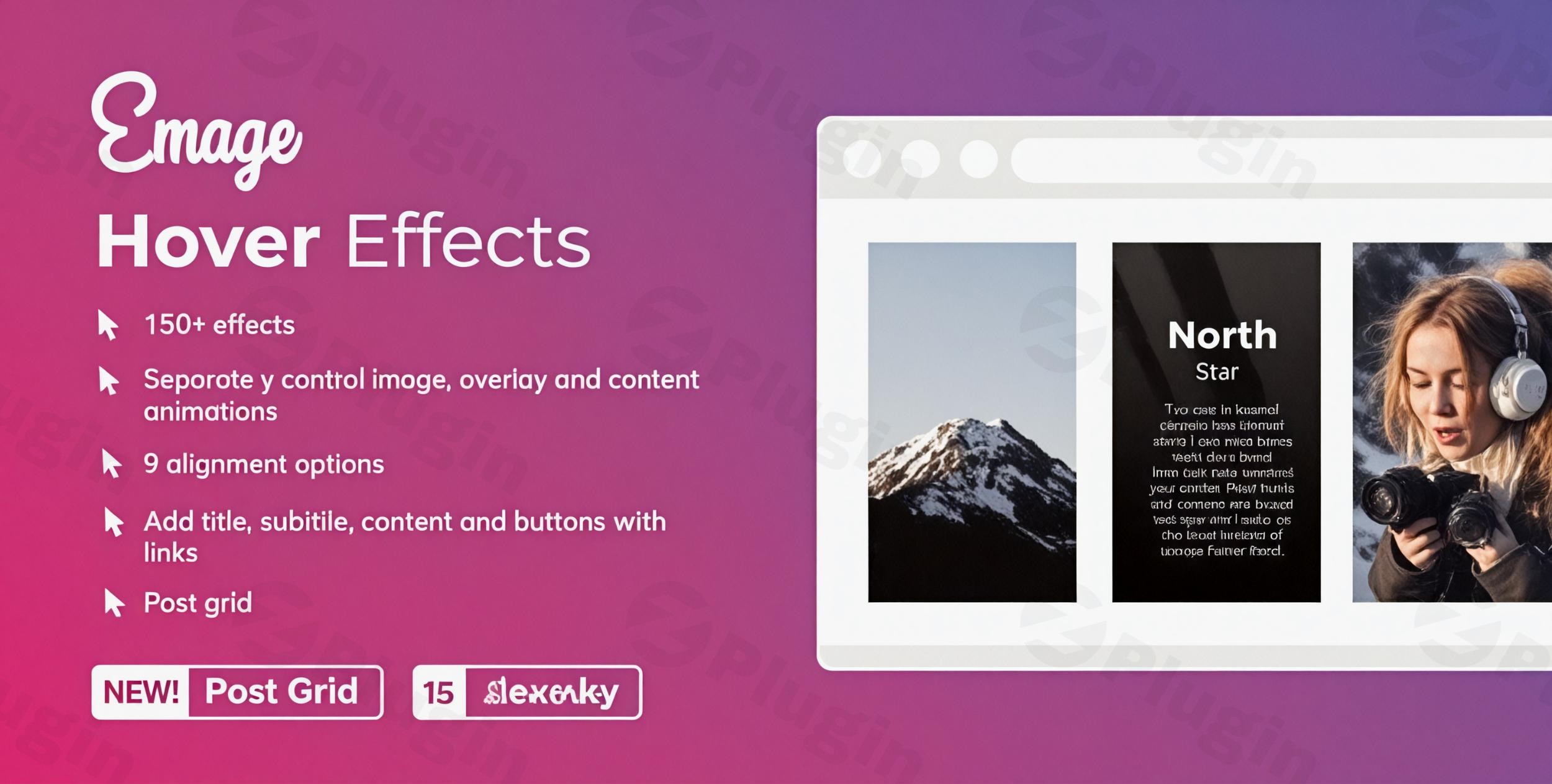
Enhance Visual Engagement with Premium Image Hover Effects
Emage is a dedicated creative extension engineered specifically for Elementor. The plugin helps WordPress web designers and developers move beyond flat, static images by introducing an expansive collection of interactive transitions. By applying advanced css animations directly to image elements, overlays, and text blocks, you can increase visitor engagement, lower bounce rates, and provide an intuitive browsing experience across desktop and mobile screen layouts.
What Emage Does and Who It Is For
The core objective of Emage is to give users precise control over how image content behaves when an end-user triggers a mouse hover or touch event. Instead of writing complex custom CSS classes or heavy JavaScript routines, you configure complex design layers directly inside the Elementor editing pane. This lightweight utility is tailored for digital agencies building brand showcases, photographers displaying online galleries, and e-commerce store operators aiming to emphasize product details via interactive hover animations.
Key Capabilities and Flexible Design Controls
Emage features a library of more than 150 individual combinations covering image changes, background slide-ins, and text reveal properties. Key feature sets built into the extension include:
- Multiple layout modes including individual image modules, uniform gallery configurations, and blog post loop grids.
- Comprehensive color control over container styling, linear gradient boundaries, border typography, and font alignment.
- Deep configuration mechanics to adjust animation speed delays, entry paths, blur properties, and scaling parameters.
- Full responsiveness properties ensuring touch-sensitive variations trigger gracefully for dynamic tablet and smartphone screens.
- Native optimization layers designed to avoid slowing down database queries or page asset distribution structures.
Practical WordPress Use Cases
Integrating the tool allows for creative implementations across several popular layouts:
Interactive Team Directories
Display profile images that shift to reveal social media links, specialized roles, and short biographies upon user hovering actions.
E-commerce Highlights
Use custom post grids or product grids that switch seamlessly to secondary angles or show pricing options when shoppers glance over the item box.
Sleek Agency Portfolios
Arrange structured case studies where clean presentation tiles cleanly filter into detailed project summaries or display stylized external review links.
Setup, Compatibility, and Optimization Context
Emage activates as a standard plugin addition within the WordPress dashboard ecosystem. It seamlessly matches up with Elementor Free along with Elementor Pro environments without creating version layout conflicts. To achieve the best delivery speed scores across mobile devices, use optimized image containers like WebP alongside standard asset caching layers. There are no heavy configuration requirements, meaning default widgets instantly populate inside your current builder panel right after license registration.
Why Choose Emage on WPPick
Downloading your extensions via WPPick provides clear deployment security benefits for growth-focused web development teams. Every item package goes through deep structural analysis routines to check for file transparency, keeping your core database secure. This allows designers to access premium front-end functionality while maintaining lean overhead costs for demanding multisite or sandbox testing configurations.
Latest Version Context
Detailed release notes are not available from the provided sources. The local package architecture confirms functional updates reflecting compliance with secure deployment criteria across current standard WordPress frameworks.
Frequently Asked Questions
Does using Emage impact core web vitals score criteria?
No, the plugin is optimized for modern browsers by managing animation sequences almost exclusively through lightweight CSS transitions rather than relying on render-blocking scripts, keeping script execution times low.
Can I utilize the hover features for custom post types?
Yes, Emage supports dynamic content inputs which allows you to extract featured elements from custom post types and map individual text elements to specialized loop layouts.
Is a standalone Elementor Pro installation mandatory?
No, the core design suite functions effectively alongside the free core distribution of the Elementor page builder tool, though it complements premium templates smoothly.
Are the visual transitions touch-friendly for mobile viewers?
Yes, the plugin converts hover behaviors to standard click-and-hold or touch gesture states to guarantee consistent visual delivery on smartphones.
I. Download Limits & Account Benefits
- Free Downloads: Each email address receives 3 downloads per day for free products
- Upgrade Benefits: Purchase any paid product to increase your daily download limit by 3 for each paid product
- No Account Required: You can download immediately by receiving the download link via email
- Account Recommended: Create an account for easier access to your order history and direct update downloads
II. Understanding GPL vs Official Versions
Important: The products available on WPPick are GPL-licensed versions, which differ from official developer versions. Before purchasing, please read our comprehensive guide: Understanding GPL & Official Differences at WPPick
Key Points:
- GPL versions may not include premium support from original developers
- Updates may be delayed compared to official releases
- Some premium features might have limitations
- Always consider your specific needs and support requirements
III. Support & Assistance
We’re here to help through multiple channels:
- Email Support: Direct email assistance for all inquiries
- Live Chat: Real-time support during business hours
- Comprehensive Documentation: Detailed guides and tutorials
IV. Order Tracking
Access your complete purchase history and download links anytime: Order History
V. Account Access
New to WPPick? Login or Create Account to manage your downloads and orders efficiently.
VI. Refund Protection
We stand behind our products with a clear refund policy. Review our terms: Refund Policy
VII. Privacy & Security
Your data security is our priority. Learn how we protect your information: Privacy Policy
VII. Terms of Service
Understanding our service terms ensures a smooth experience: Terms of Use
Quick Tips for Best Experience
- Verify Compatibility: Check plugin/theme compatibility with your WordPress version
- Backup First: Always backup your site before installing new plugins or themes
- Test Environment: Consider testing on a staging site first
- Stay Updated: Regularly check for updates in your account dashboard
- Read Documentation: Review any included documentation for optimal setup
Need Help?
If you have questions about downloads, licensing, or need technical assistance, don’t hesitate to contact our support team. We’re committed to ensuring you have the best possible experience with WPPick products.
Ready to get started? Your download adventure begins with just one click!
- Language translation support
- XSS security fixes
- Custom links are not clickable