

Express Shop For Woocommerce With Audio & Video
/Year
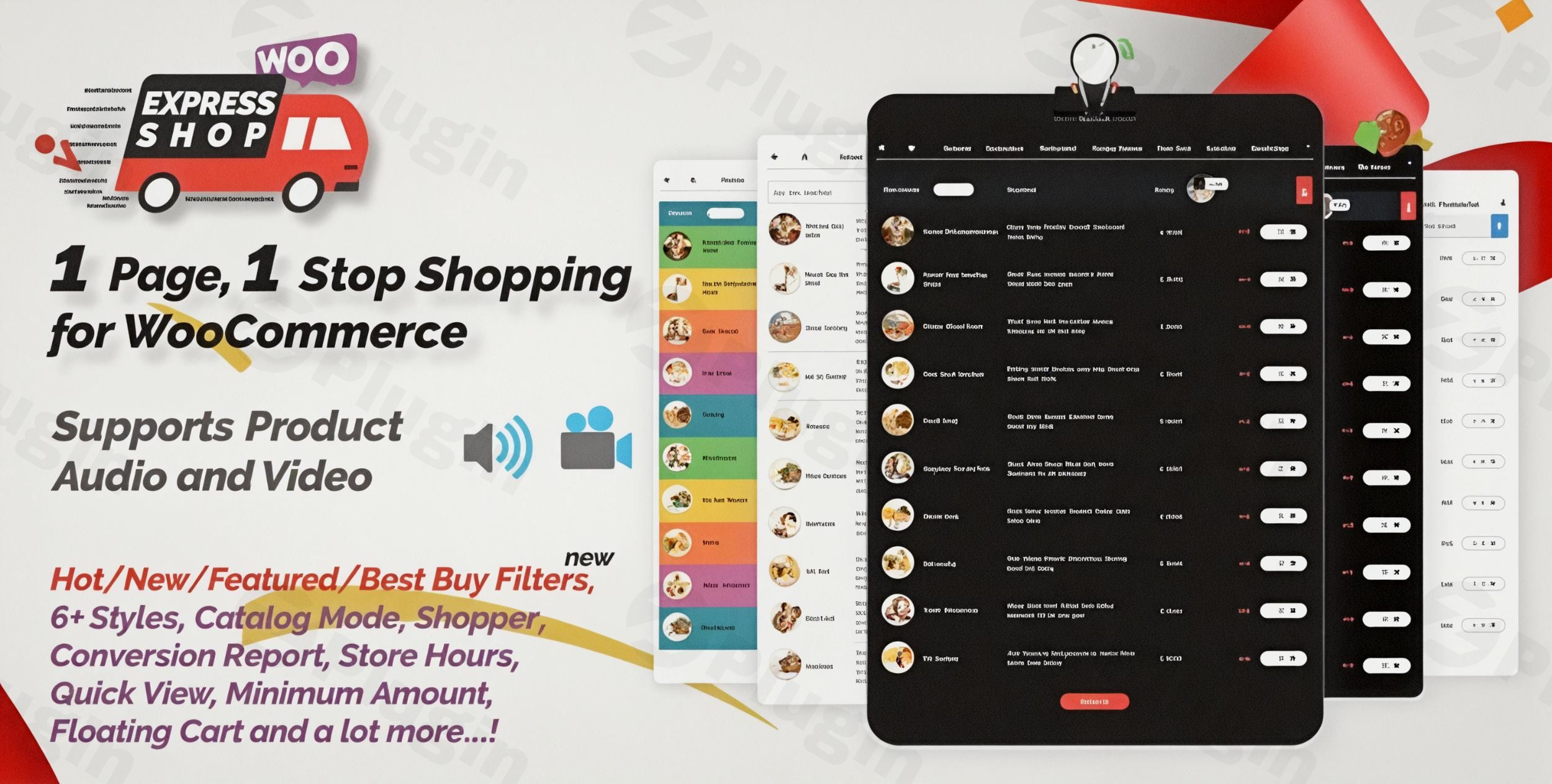
In the fast-paced world of e-commerce, friction is the ultimate conversion killer. If your customers have to click through multiple pages just to hear a preview of a song or see a product in action, you are likely losing sales. Express Shop for WooCommerce with Audio & Video is a powerful woocommerce product audio video plugin designed to eliminate that friction by transforming your standard shop into a dynamic, one-page store.
By integrating a high-performance one page store woocommerce layout with native multimedia support, this plugin allows customers to browse, listen, watch, and buy—all without ever leaving the product table. Whether you are selling digital media, wholesale goods, or physical products that require visual demonstrations, this plugin streamlines the buyer’s journey for fast woocommerce shopping.
Key Features of Express Shop for WooCommerce
Express Shop isn’t just a display tool; it is a full-scale conversion optimization suite. Below are the core features that make it a leading woocommerce product table plugin.
1. Dynamic One-Page Product Table
The heart of the plugin is its ability to list all your WooCommerce products in a clean, searchable table format. This is ideal for wholesale woocommerce plugin use cases where buyers need to see SKUs, prices, and stock levels at a glance to make bulk purchases quickly.
2. Integrated Product Audio & Video (Pro Feature)
Unlike standard tables, the Pro version allows you to embed audio (MP3, OGG) and video (YouTube, Vimeo, or custom uploads) directly into the table columns. This is perfect for:
- Musicians: Providing instant MP3 previews.
- Educators: Showing snippet previews of course content.
- Retailers: Demonstrating product functionality via video.
3. AJAX Live Search and Filtering
Shoppers can find exactly what they need instantly. The live search functionality updates the table in real-time as users type, filtering by category, title, SKU, or price range.
4. Optimized AJAX “Add to Cart”
To ensure fast woocommerce shopping, the plugin utilizes AJAX for adding items to the cart. Customers can add multiple products to their list without the page reloading, keeping them engaged and moving toward the checkout.
5. Highly Customizable Display
With over six pre-built templates and a variety of color customization options, you can match the shop’s aesthetic to your brand. You can enable or disable specific columns (like SKU, Weight, or Dimensions) to keep the layout clean.
How to Install and Set Up Express Shop for WooCommerce
Setting up your one page store woocommerce experience is straightforward and requires no coding knowledge. Follow these steps:
- Install the Plugin: Navigate to your WordPress Dashboard, go to Plugins > Add New, and search for “Express Shop for WooCommerce.” Click Install and then Activate.
- Configure General Settings: Go to the new “Express Shop” menu in your sidebar. Here, you can select your preferred template and decide which product details (columns) to display.
- Add Multimedia to Products: Open any WooCommerce product editor. In the product data section, you will find new fields to upload or link your audio and video files.
- Enable the One-Page Shop: Use the provided shortcode
[qcld-ichart id="xxx"](found in the plugin settings) to display your product table on any page or post. - Set Up the Floating Cart: Enable the “Quick Floating Cart” in the settings to give customers a persistent view of their selected items, making the final checkout just one click away.
Practical Usage & Best Practices
To get the most out of Express Shop for WooCommerce with Audio & Video, consider these real-world workflows:
- The “Digital Goods” Strategy: If you sell beats or samples, use the audio column to provide 30-second previews. This allows users to “window shop” through your entire catalog rapidly.
- The Wholesale Workflow: For B2B stores, disable the product images to create a compact, high-density text table. This allows wholesale buyers to use the live search to find SKUs and enter quantities for dozens of items in seconds.
- The Video-First Catalog: If you sell complex physical goods (like tools or gadgets), use the video integration to show a 10-second “product in use” clip. This builds immediate trust and reduces the need for customers to visit individual product pages.
FAQ & Troubleshooting
Can I add audio and video to WooCommerce products?
Yes. With the Express Shop for WooCommerce with Audio & Video Pro version, you can add multiple audio files (MP3/OGG) and video links (YouTube/Vimeo) or self-hosted files directly to each product. These appear as playable elements within your product table.
Is Express Shop compatible with Elementor and Gutenberg?
Yes, the plugin is fully compatible with popular page builders including Elementor, Gutenberg, WPBakery, and Visual Composer. You can easily embed the product table into any layout using a shortcode.
Does this plugin support variable products?
Absolutely. Express Shop handles both simple and variable products. For variable products, it uses an AJAX-based configuration that allows customers to select attributes (like size or color) directly within the table.
Will this plugin slow down my site?
No. The plugin is built with a modular, clean codebase and utilizes AJAX to ensure that data is loaded efficiently without refreshing the entire page. It is tested up to WordPress 6.7.x for performance stability.
Conclusion: Is Express Shop Right for You?
If you want to provide a fast woocommerce shopping experience that mimics a modern app rather than a traditional website, Express Shop for WooCommerce with Audio & Video is an excellent investment. It bridges the gap between a standard catalog and a high-conversion sales tool.
The ROI is clear: by reducing the number of clicks required to view media and add items to the cart, you naturally increase your conversion rate. It is the ideal solution for digital creators, wholesale distributors, and any merchant looking to build a high-performing one page store woocommerce.
For more WordPress plugin reviews and tutorials, visit wppick.com.
I. Download Limits & Account Benefits
- Free Downloads: Each email address receives 3 downloads per day for free products
- Upgrade Benefits: Purchase any paid product to increase your daily download limit by 3 for each paid product
- No Account Required: You can download immediately by receiving the download link via email
- Account Recommended: Create an account for easier access to your order history and direct update downloads
II. Understanding GPL vs Official Versions
Important: The products available on WPPick are GPL-licensed versions, which differ from official developer versions. Before purchasing, please read our comprehensive guide: Understanding GPL & Official Differences at WPPick
Key Points:
- GPL versions may not include premium support from original developers
- Updates may be delayed compared to official releases
- Some premium features might have limitations
- Always consider your specific needs and support requirements
III. Support & Assistance
We’re here to help through multiple channels:
- Email Support: Direct email assistance for all inquiries
- Live Chat: Real-time support during business hours
- Comprehensive Documentation: Detailed guides and tutorials
IV. Order Tracking
Access your complete purchase history and download links anytime: Order History
V. Account Access
New to WPPick? Login or Create Account to manage your downloads and orders efficiently.
VI. Refund Protection
We stand behind our products with a clear refund policy. Review our terms: Refund Policy
VII. Privacy & Security
Your data security is our priority. Learn how we protect your information: Privacy Policy
VII. Terms of Service
Understanding our service terms ensures a smooth experience: Terms of Use
Quick Tips for Best Experience
- Verify Compatibility: Check plugin/theme compatibility with your WordPress version
- Backup First: Always backup your site before installing new plugins or themes
- Test Environment: Consider testing on a staging site first
- Stay Updated: Regularly check for updates in your account dashboard
- Read Documentation: Review any included documentation for optimal setup
Need Help?
If you have questions about downloads, licensing, or need technical assistance, don’t hesitate to contact our support team. We’re committed to ensuring you have the best possible experience with WPPick products.
Ready to get started? Your download adventure begins with just one click!