
Extras for Elementor – Premium Plugin For Elementor
/Year
Elevate Visual Design with Extras for Elementor
Extras for Elementor is a premium extension package engineered to expand the native capabilities of the Elementor website builder. Developed to bridge the gap between creative visual layouts and standard functional widgets, this tool equips WordPress professionals with an array of highly customizable components. By embedding advanced design properties directly into the native Elementor interface, creators can assemble bespoke front-end experiences without relying on disparate custom code or secondary visual editors.
What the Extension Pack Does
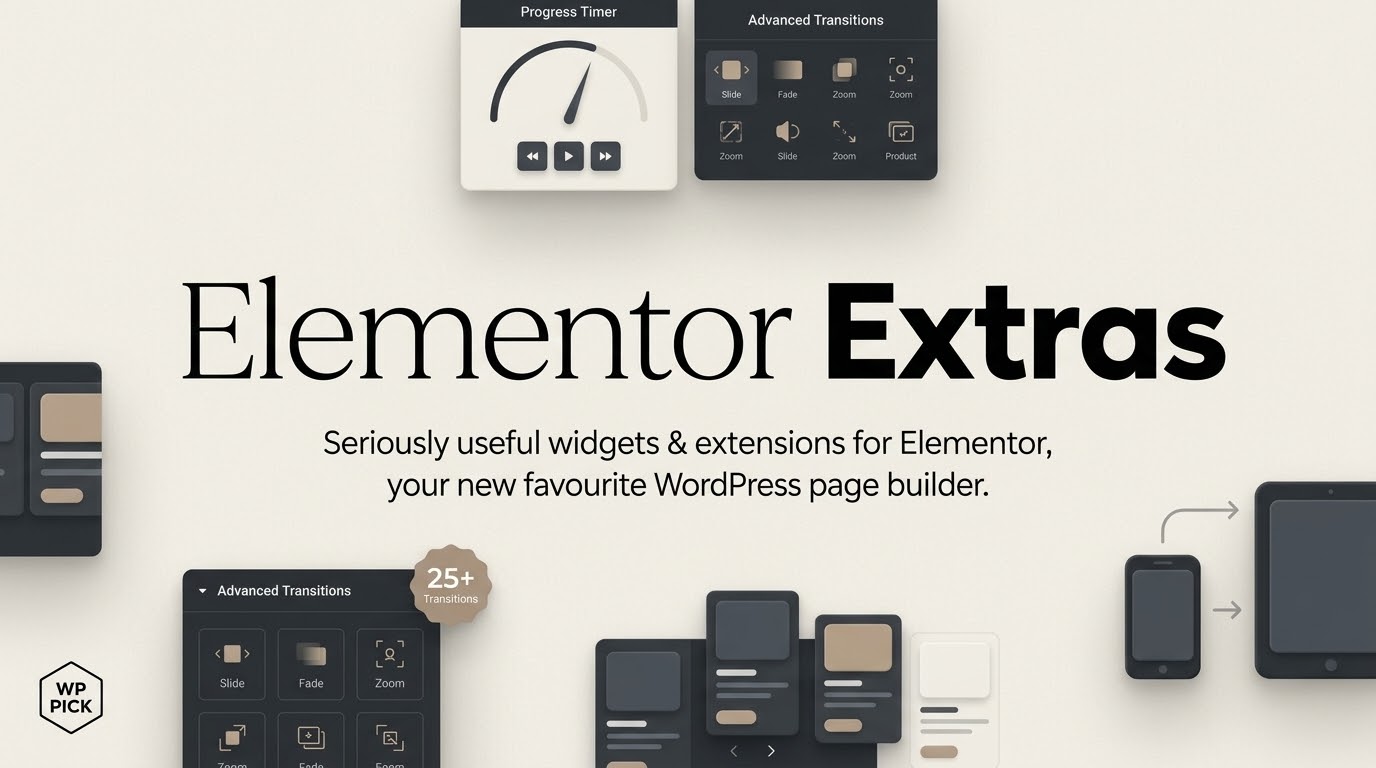
This utility acts as a comprehensive design toolkit that adds a brand-new library of unique elements and operational behaviors to your environment. It injects specific layout capabilities such as interactive hot spots, parallax effects, sticky elements, and customized post loops into the builder panel. Instead of limiting designers to generic configurations, each added widget allows for extensive behavioral modifications, granular stylistic adjustments, and modern dynamic triggers that react fluidly to user interaction across devices.
Who Should Use This Extension Pack
This expansion layer is built specifically for digital agencies, freelance developers, and independent web designers who utilize Elementor as their primary production core. Production teams aiming to break free from the constraints of default layouts will find these items ideal for crafting individual custom projects. It provides a robust architecture for web performance optimization when standard tools cannot deliver complex scroll behaviors, nested structures, or specialized media galleries natively.
Key Architectural and Design Capabilities
- Innovative Dynamic Content Layouts: Render post items, custom taxonomy groups, and portfolio entries via versatile visual frameworks with enhanced control over the queried loops.
- Granular Visual Interactivity Tools: Implement complex features like image comparisons, customized progress indicators, and interactive layout hotspots seamlessly.
- Responsive Layout Alterations: Scale custom responsive settings across standard display breaks, ensuring design layouts render predictably across mobile, tablet, and desktop interfaces.
- Advanced Element Extensions: Enhance any standard section or inner widget with modular attributes including custom scroll triggers, target parallax offsets, and sticky layout anchors.
Practical WordPress Use Cases
- Corporate Portfolios and Case Studies: Implement precise image comparison sliders alongside responsive chronological timelines to showcase institutional operations and historical milestones.
- Interactive Product Showcases: Deploy targeted information hot spots over structural imagery, allowing commercial shoppers to discover feature callouts on hover or click.
- Highly Interactive Campaign Landers: Construct dynamic marketing funnels with custom entrance animations, custom slide-out navigation systems, and interactive progress circles that respond to viewport position.
Setup and Core Compatibility Context
The system is built to sit cleanly atop your established WordPress environment. Once active, the premium widgets display within a dedicated block area inside the Elementor editing sidebar. Because it alters fundamental design variables, developers should review caching, script concatenation settings, and asset loading configurations within the core page builder framework. This prevents potential render script blocks when processing complex dynamic layouts or custom responsive rules on initial site launch.
Why Source This Solution via WPPick
Acquiring this toolkit via WPPick gives web creators reliable access to clean, functional plugin archives without expensive overhead or recurring designer license structures. It allows development teams to assess layout compatibility, build custom client mockups, and execute modern front-end concepts within a secure ecosystem. WPPick handles delivery directly, supplying clean assets designed to accelerate production deployment while bypassing restrictive single-site authentication checks.
Latest Version Context and Stability Check
Detailed release notes are not available from the provided sources. The original developer websites have ceased providing public changelog details or regular functional maintenance updates. The local package archive for version 2.2.52 confirms internal structural updates targeting script integration layers, specifically addressing Swiper rendering components inside post elements and slider widgets to preserve stability across modern editor updates. Users should run validation cycles in localized staging areas when pairing older functional add-ons with contemporary releases of core page builders or major WordPress infrastructure versions.
Frequently Asked Questions
Is this addon compatible with the latest editions of Elementor?
This layout pack was developed to interface with core Elementor systems. Because layout engines undergo continuous changes, it is critical to evaluate script interactions in an isolated test environment before running updates on high-traffic production platforms.
Does this plugin contain options for dynamic data integration?
Yes, many components in this library integrate seamlessly with native custom custom fields and standard post query functions, allowing users to build dynamic layout loops that extract operational site content automatically.
Can I use these elements on client production websites?
Yes, the clean premium packages distributed via WPPick operate under the standard GPL framework, enabling deployment across multiple domains, sandbox builds, and commercial production environments without single-site verification limits.
Are the layout animations optimized for mobile device screens?
Yes, the included components offer responsive configuration parameters. Designers can fine-tune animation offsets, toggle specific scroll effects off for mobile data networks, and optimize presentation styling specifically for handheld layouts.
I. Download Limits & Account Benefits
- Free Downloads: Each email address receives 3 downloads per day for free products
- Upgrade Benefits: Purchase any paid product to increase your daily download limit by 3 for each paid product
- No Account Required: You can download immediately by receiving the download link via email
- Account Recommended: Create an account for easier access to your order history and direct update downloads
II. Understanding GPL vs Official Versions
Important: The products available on WPPick are GPL-licensed versions, which differ from official developer versions. Before purchasing, please read our comprehensive guide: Understanding GPL & Official Differences at WPPick
Key Points:
- GPL versions may not include premium support from original developers
- Updates may be delayed compared to official releases
- Some premium features might have limitations
- Always consider your specific needs and support requirements
III. Support & Assistance
We’re here to help through multiple channels:
- Email Support: Direct email assistance for all inquiries
- Live Chat: Real-time support during business hours
- Comprehensive Documentation: Detailed guides and tutorials
IV. Order Tracking
Access your complete purchase history and download links anytime: Order History
V. Account Access
New to WPPick? Login or Create Account to manage your downloads and orders efficiently.
VI. Refund Protection
We stand behind our products with a clear refund policy. Review our terms: Refund Policy
VII. Privacy & Security
Your data security is our priority. Learn how we protect your information: Privacy Policy
VII. Terms of Service
Understanding our service terms ensures a smooth experience: Terms of Use
Quick Tips for Best Experience
- Verify Compatibility: Check plugin/theme compatibility with your WordPress version
- Backup First: Always backup your site before installing new plugins or themes
- Test Environment: Consider testing on a staging site first
- Stay Updated: Regularly check for updates in your account dashboard
- Read Documentation: Review any included documentation for optimal setup
Need Help?
If you have questions about downloads, licensing, or need technical assistance, don’t hesitate to contact our support team. We’re committed to ensuring you have the best possible experience with WPPick products.
Ready to get started? Your download adventure begins with just one click!
- Posts Extra — Swiper update to new version
- Gallery Slider — Swiper update to new version