
Faq Revolution – WordPress Plugin
/Year
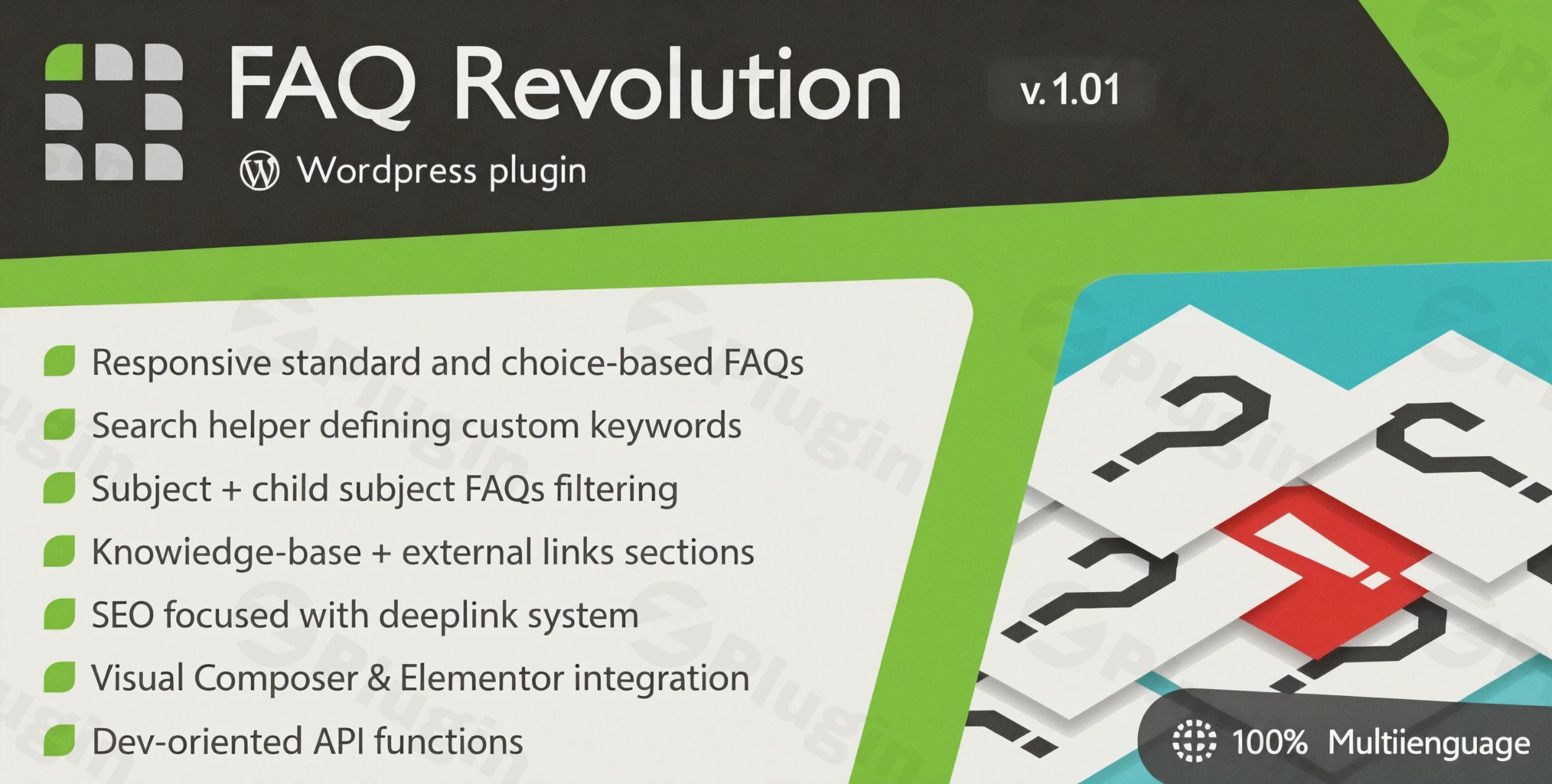
In today’s fast-paced digital world, users expect immediate and accurate answers to their questions. Traditional, static FAQ pages often fall short, leaving visitors frustrated and increasing the burden on your support team. This is where FAQ Revolution WordPress Plugin steps in, transforming your website’s question-and-answer section into a dynamic, interactive, and intelligent knowledge hub. Designed to elevate user experience and boost your site’s SEO, FAQ Revolution leverages a unique choice-based system and an integrated AI Assistant to guide users to precise solutions efficiently.Since 2015, FAQ Revolution has empowered over 37,000 satisfied users to build comprehensive knowledge bases that truly engage. It’s not just an FAQ plugin; it’s a complete information ecosystem for your visitors, offering personalized responses and ensuring answers are found, regardless of how users phrase their queries.
Key Features That Make FAQ Revolution Stand Out
FAQ Revolution goes far beyond simple accordion-style FAQs, offering a robust suite of features engineered for superior knowledge management and user interaction.
Intelligent Choice-Based FAQ System
The core of FAQ Revolution’s innovation lies in its choice-based FAQ WordPress system. Instead of a long list of questions, users are presented with a series of choices that dynamically adapt to their responses, guiding them down a “decision tree” to their specific solution.
- Multi-level Categories: Organize your FAQs with ease using subjects and optional child-subjects for a highly structured system.
- Interactive Flows: Create dynamic paths that lead users step-by-step to the exact answer they need.
- Rich Content Answers: Enhance answers with photo galleries, lightbox displays, associated knowledge base articles, or external links for comprehensive information.
- SEO-Friendly Standalone Pages: Each FAQ gets its own indexable page, improving your overall search engine visibility and allowing for inclusion in sitemaps.
Integrated AI Assistant for Smart Answers
A significant differentiator, FAQ Revolution integrates an AI Assistant built upon Cohere systems. This powerful feature generates coherent, professional answers exclusively from your own FAQ and knowledge base content, drastically minimizing “hallucinations” often associated with generic AI.
- Content-Specific AI: The AI learns directly from your provided FAQs and knowledge base articles, ensuring highly relevant and accurate responses.
- Professional Text Generation: The AI composes professional texts, including images, links, and code blocks, making your answers rich and informative.
- Source Attribution: Each AI-generated answer includes a list of source articles, maintaining transparency and trustworthiness.
- Subject Tuning: The AI assistant can be tuned to specific FAQ subjects, providing more focused and relevant assistance.
Advanced Semantic Search & Custom Keywords
FAQ Revolution features powerful search capabilities enhanced by custom keyword definitions. This semantic search helper ensures users can find relevant answers even when using varied terminology or less precise search terms.
- Improved Search Accuracy: Assign custom keywords to FAQs to broaden their discoverability beyond literal matches.
- Flexible Subject Filtering: Allow users to filter subjects for more targeted browsing.
- Deep Linking System: Generate shareable, searchable links to specific search steps or direct answers, simplifying information sharing.
Comprehensive Knowledge Base Management
Beyond FAQs, the plugin enables you to build a structured knowledge base, turning your site into a complete resource center.
- Tag-Based Article Organization: Easily categorize and link knowledge base articles using a flexible tagging system.
- Customizable Archive Pages: Control the look and feel of your knowledge base archives to match your brand.
- Theme Template Selection: Choose optimal presentation templates for your articles and FAQs.
- Dynamic Sidebar Menu: Automatically generate a sidebar menu for articles within the same subjects, enhancing navigation.
Seamless Integration & Complete Customization
FAQ Revolution is built for maximum compatibility and visual flexibility.
- Page Builder Integration: Natively integrates with popular WordPress page builders, including Elementor, Visual Composer (WPBakery), WordPress Block Editor (Gutenberg), and Divi builder.
- WooCommerce Integration: Seamlessly display product-specific FAQs in dedicated tabs on your WooCommerce product pages – a game-changer for online stores.
- Fully Responsive Design: Ensures your FAQs and knowledge base look perfect and function flawlessly on all devices.
- Multilingual Support: Compatible with WPML and Polylang, allowing you to create FAQs and knowledge base articles in multiple languages for a global audience.
- Brand Matching: Tailor every aspect from colors and fonts to URL structures to perfectly match your brand’s aesthetics.
Developer-Friendly API & Rating System
For those needing more advanced custom integrations, FAQ Revolution offers a public API for fetching or searching FAQs. Additionally, a built-in rating system allows users to provide feedback on the helpfulness of each FAQ, storing votes in browser cookies to prevent multiple votes from the same browser.
Installation & Setup: Get Your FAQ Revolution Plugin Running
Installing and configuring FAQ Revolution WordPress Plugin is straightforward, even for non-developers.
- Purchase and Download: First, purchase FAQ Revolution from a trusted marketplace (like ZeroPlugin.com or CodeCanyon). You’ll receive a
.zipfile containing the plugin. - Upload the Plugin:
- Log in to your WordPress admin dashboard.
- Navigate to Plugins > Add New.
- Click the “Upload Plugin” button at the top of the page.
- Click “Choose File”, select the
faq-revolution.zipfile you downloaded, and click “Install Now”.
- Activate the Plugin: Once installed, click the “Activate Plugin” button. You’ll now see “FAQ Revolution” listed in your WordPress dashboard menu.
- Initial Configuration:
- Navigate to FAQ Revolution in your WordPress admin menu to access the plugin settings.
- Start by creating your first FAQ Subject. Go to FAQ Revolution > Subjects and click “Add New Subject”.
- Then, begin adding your FAQ articles under FAQ Revolution > All FAQs.
- For the AI Assistant: To activate the AI functionality, you’ll need to create a Cohere account and obtain an API key. This key will be entered into the FAQ Revolution settings. Ensure your server allows direct file management in the
wp-content/uploadsfolder for caching AI-elaborated content.
- Displaying Your FAQs: FAQ Revolution typically offers shortcodes, Gutenberg blocks, or Elementor widgets to display your interactive FAQs and knowledge base on any page or post. Consult the plugin’s documentation for precise shortcode usage or block/widget instructions.
Practical Usage & Best Practices
Leveraging FAQ Revolution effectively can significantly enhance your website’s functionality and user satisfaction. Here are a few practical use cases and best practices:
1. Enhancing eCommerce Product Pages with Product-Specific FAQs
Ideal for: Online store owners using WooCommerce.How to use: Utilize the FAQ Revolution WooCommerce integration to display product-specific FAQs directly on product pages. Instead of generic questions, address common pre-purchase queries (e.g., “What are the dimensions?”, “Is this item in stock?”, “Return policy?”) right where customers are making decisions.Best practice: Create choice-based flows for complex products, guiding customers through options to find the perfect fit. Use the AI Assistant to generate rich answers based on your product descriptions and specifications.
2. Building a Self-Service Support Knowledge Base for SaaS or Service Businesses
Ideal for: SaaS companies, online service providers, or businesses with complex offerings.How to use: Transform your support documentation into a comprehensive WordPress knowledge base plugin with FAQ. Organize articles by feature, problem area, or user journey. The AI Assistant can serve as a first line of defense, providing immediate answers and reducing the volume of support tickets.Best practice: Regularly review AI-generated answers and user feedback. Continuously refine your FAQs and knowledge base articles to improve the AI’s accuracy and expand its knowledge base. Set up FAQ Revolution semantic search custom keywords to ensure users can find answers even if they don’t know the exact terminology.
3. Boosting User Engagement and Content Discovery for Bloggers and Publishers
Ideal for: Content creators, news sites, or educational platforms.How to use: Implement interactive FAQs for controversial topics, complex guides, or reader questions. Use the choice-based system to allow readers to explore different angles of a topic or find specific information within a lengthy article.Best practice: Link related knowledge base articles or external resources within FAQ answers to encourage deeper engagement and reduce bounce rates. The SEO benefits of dedicated FAQ pages will also help your content rank higher.
FAQ & Troubleshooting
Here are answers to some common questions about the FAQ Revolution plugin.
What is FAQ Revolution WordPress plugin?
FAQ Revolution WordPress plugin is an advanced solution for creating dynamic, interactive, and AI-powered FAQ sections and knowledge bases on WordPress websites. Unlike traditional static FAQs, it uses a choice-based system to guide users to specific answers and an AI Assistant to generate intelligent responses from your site’s content, significantly enhancing user experience and support efficiency.
Does FAQ Revolution support popular page builders like Elementor and Gutenberg?
Yes, FAQ Revolution offers native and seamless integration with popular WordPress page builders. It is fully compatible with the WordPress Block Editor (Gutenberg), Elementor, Visual Composer (WPBakery), and Divi builder, allowing you to easily embed and style your interactive FAQs and knowledge base content within your page designs.
How do I set up the AI Assistant in FAQ Revolution?
To set up the AI Assistant in FAQ Revolution, you will first need to create an account with Cohere (the underlying AI system) and obtain an API key from their platform. Once you have your Cohere API key, navigate to the FAQ Revolution settings in your WordPress dashboard, locate the AI Assistant section, and input your API key. Ensure your server environment allows for direct file management in the wp-content/uploads folder, as this is required for caching AI-processed content.
Can FAQ Revolution really improve my website’s SEO?
Yes, FAQ Revolution is designed with strong SEO capabilities. Each FAQ and knowledge base article is given its own indexable page, which can be included in your site’s sitemaps. The plugin provides full control over URL structures (base-URL and slugs) for FAQs, knowledge base articles, and tags. Additionally, its deep linking system allows for sharable, searchable links to specific answers or search steps, and the ability to define custom keywords for semantic search further helps improve discoverability and relevance in search engine results.
How does FAQ Revolution compare to other WordPress FAQ plugins?
FAQ Revolution stands out from most traditional FAQ plugins through its unique combination of features. While many alternatives offer responsive layouts and customizability, FAQ Revolution differentiates itself primarily with its interactive, choice-based logic that guides users through a “decision tree,” and its integrated AI Assistant that generates answers from your site’s specific content. It also offers a more comprehensive knowledge base system compared to plugins that merely provide accordion-style FAQs, making it a more holistic solution for dynamic user support and information delivery.
Conclusion
The FAQ Revolution WordPress Plugin redefines how websites deliver support and information. By moving beyond static Q&A formats to embrace an interactive, choice-based system powered by an intelligent AI Assistant, it provides an unparalleled user experience. For businesses, content creators, and agencies seeking to reduce support inquiries, enhance user engagement, and boost SEO, FAQ Revolution offers a robust, customizable, and forward-thinking solution. Its proven track record, constant updates, and comprehensive feature set make it a top-tier investment for any WordPress site aiming to build a truly smart and self-sufficient knowledge hub.
I. Download Limits & Account Benefits
- Free Downloads: Each email address receives 3 downloads per day for free products
- Upgrade Benefits: Purchase any paid product to increase your daily download limit by 3 for each paid product
- No Account Required: You can download immediately by receiving the download link via email
- Account Recommended: Create an account for easier access to your order history and direct update downloads
II. Understanding GPL vs Official Versions
Important: The products available on WPPick are GPL-licensed versions, which differ from official developer versions. Before purchasing, please read our comprehensive guide: Understanding GPL & Official Differences at WPPick
Key Points:
- GPL versions may not include premium support from original developers
- Updates may be delayed compared to official releases
- Some premium features might have limitations
- Always consider your specific needs and support requirements
III. Support & Assistance
We’re here to help through multiple channels:
- Email Support: Direct email assistance for all inquiries
- Live Chat: Real-time support during business hours
- Comprehensive Documentation: Detailed guides and tutorials
IV. Order Tracking
Access your complete purchase history and download links anytime: Order History
V. Account Access
New to WPPick? Login or Create Account to manage your downloads and orders efficiently.
VI. Refund Protection
We stand behind our products with a clear refund policy. Review our terms: Refund Policy
VII. Privacy & Security
Your data security is our priority. Learn how we protect your information: Privacy Policy
VII. Terms of Service
Understanding our service terms ensures a smooth experience: Terms of Use
Quick Tips for Best Experience
- Verify Compatibility: Check plugin/theme compatibility with your WordPress version
- Backup First: Always backup your site before installing new plugins or themes
- Test Environment: Consider testing on a staging site first
- Stay Updated: Regularly check for updates in your account dashboard
- Read Documentation: Review any included documentation for optimal setup
Need Help?
If you have questions about downloads, licensing, or need technical assistance, don’t hesitate to contact our support team. We’re committed to ensuring you have the best possible experience with WPPick products.
Ready to get started? Your download adventure begins with just one click!
- New Divi builder 5 integration.
- New different hook usage for inline JS scripts to avoid interferences.
- Fixed inline javascript not printed if wp_footer action was already fired.
- Fixed excluded subjects value handling in JS (started in v2.2).
- new dynamic inline JS properly enqueued and optimized
- updated Dike licensing engine
- updated settings engine
- fixed AI Assistant not shown selecting a FAQ searchbox option
- Dynamic CSS is now minified.
- Fixed Gutenberg integration affecting website performance.
- Updated LC Select.
- fixed gallery and linked articles not saved in basic-text FAQs (issue started in v2.0)
- added AI assistant, giving answers on your FAQs and Knowledge-base contents
- added optional sidebar navigation for Knowledge-base articles belonging to the same categories
- new AI Assistant mode for FAQ Searchbox
- new FAQ Subjects can now be assigned to Knowledge-base articles for a better contents organization
- new complete code overhaul and optimization to adhere modern standards
- updated SimpleLightbox lightbox
- fixed custom taxonomies having counter links not bringing to related posts