
Feeds For Youtube Pro
/Year
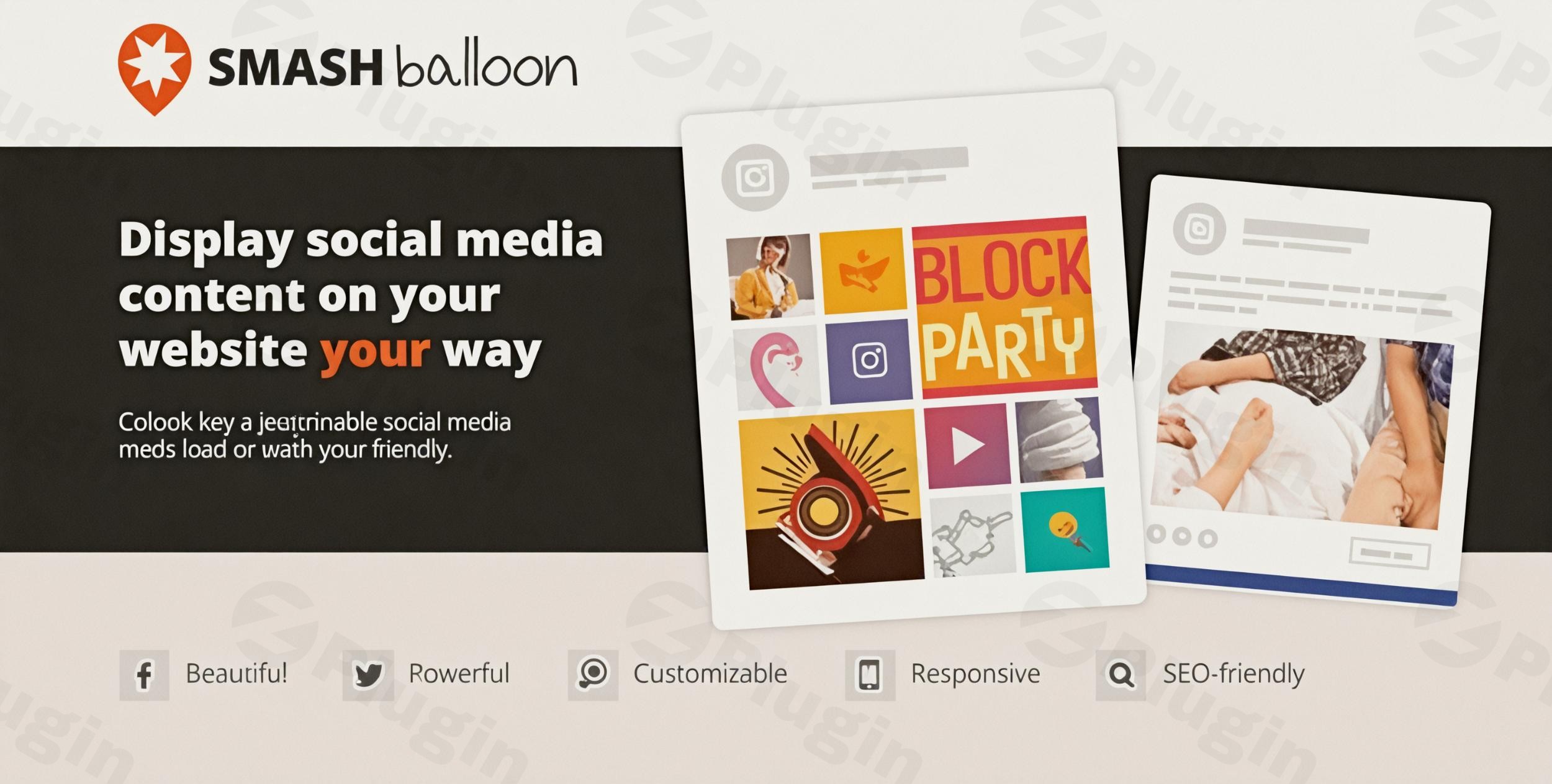
Integrating video content into your website is no longer a luxury—it is a necessity for engagement, SEO, and brand authority. Feeds For YouTube Pro is a robust WordPress YouTube plugin developed by Smash Balloon that allows you to seamlessly display YouTube channels, playlists, and live streams directly on your site. By using a dedicated YouTube feed WordPress solution, you can keep visitors on your site longer while boosting your channel’s subscribers and views simultaneously.
In this guide, we will explore why Feeds For YouTube Pro is considered the industry standard, its key features, and a step-by-step setup guide to help you build a professional customizable YouTube gallery on WordPress.
Why Choose Feeds For YouTube Pro?
Manual embedding is tedious and often results in slow page speeds or broken layouts. Feeds For YouTube Pro solves these issues by automating the process. Whether you are a content creator, a brand manager, or an agency, this plugin ensures your video content is always up-to-date without touching a single line of code.
Key Features and Benefits
- Diverse Layout Options: Choose from Grid, Gallery, List, or Carousel layouts to match your site’s aesthetic. This flexibility makes it the best plugin to show YouTube videos on WordPress for any design style.
- Performance Optimization: Unlike standard embeds that use heavy iframes, this plugin uses smart loading. It only loads the YouTube player when a visitor interacts with the feed, significantly improving your Core Web Vitals.
- YouTube Live Stream Integration: This is a standout feature for gamers and broadcasters. You can automatically display an upcoming or currently playing live stream directly in your feed using the YouTube Live API.
- Deep Customization: While the feeds inherit your theme’s styles automatically, you have granular control over colors, button styles, and video information (like views, likes, and descriptions).
- Video Filtering & Moderation: Take full control of your brand’s image by filtering videos based on keywords in titles or descriptions.
* Automatic Video-to-Post Conversion: You can set the plugin to automatically create a WordPress post for every new YouTube video you upload, making your video content searchable by Google and your site’s internal search engine.
How to Install and Set Up Feeds For YouTube Pro
Setting up your first feed is straightforward. Follow these steps to learn how to display a YouTube channel on a WordPress website in under five minutes.
Step 1: Install the Plugin
- Purchase and download Feeds For YouTube Pro from Smash Balloon.
- In your WordPress dashboard, go to Plugins > Add New > Upload Plugin.
- Upload the
.zipfile, click Install Now, and then Activate.
Step 2: Connect Your YouTube Account
- Navigate to the YouTube Feed menu in your sidebar.
- Click the blue button to connect your YouTube account.
- Follow the prompts to authorize the plugin. (Note: Using your own YouTube API Key is recommended for the best performance and to avoid usage limits).
Step 3: Create Your First Feed
- Go to All Feeds and click Add New.
- Select your Feed Type: Channel, Playlist, Favorites, Search, or Live Stream.
- Enter the Channel ID or Playlist ID you wish to display.
Step 4: Customize and Embed
- Use the visual customizer to adjust the layout (e.g., Carousel or Grid).
- Once satisfied, copy the provided shortcode (e.g.,
[youtube-feed]).
3. Paste the shortcode into any page, post, or widget. If you are using the Block Editor, simply search for the YouTube Feed Gutenberg block.
Practical Usage & Best Practices
To get the most ROI from your Smash Balloon YouTube plugin, consider these professional workflows:
1. Boost E-commerce Conversions
If you use YouTube for product reviews, use the Custom End Actions feature. When a video finishes, you can display a “Shop Now” button or a link to a specific product page, turning viewers into customers instantly.
2. Curate Industry Authority
You don’t just have to show your own videos. Use the “Favorites” or “Search” feed type to curate a gallery of industry-related news. This positions your website as a hub for valuable information.
3. Maintain GDPR Compliance
If you operate in the EU, enable the built-in GDPR features. The plugin integrates with popular consent managers to ensure YouTube cookies aren’t loaded until the user gives explicit permission.
4. Optimize for Mobile
Always use the “Responsive” settings. Feeds For YouTube Pro allows you to change the number of columns specifically for mobile devices, ensuring your YouTube channel feed plugin looks perfect on smartphones.
FAQ & Troubleshooting
What is the best WordPress plugin for YouTube feeds?
Feeds For YouTube Pro is widely considered the best choice due to its balance of ease of use and advanced features. Unlike free alternatives, it offers live stream support, carousel layouts, and advanced performance caching to keep your site fast.
How to embed a YouTube channel feed in WordPress?
The easiest way to embed a channel feed is by using the Feeds For YouTube Pro Gutenberg block or shortcode. After connecting your account, you simply select “Channel” as the source and the plugin will automatically pull and format your latest uploads.
Does Feeds For YouTube Pro work with Elementor or Divi?
Yes, Feeds For YouTube Pro is fully compatible with popular page builders like Elementor, Divi, and WPBakery. You can use the dedicated widget (where available) or simply drop the shortcode into a “Shortcode” or “HTML” module.
Why is my YouTube feed not updating?
This is usually related to caching. The plugin uses advanced caching to minimize API requests and improve speed. You can clear the plugin’s cache within the settings or adjust the “Check for new posts” frequency to update more often.
Can I combine multiple YouTube channels into one feed?
Yes, the Pro version allows you to create a unified feed by combining multiple sources (different channels or playlists) into a single, cohesive display.
Final Verdict
Feeds For YouTube Pro is a powerful, lightweight, and highly reliable WordPress YouTube plugin. It removes the technical friction of video integration while providing professional-grade features like live stream support and custom call-to-actions. For any site owner looking to leverage video content for better SEO and engagement, this plugin offers the best value and performance in the WordPress ecosystem.Ready to transform your site? Visit wppick.com for more WordPress plugin reviews and tutorials.
I. Download Limits & Account Benefits
- Free Downloads: Each email address receives 3 downloads per day for free products
- Upgrade Benefits: Purchase any paid product to increase your daily download limit by 3 for each paid product
- No Account Required: You can download immediately by receiving the download link via email
- Account Recommended: Create an account for easier access to your order history and direct update downloads
II. Understanding GPL vs Official Versions
Important: The products available on WPPick are GPL-licensed versions, which differ from official developer versions. Before purchasing, please read our comprehensive guide: Understanding GPL & Official Differences at WPPick
Key Points:
- GPL versions may not include premium support from original developers
- Updates may be delayed compared to official releases
- Some premium features might have limitations
- Always consider your specific needs and support requirements
III. Support & Assistance
We’re here to help through multiple channels:
- Email Support: Direct email assistance for all inquiries
- Live Chat: Real-time support during business hours
- Comprehensive Documentation: Detailed guides and tutorials
IV. Order Tracking
Access your complete purchase history and download links anytime: Order History
V. Account Access
New to WPPick? Login or Create Account to manage your downloads and orders efficiently.
VI. Refund Protection
We stand behind our products with a clear refund policy. Review our terms: Refund Policy
VII. Privacy & Security
Your data security is our priority. Learn how we protect your information: Privacy Policy
VII. Terms of Service
Understanding our service terms ensures a smooth experience: Terms of Use
Quick Tips for Best Experience
- Verify Compatibility: Check plugin/theme compatibility with your WordPress version
- Backup First: Always backup your site before installing new plugins or themes
- Test Environment: Consider testing on a staging site first
- Stay Updated: Regularly check for updates in your account dashboard
- Read Documentation: Review any included documentation for optimal setup
Need Help?
If you have questions about downloads, licensing, or need technical assistance, don’t hesitate to contact our support team. We’re committed to ensuring you have the best possible experience with WPPick products.
Ready to get started? Your download adventure begins with just one click!
- Changelog Not Found!
- Improved SEO by changing Load More, Close, and Cancel buttons to div elements
- Resolved translation loading issue (_load_textdomain_just_in_time warning)
- Resolved security vulnerabilities reported by Patchstack and Wordfence
- Added support for a new GDPR consent plugin (WPConsent)[https://wpconsent.com/?utm_campaign...ce=changelog&utm_medium=wpconsentannouncement]
- Added support for GDPR Cookie Compliance by Moove Agency and Real Cookie Banner GDPR plugins.
- Resolved an issue that sometimes prevented past live streams from appearing in the feed.