

Fitness Trainer – Training Membership Plugin
/Year
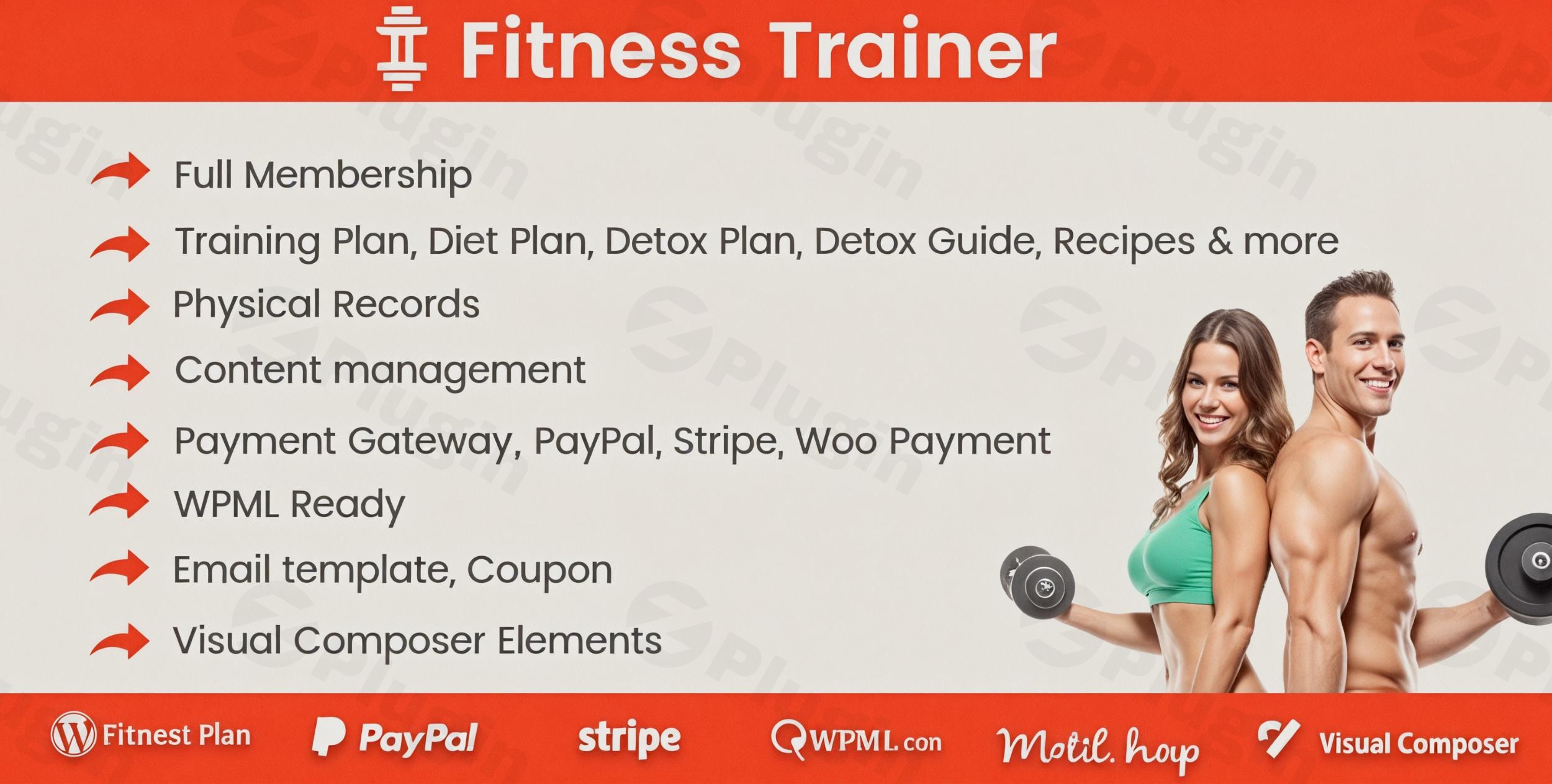
Managing a fitness business requires more than just a passion for health; it requires a robust system to track client progress, handle recurring payments, and deliver personalized workout content. The Fitness Trainer – Training Membership Plugin is a comprehensive all-in-one solution designed specifically for personal trainers, gym owners, and wellness coaches.
By integrating this Training Membership Plugin into your WordPress site, you can automate administrative tasks and focus on what you do best: coaching. Whether you are looking to launch a digital coaching platform or streamline your local gym’s operations, this plugin provides the professional infrastructure needed to scale.
Key Features & Benefits
The Fitness Trainer Plugin distinguishes itself by offering a suite of tools that replace multiple disconnected apps. Here is a breakdown of its core capabilities:
1. Advanced Client & Membership Management
Managing a growing roster of clients is simplified through an intuitive dashboard. Trainers can create detailed profiles, monitor individual progress, and assign specific membership tiers.
- Flexible Subscriptions: Support for one-time payments, recurring subscriptions, free trials, and even variable payment packages.
- Custom User Roles: Automatically assign WordPress user roles based on the membership package purchased.
2. Personalized Workout and Diet Plans
Move beyond static PDFs. This plugin allows you to build dynamic, media-rich plans.
- Multimedia Integration: Attach videos, images, and PDFs to workout routines to ensure clients use the correct form.
- Nutritional Guidance: Create detox plans and diet regimes with dedicated sections for recipes and personal trainer comments.
3. Comprehensive Progress Tracking
Data-driven results keep clients motivated. The plugin includes a robust tracking system where clients can log physical records.
- Interactive Logs: Clients can add and edit their own physical data (weight, measurements, etc.).
- Professional Reporting: Generate PDF reports for clients to visualize their transformation over time.
4. Seamless Payment Integrations
Security and ease of use are paramount for conversions. This WordPress fitness plugin integrates with the world’s most trusted payment gateways:
- Stripe: Features full synchronization for automated subscription billing.
- PayPal: Supports PayPal Express Checkout for quick transactions.
- WooCommerce: Fully compatible with WooCommerce, allowing you to leverage its extensive ecosystem of extensions.
How to Install the Fitness Trainer Plugin
Setting up your digital fitness hub is straightforward. Follow these steps to get started:
- Upload the Plugin: Log in to your WordPress dashboard. Navigate to Plugins > Add New > Upload Plugin. Select the
.zipfile you downloaded upon purchase and click Install Now. - Activate: Once the installation is complete, click Activate Plugin.
- Initial Configuration: Go to the new “Fitness Trainer” menu item in your sidebar. Start by configuring your General Settings, where you can set your currency, units of measurement (metric/imperial), and hide the WordPress admin bar for your clients.
- Set Up Payments: Navigate to the Payments tab. Connect your Stripe or PayPal account. If you prefer using WooCommerce, ensure the WooCommerce plugin is active and linked in the settings.
- Create Your First Plan: Head to Training Plans to build your first workout routine. You can then link this plan to a Membership Package to start selling access.
Practical Usage & Best Practices
To get the most out of this online personal trainer software, consider these real-world workflows:
For Independent Personal Trainers
Use the Fitness Trainer Plugin to transition from “dollars-for-hours” to a scalable subscription model. By creating “Self-Guided” membership tiers, you can sell pre-made workout and diet plans to hundreds of clients simultaneously without increasing your workload.
For Boutique Gyms and Studios
Streamline your front-desk operations. Use the Gym Management Plugin WordPress features to have new members sign up and pay via a tablet at your entrance. The plugin will automatically store their emails in a Mailchimp list, allowing you to send automated welcome sequences and newsletters.
Best Practices for Engagement:
- Use the Coupon System: Run seasonal promotions (e.g., “New Year, New You”) using the built-in coupon manager to boost sign-ups.
- Leverage Custom Fields: During signup, ask specific health questions using the Customizable Profile Fields to better tailor your coaching from day one.
- SEO Optimization: Since this plugin uses Custom Post Types, ensure you use Yoast SEO or All in One SEO to optimize your public-facing training plan descriptions for better search rankings.
FAQ & Troubleshooting
Is the Fitness Trainer Plugin compatible with Page Builders like Elementor?
Yes. While it features native integration with Visual Composer for customizing listing detail pages, it is designed to work seamlessly with the latest versions of WordPress and major themes. For custom layouts, you can use the plugin’s shortcodes within Elementor or Gutenberg.
How to manage fitness memberships online with WordPress?
The most efficient way is to use the Fitness Trainer – Training Membership Plugin’s automated dashboard. Once you define your membership levels and link them to a payment gateway (like Stripe), the plugin handles the rest—granting access upon payment and revoking it if a subscription expires.
Does the plugin support multiple languages?
Yes. The plugin is WPML compatible and comes with 13-15 pre-translated language files, making it an ideal choice for international fitness businesses.
What should I do if a payment isn’t syncing?
Ensure your Webhooks are correctly configured in your Stripe or PayPal developer dashboard. If you are using WooCommerce, verify that the “Fitness Trainer” integration settings are toggled on.
Final Verdict: Why Choose the Fitness Trainer Plugin?
The Fitness Trainer – Training Membership Plugin provides a high ROI for fitness professionals by consolidating client management, content delivery, and billing into a single interface. It eliminates the need for expensive third-party SaaS subscriptions that charge per-client fees.
If you are looking for the best WordPress plugin for personal trainers with membership capabilities, this tool offers the perfect balance of technical depth and user-friendly management. It is a robust, SEO-friendly, and highly customizable solution that grows alongside your fitness empire.
Ready to transform your site? Visit wppick.com for more WordPress insights and plugin recommendations.
I. Download Limits & Account Benefits
- Free Downloads: Each email address receives 3 downloads per day for free products
- Upgrade Benefits: Purchase any paid product to increase your daily download limit by 3 for each paid product
- No Account Required: You can download immediately by receiving the download link via email
- Account Recommended: Create an account for easier access to your order history and direct update downloads
II. Understanding GPL vs Official Versions
Important: The products available on WPPick are GPL-licensed versions, which differ from official developer versions. Before purchasing, please read our comprehensive guide: Understanding GPL & Official Differences at WPPick
Key Points:
- GPL versions may not include premium support from original developers
- Updates may be delayed compared to official releases
- Some premium features might have limitations
- Always consider your specific needs and support requirements
III. Support & Assistance
We’re here to help through multiple channels:
- Email Support: Direct email assistance for all inquiries
- Live Chat: Real-time support during business hours
- Comprehensive Documentation: Detailed guides and tutorials
IV. Order Tracking
Access your complete purchase history and download links anytime: Order History
V. Account Access
New to WPPick? Login or Create Account to manage your downloads and orders efficiently.
VI. Refund Protection
We stand behind our products with a clear refund policy. Review our terms: Refund Policy
VII. Privacy & Security
Your data security is our priority. Learn how we protect your information: Privacy Policy
VII. Terms of Service
Understanding our service terms ensures a smooth experience: Terms of Use
Quick Tips for Best Experience
- Verify Compatibility: Check plugin/theme compatibility with your WordPress version
- Backup First: Always backup your site before installing new plugins or themes
- Test Environment: Consider testing on a staging site first
- Stay Updated: Regularly check for updates in your account dashboard
- Read Documentation: Review any included documentation for optimal setup
Need Help?
If you have questions about downloads, licensing, or need technical assistance, don’t hesitate to contact our support team. We’re committed to ensuring you have the best possible experience with WPPick products.
Ready to get started? Your download adventure begins with just one click!
- Bug fixed in order-email templater