
Fixed Toc
/Year
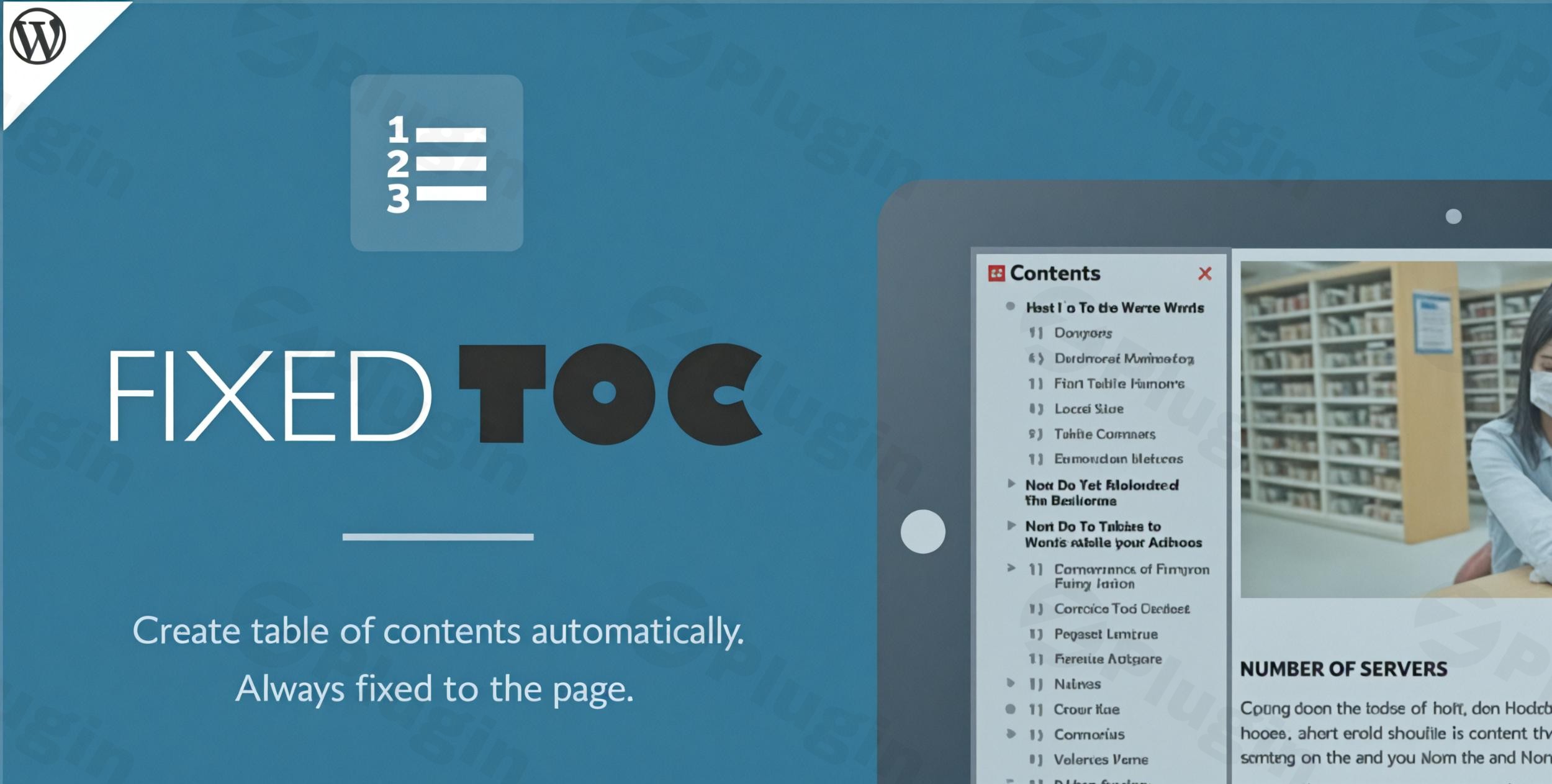
In today’s fast-paced digital world, users expect quick and easy access to information. For WordPress websites featuring lengthy articles, comprehensive guides, or detailed product descriptions, a well-structured table of contents is no longer a luxury—it’s a necessity. This is where the Fixed TOC WordPress plugin, also known in its evolved form as Tocer, becomes an indispensable tool. It automatically generates a dynamic and often “sticky” table of contents, significantly improving navigation and overall user experience, while also boosting your site’s SEO.The Fixed TOC plugin addresses the core challenge of guiding visitors through extensive content. By scanning your post and page headings, it intelligently creates an interactive index, allowing users to effortlessly jump to specific sections. Whether you need a floating sidebar TOC or one embedded at the top of your content, Fixed TOC provides the flexibility and customization options to seamlessly integrate into any WordPress site, making it an ideal solution for a WordPress sticky table of contents.
Key Features for Superior Content Navigation
Fixed TOC (and Tocer) stands out with a robust set of features designed for automation, deep customization, and an exceptional user experience. These capabilities make it a powerful WordPress table of contents auto generate solution.
- Automatic TOC Creation: The plugin intelligently scans your post and page content (including H1-H6 headings) to automatically generate a hierarchical table of contents. This eliminates manual setup and ensures consistency across your site.
- Fixed and Floating Display Options: A hallmark feature is its ability to create a “fixed” or “sticky” table of contents that remains visible as users scroll. This can be positioned in a sidebar or as a floating element, drastically improving accessibility for long-form content. It also supports displaying the TOC traditionally at the top of your content.
- Fully Responsive Design: The plugin is designed to be Fixed TOC mobile responsive, adapting flawlessly to any device size—desktop, tablet, or mobile. On smaller screens, the floating TOC can cleverly transform into a compact button that expands upon tap, maintaining a clean interface without sacrificing functionality.
- Smooth Scrolling Navigation: Enhance user experience with seamless, animated scrolling when a link in the TOC is clicked. This provides a polished and professional feel as users navigate to their desired section.
- Dynamic Heading Indicator: As users scroll through your content, the TOC dynamically highlights the currently viewed heading, offering clear visual feedback and helping them stay oriented within the article.
- Extensive Customization Options: This plugin offers unparalleled WordPress TOC customization options. You can freely customize the position, size, font styles, colors, backgrounds, hover effects, and even list marker decoration (color, background, border, shape, size, spacing). The live preview feature in the WordPress Customizer allows for real-time adjustments.
- Collapsible/Expandable Sub-lists: To manage visual clutter, especially in deeply nested content, Fixed TOC allows for collapsing and expanding sub-lists within the table of contents. This keeps the TOC compact while still providing access to detailed sections.
- Shortcode Support: For ultimate flexibility, you can use a simple shortcode to place the table of contents anywhere within your posts or pages, overriding global settings for specific content if needed.
- Broad Content Type Support: Beyond standard posts and pages, Fixed TOC supports any public custom post types, making it versatile for blogs, portfolios, documentation sites, and more.
- Granular Heading Control: You have full control over which heading levels (H1-H6) are included in your TOC. You can also exclude specific headings by ID, classname, or title, ensuring only relevant sections appear.
- Individual Page Options: Tailor the TOC experience for specific content by setting individual options for every single page or post, allowing for unique styles and behaviors where necessary.
- Animated Effects: Choose from a variety of animated effects for the TOC, adding a touch of dynamism and visual appeal to your content navigation.
- Compatibility with Page Builders & Editors: Fixed TOC boasts wide compatibility with popular page builder plugins like Visual Composer, Elementor, Thrive Architect, and Divi, as well as native WordPress editors such as Gutenberg and the Classic Editor. This ensures seamless integration into your existing workflow.
- ‘nextpage’ Quicktag Support: For posts split across multiple pages using the ‘nextpage’ quicktag, Fixed TOC can combine all headings to provide a unified table of contents, even across page breaks.
- Translation Ready: The plugin is fully translation-ready, making it accessible to a global audience.
Installation & Setup: How to Install Fixed TOC WordPress Plugin
Installing Fixed TOC on your WordPress site is a straightforward process, designed to get you up and running quickly.
- Download the Plugin: First, you’ll need to purchase and download the Fixed TOC plugin from its official source (e.g., CodeCanyon). You’ll receive a
.zipfile. - Upload to WordPress:
- Log in to your WordPress admin dashboard.
- Navigate to Plugins > Add New.
- Click the “Upload Plugin” button at the top of the page.
- Click “Choose File”, select the
fixed-toc.zipfile you downloaded, and then click “Install Now”.
- Activate the Plugin: Once the plugin is successfully uploaded and installed, click the “Activate Plugin” button.
- Initial Configuration:
- After activation, you’ll find a new menu item, usually labeled “Fixed TOC” or “Tocer,” in your WordPress dashboard.
- Click on this to access the plugin’s global settings. Here, you can define default behaviors, choose your preferred fixed/floating display, set heading levels to include, and explore basic styling.
- Utilize the Customizer live preview functionality to see your changes in real-time before saving, making it easy to customize Fixed TOC appearance WordPress.
Practical Usage & Best Practices for Your WordPress Site
Fixed TOC isn’t just about adding a feature; it’s about enhancing content clarity and user engagement. Here’s how various users can leverage its power:
- For Bloggers & Content Creators: If you write detailed blog posts, tutorials, or guides, Fixed TOC is ideal for breaking down lengthy content. A WordPress plugin smooth scrolling TOC helps readers quickly find specific information, reducing bounce rates and encouraging deeper engagement. Place a fixed TOC in the sidebar for optimal visibility on desktop, or at the top of the content for mobile-first approaches.
- For Agencies & Client Websites: When building sites for clients, especially those with extensive documentation, knowledge bases, or service pages, Fixed TOC provides a polished, professional navigation element. Its compatibility with Elementor, Divi, and other page builders ensures it integrates perfectly into your designs, making content management easier for clients.
- For eCommerce Store Owners: Product descriptions can often be quite long, detailing features, specifications, and usage instructions. A sticky table of contents allows shoppers to jump to the “Shipping Info” or “Returns Policy” section without endless scrolling, improving the shopping experience and reducing support queries.
- For SaaS & Documentation Sites: For software companies or projects requiring in-depth documentation, the newer Tocer WordPress plugin (the successor to Fixed TOC) offers advanced features like WP Query integration to create TOCs from taxonomies and custom post types, making it perfect for structured documentation hubs. This ensures users can always find what they need.Best Practices:
- Keep it Concise: While the TOC helps with long content, avoid excessively deep nesting if it makes the TOC itself too long. Utilize the collapsible sub-lists feature.
- Consider Mobile First: Test your fixed TOC on various mobile devices. Ensure the mobile-responsive option (e.g., a collapse button) is user-friendly and doesn’t obstruct content.
- Integrate with SEO: By providing clear internal navigation and potentially generating jump links in search results, Fixed TOC can positively impact your SEO. Ensure your headings are semantically correct and descriptive.
FAQ & Troubleshooting
Here are answers to common questions about the Fixed TOC WordPress plugin to help you maximize its potential.
What is the best fixed table of contents plugin for WordPress?
Fixed TOC (and its modern iteration, Tocer) is considered one of the best premium options for creating a fixed or sticky table of contents in WordPress. Its strength lies in its extensive customization options, responsive design, smooth scrolling, and dedicated fixed/floating functionality, making it highly effective for improving user experience on content-heavy sites.
Is Fixed TOC compatible with Gutenberg?
Yes, Fixed TOC is fully compatible with the Gutenberg block editor, as well as the Classic Editor. This ensures that regardless of your preferred content creation environment, the plugin will seamlessly generate and display your table of contents based on your post and page headings.
How does Fixed TOC improve WordPress SEO?
Fixed TOC improves WordPress SEO by providing structured content and enhancing user experience. By creating clear internal navigation with anchor links to headings, it helps search engines understand your content hierarchy. This can lead to “jump links” appearing in Google search results, increasing your content’s visibility and click-through rates. It also encourages longer on-page time, a positive ranking signal.
Can I make a collapsible table of contents in WordPress?
Yes, Fixed TOC supports collapsible/expandable sub-lists within your table of contents. This feature allows users to collapse sections of the TOC, reducing visual clutter and making it easier to navigate through very long or deeply structured articles, especially beneficial on smaller screens.
Does Fixed TOC plugin Elementor compatibility work well?
Yes, Fixed TOC offers wide compatibility with popular page builders, including Elementor. It’s designed to work seamlessly, ensuring that the plugin can accurately scan headings within content created using Elementor and display the table of contents as configured, without conflicts or display issues.
Conclusion
The Fixed TOC WordPress plugin is a robust and essential tool for anyone looking to enhance content navigation and user experience on their WordPress website. By automatically generating a dynamic, often sticky, table of contents, it transforms lengthy articles into easily digestible, interactive experiences. Its powerful customization options, responsive design, and compatibility with major page builders make it a versatile solution for bloggers, agencies, eCommerce sites, and documentation platforms alike. Investing in Fixed TOC (or Tocer) is a strategic move to improve on-page SEO, increase engagement, and provide your visitors with the smooth, intuitive navigation they expect. For a powerful WordPress sticky table of contents, Fixed TOC remains a top contender, delivering significant ROI through better user satisfaction and content discoverability.
I. Download Limits & Account Benefits
- Free Downloads: Each email address receives 3 downloads per day for free products
- Upgrade Benefits: Purchase any paid product to increase your daily download limit by 3 for each paid product
- No Account Required: You can download immediately by receiving the download link via email
- Account Recommended: Create an account for easier access to your order history and direct update downloads
II. Understanding GPL vs Official Versions
Important: The products available on WPPick are GPL-licensed versions, which differ from official developer versions. Before purchasing, please read our comprehensive guide: Understanding GPL & Official Differences at WPPick
Key Points:
- GPL versions may not include premium support from original developers
- Updates may be delayed compared to official releases
- Some premium features might have limitations
- Always consider your specific needs and support requirements
III. Support & Assistance
We’re here to help through multiple channels:
- Email Support: Direct email assistance for all inquiries
- Live Chat: Real-time support during business hours
- Comprehensive Documentation: Detailed guides and tutorials
IV. Order Tracking
Access your complete purchase history and download links anytime: Order History
V. Account Access
New to WPPick? Login or Create Account to manage your downloads and orders efficiently.
VI. Refund Protection
We stand behind our products with a clear refund policy. Review our terms: Refund Policy
VII. Privacy & Security
Your data security is our priority. Learn how we protect your information: Privacy Policy
VII. Terms of Service
Understanding our service terms ensures a smooth experience: Terms of Use
Quick Tips for Best Experience
- Verify Compatibility: Check plugin/theme compatibility with your WordPress version
- Backup First: Always backup your site before installing new plugins or themes
- Test Environment: Consider testing on a staging site first
- Stay Updated: Regularly check for updates in your account dashboard
- Read Documentation: Review any included documentation for optimal setup
Need Help?
If you have questions about downloads, licensing, or need technical assistance, don’t hesitate to contact our support team. We’re committed to ensuring you have the best possible experience with WPPick products.
Ready to get started? Your download adventure begins with just one click!
- Several bugs