

Fluent Booking Pro
/Year
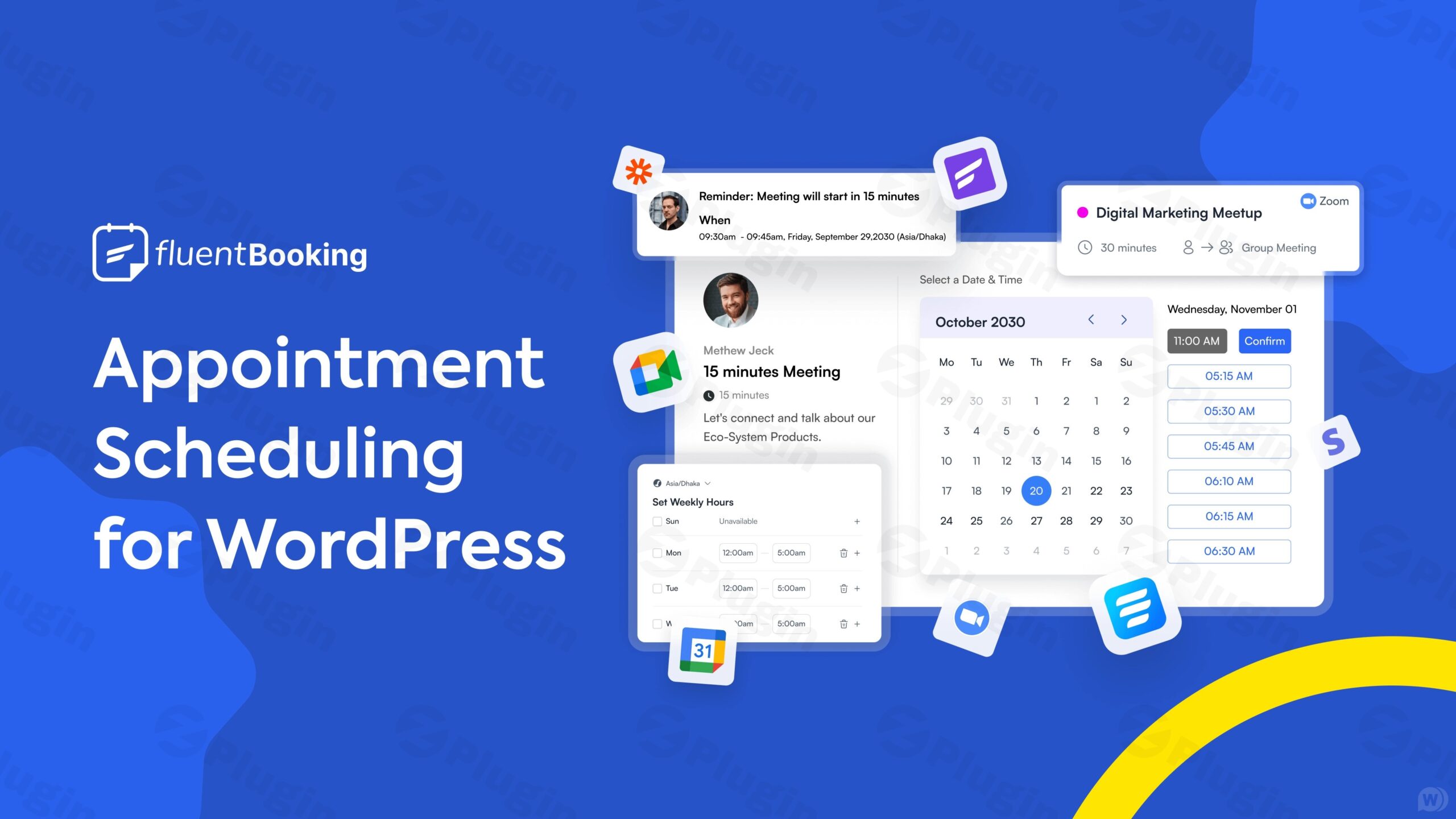
Product-Intent Opening
FluentBooking Pro is an advanced WordPress appointment scheduling solution engineered to streamline calendar management, client bookings, and team coordination directly from your WordPress dashboard. Designed for service providers, consultants, and multi-member teams, it eliminates back-and-forth emails by offering an automated, feature-rich scheduling ecosystem.
What It Does
The plugin automates the entire appointment lifecycle, from initial slot selection to payment processing and reminder notifications. It synchronizes calendar availability across multiple staff members, supports flexible duration rules, handles timezone conversions automatically, and integrates with major payment gateways like Stripe and PayPal to secure bookings instantly.
Who It Is For
FluentBooking Pro is built for agencies, consultants, healthcare practitioners, educators, salons, and any WordPress site owner who relies on scheduled appointments or client meetings. Whether you are a solo freelancer managing your own hours or a growing enterprise coordinating dozens of team calendars, the platform scales to meet your operational workflow.
Key Capabilities
The plugin includes a robust set of core features designed for professional use:
- Multi-staff and team scheduling with individual or collective availability rules.
- Seamless payment integration to charge for consultations, sessions, or events upon booking.
- Automated email and SMS notifications to minimize no-shows and keep clients informed.
- Advanced date range filtering, report metrics, and calendar synchronization.
- Customizable booking forms with conditional logic and data collection fields.
Practical WordPress Use Cases
Site administrators deploy FluentBooking Pro across diverse scenarios, such as booking client discovery calls on agency websites, scheduling student office hours for educational portals, managing room or resource reservations, and coordinating multi-consultant availability on corporate platforms.
Setup and Compatibility Notes
Installation is straightforward via the standard WordPress plugin uploader. Once activated, administrators can configure global settings, connect payment gateways, and assign host schedules. The plugin is optimized for modern page builders, ensures mobile-responsive admin and front-end layouts, and maintains lightweight performance standards.
Reasons to Choose It on WPPick
Choosing FluentBooking Pro through WPPick guarantees access to an efficient, verified WordPress solution that bridges the gap between client acquisition and calendar management. Its focus on speed, clean architecture, and deep CRM integration makes it a reliable choice for streamlined business operations.
Latest Version Context
Version 2.4.0 introduces an MCP Server for AI agents to manage bookings, adds payment settings dependency rules, includes the Salvadoran Colon currency sign, and delivers critical security hardening alongside responsive admin UI improvements and bug fixes.
Frequently Asked Questions
Can I manage multiple team members with different working hours? Yes, FluentBooking Pro supports individual host schedules, team calendars, and collective booking rules to match your exact business hours. Does the plugin support online meeting integrations? Yes, it integrates smoothly with popular video conferencing tools to generate automatic meeting links for scheduled sessions. How are payments handled during the booking process? You can connect payment gateways such as Stripe and PayPal to require full or partial payments before a booking is confirmed. Can I customize the notification emails sent to clients? Yes, automated email and SMS notification templates can be fully customized using available merge tags and dynamic data fields. What happens if a client needs to reschedule an appointment? Clients can use secure self-service links provided in their confirmation notifications to reschedule or cancel bookings according to your predefined notice rules.
I. Download Limits & Account Benefits
- Free Downloads: Each email address receives 3 downloads per day for free products
- Upgrade Benefits: Purchase any paid product to increase your daily download limit by 3 for each paid product
- No Account Required: You can download immediately by receiving the download link via email
- Account Recommended: Create an account for easier access to your order history and direct update downloads
II. Understanding GPL vs Official Versions
Important: The products available on WPPick are GPL-licensed versions, which differ from official developer versions. Before purchasing, please read our comprehensive guide: Understanding GPL & Official Differences at WPPick
Key Points:
- GPL versions may not include premium support from original developers
- Updates may be delayed compared to official releases
- Some premium features might have limitations
- Always consider your specific needs and support requirements
III. Support & Assistance
We’re here to help through multiple channels:
- Email Support: Direct email assistance for all inquiries
- Live Chat: Real-time support during business hours
- Comprehensive Documentation: Detailed guides and tutorials
IV. Order Tracking
Access your complete purchase history and download links anytime: Order History
V. Account Access
New to WPPick? Login or Create Account to manage your downloads and orders efficiently.
VI. Refund Protection
We stand behind our products with a clear refund policy. Review our terms: Refund Policy
VII. Privacy & Security
Your data security is our priority. Learn how we protect your information: Privacy Policy
VII. Terms of Service
Understanding our service terms ensures a smooth experience: Terms of Use
Quick Tips for Best Experience
- Verify Compatibility: Check plugin/theme compatibility with your WordPress version
- Backup First: Always backup your site before installing new plugins or themes
- Test Environment: Consider testing on a staging site first
- Stay Updated: Regularly check for updates in your account dashboard
- Read Documentation: Review any included documentation for optimal setup
Need Help?
If you have questions about downloads, licensing, or need technical assistance, don’t hesitate to contact our support team. We’re committed to ensuring you have the best possible experience with WPPick products.
Ready to get started? Your download adventure begins with just one click!
- Introduced: MCP Server for AI Agents to Manage Bookings
- Added: Dependency Rule for Payment Settings Fields
- Added: Currency Sign for the Salvadoran Colon
- Improved: Overall Admin Responsiveness on Mobile and Tablet
- Improved: Consistent Section Headers Across Admin Settings
- Improved: Live PayPal IPN Skip Removed From UI, Still Available via Filter
- Security: Hardened Input Sanitization, Access Control and Merge Tag Handling
- Fixed: Admin Layout Breaking at Narrow and Mobile Widths
- Fixed: Cart Bookings Stuck Pending After Payment
- Fixed: Duplicate Booking Request Notifications
- Fixed: Report Metrics, Filters and Date Range Validation
- Fixed: Reschedule Writing Partial Data When a Step Failed
- Fixed: Database Version Recorded Before the Migration Completed
- Fixed: Fatal Error When an Integration Feed Is Missing
- Fixed: Recurring Series Shifting an Hour at DST
- Fixed: Refund Totals and PayPal Payment Amount Checks
- Fixed: Twilio SMS Ignoring the Notification Toggle
- Fixed: Standalone Portal Layout, Login Styles and Asset Loading
- Fixed: Order Payment List Matching the Wrong Transaction Type
- Fixed: Undefined Version Notice on Plugin Details
- Added: Days Unit for Booking Cutoff Limits
- Added: Cart Profile Widget in Booking Details Sidebar
- Added: Inline Tag and List Creation in CRM Feed Editor
- Added: Collapsible Booking Activity and Sidebar Widgets
- Added: Event Types Tab in Host and Team Settings
- Added: Help Tooltips for Event Limit Settings
- Improved: License Management Screen and Keyboard Access
- Improved: Dark and Light Mode Color Palette and Contrast
- Improved: Distinct Status Badge Colors in Bookings
- Improved: Booking and Host Queries Batched to Remove N+1 Lookups
- Improved: Bounded Auto-Expire and Reservation Cleanup Batches
- Security: Hardened Access Control, Payment Webhooks and Verification
- Fixed: Availability Endpoint Returning a Fatal Error
- Fixed: Negative Minimum Notice Opening Past Slots
- Fixed: Meeting Time Shown in UTC on CRM Card
- Fixed: Booking Form Auto-Focus Scroll Jump on Load
- Fixed: Keyboard Access and Screen Reader Names on Booking Form
- Fixed: FluentBooking Blocks Missing Styles in the Editor
- Fixed: Duplicate Event API Call in Editor Block
- Fixed: Dark Mode Contrast Across Modals, Badges and Notices
- Fixed: Bookings Toolbar Overflow on Tablet Widths
- Fixed: Export Button Stretching to Page Height on iOS
- Fixed: Escaped Literals in Date Format Conversion
- Fixed: Phone Number Validation and New Area Codes
- Fixed: Deactivation Error Cleared by the Refresh Behind It
- Fixed: User Not Found Warning in Availability Service
- Fixed: Stale Editor State and Provider Mismatch on History Navigation
- Fixed: Empty Slug Accepted When Creating CRM Tag or List
- Fixed: Duplicate Payment Settings Route When Pro Is Active
- Fixed: Booking Eligibility Re-Applied on Scheduler Mutations
- Fixed: Location and Extra Info Accessors on Non-Array Input
- Fixed: Microsoft Teams Join Link Missing in Booking Notifications
- Fixed: Meeting URL Stripped From Twilio SMS
- Fixed: Twilio Reschedule SMS Recipient Mapping
- Fixed: Reversed Outlook Activity Log Types
- Fixed: Integration Feed Routes Fatal Error on Load and Disconnect
- Fixed: Recurring Config Lost When Disabling Multiple-Booking
- Fixed: Webhook Feed Save Warning and Transport Error Logging
- File Upload Option in Admin Booking
- Rate Limit in Meeting Scheduling
- Data Import/Export Security Vulnerability
- User Phone and Address Security Vulnerability
- Multi-field Not Showing in Manual Booking
- Coupon Issue with Multi-Duration Events
- Event Time Not Showing in One-off Event Landing
- Cancelled Booking Report
- Minor UI-UX and Dark Mode
- All Bookings Shortcode
- Recurring Booking Support in Admin Booking
- Calendar Shortcode Showing Disabled Events
- Paid Events Not Working in Admin Booking
- Recurring Booking Issue with Group Events
- Group Booking Status not Updating
- Date Field Formatting Issue
- Dark Mode and Overall Responsiveness