

Flyingpress v5.0.7
/Year
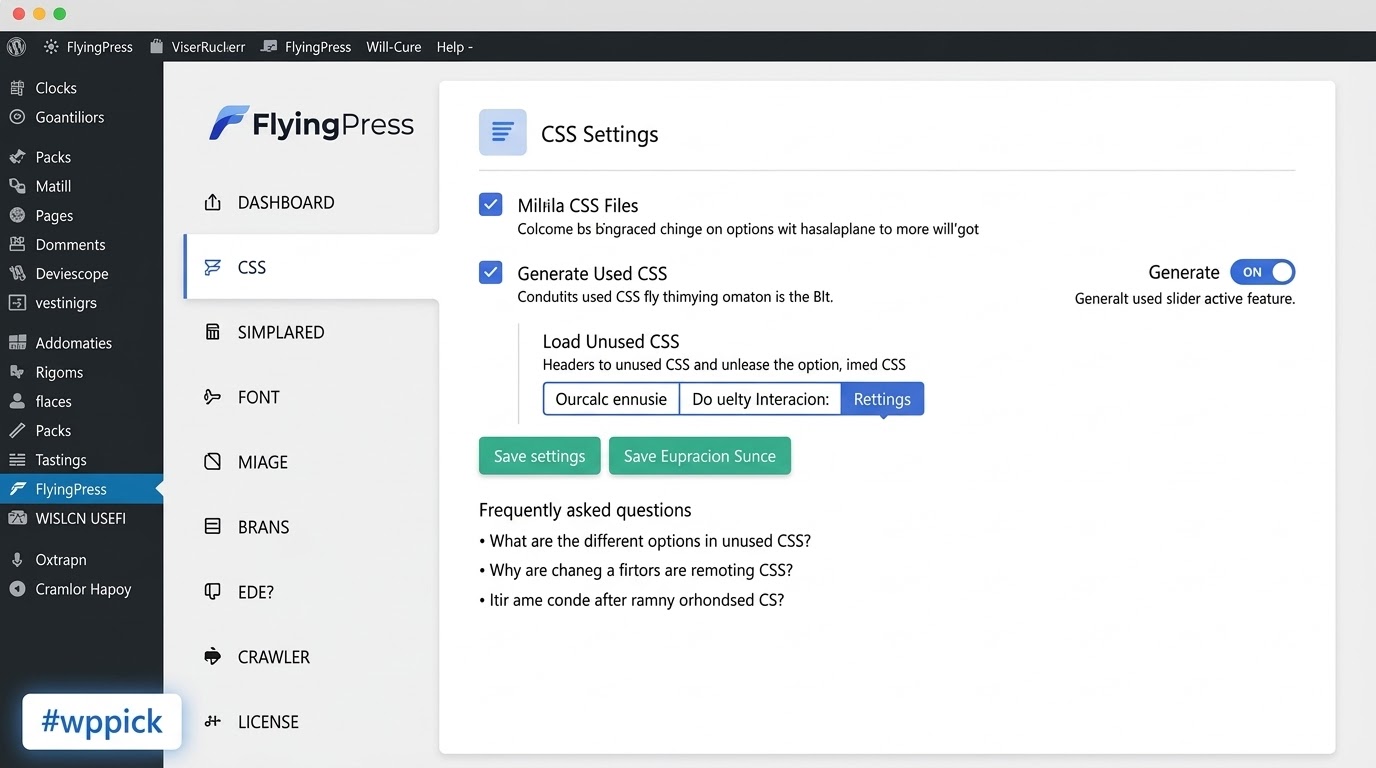
Speed Up Your Site with Premium Optimization
FlyingPress is a comprehensive speed optimization plugin engineered to eliminate performance bottlenecks on modern WordPress websites. Rather than combining multiple single-purpose plugins for caching, file minification, and image delivery, it provides a unified ecosystem that addresses every major factor influencing Google Core Web Vitals metrics.
Latest Version 5.3.4 Changes
FlyingPress version 5.3.4 was released on March 26, 2026. This version introduced several improvements, notably preventing already optimized images from re-entering the optimization queue, skipping excluded URLs in the preload queue, adding fallback rules to serve original images if a browser lacks WebP/AVIF support, and enabling Core Web Vitals Tracking by default for new installations.
- Prevent already optimized images from being added to the optimization queue.
- Skip excluded URLs when adding to the preload queue.
- New fallback (htaccess/nginx) rules to serve original images when the browser does not support WebP/AVIF.
- Core Web Vitals Tracking is now enabled by default for new installations.
What FlyingPress Does
The plugin targets specific user-experience issues such as slow server response times, layout shifts, and delayed interactivity. It intercepts page requests to serve lightning-fast static HTML, restructures how assets load, and compresses media so that your site loads predictably and quickly across all devices.
Who It Is For
This optimization tool is designed for WooCommerce store owners, content publishers, agencies, and web developers who need to secure excellent mobile page speeds. It is an ideal fit for sites using heavy page builders like Elementor or Divi, where unoptimized asset delivery frequently impacts search visibility and conversion rates.
Key Capabilities
Advanced Page Caching
Generates static HTML files for your pages, reducing server execution time and bypassing heavy PHP processing on subsequent visits.
Unused CSS Removal
Analyzes your pages to extract and inline only the CSS needed above the fold, loading the remaining styles asynchronously to fix render-blocking warnings.
JavaScript Optimization
Defers script execution and delays non-critical scripts until user interaction, drastically lowering Total Blocking Time (TBT) and First Input Delay (FID).
Smart Image & Media Management
Features native lazy loading, dynamic WebP/AVIF generation, automatic sizing parameters, and placeholder support to lower Largest Contentful Paint (LCP).
Font and Bloat Control
Hosts Google fonts locally, preloads critical typography, and removes internal WordPress bloat such as XML-RPC, emojis, and unnecessary script queries.
Practical WordPress Use Cases
Optimizing WooCommerce Checkout Paths
Ensures complex dynamic product layouts load instantly while keeping checkout and cart operations excluded from standard caching to protect transaction logic.
Fixing Core Web Vitals Failures
Directly addresses LCP, CLS, and INP metrics on visual-heavy blogs or marketing landing pages by handling image queues and structural elements carefully.
Lightening Heavy Page Builders
Compensates for the excessive scripts and structural styling code generated by drag-and-drop design environments without altering site layouts.
Setup and Compatibility Context
FlyingPress operates out of the box with minimal configuration, automatically applying safe defaults for page caching and basic minification. It is built to maintain deep compatibility with major hosting platforms, content delivery networks (CDNs) like Cloudflare, and complex eCommerce ecosystems. To prevent unexpected errors, ensure conflicting performance options in themes or server utilities are disabled before enabling advanced scripting optimizations.
Why Choose FlyingPress on WPPick
Acquiring FlyingPress via WPPick gives you access to a tested, clean plugin file that receives regular package maintenance. This allows you to explore enterprise-grade caching mechanics, powerful image delivery tweaks, and advanced script timing controls in an environment free from subscription lock-ins.
Latest Version Context
The current package aligns with version 5.3.4, deployed on March 26, 2026. This iteration refines background operations by preventing previously handled media from entering the optimization queue and safely skipping excluded links within preloading tasks. It also features robust fallback rules for environments lacking WebP/AVIF support and configures user tracking parameters right from activation.
Frequently Asked Questions
Will FlyingPress break my site layout or styling?
Advanced options like script delay or CSS minification can occasionally interfere with specific themes. Turning features on one by one makes it simple to pinpoint and exclude specific files from processing if a visual glitch appears.
Do I need a separate image compression tool with this plugin?
No, the built-in media controls handle sizing, lazy loading, and generation of modern formats efficiently, making external media utilities unnecessary for most configurations.
How does FlyingPress differ from basic caching options?
Standard tools only create static files, whereas this utility changes how scripts, styles, typography, and media load sequentially, creating a much larger impact on user perceived speed.
Can I use this plugin alongside a server-level cache?
Yes, it coordinates effectively with host environments using Nginx, LiteSpeed, or Varnish caching, letting server-side mechanisms handle base delivery while it handles frontend adjustments.
I. Download Limits & Account Benefits
- Free Downloads: Each email address receives 3 downloads per day for free products
- Upgrade Benefits: Purchase any paid product to increase your daily download limit by 3 for each paid product
- No Account Required: You can download immediately by receiving the download link via email
- Account Recommended: Create an account for easier access to your order history and direct update downloads
II. Understanding GPL vs Official Versions
Important: The products available on WPPick are GPL-licensed versions, which differ from official developer versions. Before purchasing, please read our comprehensive guide: Understanding GPL & Official Differences at WPPick
Key Points:
- GPL versions may not include premium support from original developers
- Updates may be delayed compared to official releases
- Some premium features might have limitations
- Always consider your specific needs and support requirements
III. Support & Assistance
We’re here to help through multiple channels:
- Email Support: Direct email assistance for all inquiries
- Live Chat: Real-time support during business hours
- Comprehensive Documentation: Detailed guides and tutorials
IV. Order Tracking
Access your complete purchase history and download links anytime: Order History
V. Account Access
New to WPPick? Login or Create Account to manage your downloads and orders efficiently.
VI. Refund Protection
We stand behind our products with a clear refund policy. Review our terms: Refund Policy
VII. Privacy & Security
Your data security is our priority. Learn how we protect your information: Privacy Policy
VII. Terms of Service
Understanding our service terms ensures a smooth experience: Terms of Use
Quick Tips for Best Experience
- Verify Compatibility: Check plugin/theme compatibility with your WordPress version
- Backup First: Always backup your site before installing new plugins or themes
- Test Environment: Consider testing on a staging site first
- Stay Updated: Regularly check for updates in your account dashboard
- Read Documentation: Review any included documentation for optimal setup
Need Help?
If you have questions about downloads, licensing, or need technical assistance, don’t hesitate to contact our support team. We’re committed to ensuring you have the best possible experience with WPPick products.
Ready to get started? Your download adventure begins with just one click!
- Prevent already optimized images from being added to the optimization queue
- Skip excluded URLs when adding to the preload queue
- New fallback (htaccess/nginx) rules to serve original images when the browser does not support WebP/AVIF
- Core Web Vitals Tracking is now enabled by default for new installations
- Show image optimization stats for individual images in the Media Library
- Cloudflare page caching was getting disabled in certain cases
- "Delete Original Images" was not deleting an original image of scaled images
- Cloudflare page cache was not getting cleared with auto-purge in certain cases
- A warning of `Passing free to parameter` from Image Optimizer
- A warning of `Undefined array key "file"` from Page Optimizer
- Exclude specific images by name or keyword from being optimized
- Lowered the auto-purge priority for ACF and WooCommerce integrations
- Prevented purging and preloading all pages when an image is auto-optimized
- Prevented the Image Optimizer stats API from being cached by switching it to the POST method
- Undefined array key 'filesize' in the Image Optimizer status API response
- Prevented folder URLs from being sent to the Image Optimizer
- Responsive plugin UI for better user experience
- Image Optimization - Added a Stop Optimization button to stop ongoing image optimization
- Cloudflare integration just got better with more reliable cache handling
- Add Super Page Cache to the incompatible plugins list
- Prevent cache folders from being created with uppercase letters
- Incorrect rules got removed in the Cloudflare integration when FlyingPress was deactivated
- Ignore query parameters were getting added to the preload queue in certain cases
- Upgrade tasks were skipped in certain cases when FlyingPress was updated
- Error while upgrading the official Cloudflare plugin to 4.14.0 or higher
- Cloud-based optimization got better with more speed and accuracy
- Concurrency in Action Scheduler is no longer forced to 1 and now respects the global concurrency
- In the Cloudflare integration bypass cookies were not properly synced to Cloudflare when modified
- Properly rewrite .htaccess file with locking mechanism and only when necessary
- Real-User Core Web Vitals Tracking — measure real performance, fix what's slowing visitors!
- Action Scheduler as the new background processing library for broader compatibility
- Cache static assets separately in Cloudflare integration
- Used CSS generation is faster than before
- Upgrade some dependencies for enhanced performance
- Default delay between each preload is 0.5s
- Default timeout for loading scripts is now 10s
- Disable WP Cron is permanently removed from the bloat settings
- Critical images were incorrectly detected in certain cases
- An error while configuring Cloudflare integration on PHP versions below 8.1