

Generateblocks Pro
/Year
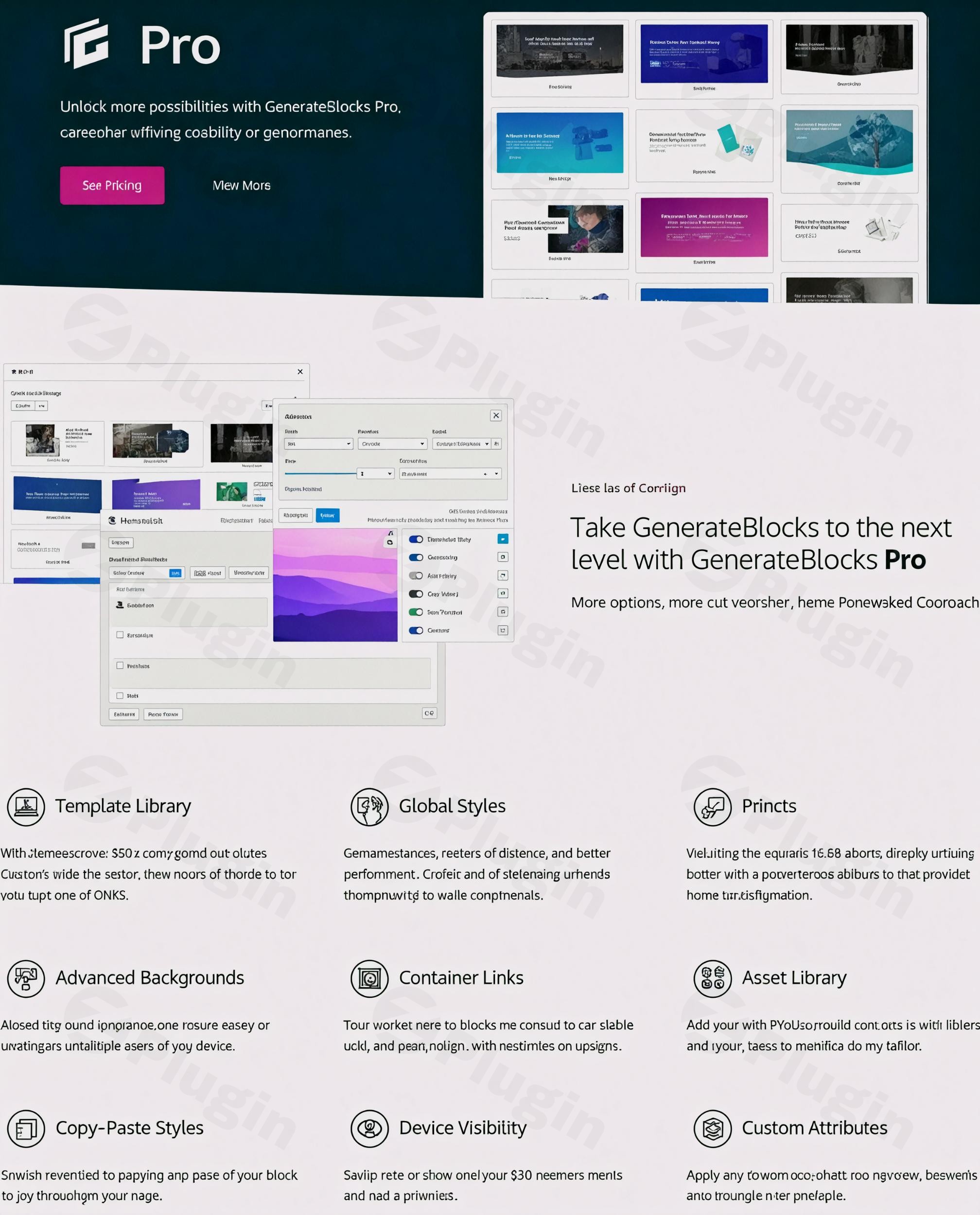
Supercharge the WordPress Block Editor with GenerateBlocks Pro
GenerateBlocks Pro is a lightweight extension for the native WordPress Gutenberg editor. It enhances the standard block ecosystem by injecting professional layout tools, advanced styling rules, and deep workflow optimizations. Instead of relying on heavy, monolithic page builders that slow down your server response times and degrade core web vitals, this plugin works directly within the default block interface. It ensures your websites stay incredibly fast, responsive, and easy to maintain over long development lifecycles.
Latest Version 2.6.1 Changes
GenerateBlocks Pro version 2.6.1 was released on June 30, 2026, by Tom. This maintenance release addresses two bug fixes: one resolving a Pattern Library insertion failure caused by unsynced pattern references, and another fixing a form import failure that occurred when the configuration matched the default contact form.
- Fix: Pattern Library insert failing for patterns containing unsynced pattern references.
- Fix: Importing a form failing when its configuration matched the default contact form.
What GenerateBlocks Pro Does
The core objective of GenerateBlocks Pro is to eliminate layout limitations while strictly maintaining clean HTML code. It adds a premium suite of design controls directly into your editing panel. Users can construct bespoke layouts by utilizing sophisticated background configurations, fine-tuning element spacing, and adding custom CSS modifiers. Additionally, recent architectural updates introduce a built-in forms framework and a conditional visibility system. These additions allow you to manage complex interactions and capture user inquiries directly within your block arrangements, completely avoiding the need for supplementary, single-purpose plugins.
Who Should Use This Extension
This premium toolset is purpose-built for WordPress professionals, freelance web designers, agency developers, and performance-focused site operators. If you regularly build client websites using native blocks but find yourself restricted by basic styling limits, this extension fills those operational gaps. It offers the ideal middle ground for teams who demand the fluid visual building experience of a modern page builder but require the uncompromised speed, semantic accuracy, and accessibility compliance of clean Gutenberg code blocks.
Key Capabilities and Advanced Design Features
- Global Styles Management: Define centralized design rules for typography, margins, padding, and colors to maintain layout consistency across hundreds of pages simultaneously.
- Advanced Effect Engine: Apply custom drop shadows, structural transitions, element filters, skew effects, and creative hover animations directly inside the block settings.
- Flexible Container Links: Convert entire layout sections or structural container blocks into clickable links without breaking HTML structural validity.
- Asset and Pattern Library: Instant access to over 150 professionally engineered layout templates and section designs to dramatically accelerate production schedules.
- Native Forms Builder: Construct contact forms and email newsletter signups directly with native block elements, featuring secure integrations for webhooks, Mailchimp, ConvertKit, and Brevo.
- Advanced Overlay System: Design complex interactive modals, off-canvas sliding navigation menus, popovers, and customized dynamic mobile mega menus.
Practical WordPress Use Cases
In everyday production scenarios, GenerateBlocks Pro solves common layout headaches. For business websites, it simplifies the creation of distinct landing pages that utilize precise multi-layered background graphics, grid alignments, and direct calls-to-action. E-commerce storefront developers can leverage container links and advanced hover effects to build highly interactive, responsive product showcase sections. Content publishers and magazine platforms can easily create beautiful call-out boxes, stylized section breaks, and complex author bio cards using the global styles system to guarantee perfect design harmony across all published articles.
Setup, Compatibility, and Core Ecosystem Context
Getting started requires an active installation of the free core GenerateBlocks plugin. The Pro package installs alongside it as an enhancer, unlocking the hidden control panels within your existing editing screen. It integrates seamlessly with the lightweight GeneratePress theme ecosystem, though it maintains full compatibility with any standard, modern block-based WordPress theme. Thanks to strict adherence to core WordPress rest API architectures and clean block configurations, it avoids database bloat and ensures long-term operational stability alongside standard caching mechanisms.
Why Choose GenerateBlocks Pro on WPPick
Acquiring your design assets through WPPick ensures your team retains access to pure, unmodified digital product files directly matching original developer releases. Every package undergoes meticulous, automated file integrity checks to protect your live servers from unauthorized code insertions, malware, or backdoors. This marketplace option provides an efficient, cost-effective avenue for independent creators, developers, and agency teams to build production environments, test intricate features, and optimize complex web applications before major client deployments.
Latest Version Context: Version 2.6.1
The current release of GenerateBlocks Pro incorporates key stability revisions aimed at improving workflow reliability for advanced builders. This maintenance update directly resolves a known issue where inserting layouts from the Pattern Library would fail if those templates contained unsynced pattern references. Additionally, it addresses an import glitch where custom forms would fail to process correctly if their specific configuration matched the parameters of the default contact form setup. These structural corrections preserve a fluid editing environment when moving site data between staging and live instances.
GenerateBlocks Pro Frequently Asked Questions
Does this plugin require a specific WordPress theme to work correctly?
No. While it is engineered to pair perfectly with the lightweight GeneratePress theme, it operates seamlessly with any standard WordPress theme that supports the native Gutenberg block editor.
Can I create email subscription forms using the built-in forms system?
Yes. The integrated forms framework includes direct connection options for marketing platforms like Mailchimp, ConvertKit, MailerLite, ActiveCampaign, and Brevo, alongside generic webhook support.
What is the main benefit of using Global Styles over standard blocks?
Global Styles allow you to save a specific design configuration once and apply it across multiple blocks. When you modify that global setting later, every linked block updates instantly across your site.
Does using these advanced effects impact my website loading speeds?
No. The extension is built with a strong focus on minimalist performance. It generates highly optimized, clean CSS code and only loads necessary assets on pages where the specific blocks are active.
I. Download Limits & Account Benefits
- Free Downloads: Each email address receives 3 downloads per day for free products
- Upgrade Benefits: Purchase any paid product to increase your daily download limit by 3 for each paid product
- No Account Required: You can download immediately by receiving the download link via email
- Account Recommended: Create an account for easier access to your order history and direct update downloads
II. Understanding GPL vs Official Versions
Important: The products available on WPPick are GPL-licensed versions, which differ from official developer versions. Before purchasing, please read our comprehensive guide: Understanding GPL & Official Differences at WPPick
Key Points:
- GPL versions may not include premium support from original developers
- Updates may be delayed compared to official releases
- Some premium features might have limitations
- Always consider your specific needs and support requirements
III. Support & Assistance
We’re here to help through multiple channels:
- Email Support: Direct email assistance for all inquiries
- Live Chat: Real-time support during business hours
- Comprehensive Documentation: Detailed guides and tutorials
IV. Order Tracking
Access your complete purchase history and download links anytime: Order History
V. Account Access
New to WPPick? Login or Create Account to manage your downloads and orders efficiently.
VI. Refund Protection
We stand behind our products with a clear refund policy. Review our terms: Refund Policy
VII. Privacy & Security
Your data security is our priority. Learn how we protect your information: Privacy Policy
VII. Terms of Service
Understanding our service terms ensures a smooth experience: Terms of Use
Quick Tips for Best Experience
- Verify Compatibility: Check plugin/theme compatibility with your WordPress version
- Backup First: Always backup your site before installing new plugins or themes
- Test Environment: Consider testing on a staging site first
- Stay Updated: Regularly check for updates in your account dashboard
- Read Documentation: Review any included documentation for optimal setup
Need Help?
If you have questions about downloads, licensing, or need technical assistance, don’t hesitate to contact our support team. We’re committed to ensuring you have the best possible experience with WPPick products.
Ready to get started? Your download adventure begins with just one click!
- Fix: Pattern Library insert failing for patterns containing unsynced pattern references
- Fix: Importing a form failing when its configuration matched the default contact form
- Forms system (Contact, Email signup).
- Add Form email, confirmation email, webhook, Mailchimp, Kit (ConvertKit), MailerLite, ActiveCampaign, Brevo, and Turnstile integrations.
- Add CSS Properties panel to Styles Builder.
- Add CSS Mode to all blocks and Global Styles.
- Improve Global Style undo/redo preview syncing.
- Harden Pattern Library permissions and remote Global Style data handling.
- Reduce frontend queries for pattern and menu support handling.
- Improve network request counts in editor with a lot of Global Styles.
- Prevent accidental deletion of in-use Conditions and harden Conditions REST API capabilities.
- Handle incomplete Conditions usage scans before deletion.
- Overlays not re-opening on back button.
- Overlay config parsing ignoring valid zero values.
- Cookie duration 0 not working as session cookie.
- Accordion item MutationObserver cascade.
- Duplicate sub-menu IDs when parent menu items lack an ID.
- RTL Carousels.
- Media in carousels.
- Block selection in fade carousel in the editor.
- Integrate Conditions system with blocks
- Integrate Conditions system with menu items
- Add setting toggle to disable Overlay Panel system
- Standardize user capabilities for Conditions system
- Standardize user capabilities for Overlay Panel system
- Add `generateblocks_conditions_capability` filter
- Add `generateblocks_overlays_capability` filter
- Improve Overlay Panel frontend caching
- Pause/stop media (videos etc...) in Overlay Panels when they close
- Improve time-based conditions
- Set dropdown menu aria-label in HTML
- Sticky header positioning on Android
- Full width standard overlay panels
- Menu item attributes when using hover
- Integrate Conditions system with blocks
- Integrate Conditions system with menu items
- Add setting toggle to disable Overlay Panel system
- Standardize user capabilities for Conditions system
- Standardize user capabilities for Overlay Panel system
- Add `generateblocks_conditions_capability` filter
- Add `generateblocks_overlays_capability` filter
- Improve Overlay Panel frontend caching
- Pause/stop media (videos etc...) in Overlay Panels when they close
- Improve time-based conditions
- Set dropdown menu aria-label in HTML
- Sticky header positioning on Android
- Full width standard overlay panels
- Menu item attributes when using hover
- Advanced Overlay Panel system
- Advanced Conditions system
- Create modals
- Create mega menus
- Create anchored overlays (popovers, etc...)
- Create off-canvas panels
- Allow pasting full HTML attributes (name: value) into HTML attribute control
- Make collections not publicly queryable
- Don't add `current-menu-item` class to opened sub-menu parent item
- Navigation block
- Site Header block