
Global Gallery – Responsive Gallery Plugin For WordPress
/Year
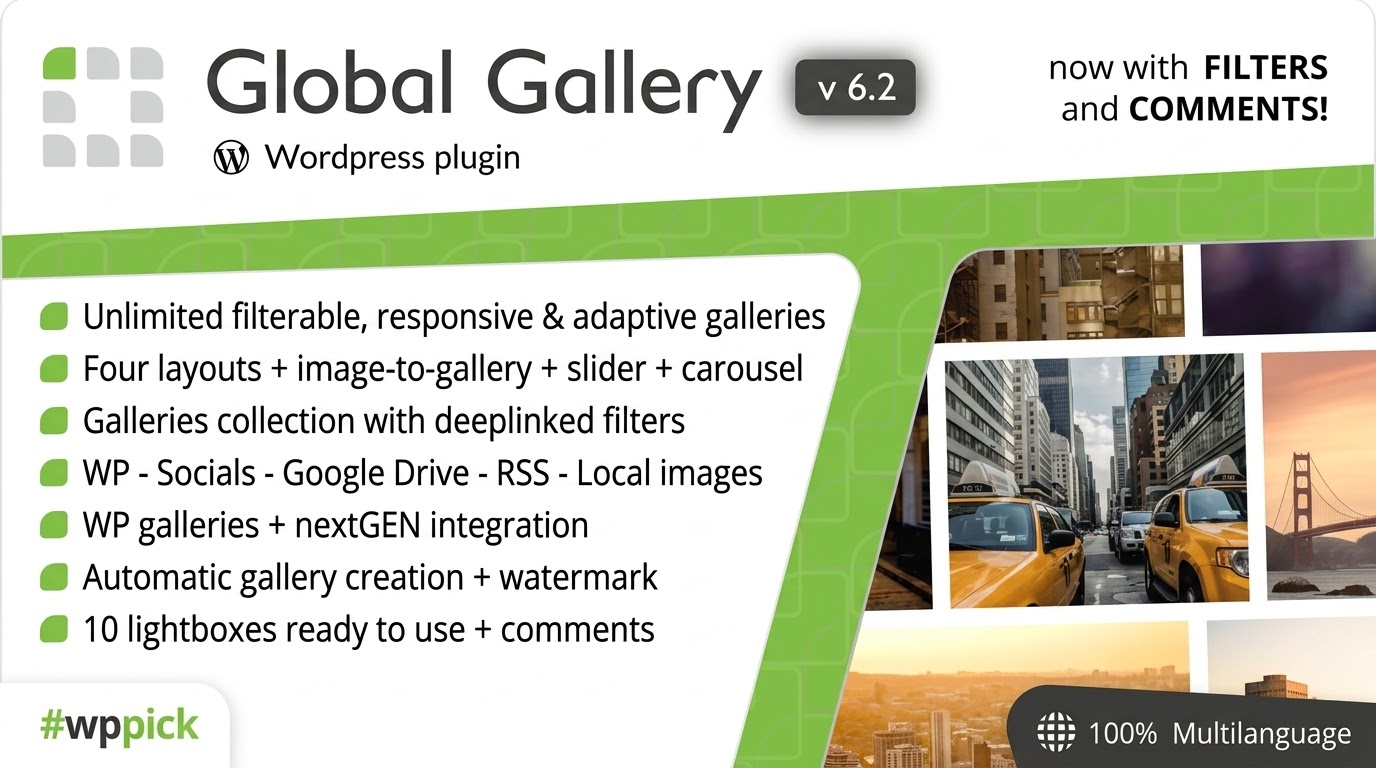
What is Global Gallery for WordPress?
Global Gallery is a responsive image gallery plugin designed for WordPress websites. It allows site administrators, photographers, and content creators to build and display professional photo collections using various layouts and styling options. The plugin supports multiple image sources, including standard media libraries and social media platforms, providing a flexible way to manage visual content across pages and posts.
What Does Global Gallery Do?
The plugin enables users to generate responsive galleries that automatically adapt to different screen sizes and device types. It includes built-in layout options such as grid, masonry, and justify styles, paired with integrated lightbox functionality for full-screen image viewing. Users can manage galleries through a visual interface, configure thumbnail dimensions, and organize images efficiently without modifying underlying template files.
- Generates responsive photo grids and masonry layouts
- Integrates advanced lightbox features for image viewing
- Supports multiple image sources and external media libraries
- Provides visual management tools for gallery organization
Who Is Global Gallery For?
Global Gallery is suited for users who need to showcase visual portfolios on WordPress. Photographers use it to present high-resolution photo collections, while agencies and web developers deploy it to build client websites requiring dynamic image displays. E-commerce store owners and bloggers also utilize the plugin to organize product photos or media archives into structured, accessible layouts.
Key Capabilities and Features
The plugin offers a range of tools designed to streamline gallery creation and front-end presentation. Its core capabilities focus on layout flexibility, performance optimization, and compatibility with modern page building environments.
- Multiple layout styles including masonry, grid, and justified views
- Customizable lightbox settings for enhanced user experience
- Responsive design ensuring adaptability on mobile and desktop screens
- Seamless compatibility with popular page builders like Elementor and Gutenberg
Practical WordPress Use Cases
Global Gallery fits into various website workflows where image presentation is a priority. Photographers can create client proofing galleries or portfolio pages. Corporate websites can display team photos, event recaps, or project showcases in structured grids. Bloggers can embed media collections directly into articles to complement written content.
Setup and Compatibility Notes
Global Gallery integrates with standard WordPress installations and page builders. Setup involves installing the plugin through the WordPress dashboard, configuring global gallery defaults, and using shortcodes or block elements to insert galleries into pages. It is designed to work alongside themes supporting standard WordPress hooks and editor blocks.
Reasons to Choose Global Gallery on WPPick
Choosing Global Gallery through WPPick provides access to a structured gallery management solution for WordPress projects. Its combination of multiple layout types, responsive scaling, and page builder integration makes it a practical option for developers and site owners looking to enhance their visual content presentation.
Latest Version Context
Version 11.2.0 includes improvements to inline CSS generation on websites, along with bug fixes addressing custom style enqueuing, dynamic script execution in Gutenberg on WordPress 7.1, and element preview loading issues when reopening the Elementor builder.
Frequently Asked Questions
Can I use Global Gallery with page builders like Elementor?
Yes, Global Gallery provides integration options that allow you to insert and manage galleries within Elementor and the Gutenberg block editor.
Does the plugin support mobile-responsive layouts?
Yes, all galleries created with the plugin are fully responsive and adjust automatically to different screen resolutions and mobile devices.
What image sources are supported?
The plugin supports the standard WordPress media library as well as external sources and social media platforms depending on configuration.
How do I add a gallery to a page?
You can insert galleries using generated shortcodes, dedicated widgets, or page builder blocks directly within your WordPress editor.
I. Download Limits & Account Benefits
- Free Downloads: Each email address receives 3 downloads per day for free products
- Upgrade Benefits: Purchase any paid product to increase your daily download limit by 3 for each paid product
- No Account Required: You can download immediately by receiving the download link via email
- Account Recommended: Create an account for easier access to your order history and direct update downloads
II. Understanding GPL vs Official Versions
Important: The products available on WPPick are GPL-licensed versions, which differ from official developer versions. Before purchasing, please read our comprehensive guide: Understanding GPL & Official Differences at WPPick
Key Points:
- GPL versions may not include premium support from original developers
- Updates may be delayed compared to official releases
- Some premium features might have limitations
- Always consider your specific needs and support requirements
III. Support & Assistance
We’re here to help through multiple channels:
- Email Support: Direct email assistance for all inquiries
- Live Chat: Real-time support during business hours
- Comprehensive Documentation: Detailed guides and tutorials
IV. Order Tracking
Access your complete purchase history and download links anytime: Order History
V. Account Access
New to WPPick? Login or Create Account to manage your downloads and orders efficiently.
VI. Refund Protection
We stand behind our products with a clear refund policy. Review our terms: Refund Policy
VII. Privacy & Security
Your data security is our priority. Learn how we protect your information: Privacy Policy
VII. Terms of Service
Understanding our service terms ensures a smooth experience: Terms of Use
Quick Tips for Best Experience
- Verify Compatibility: Check plugin/theme compatibility with your WordPress version
- Backup First: Always backup your site before installing new plugins or themes
- Test Environment: Consider testing on a staging site first
- Stay Updated: Regularly check for updates in your account dashboard
- Read Documentation: Review any included documentation for optimal setup
Need Help?
If you have questions about downloads, licensing, or need technical assistance, don’t hesitate to contact our support team. We’re committed to ensuring you have the best possible experience with WPPick products.
Ready to get started? Your download adventure begins with just one click!
- new better code to use inline CSS in the website
- fixed custom style not enqueued in Gutenberg on WordPress 7.1
- fixed dynamic scripts not executed in Gutenberg on WordPress 7.1
- fixed elements preview not loading when the Elementor builder is reopened
- added ability to use basic HTML in images title/description
- fixed settings engine - wrong fom action for websites installed in subdirectories
- fixed dynamic inline CSS usage for gutenberg pages in WordPress 7
- fixed potential security flaw on some data sanitization
- updated major LC Lightbox update (better performances and fixes)
- fixed LC Lightbox integration - thumbnail sizes option not recognized