

GPT AI Power: Complete AI Pack Pro
/Year
What Is GPT AI Power?
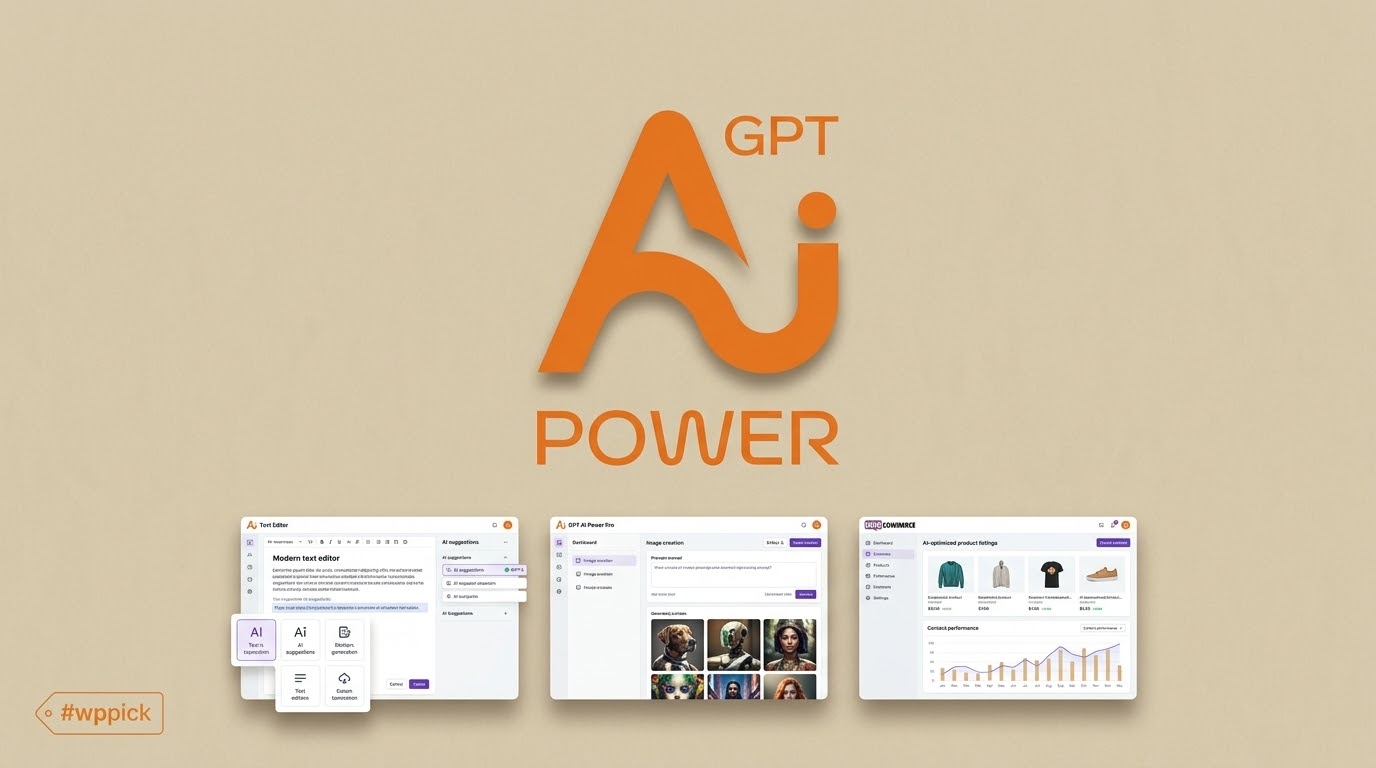
GPT AI Power is a comprehensive artificial intelligence plugin designed specifically for WordPress websites. It integrates advanced language models and image generation tools directly into your WordPress dashboard, allowing site owners, marketers, and developers to streamline content creation, manage automated posting schedules, and build interactive customer support experiences without leaving the admin panel.
Latest Version 2.4.66 Changes
Version 2.4.66 of the AI Puffer plugin (formerly GPT AI Power) for WordPress introduced a fix for image model selection within the Automations feature and improved synchronization with Google providers.
- 2.4.66: Fixed image model selection in Automations.
- 2.4.66: Improved Google provider syncing.
What Does GPT AI Power Do?
The plugin serves as an all-in-one hub for AI-driven operations on WordPress. It connects popular AI providers to your site, empowering you to draft blog posts, bulk-generate product descriptions for e-commerce stores, create custom AI forms, and train virtual assistants using your own site data or external knowledge bases.
- Automates multi-post creation and scheduled content publishing workflows.
- Generates eye-catching images using models like DALL-E directly within your media library.
- Provides embeddable chatbot interfaces trained on custom source documents.
- Optimizes existing WooCommerce product catalogs with bulk content updates.
Who Is GPT AI Power For?
GPT AI Power is built for a wide range of digital professionals who want to scale their online presence efficiently.
- Bloggers and Content Creators: Streamline article outlining, drafting, and SEO optimization.
- E-commerce Store Owners: Update large product catalogs, generate compelling descriptions, and configure smart search features.
- Agency Owners and Developers: Deploy customized client workflows, AI forms, and interactive chatbots.
Key Capabilities and Features
The plugin offers a modular architecture that lets you enable only the tools you need, keeping your WordPress backend lightweight and fast.
- Content Assistant: Create, rewrite, and refine articles with advanced prompt controls.
- Automations Engine: Handle background queue processing, scheduled posting, and database-backed task recovery.
- AI Forms: Build interactive data collection forms backed by custom prompts and live previews.
- Knowledge Base Integration: Train chatbots and search tools using internal documentation or uploaded files.
Practical WordPress Use Cases
Implementing artificial intelligence into your daily publishing routine opens up several practical workflows:
- Generating daily blog drafts from simple topic outlines or keyword lists.
- Bulk updating hundreds of WooCommerce product descriptions with optimized marketing copy.
- Deploying a 24/7 customer support chatbot that answers user questions based on your site’s knowledge base.
- Automating repetitive administrative publishing tasks through reliable background queues.
Setup and Compatibility Notes
GPT AI Power integrates smoothly with standard WordPress installations and popular page builders. To get started, simply install the plugin, configure your preferred AI provider API keys in the settings menu, and enable your desired modules. The plugin supports standard cron execution as well as optional authenticated server cron setups for high-traffic or restricted hosting environments.
Reasons to Choose GPT AI Power on WPPick
Choosing GPT AI Power gives you access to a robust, feature-rich AI suite designed to save time and reduce manual effort. Its modular design, active development cycle, and deep integration with WordPress make it a versatile addition to any content-driven website.
Latest Version Context
Version 2.4.66 of GPT AI Power introduces important reliability fixes and integration updates, including a fix for image model selection within Automations and improved synchronization with Google providers.
Frequently Asked Questions
Can I use my own API keys with GPT AI Power?
Yes, the plugin allows you to connect your preferred AI provider accounts using your own API keys for full control over usage and billing.
Does GPT AI Power support WooCommerce stores?
Yes, it includes specialized tools for bulk updating product attributes, generating descriptions, and enhancing e-commerce workflows.
How do automated publishing tasks run?
Automations utilize robust background queue processing with built-in overlap protection and recovery features to ensure reliable execution.
Can I train chatbots on my own documents?
Yes, the built-in knowledge base and chatbot modules allow you to upload source files and train assistants to answer user queries accurately.
Is coding required to set up AI forms?
No, you can design and configure interactive AI forms using intuitive admin controls and ready-made templates.
I. Download Limits & Account Benefits
- Free Downloads: Each email address receives 3 downloads per day for free products
- Upgrade Benefits: Purchase any paid product to increase your daily download limit by 3 for each paid product
- No Account Required: You can download immediately by receiving the download link via email
- Account Recommended: Create an account for easier access to your order history and direct update downloads
II. Understanding GPL vs Official Versions
Important: The products available on WPPick are GPL-licensed versions, which differ from official developer versions. Before purchasing, please read our comprehensive guide: Understanding GPL & Official Differences at WPPick
Key Points:
- GPL versions may not include premium support from original developers
- Updates may be delayed compared to official releases
- Some premium features might have limitations
- Always consider your specific needs and support requirements
III. Support & Assistance
We’re here to help through multiple channels:
- Email Support: Direct email assistance for all inquiries
- Live Chat: Real-time support during business hours
- Comprehensive Documentation: Detailed guides and tutorials
IV. Order Tracking
Access your complete purchase history and download links anytime: Order History
V. Account Access
New to WPPick? Login or Create Account to manage your downloads and orders efficiently.
VI. Refund Protection
We stand behind our products with a clear refund policy. Review our terms: Refund Policy
VII. Privacy & Security
Your data security is our priority. Learn how we protect your information: Privacy Policy
VII. Terms of Service
Understanding our service terms ensures a smooth experience: Terms of Use
Quick Tips for Best Experience
- Verify Compatibility: Check plugin/theme compatibility with your WordPress version
- Backup First: Always backup your site before installing new plugins or themes
- Test Environment: Consider testing on a staging site first
- Stay Updated: Regularly check for updates in your account dashboard
- Read Documentation: Review any included documentation for optimal setup
Need Help?
If you have questions about downloads, licensing, or need technical assistance, don’t hesitate to contact our support team. We’re committed to ensuring you have the best possible experience with WPPick products.
Ready to get started? Your download adventure begins with just one click!
- Fixed image model selection in Automations.
- Improved Google provider syncing.
- Improved Automations reliability and throughput with database-backed schedules, automatic time-budgeted queue processing, fair item claiming, overlap protection, and recovery of interrupted work.
- Improved large-site responsiveness across Automations, Chatbot knowledge, and Knowledge Base screens with bounded status counts, cursor-based pagination, and clearer loading feedback.
- Improved Rewrite Content, Image Alt Text, and WooCommerce bulk tables, including a 1,000-row page-size option.
- Added optional authenticated server cron support for sites that disable WP-Cron.
- Redesigned Content Assistant.
- Improved batch content updates.
- Redesigned Add to knowledge base.
- Improved Settings module.
- Standardized missing-provider notices across modules.
- Improved Chatbot live preview.
- Redesigned AI Forms with a cleaner overview, five ready-made templates, and a more compact form editor.
- Added model syncing, modern model, knowledge base, and web search settings dialogs, stronger prompt validation, and preview support for any form containing fields.
- Added checkbox-based bulk export and deletion, one-off shortcode options, and clearer import and export actions.
- Improved form building with persistent layout controls, resizable columns, clearer drop targets, streamlined field settings, and automatic prompt-variable names for newly added fields.
- Standardized table headers, footers, pagination, dialogs, buttons across AI Forms and related admin screens.
- Stopped creating legacy default forms on activation or update; existing forms remain available.
- Fixed Chatbot Manage Sources updates incorrectly reporting a missing OpenAI API key.
- Refined Automations with a compact overview, clearer task schedules, consistent statuses, and responsive task and queue tables.
- Added task pagination with rows-per-page controls, queue pagination, and always-visible queue search and status filters.
- Added safer checkbox-based bulk queue deletion, clearer cron health controls, and direct links to completed posts.
- Improved the AI Puffer top navigation so module links, Usage, Settings, and Upgrade adapt more cleanly across desktop, tablet, and narrow responsive widths.
- Moved Usage into the utility navigation area and kept the main module navigation focused on the primary tools.
- Updated default module visibility so Chatbots, Content Writer, Automations, AI Forms, and Knowledge Base are enabled by default, while Images can be enabled from Settings > Modules when needed.