
Gravity Forms Bulk Actions Add-on
/Year
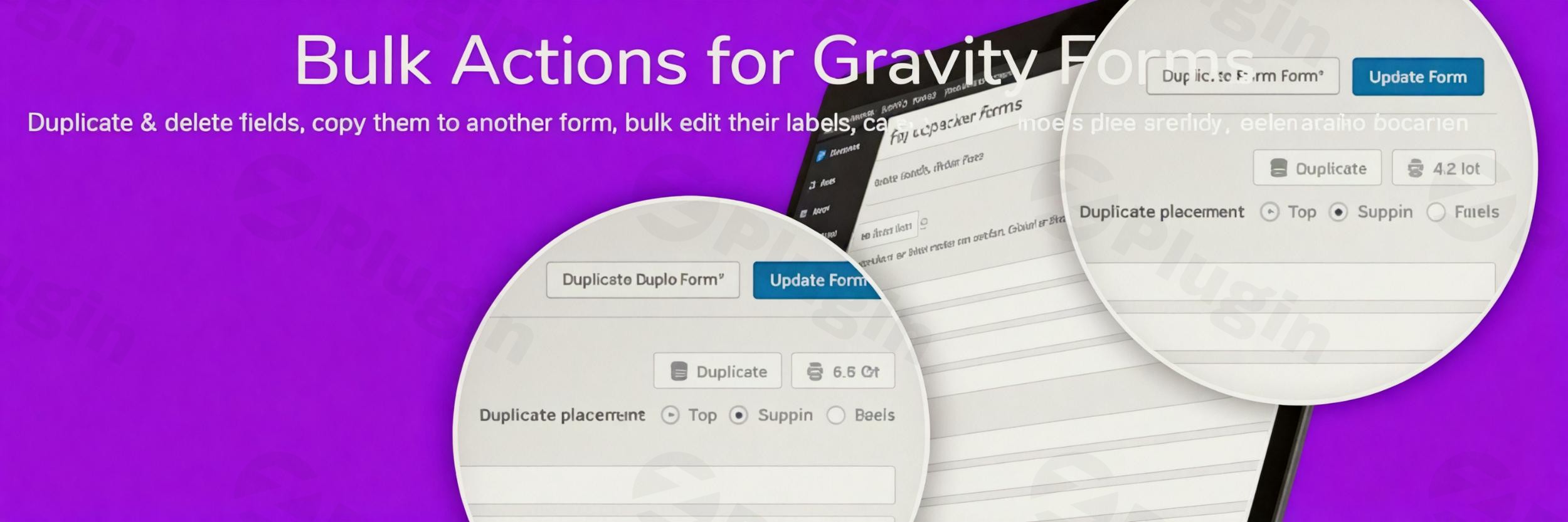
Are you spending too much time manually configuring your Gravity Forms fields? The Gravity Forms Bulk Actions Add-On is your indispensable tool for revolutionizing form creation and editing on WordPress. This powerful extension transforms tedious, repetitive tasks into quick, efficient bulk operations, saving you countless hours and making Gravity Forms field management faster and more precise than ever before. If you’re looking to supercharge your Gravity Forms workflow, reduce development time, and maintain consistency across your website’s forms, this add-on is designed precisely for you.
Supercharge Your Gravity Forms Workflow with Bulk Actions
Managing multiple Gravity Forms, especially those with complex structures or repeating field patterns, can be a time-consuming challenge. The Gravity Forms Bulk Actions Add-On addresses this head-on, providing professional-grade tools that integrate seamlessly with your existing Gravity Forms interface. It’s built to enhance administrative efficiency, allowing you to focus on form strategy rather than manual labor.
Key Features That Transform Your Workflow
The Gravity Forms Bulk Actions Add-On, recognized as a certified add-on, brings a suite of powerful features designed to simplify WordPress form bulk operations and enhance your form-building experience.
Effortless Field Selection
Gone are the days of individually clicking each field. With this add-on, you get intuitive, one-click selection options to:
- Select all fields: Instantly grab every field in your form.
- Select none: Clear your current selection with a single click.
- Invert selection: Quickly flip your chosen fields, selecting those you initially deselected.This precise control over field selection is the foundation for any subsequent bulk action, making Gravity Forms field management incredibly efficient.
Seamless Field Transfer Between Forms: Copy to Form
Consistency is key, especially across multiple forms on your site. The Copy Gravity Forms fields to another form feature allows you to select a group of fields and easily transfer them to a new or existing form. This is perfect for:
- Reusing standard contact information fields (name, email, phone) across different inquiry forms.
- Migrating field sets between development and live sites.
- Building new forms rapidly by leveraging pre-configured sections.
Powerful Bulk Editing Capabilities
Making sweeping changes across numerous fields simultaneously is where the true time-saving power lies. With the Gravity Forms Bulk Actions Add-On, you can:
- Edit individual field labels: Quickly update the visible text for multiple fields at once.
- Add CSS class names: Apply styling or layout classes to many fields simultaneously, ensuring design uniformity.
- Modify required status settings: Set or unset the “required” status for multiple fields with a single action, streamlining form validation.This Gravity Forms bulk field editing capability is invaluable for large forms or when implementing site-wide design changes.
Intelligent Field Duplication
Building longer forms with repeating sections (like multiple attendee details or product configurations) becomes a breeze. This feature allows you to duplicate individual or multiple form fields inline with ease. Need three identical product selection blocks? Duplicate one, then duplicate its duplicate, and so on, building complex forms faster than ever before.
Smart Field Reorganization
An organized form is a user-friendly form. The intuitive drag-and-drop interface lets you bulk reorder Gravity Forms fields effortlessly. Whether you’re moving a single field or an entire section, you can get your form structure perfect in seconds, enhancing the user experience and logical flow.
Bulk Delete Fields
Sometimes, forms evolve, and certain fields become obsolete. The add-on provides an effortless way to bulk delete Gravity Forms fields from your forms. Select multiple fields you no longer need and remove them with a single click, keeping your forms clean and efficient.
Installation & Setup: Get Started with Gravity Forms Bulk Actions
Installing the Gravity Forms Bulk Actions Add-On is straightforward, following the standard WordPress plugin installation process.
- Download the Add-On: Obtain the plugin file (usually a
.zipfile) from your ZeroPlugin.com account or the source. - Upload to WordPress:
- Navigate to Plugins > Add New in your WordPress admin dashboard.
- Click the “Upload Plugin” button.
- Choose the downloaded
.zipfile and click “Install Now.”
- Activate the Plugin: Once installed, click “Activate Plugin.”The add-on seamlessly integrates with your existing Gravity Forms installation. You’ll find its powerful bulk action options directly within your Gravity Forms field editor, ready to enhance your Gravity Forms field management workflow immediately.
Practical Usage and Best Practices for Efficient Gravity Forms Management
The Gravity Forms Bulk Actions Add-On shines in various real-world scenarios, making it an ideal tool for marketers, website owners, and agencies alike.
1. Standardizing Form Components Across Your Site
Use Case: You manage a business website with multiple inquiry forms, application forms, and subscription forms. Each form requires consistent fields for name, email, and consent checkboxes.Best Practice: Create a “master” set of common fields in one form. Use the “Copy to Form” feature to instantly transfer these fields to every new form you create. This ensures data consistency and saves significant time compared to recreating fields from scratch.
2. Rapid Prototyping and Form Iteration
Use Case: You need to quickly build a multi-page survey or a complex product configuration form with several repeating sections.Best Practice: Design one section, then use the Intelligent Field Duplication to replicate it as many times as needed. After duplicating, leverage Powerful Bulk Editing to quickly adjust labels or default values across the new sections. This allows for extremely fast form prototyping and iteration.
3. Implementing Site-Wide Design or Validation Changes
Use Case: Your website undergoes a design refresh, requiring all form fields to use a new CSS class for styling, or your privacy policy updates, making a new consent field mandatory across multiple forms.Best Practice: Utilize Effortless Field Selection to pick all relevant fields across various forms. Then, use Powerful Bulk Editing to add the new CSS class or change the “required” status simultaneously. This ensures consistency and compliance without editing each field individually.
4. Optimizing and Cleaning Up Legacy Forms
Use Case: You’ve inherited a WordPress site with numerous old Gravity Forms that contain outdated or unused fields, making them cumbersome to manage.Best Practice: Open each form, use Effortless Field Selection to identify and select obsolete fields, then apply Bulk Delete Fields to remove them instantly. This cleans up your forms, improving both their manageability and potential performance.
FAQ & Troubleshooting
Q1: What is the Gravity Forms Bulk Actions Add-On?
A1: The Gravity Forms Bulk Actions Add-On is a WordPress plugin designed to enhance Gravity Forms by enabling users to perform actions like selecting, editing, duplicating, reordering, copying, and deleting form fields in bulk. It significantly streamlines the process of building and managing Gravity Forms.
Q2: How does it differ from managing Gravity Forms entries in bulk?
A2: This add-on specifically focuses on Gravity Forms field management – that is, manipulating the structure and components of your forms. It is distinct from tools like GravityKit’s GravityActions or Admin Columns, which allow you to bulk update Gravity Forms entries (the data submitted by users). While both save time, the Gravity Forms Bulk Actions Add-On targets form design and administration, whereas entry management tools focus on post-submission data manipulation.
Q3: How can I manage Gravity Forms fields in bulk effectively using this add-on?
A3: To manage Gravity Forms fields in bulk effectively, utilize the add-on’s core features. Start with Effortless Field Selection to target the desired fields. Then, apply actions like Powerful Bulk Editing for labels or CSS classes, Intelligent Field Duplication for repeating sections, Smart Field Reorganization for reordering, Copy to Form for reusing fields across forms, or Bulk Delete Fields for cleanup. Each feature is designed for speed and precision.
Q4: Is the Gravity Forms Bulk Actions Add-On compatible with my WordPress version?
A4: The plugin is indicated to be compatible with WordPress W5.x (WordPress 5.x) and later versions. It integrates seamlessly with the core Gravity Forms plugin. Always ensure both your WordPress installation and Gravity Forms are updated to their latest versions for optimal compatibility and security.
Q5: Can I copy fields from one Gravity Form to another using this plugin?
A5: Yes, absolutely! One of the key features of the Gravity Forms Bulk Actions Add-On is its “Copy to Form” function. This allows you to select multiple fields from an existing form and transfer them to any other new or existing Gravity Form on your website, promoting consistency and reusability.
Transform Your Form Management Today
The Gravity Forms Bulk Actions Add-On is more than just a convenience; it’s a professional-grade tool that fundamentally improves your workflow. By providing powerful capabilities for efficient Gravity Forms management, including bulk editing, duplication, reorganization, and effortless transfer of fields, it empowers you to build and maintain forms with unparalleled speed and precision.Available through ZeroPlugin.com, this add-on is lightweight, secure, and designed to integrate flawlessly, ensuring you experience faster form management without performance compromises. Whether you’re a content creator managing simple contact forms or an agency building complex multi-page applications, this plugin will become an indispensable asset in your Gravity Forms toolkit. Invest in smarter form management and reclaim countless hours today.
I. Download Limits & Account Benefits
- Free Downloads: Each email address receives 3 downloads per day for free products
- Upgrade Benefits: Purchase any paid product to increase your daily download limit by 3 for each paid product
- No Account Required: You can download immediately by receiving the download link via email
- Account Recommended: Create an account for easier access to your order history and direct update downloads
II. Understanding GPL vs Official Versions
Important: The products available on WPPick are GPL-licensed versions, which differ from official developer versions. Before purchasing, please read our comprehensive guide: Understanding GPL & Official Differences at WPPick
Key Points:
- GPL versions may not include premium support from original developers
- Updates may be delayed compared to official releases
- Some premium features might have limitations
- Always consider your specific needs and support requirements
III. Support & Assistance
We’re here to help through multiple channels:
- Email Support: Direct email assistance for all inquiries
- Live Chat: Real-time support during business hours
- Comprehensive Documentation: Detailed guides and tutorials
IV. Order Tracking
Access your complete purchase history and download links anytime: Order History
V. Account Access
New to WPPick? Login or Create Account to manage your downloads and orders efficiently.
VI. Refund Protection
We stand behind our products with a clear refund policy. Review our terms: Refund Policy
VII. Privacy & Security
Your data security is our priority. Learn how we protect your information: Privacy Policy
VII. Terms of Service
Understanding our service terms ensures a smooth experience: Terms of Use
Quick Tips for Best Experience
- Verify Compatibility: Check plugin/theme compatibility with your WordPress version
- Backup First: Always backup your site before installing new plugins or themes
- Test Environment: Consider testing on a staging site first
- Stay Updated: Regularly check for updates in your account dashboard
- Read Documentation: Review any included documentation for optimal setup
Need Help?
If you have questions about downloads, licensing, or need technical assistance, don’t hesitate to contact our support team. We’re committed to ensuring you have the best possible experience with WPPick products.
Ready to get started? Your download adventure begins with just one click!
- Plugin updates fix
- Updated license info and messaging
- Added min PHP 7.4
- Minor updates to integrate with upcoming JetSloth themer
- Minor bug fixes with dialogs