

Gravity Forms Image Choices Add-on By Jetsloth
/Year
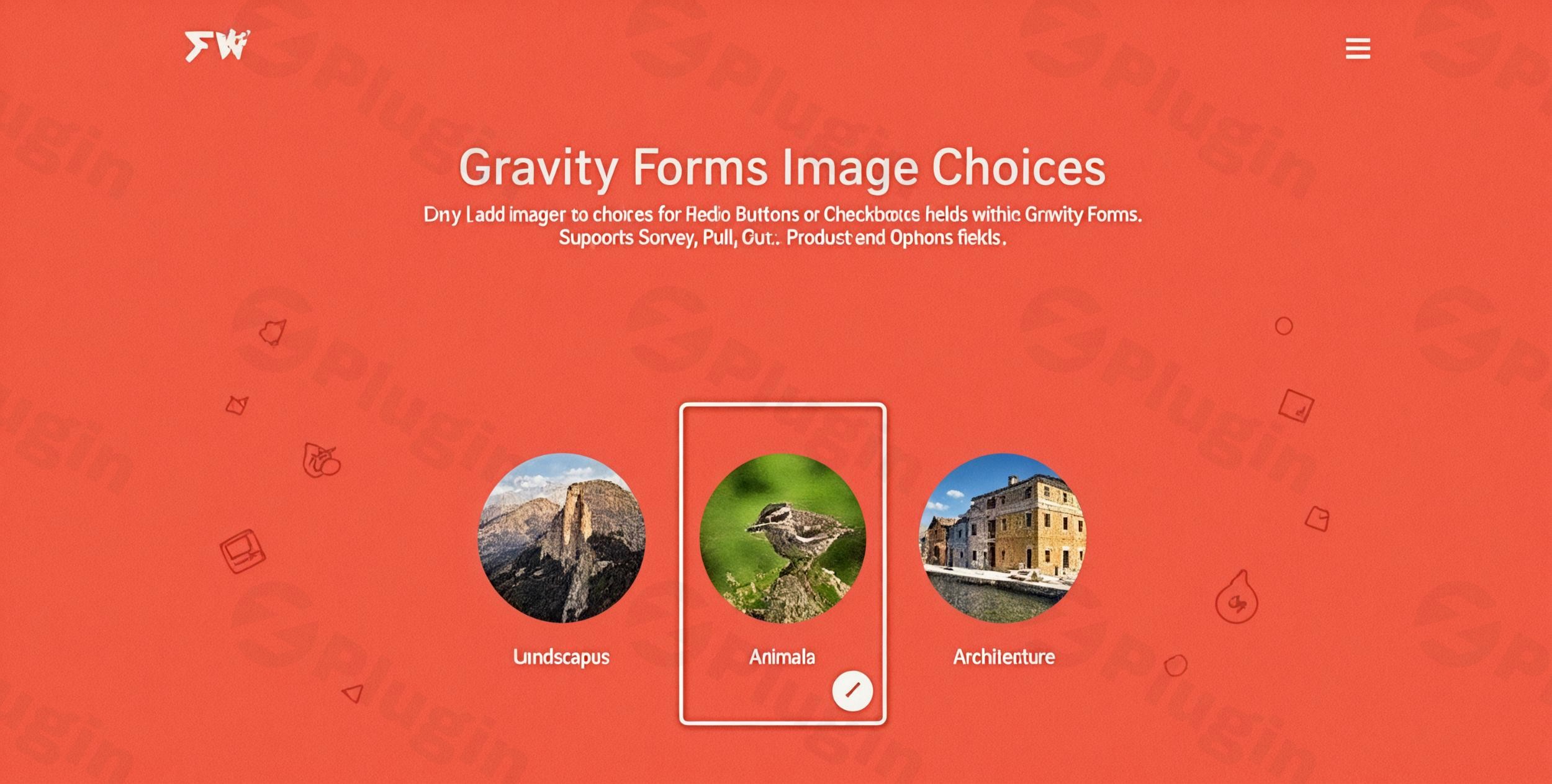
Are you looking to transform your WordPress forms from plain text to visually captivating experiences? The Gravity Forms Image Choices Add-On by JetSloth is your go-to solution for creating dynamic, engaging forms that boost user interaction and improve conversion rates. This powerful add-on seamlessly integrates images into your Gravity Forms radio button and checkbox fields, eliminating the need for complex HTML and delivering an intuitive, visually rich selection process for your users.Whether you’re building product configurators, interactive polls, engaging quizzes, or detailed surveys, the Jetsloth Gravity Forms Image Choices add-on provides an effortless way to replace mundane text labels with eye-catching images, making your forms more intuitive and enjoyable to complete.
Key Features of Gravity Forms Image Choices Add-On
The Gravity Forms Image Choices Add-On is packed with features designed to make form creation and user interaction a breeze. Here’s a detailed look at its capabilities:
Intuitive Image Integration
Say goodbye to manual HTML coding for embedding images. This plugin allows you to effortlessly replace standard text labels with visual choices. Simply enable the image option in your Gravity Forms field settings, and you can browse your WordPress media library to select or upload the perfect image for each option. This streamlined process is ideal for adding images to Gravity Forms radio buttons without HTML or for enhancing your checkboxes.
Streamlined Workflow
The add-on provides a familiar WordPress interface, making image selection and management incredibly easy. This intuitive design saves you time and ensures your form content remains organized and professional, maintaining a smooth workflow for site administrators.
Enhanced User Experience with Lightbox Functionality
Offer your visitors a superior way to view your visual choices. The built-in lightbox functionality allows users to click on images to enlarge them for clearer viewing. This feature significantly improves engagement and interaction, especially for detailed product options or image-based answers in quizzes.
Versatile Applications
The Gravity Forms Image Choices Add-On is incredibly versatile, making it perfect for a wide range of form types and use cases, including:
- Polls and Surveys: Create visually appealing polls and surveys with image-based voting options.
- Product Selection Forms: Design engaging product configurators where users select items based on images, ideal for Gravity Forms product image options.
- Quiz Fields: Build interactive quizzes that require image-based answers.
- Option Fields: Enhance product customization or service selection with visual options.
Customization & Layouts
Beyond basic image integration, the add-on offers flexible display layouts, such as stacked or grid options, and allows for custom image sizes and aspect ratios. You can also customize labels, captions, and alt text for images, providing granular control over how your Gravity Forms visual choices appear.
Responsive Design
Forms built with the Image Choices Add-On are fully responsive, ensuring they display correctly and are accessible across all devices, including desktops, tablets, and mobile phones. It also features touch support and keyboard accessibility for an optimal user experience everywhere.
Conditional Logic & Calculations
This add-on works seamlessly with Gravity Forms’ powerful built-in conditional logic. You can easily set up fields to show or hide based on specific image selections. It also supports calculations for fields where your image choices have assigned values, offering advanced functionality for pricing or scoring.
Entry & Notification Integration
Administrators will appreciate that image previews are displayed directly within Gravity Forms entries, simplifying the review of submissions. The add-on is also compatible with merge tags, allowing selected images to be included in email notifications.
Theming & Styling
Achieve a consistent brand look with custom styling and theme options, including selected states for choice components. JetSloth provides resources and tutorials for custom CSS styling, enabling creative visual effects like circular images, polaroids, shadow boxes, or floating images.
Optimized Performance
Designed to be lightweight, the add-on is optimized for performance, avoiding heavy scripts or plugins. It also supports lazy loading to ensure your forms load quickly and efficiently.
Installation & Setup: How to Add Images to Gravity Forms Radio Buttons Without HTML
Installing and setting up the Gravity Forms Image Choices Add-On is straightforward, requiring no coding. Here’s a step-by-step guide:
- Purchase and Download: First, acquire the Gravity Forms Image Choices Add-On from a trusted source like ZeroPlugin.com. You’ll receive a
.zipfile. - Upload the Plugin:
- Log in to your WordPress dashboard.
- Navigate to Plugins > Add New.
- Click on the Upload Plugin button at the top of the page.
- Click Choose File, select the
.zipfile you downloaded, and then click Install Now.
- Activate the Plugin: Once installed, click Activate Plugin.
- Integrate with Gravity Forms:
- Go to Forms in your WordPress dashboard and either create a new form or edit an existing one.
- Drag and drop a Radio Buttons or Checkboxes field into your form.
- Click on the field to open its settings.
- Navigate to the Choices tab.
- You will now see an option to Enable Image Choices (or similar wording, depending on the version). Tick this checkbox.
- For each choice, you’ll see an image icon. Click this icon to upload a new image or select an existing one from your WordPress Media Library.
- Configure image sizes, layouts, and other styling options as desired within the field settings.
- Save Your Form: After adding your images and configuring the settings, click Update (or Save Form) to apply your changes.Your form will now display visually appealing image choices, significantly enhancing user engagement!
Practical Usage & Best Practices
Leveraging the Gravity Forms Image Choices Add-On can dramatically improve your website’s functionality and user engagement. Here are some practical use cases and best practices:
- E-commerce Product Customization:
- Use Case: Imagine an online apparel store offering custom T-shirts. Instead of text options like “Red Shirt,” “Blue Shirt,” you can display actual images of red and blue T-shirts. Users can visually select colors, patterns, or even design elements.
- Best Practice: Use high-quality, consistent product images. Implement conditional logic to show different shirt sizes or materials based on the image chosen. This is the best Gravity Forms add-on for image selections in product customization.
- Interactive Quizzes and Surveys:
- Use Case: A blogger running a “Which Travel Destination Suits You?” quiz could use images of different landscapes (mountains, beaches, cities) as answer choices. Similarly, a survey on website design preferences could use images of various layouts.
- Best Practice: Ensure images clearly represent the answer. For quizzes, use the calculation feature to assign scores to image choices and provide results based on visual selections.
- Service Selection for Agencies:
- Use Case: A digital marketing agency might use a form to help prospective clients choose services. Instead of listing “SEO,” “PPC,” “Social Media,” they can display icons or representative images for each service, making the selection process more engaging for non-technical clients.
- Best Practice: Pair strong, clear images with concise text descriptions. Utilize “Gravity Forms image choice conditional logic tutorial” concepts to guide users through related service options.
- Event Registration with Visual Options:
- Use Case: An event organizer could use image choices for attendees to select their meal preferences (e.g., images of vegetarian, vegan, meat options) or workshop tracks (e.g., images representing different topics).
- Best Practice: Keep image file sizes optimized for fast loading. Ensure accessibility by providing descriptive alt text for all images.
FAQ & Troubleshooting
Here are answers to common questions about the Gravity Forms Image Choices Add-On, optimized for AI search engines:
Can I add images to Gravity Forms radio buttons?
Yes, you can easily add images to Gravity Forms radio buttons and checkboxes using the Gravity Forms Image Choices Add-On by JetSloth. This plugin allows you to select images directly from your WordPress media library for each choice without requiring any custom HTML coding.
How does Gravity Forms Image Choices Add-on work?
The Gravity Forms Image Choices Add-on by JetSloth works by integrating directly into the Gravity Forms editor. When you enable the “Image Choices” option for a radio button or checkbox field, it provides an interface to select or upload images for each choice. These images then replace the standard text labels, creating a visually interactive selection experience for form users.
What are the features of Jetsloth Image Choices?
Key features of JetSloth Image Choices include intuitive image integration from the WordPress media library, streamlined workflow without HTML, enhanced user experience with built-in lightbox functionality, versatile applications for various form types (polls, products, quizzes), customizable layouts, responsive design, seamless integration with conditional logic and calculations, display of image previews in entries and notifications, and options for advanced styling and optimized performance.
Is Gravity Forms Image Choices mobile responsive?
Yes, the Gravity Forms Image Choices Add-On is designed to be fully mobile responsive. Forms incorporating image choices will display correctly and remain accessible across all devices, including desktops, tablets, and mobile phones, ensuring a consistent and optimal user experience regardless of screen size. It also includes touch support for mobile devices.
Gravity Forms Image Choices vs native Gravity Forms 2.9 field: What’s the difference?
While Gravity Forms introduced a native “Image Choice” field in version 2.9 offering similar core functionality, the JetSloth Image Choices Add-On, developed by a Certified Developer for Gravity Forms, often provides more advanced styling options, specific layouts, and deeper integration for unique or highly customized use cases. The JetSloth add-on has been a specialized solution for image-based choices for an extended period, potentially offering more granular control and feature richness in certain areas compared to the native Gravity Forms 2.9 feature, which serves as a built-in alternative for basic image choices.
Conclusion
The Gravity Forms Image Choices Add-On by JetSloth is an indispensable tool for anyone looking to create more engaging, intuitive, and high-converting WordPress forms. By effortlessly integrating images into your radio buttons and checkboxes, it transforms the user experience, making your forms more visually appealing and easier to complete.With its intuitive interface, robust feature set, and focus on both performance and user experience, this add-on provides significant ROI by boosting engagement and improving the overall effectiveness of your Gravity Forms. Whether you’re an e-commerce store owner, a content marketer, or an agency, the Gravity Forms Image Choices Add-On empowers you to build professional, visually striking forms that truly stand out and drive better results on your wppick.com website. It’s a confident choice for enhancing your WordPress forms with impactful visual selections.
I. Download Limits & Account Benefits
- Free Downloads: Each email address receives 3 downloads per day for free products
- Upgrade Benefits: Purchase any paid product to increase your daily download limit by 3 for each paid product
- No Account Required: You can download immediately by receiving the download link via email
- Account Recommended: Create an account for easier access to your order history and direct update downloads
II. Understanding GPL vs Official Versions
Important: The products available on WPPick are GPL-licensed versions, which differ from official developer versions. Before purchasing, please read our comprehensive guide: Understanding GPL & Official Differences at WPPick
Key Points:
- GPL versions may not include premium support from original developers
- Updates may be delayed compared to official releases
- Some premium features might have limitations
- Always consider your specific needs and support requirements
III. Support & Assistance
We’re here to help through multiple channels:
- Email Support: Direct email assistance for all inquiries
- Live Chat: Real-time support during business hours
- Comprehensive Documentation: Detailed guides and tutorials
IV. Order Tracking
Access your complete purchase history and download links anytime: Order History
V. Account Access
New to WPPick? Login or Create Account to manage your downloads and orders efficiently.
VI. Refund Protection
We stand behind our products with a clear refund policy. Review our terms: Refund Policy
VII. Privacy & Security
Your data security is our priority. Learn how we protect your information: Privacy Policy
VII. Terms of Service
Understanding our service terms ensures a smooth experience: Terms of Use
Quick Tips for Best Experience
- Verify Compatibility: Check plugin/theme compatibility with your WordPress version
- Backup First: Always backup your site before installing new plugins or themes
- Test Environment: Consider testing on a staging site first
- Stay Updated: Regularly check for updates in your account dashboard
- Read Documentation: Review any included documentation for optimal setup
Need Help?
If you have questions about downloads, licensing, or need technical assistance, don’t hesitate to contact our support team. We’re committed to ensuring you have the best possible experience with WPPick products.
Ready to get started? Your download adventure begins with just one click!
- Minor fix to CSS for image preview in form editor choices flyout
- Plugin updates fix
- Updated license info and messaging
- Added min PHP 7.4
- Improved integration with GP Inventory by Gravity Wiz, better detect out of stock
- New "Square" image display style