

Gravity Forms Import Entries
/Year
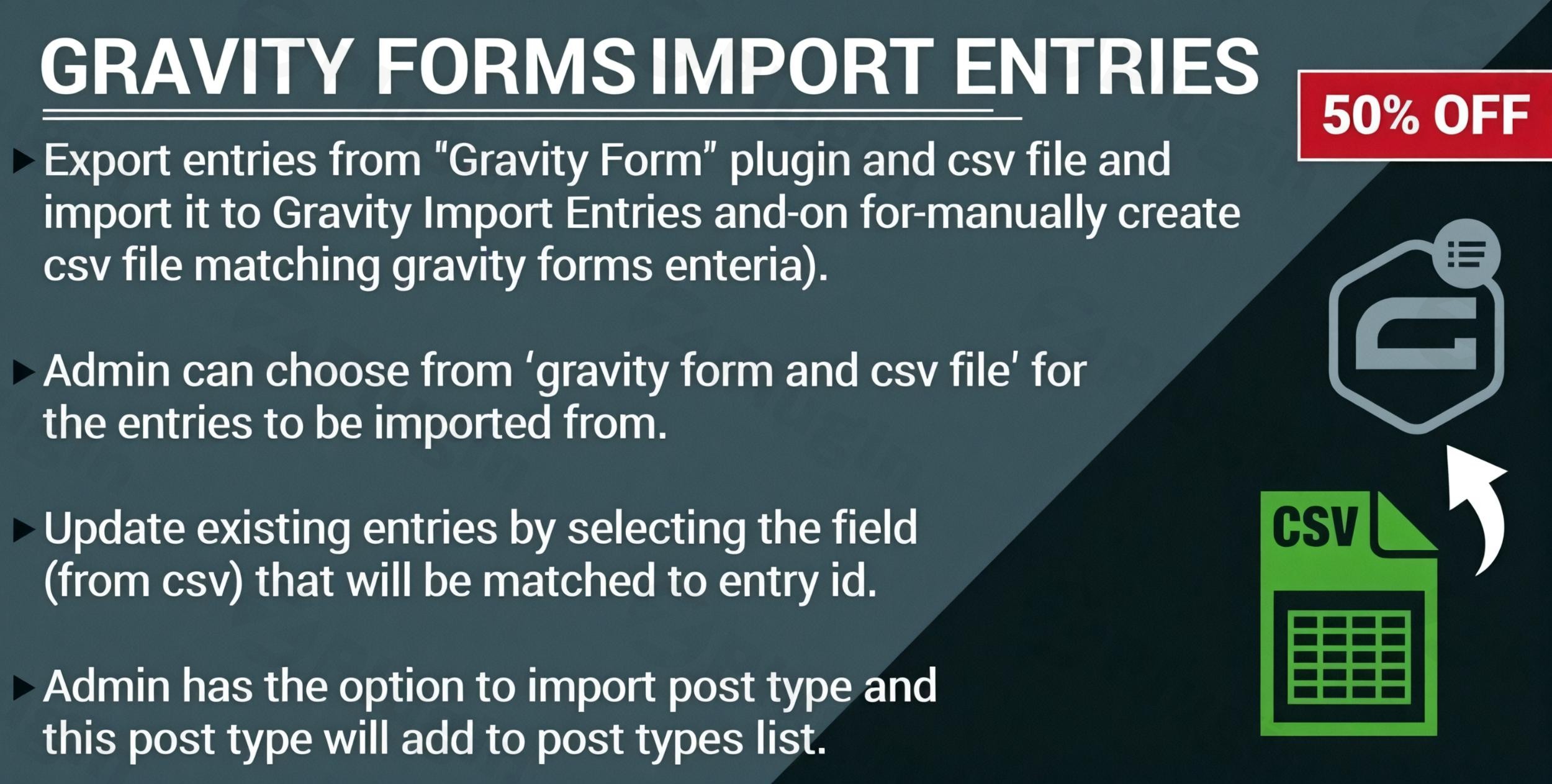
Managing large volumes of form data manually is a significant bottleneck for growing WordPress sites. Whether you are migrating from another platform, consolidating customer records, or onboarding offline leads, the ability to import Gravity Forms entries efficiently is essential.
The Gravity Forms Import Entries plugin is a powerful add-on designed to solve this exact problem. Instead of manual entry, it allows site owners to perform a gravity forms csv import of hundreds or thousands of records in seconds. In this guide, we will explore how to use this tool to streamline your workflow, maintain data integrity, and even update existing records using spreadsheets.
Key Features of Gravity Forms Import Entries
This plugin goes beyond simple data uploading by offering granular control over how your information enters the database. Here are the core capabilities that provide real-world value to marketers and developers:
- Bulk CSV Import: Effortlessly handle large datasets. You can perform a gravity forms bulk import of thousands of rows without timing out or crashing your server.
- Precision Field Mapping: You don’t need to change your CSV headers to match your form. The plugin provides an interface to map CSV columns directly to your Gravity Forms fields (including advanced fields like Calculations, File Uploads, and Coupons).
- Update Existing Entries: One of the most powerful features is the ability to gravity forms update entries. By mapping a CSV column to the “Entry ID,” you can modify existing records in bulk rather than creating duplicates.
- Conditional Importing Logic: You can set rules so that only specific rows from your CSV are imported. For example, “only import rows where the ‘Status’ column equals ‘Complete’.”
- Error Handling & Validation: If a row has an error (like an invalid email format), the plugin can skip it and continue the rest of the import. It then provides a separate file containing only the problematic records for easy correction.
- Trigger Feeds & Integrations: You can choose to trigger active feeds during the import. This means if your form is connected to Mailchimp or Zapier, the imported entries can automatically be sent to those services.
Installation and Setup Guide
Follow these steps to get your gravity forms import plugin up and running on your WordPress site.
- Verify Prerequisites: Ensure you have Gravity Forms installed and active. Your server should be running PHP 7.4 or higher and WordPress 6.7+ for optimal performance.
- Upload the Plugin: Go to your WordPress Dashboard, navigate to Plugins > Add New, and upload the
.zipfile provided after purchase. - Activate: Click Activate Plugin.
- License Activation: Navigate to Forms > Settings > Import Entries and enter your license key to receive automatic updates and support.
Step-by-Step: How to Import CSV Entries into Gravity Forms
The workflow is designed to be intuitive for non-developers while maintaining the technical power needed for complex migrations.
Step 1: Prepare Your CSV File
Ensure your data is saved in a .csv format. While the plugin can handle various structures, having clear headers (e.g., “First Name”, “Email”) makes the mapping process faster.
Step 2: Upload and Select Form
Navigate to Forms > Import/Export > Import Entries. Drag and drop your CSV file into the upload box. You will then be asked to select an existing form or, in some versions, create a new form based on the CSV structure.
Step 3: Map Your Fields
The “Map Fields” screen will appear. You will see your CSV headers on the left and a dropdown of your Gravity Forms fields on the right. Match them accordingly. If you are performing a gravity forms update entries task, ensure you map the Entry ID column.
Step 4: Configure Logic and Feeds (Optional)
If you only want to import a subset of your data, enable “Conditional Logic.” You can also toggle “Trigger Feeds” if you want the imported data to interact with your other CRM or email marketing add-ons.
Step 5: Process the Import
Click Configure Import. A progress bar will appear, showing you the real-time status of the upload. Once finished, you can view the newly created or updated entries in the standard Gravity Forms “Entries” screen.
Practical Use Cases & Best Practices
- Migrating from Other Platforms: If you are moving from Typeform, Ninja Forms, or WPForms, export your data to CSV and use this plugin to move it into Gravity Forms without losing history.
- CRM Synchronization: If you manage leads in an offline spreadsheet or a CRM that doesn’t have a direct integration, you can perform a weekly bulk import to keep your WordPress site updated.
- Bulk Status Updates: Ideal for event managers who need to update the “Attendance Status” of hundreds of entries at once. Simply export the entries, change the status in Excel, and re-import them using the Entry ID mapping.
Pro Tip: Always take a full database backup before performing a large bulk import. While the plugin is stable, it is a best practice for any significant data operation.
FAQ & Troubleshooting
Can you import data into Gravity Forms without this plugin?
Gravity Forms has a basic built-in import tool, but it is very limited. It does not support field mapping for external CSVs well, nor does it allow you to update existing entries or use conditional logic. For professional data management, a dedicated gravity forms import entries add-on is required.
How to update Gravity Forms entries from a spreadsheet?
To update records, your CSV must include a column with the existing Entry ID. During the mapping process, map that column to the “Entry ID” field. The plugin will then overwrite the data in that specific entry rather than creating a new one.
Is the plugin compatible with Elementor and Gutenberg?
Yes. Since the plugin operates on the backend (within the Gravity Forms menu), it does not interfere with front-end builders like Elementor, Gutenberg, or WPBakery.
What should I do if the import fails or times out?
This usually happens due to low server memory or execution limits. The plugin is designed to handle large files, but if you encounter issues, try splitting your CSV into smaller batches (e.g., 500 rows at a time) or contact your host to increase the max_execution_time in your PHP settings.
Final Verdict
The Gravity Forms Import Entries plugin is an essential tool for any site owner or agency dealing with high volumes of data. It transforms Gravity Forms from a simple lead capture tool into a robust data management system. By enabling gravity forms bulk import and entry updates, it saves hours of manual work and eliminates the risk of human error during data entry.
For those looking for a reliable, EEAT-compliant solution to manage WordPress form data, this plugin provides the best balance of simplicity and advanced technical control.
I. Download Limits & Account Benefits
- Free Downloads: Each email address receives 3 downloads per day for free products
- Upgrade Benefits: Purchase any paid product to increase your daily download limit by 3 for each paid product
- No Account Required: You can download immediately by receiving the download link via email
- Account Recommended: Create an account for easier access to your order history and direct update downloads
II. Understanding GPL vs Official Versions
Important: The products available on WPPick are GPL-licensed versions, which differ from official developer versions. Before purchasing, please read our comprehensive guide: Understanding GPL & Official Differences at WPPick
Key Points:
- GPL versions may not include premium support from original developers
- Updates may be delayed compared to official releases
- Some premium features might have limitations
- Always consider your specific needs and support requirements
III. Support & Assistance
We’re here to help through multiple channels:
- Email Support: Direct email assistance for all inquiries
- Live Chat: Real-time support during business hours
- Comprehensive Documentation: Detailed guides and tutorials
IV. Order Tracking
Access your complete purchase history and download links anytime: Order History
V. Account Access
New to WPPick? Login or Create Account to manage your downloads and orders efficiently.
VI. Refund Protection
We stand behind our products with a clear refund policy. Review our terms: Refund Policy
VII. Privacy & Security
Your data security is our priority. Learn how we protect your information: Privacy Policy
VII. Terms of Service
Understanding our service terms ensures a smooth experience: Terms of Use
Quick Tips for Best Experience
- Verify Compatibility: Check plugin/theme compatibility with your WordPress version
- Backup First: Always backup your site before installing new plugins or themes
- Test Environment: Consider testing on a staging site first
- Stay Updated: Regularly check for updates in your account dashboard
- Read Documentation: Review any included documentation for optimal setup
Need Help?
If you have questions about downloads, licensing, or need technical assistance, don’t hesitate to contact our support team. We’re committed to ensuring you have the best possible experience with WPPick products.
Ready to get started? Your download adventure begins with just one click!
- Tested up to WordPress version 6.9.