

Gravity Forms Tooltips Add-on
/Year
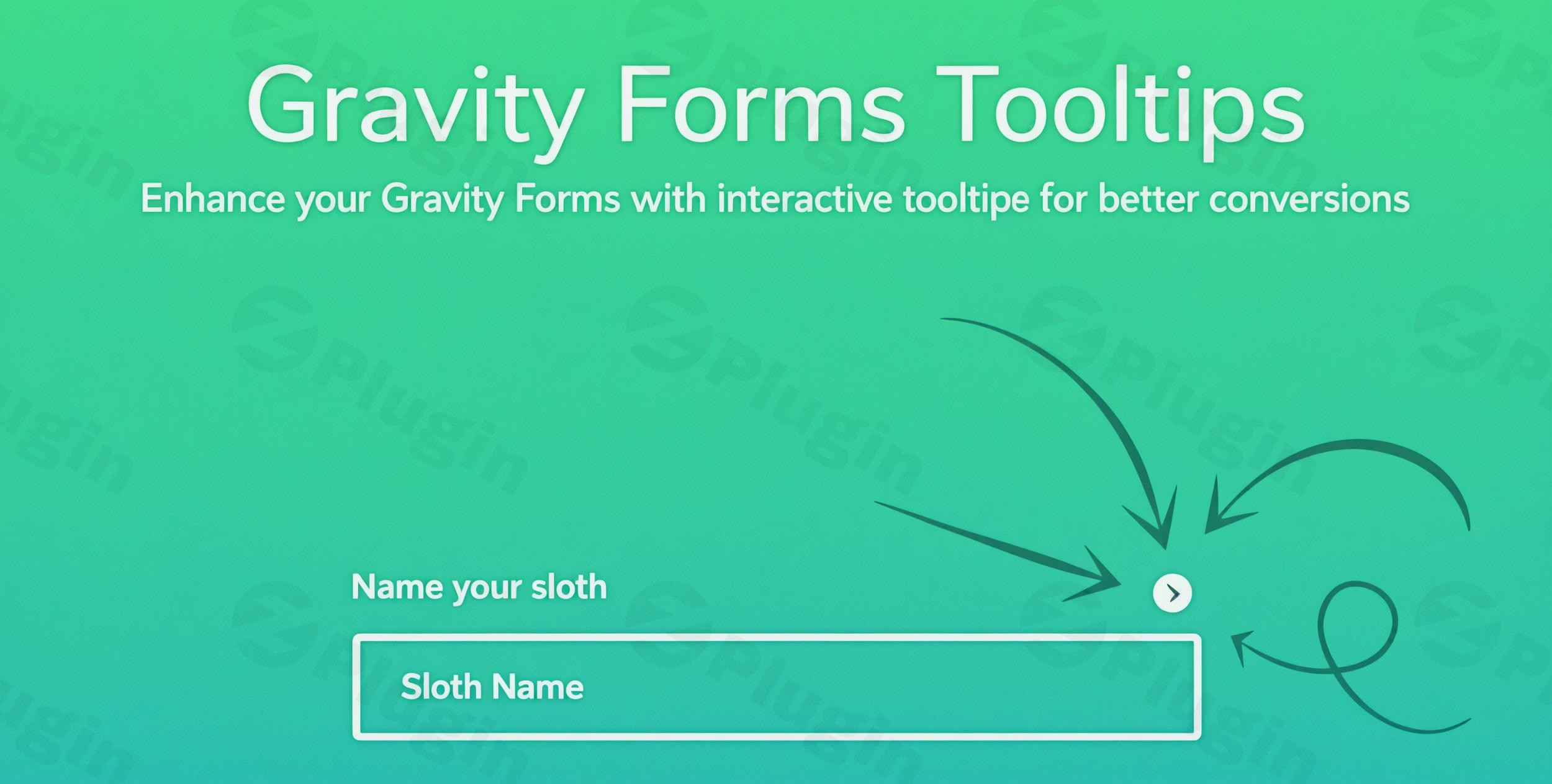
In the bustling world of WordPress, effective forms are the backbone of everything from lead generation to customer support. While Gravity Forms provides a robust framework, sometimes users need a little extra guidance to complete complex forms. This is where the Gravity Forms Tooltips Add-On shines, allowing you to seamlessly add tooltips to Gravity Forms fields, transforming confusion into clarity and significantly improving form completion rates.This powerful Gravity Forms tooltip plugin integrates intuitive pop-up hints directly into your forms, ensuring your users have all the necessary information precisely when they need it. By providing contextual help without cluttering your form design, the Tooltips Add-On from ZeroPlugin.com helps you create a smoother, more engaging user experience that converts.
Key Features for Superior Form Guidance
The Gravity Forms Tooltips Add-On empowers you to elevate your forms with a suite of features designed for flexibility, design control, and optimal user experience.
Customizable Tooltip Design
Go beyond basic text. This add-on provides dynamic settings to customize Gravity Forms tooltips to perfectly match your brand’s aesthetic. You get granular control over:
- Styling: Adjust colors, font sizes, background colors, border radius, and border widths to align with your site’s design.
- Icons: Choose from a selection of pre-designed tooltip icons or, with some versions, upload custom icons for a unique touch.
- Themes & Animations: Apply pre-built themes for quick styling or create your own. Enhance user interaction with various animation styles for when tooltips appear and disappear.
- Positioning & Size Control: Define the position of your tooltips relative to their icons (top, bottom, left, right), with smart automatic adjustments for optimal display, and control the maximum width of the tooltip container for readability on all devices.
Universal Field Compatibility
The add-on boasts broad compatibility, working effortlessly with all Gravity Forms fields. This includes standard text inputs, checkboxes, radio buttons, and integrates perfectly with other popular extensions. Whether you’re using color pickers, image choice fields, or collapsible sections, your tooltips will function flawlessly, providing consistent guidance across your entire form. This also means you can apply Gravity Forms field tooltips to individual choices within radio buttons and checkboxes, offering very specific context.
Individual Field Control & Rich Content Support
Gone are the days of generic form hints. With the Gravity Forms Tooltips Add-On, you can add unique tooltip content to each form field. This granular control means you can provide highly specific guidance exactly where users need it most. Furthermore, this plugin supports Gravity Forms tooltip HTML content, allowing you to embed rich media beyond plain text. You can add images and videos to Gravity Forms tooltips, incorporate custom links, and even utilize shortcodes to display dynamic content, making your explanations as comprehensive as necessary.
Flexible Application & Live Preview
Settings can be applied globally across all your Gravity Forms for consistency, or overridden on a form-by-form basis to meet specific design requirements. Many versions also offer a live preview feature, letting you visualize design changes in real-time within the WordPress Customizer or plugin settings. This ensures your tooltips look perfect before going live.
Installation & Setup: Get Started in Minutes
Installing the Gravity Forms Tooltips Add-On is a straightforward process, familiar to any WordPress user.
- Download the Plugin: Obtain the plugin file (a .zip archive) from ZeroPlugin.com. Remember, ZeroPlugin.com provides 100% GPL-licensed code, regularly updated, and VirusTotal verified safe downloads.
- Upload to WordPress:
- Log in to your WordPress admin dashboard.
- Navigate to Plugins > Add New.
- Click the “Upload Plugin” button at the top of the page.
- Click “Choose File”, select the downloaded plugin .zip file, and then click “Install Now”.
- Activate the Plugin: Once installed, click the “Activate Plugin” button.
- Configure Tooltips:
- After activation, you’ll find the tooltip settings either directly within the Gravity Forms interface when editing a form field, or under a dedicated settings panel for the add-on (often found under Forms > Settings or a new menu item).
- Go to the specific Gravity Form you wish to edit.
- For each field, you’ll typically find a new “Tooltip” tab or setting where you can enable the tooltip, enter your custom content (including HTML), and configure its appearance.Technical Requirements: For optimal performance, ensure your WordPress installation meets the following:
- WordPress Version: 4.0 or later (latest stable version recommended)
- Gravity Forms Version: 2.0 or later (v2.9+ recommended)
- PHP Version: 7.4+ is generally recommended.
- MySQL Version: 8.0+ is recommended by Gravity Forms.
Practical Usage & Best Practices
The Gravity Forms Tooltips Add-On isn’t just a fancy visual; it’s a powerful tool to enhance Gravity Forms user experience and directly impact your conversion goals.
1. Simplify Complex Application Forms
For intricate forms like job applications, loan requests, or detailed surveys, many fields can be ambiguous. Use tooltips to explain specific requirements, data formats, or legal definitions. This proactive guidance helps reduce user frustration and abandonment. For example, a tooltip on a “Tax ID Number” field could explain exactly what format is required.
2. Clarify E-commerce Product Options
If you’re using Gravity Forms for custom product builders or service quotes in WooCommerce, tooltips can be invaluable. For a custom t-shirt order form, a Gravity Forms radio button tooltip could explain the difference between “V-neck” and “Crew neck” fabric options, or specify material details for a custom printing service. This helps customers make informed decisions, reducing returns and support queries.
3. Improve Onboarding and User Registration
New users often need help navigating registration forms or profile setups. Tooltips can provide quick explanations for username rules, password requirements, or the purpose of specific profile fields, making the onboarding process smoother and more intuitive.
4. Meet Accessibility & Compliance Standards
For sensitive data collection or forms requiring legal consent (like GDPR checkboxes), tooltips can host detailed explanations without making the form itself overwhelming. Some advanced tooltip plugins even offer support for Gravity Forms tooltip accessibility WCAG standards, ensuring your forms are usable by everyone. Use rich HTML content to link to privacy policies or terms of service within the tooltip itself.Best Practice Tip: Keep tooltip content concise and to the point. While you can add rich HTML, avoid stuffing too much information into a tooltip. Its purpose is quick clarification, not a full article.
FAQ & Troubleshooting
Does Gravity Forms have built-in tooltips?
No, Gravity Forms does not have built-in, native tooltip functionality for its fields. To add tooltips, you need a dedicated Gravity Forms tooltip plugin or add-on, such as the Gravity Forms Tooltips Add-On.
Can I add HTML to Gravity Forms tooltips?
Yes, absolutely! The Gravity Forms Tooltips Add-On supports Gravity Forms tooltip HTML content. This allows you to include rich text formatting, links, images, videos, and even shortcodes within your tooltips, providing highly informative and engaging contextual help.
How do I customize Gravity Forms tooltip styles?
You can customize Gravity Forms tooltip styles through the plugin’s settings. Typically, you’ll find options within the WordPress Customizer or a dedicated settings panel to control colors, font sizes, background, borders, icons, animation, and positioning. Many plugins also offer pre-built themes and the ability to apply styles globally or per form/field.
What is the best Gravity Forms tooltip plugin?
While the Gravity Forms Tooltips Add-On (often referring to offerings from JetSloth or WPMonks) is an excellent choice for its deep integration and comprehensive customization, the “best” plugin depends on your specific needs.
- Gravity Forms Tooltips Add-On (from ZeroPlugin.com/JetSloth/WPMonks): Strong for seamless integration within the Gravity Forms ecosystem, extensive styling, and compatibility with other add-ons.
- Magic Tooltips for Gravity Forms: Known for pioneering features like image/video support, custom tooltip styles, WCAG 2.1 accessibility, and strong support.
- Easy Gravity Tooltip / Tooltip for Gravity Forms (free options): Good for basic functionality, lightweight design, and simple HTML support if you don’t need extensive customization.Consider your budget, required features (e.g., advanced media, accessibility), and desired level of support when making your decision.
Is the Gravity Forms Tooltips Add-on compatible with other plugins?
Yes, the Gravity Forms Tooltips Add-on is designed for broad compatibility. It works seamlessly with all core Gravity Forms fields and is built to integrate well with other popular Gravity Forms extensions like Color Pickers, Image Choices, and Collapsible Sections. For reliable operation, always ensure your WordPress, Gravity Forms, and PHP versions meet the recommended requirements.
Conclusion
The Gravity Forms Tooltips Add-On is an indispensable tool for anyone looking to refine their online forms and significantly improve user experience. By making your forms more intuitive, clear, and engaging, you can boost completion rates, reduce support queries, and ultimately drive better results for your website. Whether you’re a marketer needing to clarify survey questions, an e-commerce store owner guiding product customizations, or an agency building complex application forms, this Gravity Forms tooltip plugin provides the essential contextual help your users need. With its robust features, ease of use, and commitment to quality (backed by ZeroPlugin.com’s GPL license, regular updates, and safety checks), the Gravity Forms Tooltips Add-On is a smart investment for any WordPress site. Transform your forms into powerful communication tools today.
I. Download Limits & Account Benefits
- Free Downloads: Each email address receives 3 downloads per day for free products
- Upgrade Benefits: Purchase any paid product to increase your daily download limit by 3 for each paid product
- No Account Required: You can download immediately by receiving the download link via email
- Account Recommended: Create an account for easier access to your order history and direct update downloads
II. Understanding GPL vs Official Versions
Important: The products available on WPPick are GPL-licensed versions, which differ from official developer versions. Before purchasing, please read our comprehensive guide: Understanding GPL & Official Differences at WPPick
Key Points:
- GPL versions may not include premium support from original developers
- Updates may be delayed compared to official releases
- Some premium features might have limitations
- Always consider your specific needs and support requirements
III. Support & Assistance
We’re here to help through multiple channels:
- Email Support: Direct email assistance for all inquiries
- Live Chat: Real-time support during business hours
- Comprehensive Documentation: Detailed guides and tutorials
IV. Order Tracking
Access your complete purchase history and download links anytime: Order History
V. Account Access
New to WPPick? Login or Create Account to manage your downloads and orders efficiently.
VI. Refund Protection
We stand behind our products with a clear refund policy. Review our terms: Refund Policy
VII. Privacy & Security
Your data security is our priority. Learn how we protect your information: Privacy Policy
VII. Terms of Service
Understanding our service terms ensures a smooth experience: Terms of Use
Quick Tips for Best Experience
- Verify Compatibility: Check plugin/theme compatibility with your WordPress version
- Backup First: Always backup your site before installing new plugins or themes
- Test Environment: Consider testing on a staging site first
- Stay Updated: Regularly check for updates in your account dashboard
- Read Documentation: Review any included documentation for optimal setup
Need Help?
If you have questions about downloads, licensing, or need technical assistance, don’t hesitate to contact our support team. We’re committed to ensuring you have the best possible experience with WPPick products.
Ready to get started? Your download adventure begins with just one click!
- Re-init choices tooltips when GPPA does batch field updates
- Plugin updates fix
- Updated license functions
- Fix incorrect include
- Updated license info and messaging
- Integrate with Gravity Forms Repeater (beta)
- Added min PHP 7.4
- Remove plugin meta from GPPA template