
Gravity Forms | The Best WordPress Form Plugin | Form Builder
/Year
What is Gravity Forms and How Does It Work?
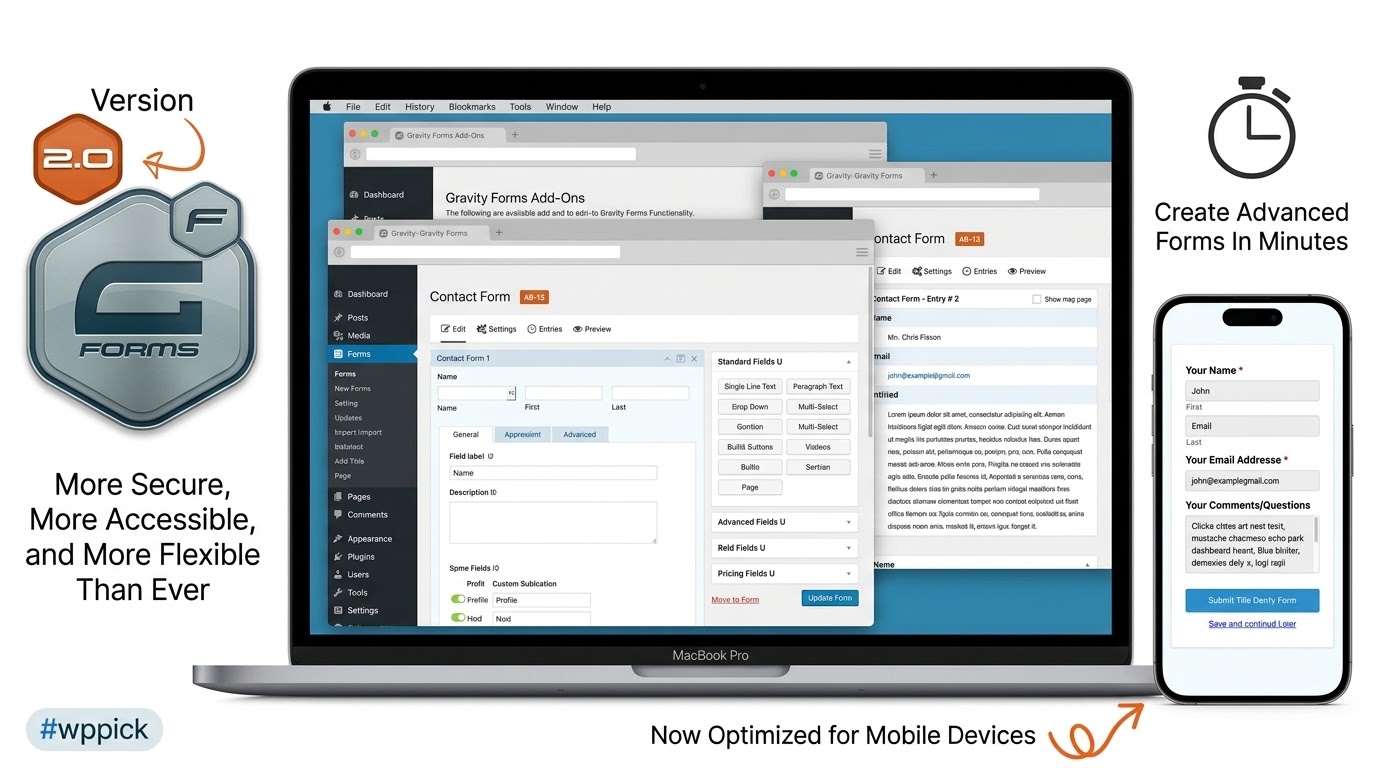
Gravity Forms is a premier form builder plugin designed specifically for WordPress websites. It empowers site administrators, developers, and marketers to construct everything from simple contact forms to complex multi-page data collection workflows. Utilizing an intuitive visual interface, users can build custom forms without writing code, leveraging advanced capabilities like conditional logic to show or hide fields dynamically based on user input.
Latest Version 3.0.2.2 Changes
Gravity Forms version 3.0.2.2 includes bug fixes addressing issues with chained forms when using new AJAX, updates entry list page filter and action hooks for better error catching, fixes a Firefox browser deprecation notice, and resolves a conditional logic init script issue.
- Fixed an issue that prevents chained forms from properly working when new AJAX is enabled.
- Updated the entry list page filter and action hooks to use gfapplyfilters() and gfdoaction(), so throwable errors from hooked callbacks can be caught.
- Fixed a Firefox browser deprecation notice.
- Fixed an issue where some fields and buttons can still be included in the conditional logic init script when conditional logic is disabled.
Who Is Gravity Forms For?
This plugin caters to a wide range of website owners and professionals. Small business owners rely on it for reliable customer inquiries and quote requests. Web agencies and developers appreciate its robust developer API, extensive hook system, and flexibility in handling custom data. E-commerce managers use its payment collection tools to securely process transactions directly through their WordPress environment.
Key Capabilities and Advanced Features
- Visual drag-and-drop form editor for rapid layout design.
- Conditional logic rules to tailor user experiences in real time.
- Multi-page form support with save-and-continue functionality.
- Extensive ecosystem of add-ons for CRM, email marketing, and payment gateways.
- Secure file upload capabilities for user-submitted documents and media.
Practical WordPress Use Cases
Gravity Forms adapts seamlessly to numerous operational requirements across different industries. Educational institutions use it for student registration and course applications. Service providers deploy it for booking consultations and intake questionnaires. Furthermore, organizations frequently use it to run secure surveys, collect user feedback, and manage event registrations efficiently.
Setup, Compatibility, and Version Context
Gravity Forms integrates smoothly into standard WordPress installations running modern PHP environments. Version 3.0.2.2 introduces important stability enhancements, including fixes for chained forms when new AJAX is enabled, updates to entry list filter and action hooks for better error handling, resolution of a Firefox browser deprecation notice, and corrections to conditional logic initialization scripts.
Why Choose Gravity Forms on WPPick?
Choosing Gravity Forms on WPPick grants you access to a time-tested, reliable form management solution known for security and extensibility. Its stable architecture and consistent updates ensure long-term compatibility with evolving WordPress core standards, making it a dependable backbone for your site data collection workflows.
Frequently Asked Questions
Can I create multi-page forms with Gravity Forms?
Yes, Gravity Forms includes native support for multi-page layouts, allowing you to break long forms into manageable steps with progress bars and save-and-continue options.
Does Gravity Forms support conditional logic?
Yes, you can easily configure rules to show or hide specific fields, sections, or submit buttons based on how users respond to previous questions.
How do payments work with Gravity Forms?
The plugin connects with leading payment gateways like PayPal and Stripe, enabling you to accept secure one-time payments, subscriptions, and donations through your forms.
Is Gravity Forms developer-friendly?
Absolutely. It features comprehensive documentation, custom hooks, filters, and an extensive API that allows developers to extend functionality and build custom add-ons.
What was updated in version 3.0.2.2?
Version 3.0.2.2 resolves issues with chained forms under new AJAX, updates entry list hooks for improved error catching, fixes a Firefox deprecation notice, and addresses a conditional logic script issue.
I. Download Limits & Account Benefits
- Free Downloads: Each email address receives 3 downloads per day for free products
- Upgrade Benefits: Purchase any paid product to increase your daily download limit by 3 for each paid product
- No Account Required: You can download immediately by receiving the download link via email
- Account Recommended: Create an account for easier access to your order history and direct update downloads
II. Understanding GPL vs Official Versions
Important: The products available on WPPick are GPL-licensed versions, which differ from official developer versions. Before purchasing, please read our comprehensive guide: Understanding GPL & Official Differences at WPPick
Key Points:
- GPL versions may not include premium support from original developers
- Updates may be delayed compared to official releases
- Some premium features might have limitations
- Always consider your specific needs and support requirements
III. Support & Assistance
We’re here to help through multiple channels:
- Email Support: Direct email assistance for all inquiries
- Live Chat: Real-time support during business hours
- Comprehensive Documentation: Detailed guides and tutorials
IV. Order Tracking
Access your complete purchase history and download links anytime: Order History
V. Account Access
New to WPPick? Login or Create Account to manage your downloads and orders efficiently.
VI. Refund Protection
We stand behind our products with a clear refund policy. Review our terms: Refund Policy
VII. Privacy & Security
Your data security is our priority. Learn how we protect your information: Privacy Policy
VII. Terms of Service
Understanding our service terms ensures a smooth experience: Terms of Use
Quick Tips for Best Experience
- Verify Compatibility: Check plugin/theme compatibility with your WordPress version
- Backup First: Always backup your site before installing new plugins or themes
- Test Environment: Consider testing on a staging site first
- Stay Updated: Regularly check for updates in your account dashboard
- Read Documentation: Review any included documentation for optimal setup
Need Help?
If you have questions about downloads, licensing, or need technical assistance, don’t hesitate to contact our support team. We’re committed to ensuring you have the best possible experience with WPPick products.
Ready to get started? Your download adventure begins with just one click!
- Fixed an issue that prevents chained forms from properly working when new AJAX is enabled.
- Fixed a Firefox browser deprecation notice.
- Fixed an issue where some fields and buttons can still be included in the conditional logic init script when conditional logic is disabled.
- Updated the entry list page filter and action hooks to use
gf_apply_filters()andgf_do_action(), so throwable errors from hooked callbacks can be caught.
- Added security enhancements.
- Fixed an issue that prevents a "CONTAINS" conditional logic rule from being evaluated properly when the target field value contains a pipe (`|`) character.
- Fixed an issue that prevents personal data from being erased or exported on sites with more than 60 forms.
- Fixed an issue that prevents the file upload field from correctly saving a mix of new and existing uploaded files.
- Fixed an issue that prevents bulk entry editing from working when entries are filtered by search criteria.
- Fixed an issue in the form editor where the quantity input for a Single Product field with a linked Quantity field is displayed in the field preview when the field settings load.
- Fixed an issue where toggles cannot be disabled in settings.
- Fixed an issue that causes too many screen reader announcements when bulk editing entries.
- Fixed an issue that prevents the "Custom CSS" block setting introduced in WordPress 7.0 from working on the first form embedded in a page.
- Fixed an issue where the Entry List page shows an empty page when the site has no forms.
- API: Fixed a PHP deprecation notice that occurs when `free` is passed to the first argument of `rgget()` or `GFForms::get()`.
STILL on v2.7.15 (9 months ago) and my form notifications are randomly failing! This is a CRITICAL bug and I need the fix in the latest version (2.9.19.3). Please push the update ASAP!!!
Having a persistent issue where Gravity Forms submissions aren’t going through when WP Super Cache is active. I’ve tried excluding pages but it still seems to conflict. Any known workarounds or specific configurations I should be looking at for these two plugins?
Couldn’t be happier with Gravity Forms, and a huge shoutout to WPPick! They are such a reliable source for WordPress assets. The download was quick and painless, and knowing I can trust where I get my plugins from is invaluable. WPPick is awesome!
Gravity Forms is truly the best form plugin out there, and I was thrilled to find it on WPPick. Their selection is top-notch, and the download process was incredibly easy. It’s become my go-to, reliable source for premium plugins!
Love the plugin, but I’m having trouble with conditional logic on a multi-page form. When I navigate back a page, some fields that should be hidden based on previous selections become visible again. Is this a known bug or am I missing a setting for dynamic visibility on multi-step forms?
Gravity Forms is def the best form plugin out there. So easy to use, and it does literally everything I need it to. 💯
I’ve been using Gravity Forms for years, and discovering WPPick has been a game-changer. It’s a fantastic alternative to sourcing directly, and their service is consistently excellent. Highly recommend both Gravity Forms and WPPick!
Gravity Forms is fantastic for our lead gen! One feature request: any plans for a direct integration with HubSpot’s new Marketing Hub beyond just basic contact creation? It would be great to push form submissions directly into specific HubSpot workflows without Zapier.
Been using this for my client sites for ages. Solid plugin, pretty much does what it says. Can’t go wrong.
Hi, I’m currently on v2.9.12 (3 months ago) and everything is solid with PHP 8.1. I see 2.9.19.3 is the newest release. Are there any known issues jumping a few patch versions? Just want to be cautious before applying it across all client sites. Thanks.