

Grider – Grid Of Content And Products For Elementor
/Year
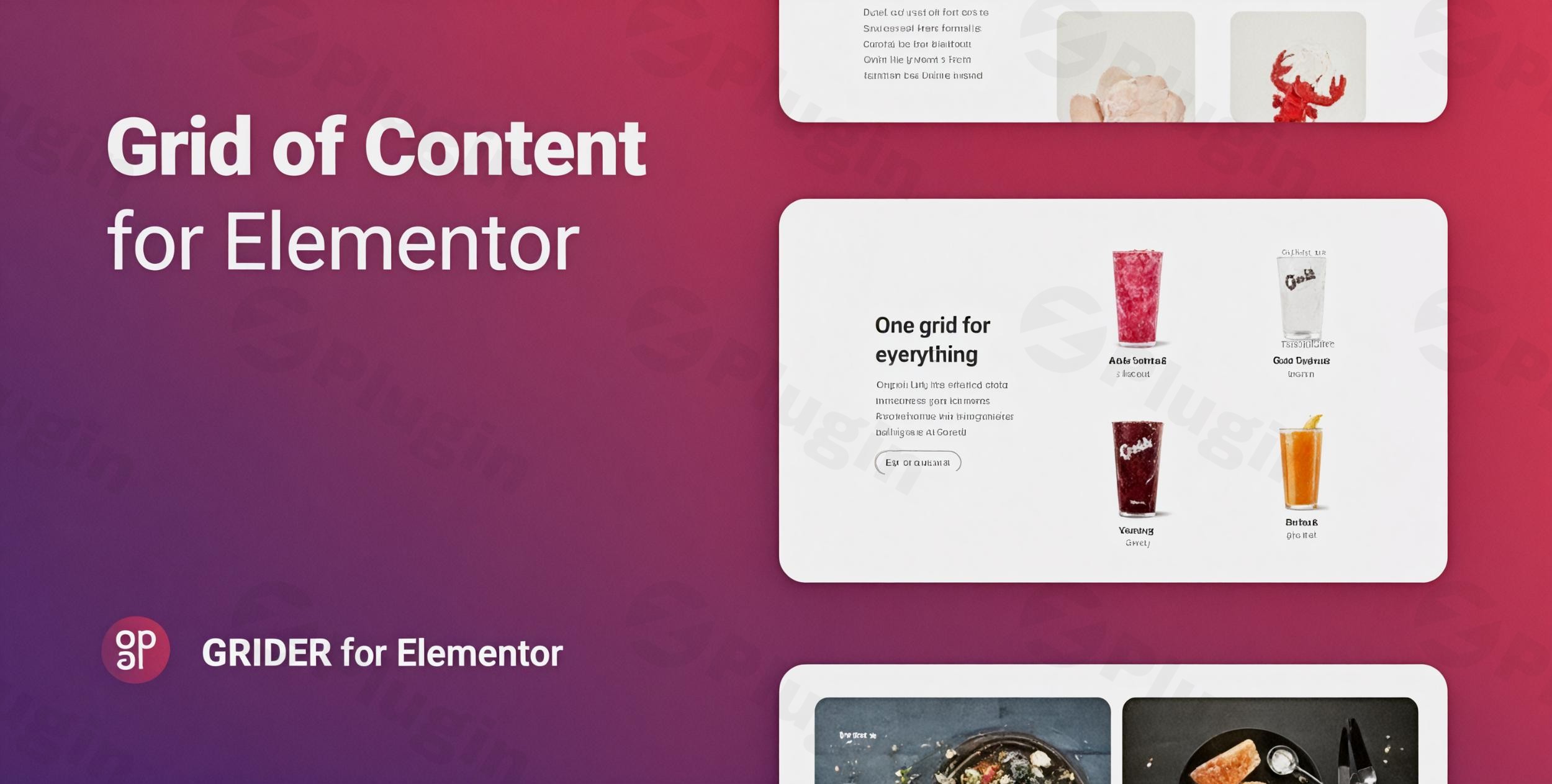
Creating a visually stunning website requires more than just great content; it requires a professional way to display it. If you use Elementor, you know that the default grid options can sometimes feel restrictive. This is where the Grider elementor plugin shines. It is a powerful, lightweight wordpress grid for elementor designed to help you showcase blog posts, WooCommerce products, and custom content in dynamic, eye-catching layouts.
Whether you are a store owner wanting to boost sales with an attractive elementor product grid plugin or a photographer building a portfolio, Grider provides the flexibility and performance needed to stand out in a crowded digital landscape.
Key Features of the Grider Elementor Plugin
The Grider plugin is more than just a simple layout tool; it is a comprehensive elementor content grid widget that brings professional-grade design capabilities to your fingertips.
1. Multi-Source Content Integration
Grider isn’t limited to just one type of content. You can pull data from:
- Standard WordPress Posts: Display your latest news or blog articles.
- WooCommerce Products: Create high-converting shop pages with price displays and “Add to Cart” buttons.
- Custom Post Types: Perfect for real estate listings, movie databases, or team member profiles.
- Manual/Custom Content: Create grids from scratch using your own uploaded images and text.
2. Flexible Layout Modes (Grid & Masonry)
Achieve the exact look you want with two distinct modes. Use the classic Grid mode for a structured, uniform look, or the elementor masonry grid for a modern, Pinterest-style aesthetic where items fit together regardless of their height.
3. 14 Unique Animation Effects
Engagement is key to reducing bounce rates. Grider includes 14 built-in animation effects that trigger as users scroll, making your content feel interactive and alive.
4. Comprehensive Styling Controls
Unlike many other grid plugins, Grider gives you granular control over every element. Within the Elementor sidebar, you can customize:
- Typography and Colors: Match your brand’s style perfectly.
- CSS Filters: Apply blur, grayscale, or brightness effects to images directly.
- Gapless Mode: Create seamless layouts with zero spacing between items for a high-end editorial feel.
5. Performance Optimized & SEO Friendly
Built with clean, maintainable code, Grider is designed to be lightweight. It ensures your site remains fast—a critical factor for both user experience and search engine rankings.
How to Install Grider Plugin for Elementor
Setting up Grider is straightforward and requires no coding knowledge. Follow these steps to get started:
- Download the Plugin: Purchase and download the Grider ZIP file from your provider (e.g., CodeCanyon).
- Upload to WordPress: Navigate to your WordPress Dashboard > Plugins > Add New > Upload Plugin. Select the ZIP file and click Install Now.
- Activate: Once installed, click the Activate button.
- Open Elementor: Navigate to any page or post and click Edit with Elementor.
5. Add the Widget: Search for “Grider” in the Elementor widget panel on the left. Drag and drop the Grider widget onto your page.
Practical Usage & Best Practices
To get the most out of this elementor grid plugin, consider these real-world workflows:
For E-commerce Store Owners
Use Grider as your primary elementor product grid plugin to create “Featured Collections” on your homepage.
- Best Practice: Use the “Instagram View Mode” to give your product feed a social-media-inspired look that encourages browsing.
For Creative Agencies & Photographers
Building a portfolio? Use the Masonry layout to display projects of different sizes.
- Best Practice: Enable Gapless Mode for a “Wall of Content” effect that looks particularly striking on high-resolution displays.
For News & Magazine Sites
If you manage a high-volume blog, use Grider to categorize content into different grid sections (e.g., “Trending,” “Latest,” “Editor’s Choice”).
* Best Practice: Ensure you customize elementor grids for mobile responsive views. Grider allows you to set specific column counts for mobile, tablet, and desktop to ensure readability on small screens.
FAQ & Troubleshooting
What is the Grider plugin for Elementor?
Grider is a dedicated WordPress plugin that extends Elementor’s capabilities by allowing users to create highly customizable and animated grids for posts, products, and custom content.
Can Grider display WooCommerce products?
Yes, Grider is a fully compatible elementor product grid plugin. It allows you to display WooCommerce product titles, prices, descriptions, and images with various layout options.
Is Grider compatible with my WordPress theme?
Grider is designed to work with any WordPress theme that supports Elementor (version 2.5 or higher). It follows standard WordPress coding practices to ensure maximum compatibility.
Does it support RTL (Right-to-Left) languages?
Yes, Grider includes full RTL support, making it an excellent choice for websites in Arabic, Hebrew, or Persian.
How do I update Grider without losing my settings?
Since Grider stores its configurations within the Elementor page data, you can safely update the plugin via the WordPress dashboard or by replacing the plugin folder via FTP. Always recommend performing a site backup before updating any plugin.
Conclusion: Is Grider Right for You?
If you are looking for the best wordpress plugin for elementor product grids and content layouts, Grider offers an impressive balance of ease-of-use and professional features. Its lightweight architecture ensures your site speed isn’t compromised, while the 14 animations and 5 pre-made templates give you a significant head start on design.For marketers, bloggers, and WooCommerce store owners, the ROI of the Grider elementor plugin comes from the increased user engagement and professional polish it brings to any website. Whether you need a simple blog feed or a complex product showcase, Grider is a reliable, high-performance solution for the modern web.For more WordPress plugin reviews and tutorials, visit us at wppick.com.
I. Download Limits & Account Benefits
- Free Downloads: Each email address receives 3 downloads per day for free products
- Upgrade Benefits: Purchase any paid product to increase your daily download limit by 3 for each paid product
- No Account Required: You can download immediately by receiving the download link via email
- Account Recommended: Create an account for easier access to your order history and direct update downloads
II. Understanding GPL vs Official Versions
Important: The products available on WPPick are GPL-licensed versions, which differ from official developer versions. Before purchasing, please read our comprehensive guide: Understanding GPL & Official Differences at WPPick
Key Points:
- GPL versions may not include premium support from original developers
- Updates may be delayed compared to official releases
- Some premium features might have limitations
- Always consider your specific needs and support requirements
III. Support & Assistance
We’re here to help through multiple channels:
- Email Support: Direct email assistance for all inquiries
- Live Chat: Real-time support during business hours
- Comprehensive Documentation: Detailed guides and tutorials
IV. Order Tracking
Access your complete purchase history and download links anytime: Order History
V. Account Access
New to WPPick? Login or Create Account to manage your downloads and orders efficiently.
VI. Refund Protection
We stand behind our products with a clear refund policy. Review our terms: Refund Policy
VII. Privacy & Security
Your data security is our priority. Learn how we protect your information: Privacy Policy
VII. Terms of Service
Understanding our service terms ensures a smooth experience: Terms of Use
Quick Tips for Best Experience
- Verify Compatibility: Check plugin/theme compatibility with your WordPress version
- Backup First: Always backup your site before installing new plugins or themes
- Test Environment: Consider testing on a staging site first
- Stay Updated: Regularly check for updates in your account dashboard
- Read Documentation: Review any included documentation for optimal setup
Need Help?
If you have questions about downloads, licensing, or need technical assistance, don’t hesitate to contact our support team. We’re committed to ensuring you have the best possible experience with WPPick products.
Ready to get started? Your download adventure begins with just one click!
- Improved compatibility with latest WordPress releases