

Happyforms Pro – Friendly Drag And Drop Contact Form Builder
/Year
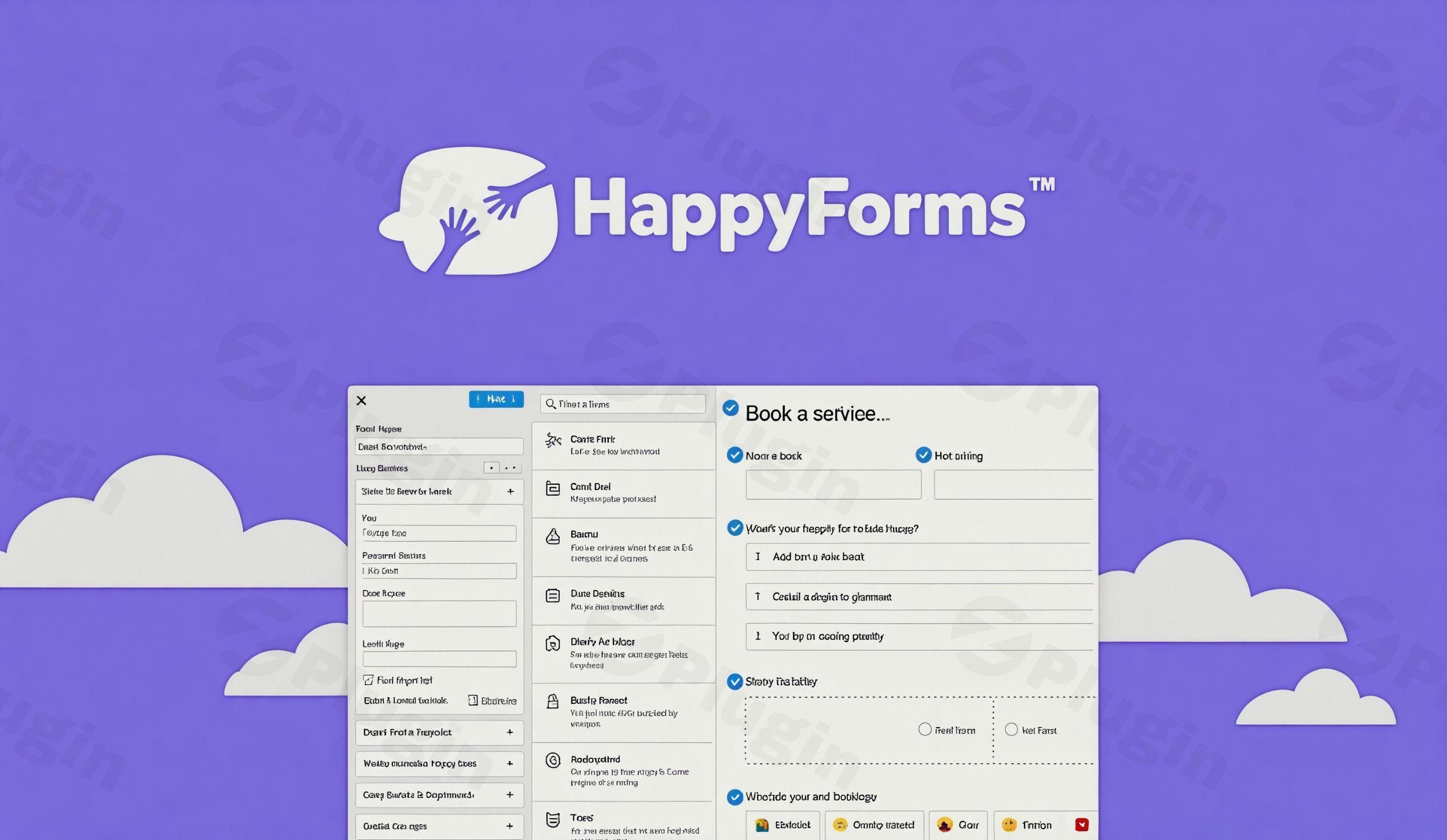
Creating functional, high-converting forms shouldn’t feel like a chore. Happyforms Pro is a premium wordpress contact form builder designed to simplify the lead generation process while maintaining high website performance. Unlike many competitors that rely on cluttered interfaces and expensive add-on bundles, Happyforms Pro provides an all-in-one solution that lives directly within the familiar WordPress Customizer. This allows you to build, style, and preview your forms in real-time, ensuring they look perfect before you ever hit “Publish.”
Key Features: Why Choose Happyforms Pro?
Happyforms Pro stands out in a crowded market of plugins by focusing on a drag and drop form builder wordpress experience that is both intuitive for beginners and powerful enough for advanced users.
1. Real-Time Customizer Integration
The biggest differentiator for Happyforms Pro is its use of the WordPress Customizer. You don’t have to switch back and forth between a backend settings page and your live site. You can see exactly how your form fields, colors, and layout will appear to your visitors as you build them.
2. Advanced Conditional Logic
One of the most sought-after happyforms features is its built-in conditional logic wordpress forms capability. This allows you to create “smart” forms that show or hide specific fields based on previous user answers. This keeps your forms clean and relevant, significantly improving completion rates.
3. Multi-Page Forms and Save & Resume
For longer inquiries or applications, Happyforms Pro allows you to break forms into multiple steps with a progress indicator. Furthermore, the “Save and Resume” feature ensures users can return to complete their submission later, reducing form abandonment.
4. Robust Spam Protection & Reliability
Happyforms Pro prioritizes message delivery. It includes one-click HoneyPot prevention and Google reCAPTCHA integration to stop bots. Because it is a lightweight wordpress form builder, it executes these checks quickly without bloating your site’s code.
5. Seamless Third-Party Integrations
Connecting your forms to your marketing stack is effortless. Happyforms integrations include:
- Email Marketing: Mailchimp, ConvertKit, ActiveCampaign, and AWeber.
- Payments: Direct integration with Stripe and PayPal for easy checkout forms.
- Automation: Connect to Zapier, Make, and Google Sheets to automate your workflow across 5,000+ apps.
How to Create a Contact Form in WordPress with Happyforms
Setting up your first form is a straightforward process that requires no coding knowledge. Follow these steps to get started:
- Installation: After purchasing the plugin, upload the .zip file via Plugins > Add New > Upload in your WordPress dashboard. Activate the plugin.
- Enter the Builder: Navigate to the Happyforms menu in your sidebar and click Add New. This will launch the WordPress Customizer.
- Add Fields: Use the drag and drop form builder wordpress interface to add fields like Email, Short Answer, Multi-page breaks, or even Signature fields.
- Configure Logic: Select a field and click the “Logic” tab to set rules (e.g., “Show this field only if the user selects ‘Support'”).
- Style Your Form: Use the “Style” tab to customize over 50 controls, including typography, colors, and padding, to match your website’s branding.
- Setup Emails: Configure your “Email Notice” settings to ensure you receive an alert whenever a form is submitted.
- Publish: Click Save & Publish. You can then add your form to any page using the Gutenberg block or a shortcode.
Practical Usage & Best Practices
Happyforms Pro is highly versatile. Here are the best ways to use the plugin for different business needs:
- For Marketers (Lead Generation): Use pop-up forms or multi-step “Request a Quote” forms. By utilizing conditional logic, you can segment leads before they even reach your inbox.
- For eCommerce Owners: Create simple order forms using the Stripe or PayPal integrations. This is ideal for selling a single product or service without setting up a full WooCommerce store.
- For Agencies: Use the “Save and Resume” and “File Upload” features to gather comprehensive client onboarding data or project assets.
- For SEO & Performance: Since Happyforms is a lightweight wordpress form builder, it is a better choice for Core Web Vitals than “heavier” alternatives. It loads only the necessary scripts, keeping your PageSpeed scores high.
Happyforms Pro vs. Gravity Forms vs. WPForms
| Feature | Happyforms Pro | Gravity Forms | WPForms |
|---|---|---|---|
| Interface | WordPress Customizer | Backend Builder | Drag & Drop Builder |
| Logic | Included (Built-in) | Paid Add-on/Pro | Paid Add-on/Pro |
| Performance | Extremely Lightweight | Moderate | Moderate |
| Pricing Model | All-in-one Pro | Tiered Add-ons | Tiered Add-ons |
While Gravity Forms is a powerhouse for enterprise logic, Happyforms Pro offers a more user-friendly, integrated experience at a more accessible price point without the need for constant add-on management.
FAQ & Troubleshooting
What are the main features of Happyforms Pro?
Happyforms Pro includes a live drag-and-drop builder, conditional logic, multi-page forms, file uploads, signature fields, and built-in integrations for Stripe, PayPal, and Mailchimp. It also offers advanced spam protection and detailed dashboard analytics.
Is Happyforms Pro compatible with Gutenberg and my theme?
Yes, Happyforms Pro is fully compatible with the Gutenberg editor (providing a dedicated block) and is designed to be theme-agnostic. Its styling engine allows you to customize the look to blend seamlessly with any theme design.
How does Happyforms Pro protect against spam?
The plugin uses a multi-layered approach including a built-in “HoneyPot” (an invisible field that traps bots) and native integration with Google reCAPTCHA. This ensures high-quality submissions without disrupting the user experience.
Can I connect Happyforms to Mailchimp?
Yes. Happyforms Pro includes a native Mailchimp integration. You can map your form fields to your Mailchimp audience lists and tags directly within the form settings to automate your email marketing.
Final Verdict: Is Happyforms Pro Worth It?
If you are looking for an easy to use wordpress form plugin that doesn’t compromise on advanced features, Happyforms Pro is an excellent investment. Its unique integration with the WordPress Customizer provides the most intuitive building experience on the market.
Whether you need a simple contact page or a complex, logic-driven application form, Happyforms Pro delivers reliability and speed. For site owners who value performance and a clean workflow, it is arguably the best wordpress form plugin available today.
Ready to streamline your site? Visit wppick.com for more WordPress reviews and optimization tips.
I. Download Limits & Account Benefits
- Free Downloads: Each email address receives 3 downloads per day for free products
- Upgrade Benefits: Purchase any paid product to increase your daily download limit by 3 for each paid product
- No Account Required: You can download immediately by receiving the download link via email
- Account Recommended: Create an account for easier access to your order history and direct update downloads
II. Understanding GPL vs Official Versions
Important: The products available on WPPick are GPL-licensed versions, which differ from official developer versions. Before purchasing, please read our comprehensive guide: Understanding GPL & Official Differences at WPPick
Key Points:
- GPL versions may not include premium support from original developers
- Updates may be delayed compared to official releases
- Some premium features might have limitations
- Always consider your specific needs and support requirements
III. Support & Assistance
We’re here to help through multiple channels:
- Email Support: Direct email assistance for all inquiries
- Live Chat: Real-time support during business hours
- Comprehensive Documentation: Detailed guides and tutorials
IV. Order Tracking
Access your complete purchase history and download links anytime: Order History
V. Account Access
New to WPPick? Login or Create Account to manage your downloads and orders efficiently.
VI. Refund Protection
We stand behind our products with a clear refund policy. Review our terms: Refund Policy
VII. Privacy & Security
Your data security is our priority. Learn how we protect your information: Privacy Policy
VII. Terms of Service
Understanding our service terms ensures a smooth experience: Terms of Use
Quick Tips for Best Experience
- Verify Compatibility: Check plugin/theme compatibility with your WordPress version
- Backup First: Always backup your site before installing new plugins or themes
- Test Environment: Consider testing on a staging site first
- Stay Updated: Regularly check for updates in your account dashboard
- Read Documentation: Review any included documentation for optimal setup
Need Help?
If you have questions about downloads, licensing, or need technical assistance, don’t hesitate to contact our support team. We’re committed to ensuring you have the best possible experience with WPPick products.
Ready to get started? Your download adventure begins with just one click!
- Update: WordPress 6.9.4 compatibility
- Fixed: Use explicit nullable types for PHP 8.4 compatibility