
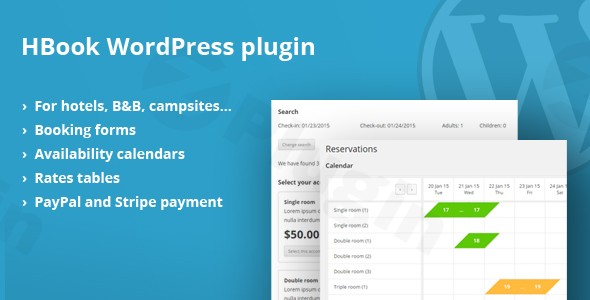
Hbook – Hotel Booking System – WordPress Plugin
/Year
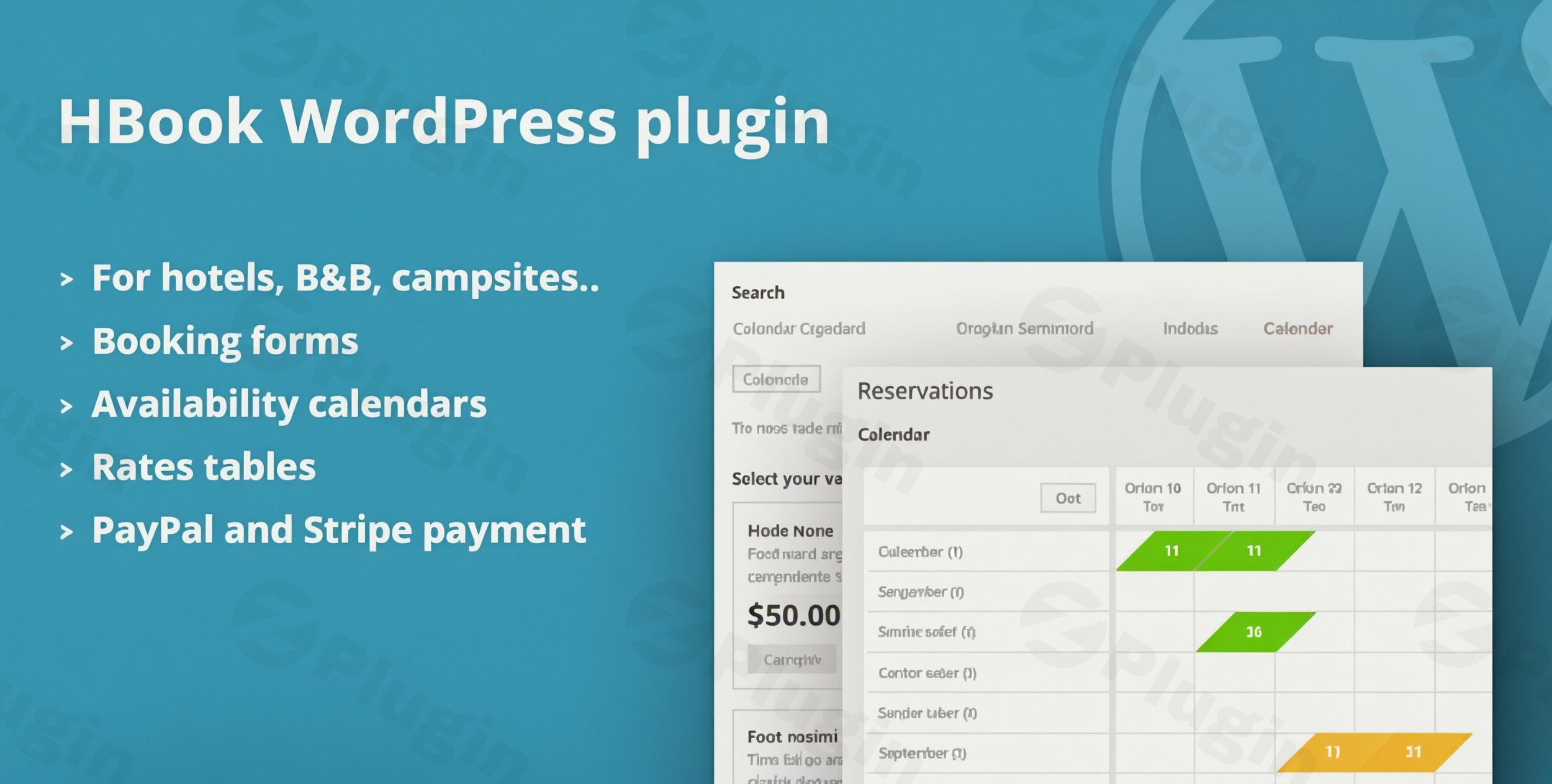
In today’s digital-first world, having a robust online booking system is non-negotiable for any accommodation business. Whether you manage a cozy bed and breakfast, a bustling hotel, sprawling holiday apartments, or even a campsite, the ability for guests to effortlessly book their stay directly from your website is crucial. This is where the HBook WordPress plugin shines, providing a comprehensive and intuitive hotel booking WordPress plugin solution that streamlines reservations and enhances the guest experience.HBook is an advanced WordPress hotel reservation system meticulously crafted for the hospitality industry. It empowers property owners to integrate dynamic availability calendars, flexible pricing models, and secure, mobile-responsive booking forms directly onto their WordPress site. By leveraging HBook, you can significantly reduce reliance on third-party booking platforms, boost direct bookings, and take full control of your reservation management.
Key Features of HBook: Revolutionizing Your Booking Experience
HBook offers a powerful suite of HBook features designed to handle every aspect of the booking process, from initial search to final confirmation. Here’s a detailed look at what makes HBook an indispensable accommodation booking plugin WordPress solution:
- Real-Time Availability Calendars:HBook provides real-time availability calendar WordPress functionality, ensuring your guests always see up-to-the-minute room or property availability. This interactive calendar prevents overbookings and offers a transparent booking experience, crucial for maintaining guest trust and efficient property management.
- Customizable Online Reservation Forms:Guests can book instantly through user-friendly forms, which you can customize with a drag-and-drop builder. Collect precisely the information you need, and offer flexible booking options including instant, manual, or request-based confirmations. This flexibility makes HBook an ideal WordPress property booking plugin for diverse rental types.
- Flexible Pricing Rules for Any Scenario:Gone are the days of static pricing. HBook allows for sophisticated custom rates based on seasons, number of guests, length of stay, and special promotions. You can define various fees, taxes, and even set up security bonds or deposits, giving you complete control over your revenue strategy. This is an excellent WordPress plugin for seasonal hotel rates.
- Multiple Secure Payment Gateways:Integrate with popular online payment methods like PayPal and Stripe directly, ensuring secure transactions for your guests. HBook also supports WooCommerce payments and offers offline options such as bank transfers or “pay on arrival,” providing convenience and flexibility.
- Comprehensive Booking Management Dashboard:Manage all your reservations from a centralized, intuitive dashboard. Administrators can view bookings in a calendar or list format, access customer details, edit reservation information, add internal comments, and process actions like confirmation, cancellation, or deletion with ease.
- Multi-Language Ready:Cater to a global audience with HBook’s multi-language support. It’s compatible with leading translation plugins like WPML, Polylang, and qTranslateX, and includes translation files for several languages, making it accessible to international guests.
- Responsive and Mobile-Optimized Design:In an age where bookings often happen on the go, HBook ensures a seamless experience across all devices. Its responsive design guarantees your booking forms and calendars look and function perfectly on desktops, tablets, and smartphones.
- iCal Synchronization with OTAs:Prevent double bookings and keep your availability synchronized across all platforms. HBook facilitates two-way Hbook WordPress plugin iCal sync Airbnb, Booking.com, Google Calendar, Homeaway/VRBO, and other external calendars, ensuring consistent availability everywhere.
- Automated Email Notifications:Streamline communication with automated email notifications for guests and administrators. Send instant booking confirmations, cancellation notices, payment reminders, and links for remaining balances, keeping everyone informed.
- Vouchers, Discounts, Extra Services & Invoicing:Boost sales with promotional vouchers and discounts. Offer additional services that guests can add to their reservation for an upsell opportunity. HBook also enables direct invoice generation from your reservation list and allows you to export booking data to CSV files for easy record-keeping and analysis.
How to Set Up HBook Hotel Booking Plugin on WordPress
Getting started with HBook is straightforward, even for those without deep technical knowledge. Here’s a step-by-step guide on how to set up Hbook hotel booking plugin on WordPress:
- Purchase and Download HBook: Obtain the HBook plugin files from a reputable source like ZeroPlugin.com for the GPL-licensed version or CodeCanyon. Ensure you have the latest stable version.
- Install the Plugin:
- Log in to your WordPress admin dashboard.
- Navigate to Plugins > Add New.
- Click on the Upload Plugin button.
- Choose the
hbook.zipfile you downloaded and click Install Now. - Once installed, click Activate Plugin.
- Initial Configuration:
- After activation, you’ll find a new menu item, typically labeled “HBook,” in your WordPress dashboard.
- Go to HBook > Settings to configure your general booking rules, currency, date format, and other global preferences.
- Create Your Accommodation Types:
- Under HBook > Accommodation, define your room types, apartments, or property units. For each, you’ll specify details like capacity, size, amenities, and assign images.
- Set Up Rates and Seasons:
- Navigate to HBook > Rates. This is where you’ll define your pricing structure based on seasons, weekdays/weekends, length of stay, number of guests, and any special promotions. This is critical for leveraging the
WordPress plugin for seasonal hotel ratesfunctionality.
- Navigate to HBook > Rates. This is where you’ll define your pricing structure based on seasons, weekdays/weekends, length of stay, number of guests, and any special promotions. This is critical for leveraging the
- Configure Booking Forms:
- Go to HBook > Forms. Here, you can customize HBook booking form WordPress elements using the drag-and-drop builder. Decide what information to collect from guests and set up confirmation types (instant, manual, or request).
- Integrate Payment Gateways:
- In HBook > Settings > Payment, configure your preferred payment gateways such as PayPal, Stripe, or enable offline payment options. If using WooCommerce, ensure it’s integrated correctly.
- Place Booking Elements on Your Site:
- HBook uses shortcodes and Gutenberg blocks to display availability calendars and booking forms.
- To add a booking form, create a new page or post and insert the appropriate HBook block or shortcode (e.g.,
[hbook form='1']). - To add an availability calendar, use a similar shortcode (e.g.,
[hbook calendar='1']). - Publish your page, and your booking system is live!
- Set Up iCal Synchronization (Optional but Recommended):
- If you list your property on OTAs, go to HBook > iCal Synchronization to set up two-way sync with platforms like Airbnb or Booking.com. This prevents double bookings and keeps all your calendars updated automatically.
Practical Usage & Best Practices for Maximizing HBook
HBook isn’t just a booking engine; it’s a tool to enhance your business operations and guest satisfaction. Here are some practical usage scenarios and best practices:
- For Boutique Hotels and B&Bs: HBook is ideal for managing multiple room types with varying capacities and amenities. Use its flexible pricing rules to offer unique packages, romantic getaways, or seasonal discounts. The real-time availability calendar WordPress ensures guests can see exactly what’s available for their chosen dates, simplifying their decision.
- For Vacation Rental Owners: Manage single or multiple holiday apartments with ease. Leverage the Hbook WordPress plugin iCal sync Airbnb and other platforms to prevent frustrating double bookings across all your listings. The customizable forms allow you to gather specific information pertinent to vacation rentals, such as arrival times or special requests.
- For Campsite Management: Define pitches or spots as “accommodations” and use HBook’s flexible rules to price based on pitch size, amenities (e.g., electric hookup), and season. The comprehensive booking dashboard helps you track all site reservations.
- Maximizing Direct Bookings: Emphasize the ease of direct booking on your website compared to OTAs. Consider offering a small discount or exclusive add-on for guests who book directly through your HBook system. This helps to reduce commission fees and build a direct relationship with your customers.
- Leveraging Automation: Utilize HBook’s automated email notifications for everything from booking confirmations to pre-arrival instructions. This frees up your time, ensures consistent communication, and enhances the guest experience.
- Regular Review and Optimization: Periodically review your HBook settings, especially pricing rules and seasonal adjustments. Monitor booking patterns and guest feedback to optimize your forms, rates, and overall booking process.
FAQ & Troubleshooting
Here are answers to common questions about the HBook WordPress plugin:
What are the main features of the Hbook WordPress plugin?
The Hbook WordPress plugin offers real-time availability calendars, customizable online reservation forms, flexible pricing rules (including seasonal rates), multiple secure payment gateways (PayPal, Stripe, WooCommerce), a comprehensive booking management dashboard, multi-language support, responsive design, iCal synchronization with OTAs (like Airbnb), automated email notifications, vouchers/discounts, extra services, and invoice generation.
How much does the Hbook hotel booking plugin cost?
The pricing for HBook can vary depending on where it’s purchased. From platforms like CodeCanyon, it typically involves a one-time purchase for a single site license, with optional renewals for support and updates. From GPL providers like ZeroPlugin.com, you often get a GPL-licensed version with lifetime updates for unlimited usage, ensuring full functionality and legal compliance.
Is Hbook compatible with [WordPress theme name]?
HBook is designed for broad compatibility with the latest WordPress releases and is built to seamlessly integrate with the styling of most active WordPress themes. It also offers customization options for booking form styles, allowing you to align it with your brand’s aesthetics. If you encounter any styling conflicts, HBook usually provides options to override default theme styles.
Can Hbook synchronize with Airbnb?
Yes, HBook offers robust two-way iCal synchronization capabilities, allowing you to effortlessly sync your availability with external calendars and popular Online Travel Agencies (OTAs) such as Airbnb, Booking.com, Google Calendar, and Homeaway/VRBO. This crucial feature helps prevent double bookings and keeps your availability consistent across all platforms.
What are the best alternatives to Hbook for WordPress?
While HBook is a top-tier solution, popular alternatives include MotoPress Hotel Booking (often praised for multi-property support and integrations), Bookly (for general service bookings), YITH Booking and Appointment (especially for WooCommerce users), and Booking Calendar (a popular choice with a free version). Each offers unique strengths, and the “best” choice depends on your specific needs, budget, and desired feature set.
Conclusion: Empower Your Hospitality Business with HBook
The HBook WordPress plugin stands out as a robust and reliable hotel booking WordPress plugin solution for any accommodation provider looking to streamline their online reservations. Its comprehensive features, from real-time availability and flexible pricing to seamless iCal synchronization and multi-language support, provide everything you need to manage bookings efficiently and enhance guest satisfaction.By choosing HBook, you’re not just getting a plugin; you’re investing in a professional WordPress hotel reservation system that empowers you to maximize direct bookings, reduce operational overhead, and deliver a superior booking experience. For boutique hotels, vacation rentals, B&Bs, and campsites, HBook offers a clear path to increased profitability and simplified management, making it a truly valuable asset for your online presence.
I. Download Limits & Account Benefits
- Free Downloads: Each email address receives 3 downloads per day for free products
- Upgrade Benefits: Purchase any paid product to increase your daily download limit by 3 for each paid product
- No Account Required: You can download immediately by receiving the download link via email
- Account Recommended: Create an account for easier access to your order history and direct update downloads
II. Understanding GPL vs Official Versions
Important: The products available on WPPick are GPL-licensed versions, which differ from official developer versions. Before purchasing, please read our comprehensive guide: Understanding GPL & Official Differences at WPPick
Key Points:
- GPL versions may not include premium support from original developers
- Updates may be delayed compared to official releases
- Some premium features might have limitations
- Always consider your specific needs and support requirements
III. Support & Assistance
We’re here to help through multiple channels:
- Email Support: Direct email assistance for all inquiries
- Live Chat: Real-time support during business hours
- Comprehensive Documentation: Detailed guides and tutorials
IV. Order Tracking
Access your complete purchase history and download links anytime: Order History
V. Account Access
New to WPPick? Login or Create Account to manage your downloads and orders efficiently.
VI. Refund Protection
We stand behind our products with a clear refund policy. Review our terms: Refund Policy
VII. Privacy & Security
Your data security is our priority. Learn how we protect your information: Privacy Policy
VII. Terms of Service
Understanding our service terms ensures a smooth experience: Terms of Use
Quick Tips for Best Experience
- Verify Compatibility: Check plugin/theme compatibility with your WordPress version
- Backup First: Always backup your site before installing new plugins or themes
- Test Environment: Consider testing on a staging site first
- Stay Updated: Regularly check for updates in your account dashboard
- Read Documentation: Review any included documentation for optimal setup
Need Help?
If you have questions about downloads, licensing, or need technical assistance, don’t hesitate to contact our support team. We’re committed to ensuring you have the best possible experience with WPPick products.
Ready to get started? Your download adventure begins with just one click!
- Fixed paid price calculation upon mark as paid.
- Fixed email sending when no customer email and iCal reservation.
- Added payment link expiration delay in hours.
- Added scroll to reservation details table.
- Fixed VRBO iCal signature issue
- Fixed blocked all not applied correctly
- Added mark as paid action
- Added automatic confirmation of a pending reservation upon payment
- Added price update options for iCal imported reservations
- Added new query parameter to iCal export URLs
- Added default email addresses
- Added options to import/export HBook settings
- Added expiration delay for payment links
- Restructured misc menu
- Fixed bug with no decimals currencies (for Payment links)
- Fixed bug with normal occupancy setting when set to 0
- Fixed Paid status not properly displayed in admin Reservations page
- Added support for optional headers for iCal export
- Fixed a bug introduced in 2.1.2 (issue with Stripe payment confirmation)
- Thanks message for Payment links not properly displayed
- Stripe issue when payment is delayed
- Issues with older PHP versions
- Missing country field on Stripe payment page form
- Decimals support for field type number
- added an option to display payment link as a button
- added scroll to results after search
- fixed calendar start date on opening issue
- fixed payments display and calculation issue affecting specific payments setup