

Hide My WP Ghost Premium For WP
/Year
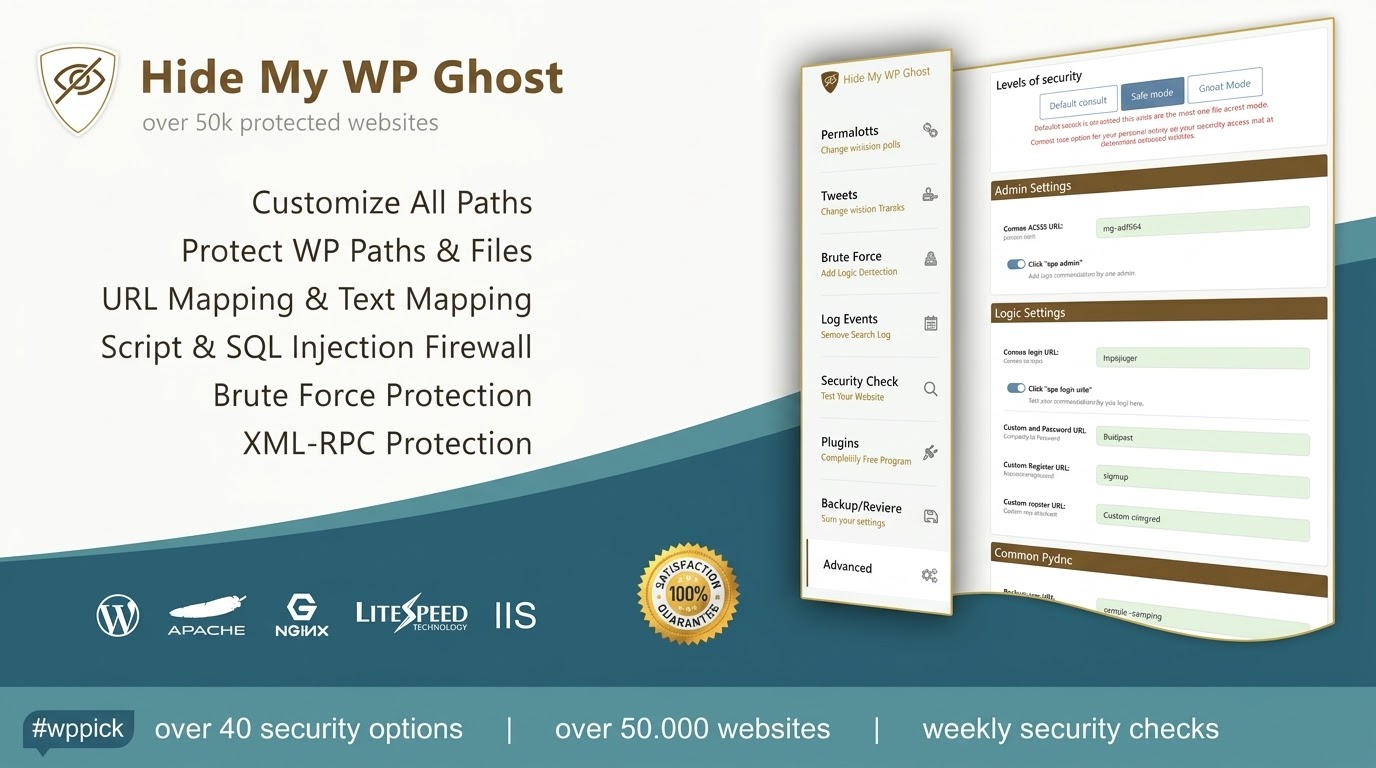
Protect Your WordPress Infrastructure invisibly
Hide My WP Ghost Premium introduces a powerful layer of security to WordPress installations by executing a comprehensive concealment strategy. Unlike conventional security plugins that merely log attacks, this solution prevents bad actors and automated vulnerability scanners from recognizing that your website runs on WordPress. By dynamically renaming common paths and files, it systematically mitigates target visibility, removing your site from the automated hit lists of hackers.
What Hide My WP Ghost Does
The primary function of this utility is path hiding and structural masking. It replaces standard identifiers like wp-admin, wp-login.php, wp-content, and plugin directories with custom, user-defined tokens. The plugin intercepts incoming requests, mapping custom URLs back to core logic without physically renaming files or modifying your database structures. Simultaneously, its integrated 7G and 8G firewall framework monitors traffic at the server boundary to drop malicious execution payloads before they stress your application architecture.
Who This Premium Security Plugin Is For
This software is tailored for WordPress site owners, agency developers, and enterprise administrators who require strict security protocols without incurring heavy system overhead. It is particularly suitable for:
- E-commerce storefronts managing transactional customer data.
- Membership portals looking to guard custom authentication points.
- Agencies deploying client sites that need to remove obvious WordPress footprints.
- High-traffic websites targeted by relentless brute-force or script-injection campaigns.
Key Security Capabilities
The premium features provide a proactive defense matrix designed to handle modern exploit vectors. Core operational elements include:
- Dynamic Path Obscurity: Safely customize paths for your administration area, login pages, themes, and uploaded assets.
- Layered Firewall (7G/8G Framework): Detects and stops complex SQL injections, Cross-Site Scripting (XSS) payloads, and unauthorized directory traversal.
- Advanced Authentication Upgrades: Implements Two-Factor Authentication (2FA), Magic Login Links, and Passkey/Fingerprint support directly into the core ecosystem.
- Intelligent Bot Blocking: Identifies and rejects malicious user agents, scraping engines, and AI bots seeking to exploit known application vulnerabilities.
- Security Threats Log: Captures detailed diagnostic reports regarding blocked execution vectors while keeping track of user events separately.
Practical WordPress Use Cases
Implementing this tool resolves several real-world security challenges faced by webmasters daily:
- Defeating Automated Brute Force: By shifting wp-login.php to an unlisted structural link, automated bots encounter 404 errors instead of login screens, preventing password-guessing fatigue.
- Fixing REST API Vulnerabilities: Controls user enumeration vulnerabilities and limits access to REST API endpoints, keeping sensitive username data private.
- Mitigating Zero-Day Plugin Vulnerabilities: Since attackers cannot scan your plugin directory to see what extensions are active, they cannot execute targeted exploits on unpatched third-party plugins.
Setup and Compatibility Context
Setting up the plugin involves activating the configuration wizard, which systematically guides you through basic or advanced hiding modes. The software relies heavily on rewrite rules generated in your server configuration files (such as .htaccess or Nginx configuration rules). It offers documented compatibility with prominent performance tools like LiteSpeed Cache, page builders like Elementor Pro, and multi-language suites including WPML and Polylang. Always create a system backup and ensure you retain the unique safe URL generated during setup to maintain administrative access.
Reasons to Choose Hide My WP Ghost on WPPick
Procuring this item via WPPick yields an optimized deployment approach for production sites. Users receive a clean, fully checked package free of malicious tampering or unauthorized code scripts. WPPick structures its marketplace items transparently, guaranteeing accessible file distribution alongside standard operational security parameters, ensuring deployment compliance across corporate or personal web infrastructure.
Latest Version Context
Detailed release notes for version 9.0.06 are not available from the provided sources. The system is maintained through a structured update cadence focused on improving foundational firewall mechanisms, validating script performance alongside current core web definitions, and providing stable structural masking rules across standard hosting environments.
Frequently Asked Questions
Will hiding paths break my existing plugins or theme layouts?
No. The system utilizes real-time link mapping to substitute strings dynamically in the source code. It does not move or rewrite actual physical directory files on your server, ensuring existing plugin or theme scripts retain their original references internally.
What happens if I lose my custom login path and get locked out?
The software generates a unique recovery or safe link during the initial configuration sequence. If you misplace this link, you can restore standard administrative access by manually renaming the plugin folder via FTP or your hosting control panel file manager.
Does this tool conflict with security suites like Wordfence?
It works efficiently alongside traditional endpoint firewalls. While application firewalls scan files and look for malware payloads, this plugin acts as a front-line defense layer by masking endpoints so automated threats never locate your login inputs.
Can I use this plugin on Nginx or IIS servers instead of Apache?
Yes. It supports Apache, Nginx, and IIS server environments. For Nginx servers, specific rewrite rules generated within the plugin control panel must be added to your Nginx configuration files manually for the path alterations to take effect.
Does path hiding affect my search engine indexing or SEO scores?
No. The tool is designed to recognize trusted search engine crawlers like Googlebot and allow them access to vital source paths. It preserves normal file rendering for legitimate indexers while feeding falsified signals exclusively to malicious bots.
I. Download Limits & Account Benefits
- Free Downloads: Each email address receives 3 downloads per day for free products
- Upgrade Benefits: Purchase any paid product to increase your daily download limit by 3 for each paid product
- No Account Required: You can download immediately by receiving the download link via email
- Account Recommended: Create an account for easier access to your order history and direct update downloads
II. Understanding GPL vs Official Versions
Important: The products available on WPPick are GPL-licensed versions, which differ from official developer versions. Before purchasing, please read our comprehensive guide: Understanding GPL & Official Differences at WPPick
Key Points:
- GPL versions may not include premium support from original developers
- Updates may be delayed compared to official releases
- Some premium features might have limitations
- Always consider your specific needs and support requirements
III. Support & Assistance
We’re here to help through multiple channels:
- Email Support: Direct email assistance for all inquiries
- Live Chat: Real-time support during business hours
- Comprehensive Documentation: Detailed guides and tutorials
IV. Order Tracking
Access your complete purchase history and download links anytime: Order History
V. Account Access
New to WPPick? Login or Create Account to manage your downloads and orders efficiently.
VI. Refund Protection
We stand behind our products with a clear refund policy. Review our terms: Refund Policy
VII. Privacy & Security
Your data security is our priority. Learn how we protect your information: Privacy Policy
VII. Terms of Service
Understanding our service terms ensures a smooth experience: Terms of Use
Quick Tips for Best Experience
- Verify Compatibility: Check plugin/theme compatibility with your WordPress version
- Backup First: Always backup your site before installing new plugins or themes
- Test Environment: Consider testing on a staging site first
- Stay Updated: Regularly check for updates in your account dashboard
- Read Documentation: Review any included documentation for optimal setup
Need Help?
If you have questions about downloads, licensing, or need technical assistance, don’t hesitate to contact our support team. We’re committed to ensuring you have the best possible experience with WPPick products.
Ready to get started? Your download adventure begins with just one click!
- Security Log and Events Log not recording properly
- Optimize user logged in verification
- Small bugs and typos
- Firewall rules to work with the new WordPress 6.9.2 update
- Fatal error on log table creation when the plugin is activated
- Safe URL parameter on login form to prevent 2FA from showing when is activated
- Remove the option to send the new paths by email as they are already on WP Ghost Dashboard
- Send the Brute Force, 2FA and Magic Login texts to the multilingual plugins like WPML and Polylang
- Add the Magic Login options to Change Paths > Login Security section
- Added Automation on IP address blocking in the Firewall
- Translations in all 14 languages
- Moved 2FA and Magic Login feature in WP Ghost core
- UI for Security Threats Log and Events Log
- Plugin core security according to the latest WordPress security recommendations
- Add the option to hide AI Bots in the Firewall > Block User Agents
- Events Log renamed to Logs, now split into User Events and Security Threats
- Expanded 7G / 8G Firewall rules to block advanced brute-force attempts, SQL injection, XSS payloads, file inclusion, directory traversal, and automated vulnerability scans before reaching WordPress
- Improved threat detection to stop malicious requests before WordPress core execution
- Added advanced request pattern analysis to identify and block malicious payloads
- Enhanced threat classification to clearly separate blocked attacks from allowed traffic in security logs
- Optimized firewall execution path to reduce overhead and improve performance under high attack traffic
- Added the option to track all threats
- Compatibility with PHP 8.5
- Added compatibility with Photo Gallery from 10Web
- Security Threats Log added to track blocked attacks and malicious requests
- Fix - Brute Force compatibility with Elementor Pro on form submit
- Fix - Update Google reCaptcha JavaScript to work with Woocommerce Ajax
- Remove the wp-*.php and admin path from prefetch paths in WP 6.9
- Small bugs and warnings
- Compatibility with WP 6.9
- 2FA to allow each user to select the 2FA method in the profile
- 2FA to connect through passkey and fingerprint
- 2FA to trust the current browser
- Thank you for @ciro045 untouched version!
- Compatibility with the plugin WP Social & WP Social PRO
- Compatibility with LiteSpeed Quic Cloud on IPV6
- Make REST API test work when permalinks are set to the default PHP parameter
- Minimum PHP version required is 8.0 in the Security Check section
- Firewall rules for more compatibility
- Compatibility with the plugin Debloa
- Safe URL verification process
- Update - Compatibility with Riode theme on Brute Force
- Fix - Update check error
- 7G & 8G Firewall for more compatibility with WP Plugin
- Compatibility with Kadence Blocks