

Huger – Mega Menu For Elementor
/Year
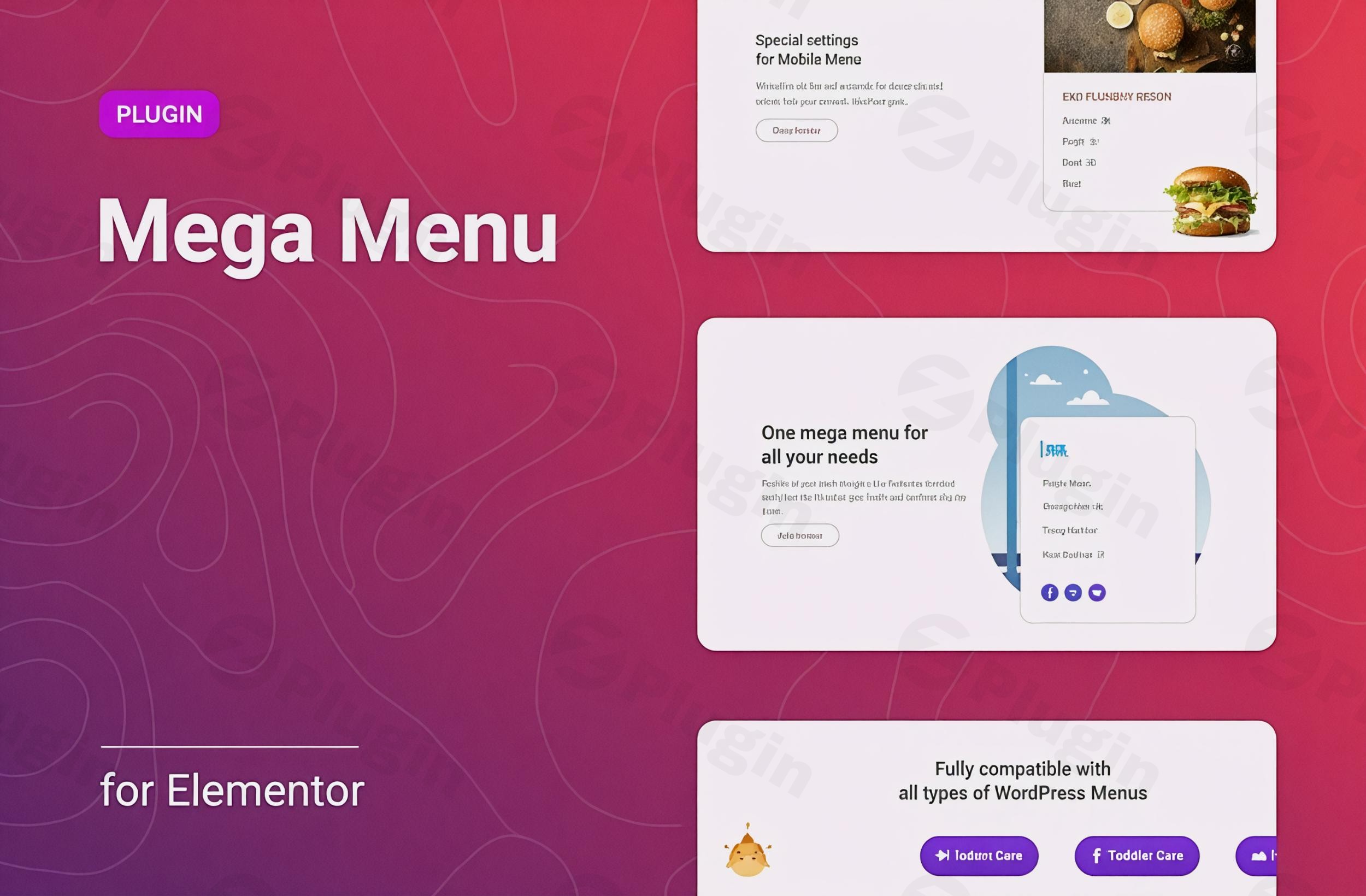
Creating visually stunning and highly functional navigation menus is crucial for any modern WordPress website, especially those built with Elementor. The Huger Mega Menu Elementor plugin emerges as a powerful solution, allowing you to transform standard menus into rich, interactive mega menus with unparalleled ease. As a dedicated Elementor Mega Menu Plugin, Huger empowers site owners, marketers, and developers to craft complex navigation structures without writing a single line of code, significantly enhancing user experience and site engagement.
Key Features: Building Better WordPress Navigation with Huger
Huger – Mega Menu for Elementor is packed with features designed to give you complete control over your website’s navigation. Let’s explore the core capabilities that make it a standout choice for WordPress Mega Menu Elementor users.
Elementor Template Integration: The Ultimate Content Flexibility
A defining feature of Huger is its seamless integration with Elementor templates. This means you can design any content within the Elementor builder – be it images, videos, product grids, contact forms, or custom widgets – and use it directly as the content for your mega menu submenus. This capability answers the common query, “How to create a mega menu with Elementor templates?” by making it incredibly intuitive. Instead of being limited to text links, your submenus become dynamic content areas, offering a truly immersive browsing experience.
Flexible Layouts for Every Design
Huger supports both horizontal and vertical mega menu layouts, providing the flexibility to adapt to various website designs and user interface preferences. Whether your navigation is at the top of your header or along a sidebar, Huger offers the tools to make it visually cohesive and functional.
Multi-level Customization
For sites with extensive content, multi-level menus are essential. Huger provides flexible settings for each level of your menu, allowing you to build intricate hierarchical navigation structures that remain organized and easy to navigate for your visitors.
Responsive Mobile Menu Customization
In today’s mobile-first world, a responsive menu is non-negotiable. Huger includes dedicated settings for mobile menus, ensuring your navigation looks and performs flawlessly on all devices. You can customize toggle icons, positions, and opt for full-width display options, establishing Huger as a strong contender for the “Best responsive mega menu plugin for Elementor.”
Icon and Badge Support
Enhance visual appeal and highlight important menu items with Font Awesome icons and custom badges. Huger’s built-in icon picker simplifies selection, allowing you to add visual cues that guide users and draw attention to specific sections.
Extensive Styling and Customization Options
Beyond content, visual styling is key. The plugin offers comprehensive styling controls over typography, colors, borders, backgrounds, submenu offsets, and different states (normal, hover, active). These Huger Elementor plugin features ensure your mega menu perfectly matches your brand’s aesthetic.
WooCommerce Compatibility
For online stores, is Huger Mega Menu compatible with WooCommerce? Absolutely. Huger is designed to work seamlessly with WooCommerce, allowing you to display products, categories, sales, or other e-commerce-related content directly within your mega menus. This is invaluable for guiding shoppers to specific product lines or promotions.
Pre-made Templates and SEO Friendly Design
Get a head start with 5 pre-designed, stylized mega menu templates. These provide excellent inspiration and a quick way to implement a professional-looking menu. Furthermore, Huger aims for a clean and lightweight code structure, contributing to an SEO-friendly website performance.
Installation & Setup: Getting Started with Huger Mega Menu for Elementor
Installing and setting up the Huger Mega Menu is a straightforward process, designed for users of all technical levels. Here’s how to get your dynamic menu up and running:
- Purchase and Download: First, acquire the Huger – Mega Menu for Elementor plugin from its marketplace (e.g., CodeCanyon). You’ll receive a downloadable .zip file.
- Upload the Plugin: Log in to your WordPress dashboard. Navigate to Plugins > Add New. Click the “Upload Plugin” button at the top.
- Choose File and Install: Click “Choose File,” select the Huger .zip file you downloaded, and then click “Install Now.”
- Activate the Plugin: Once the installation is complete, click “Activate Plugin.”
- Access Huger Settings: After activation, you’ll typically find Huger’s settings within your WordPress dashboard, often under a dedicated menu item or integrated into the Appearance > Menus section.
- Create Your Elementor Templates: Before configuring your mega menu, create the Elementor templates you wish to use as submenu content. Go to Templates > Saved Templates > Add New, choose “Section” or “Page” (depending on your content complexity), and design your submenu layout using Elementor.
- Configure Your Menu: Go to Appearance > Menus. Select an existing menu or create a new one. For any menu item you want to transform into a mega menu, hover over it. You’ll see new Huger options appear, allowing you to enable the mega menu and select the Elementor template you designed in the previous step.
- Customize and Style: Dive into Huger’s extensive customization options to fine-tune layout, colors, typography, and responsive settings to perfectly match your site’s design.
Practical Usage & Best Practices: Maximizing Your Elementor Mega Menu
Huger – Mega Menu for Elementor isn’t just about aesthetics; it’s about creating a more functional and engaging user experience. Here are a few practical use cases and best practices:
- E-commerce Product Showcase: For an online store, leverage Elementor templates to display product categories, featured products, or even a mini-cart directly within your mega menu. This allows shoppers to quickly browse and access key store sections without leaving the current page, significantly improving conversion pathways.
- Content-Rich Blog Navigation: A blog or magazine site can use mega menus to highlight recent posts, specific categories, authors, or even embedded video excerpts. This helps users discover more content and stay longer on your site, ideal for driving engagement and reducing bounce rates.
- Service & Portfolio Presentation: Agencies or freelancers can use a mega menu to showcase different service offerings with icons, short descriptions, and direct calls to action. For portfolios, you can display project thumbnails, making it easy for potential clients to explore your work.
- Dynamic Resources Hub: Create a “Resources” mega menu that links to downloads, FAQs, knowledge base articles, or even upcoming events. By embedding Elementor-designed content, you can make this hub visually appealing and highly organized, serving as an Elementor Navigation Builder powerhouse.Best Practice: Always design your Elementor submenu templates with responsiveness in mind. Even though Huger offers mobile-specific settings, a well-structured Elementor template will perform best across all screen sizes.
FAQ & Troubleshooting
Here are answers to common questions about the Huger – Mega Menu for Elementor plugin:
What is Huger Mega Menu for Elementor?
Huger Mega Menu for Elementor is a WordPress plugin that extends the functionality of Elementor, allowing users to create advanced, highly customizable, and visually rich mega menus. It enables you to integrate Elementor templates directly into your submenus, offering unparalleled flexibility for content display.
How to use Elementor templates in a mega menu?
To use Elementor templates in a Huger mega menu, first, create and save your desired submenu layout as a template within Elementor (under Templates > Saved Templates). Then, navigate to Appearance > Menus in your WordPress dashboard. For the menu item where you want to add a mega menu, enable the Huger Mega Menu option and select your saved Elementor template from the dropdown provided. This template’s content will then appear as your mega menu.
Is Huger Mega Menu compatible with WooCommerce?
Yes, Huger Mega Menu is fully compatible with WooCommerce. This integration allows you to display WooCommerce-specific content such as product categories, individual products, or even custom shop layouts within your mega menus, making it ideal for enhancing e-commerce navigation.
Is Huger Mega Menu responsive and optimized for mobile devices?
Yes, Huger Mega Menu includes dedicated settings and options for creating responsive mobile menus. You can customize the mobile toggle icon, position, and choose between various display styles, including full-width options, to ensure your mega menus look and function perfectly across all devices, from desktops to smartphones.
Does Huger Mega Menu impact website performance?
Huger Mega Menu is designed to be lightweight and fast, aiming for a clean code structure to minimize its impact on website performance. While any plugin adds some overhead, its developers emphasize optimization for speed and SEO-friendliness to ensure a smooth user experience.
Conclusion: Elevate Your Elementor Navigation
The Huger Mega Menu Elementor plugin is an indispensable tool for anyone looking to go beyond basic navigation on their WordPress site. Its unique ability to integrate Elementor templates directly into submenus offers a level of creative freedom and content richness that sets it apart. Whether you’re an e-commerce store owner, a content creator, or an agency building client sites, Huger provides the power and flexibility to create professional, engaging, and highly functional mega menus. It’s a strategic investment for enhancing user experience, improving content discoverability, and ultimately, driving better results for your WordPress website.
I. Download Limits & Account Benefits
- Free Downloads: Each email address receives 3 downloads per day for free products
- Upgrade Benefits: Purchase any paid product to increase your daily download limit by 3 for each paid product
- No Account Required: You can download immediately by receiving the download link via email
- Account Recommended: Create an account for easier access to your order history and direct update downloads
II. Understanding GPL vs Official Versions
Important: The products available on WPPick are GPL-licensed versions, which differ from official developer versions. Before purchasing, please read our comprehensive guide: Understanding GPL & Official Differences at WPPick
Key Points:
- GPL versions may not include premium support from original developers
- Updates may be delayed compared to official releases
- Some premium features might have limitations
- Always consider your specific needs and support requirements
III. Support & Assistance
We’re here to help through multiple channels:
- Email Support: Direct email assistance for all inquiries
- Live Chat: Real-time support during business hours
- Comprehensive Documentation: Detailed guides and tutorials
IV. Order Tracking
Access your complete purchase history and download links anytime: Order History
V. Account Access
New to WPPick? Login or Create Account to manage your downloads and orders efficiently.
VI. Refund Protection
We stand behind our products with a clear refund policy. Review our terms: Refund Policy
VII. Privacy & Security
Your data security is our priority. Learn how we protect your information: Privacy Policy
VII. Terms of Service
Understanding our service terms ensures a smooth experience: Terms of Use
Quick Tips for Best Experience
- Verify Compatibility: Check plugin/theme compatibility with your WordPress version
- Backup First: Always backup your site before installing new plugins or themes
- Test Environment: Consider testing on a staging site first
- Stay Updated: Regularly check for updates in your account dashboard
- Read Documentation: Review any included documentation for optimal setup
Need Help?
If you have questions about downloads, licensing, or need technical assistance, don’t hesitate to contact our support team. We’re committed to ensuring you have the best possible experience with WPPick products.
Ready to get started? Your download adventure begins with just one click!
- Improved compatibility with the latest WordPress version.