

Hurrytimer Pro – Scarcity And Urgency Countdown Timer For WordPress
/Year
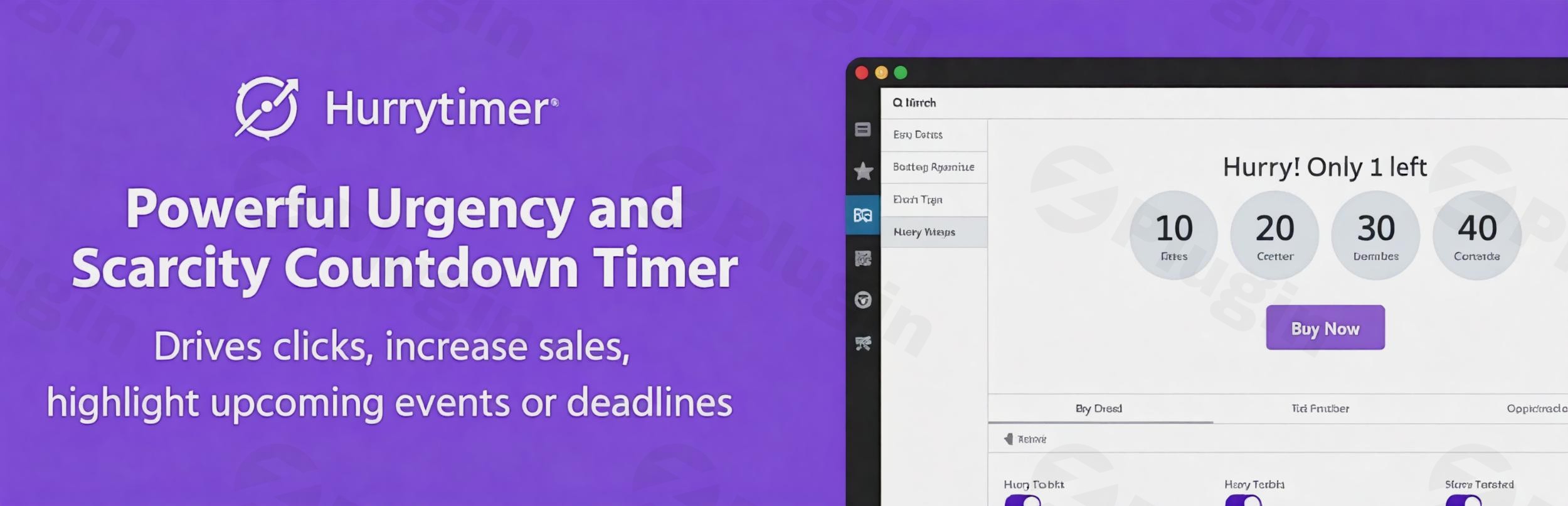
Drive Strategic Urgency with Hurrytimer Pro
Hurrytimer Pro provides WordPress site owners and e-commerce store managers with an authentic mechanism to build urgency and scarcity. By presenting clear, time-sensitive milestones, the plugin helps turn passive browsing into active purchasing decisions. It targets common drop-off points in the buyer journey by displaying exact timelines for special promotions, flash sales, and seasonal discounts.
What Hurrytimer Pro Does
The plugin allows you to deploy fully responsive countdown timers across your entire WordPress ecosystem. Unlike standard static clocks, it delivers personalized time constraints for individual users alongside global timers for public campaigns. When a countdown runs out, the plugin acts dynamically by executing predefined behaviors like hiding elements, redirecting users, or modifying product configurations.
Who It Is For
Hurrytimer Pro is engineered for digital marketers, e-commerce administrators, and independent creators running promotions on WordPress. It serves online storefronts running multi-day inventory clearances, affiliate marketers highlighting expiring bonus packages, and membership platforms running registration deadlines. Agencies managing client lead generation campaigns also utilize its features to increase signup velocity.
Key Capabilities and Features
- Evergreen Countdown Timers: Give every individual visitor their own unique deadline using secure cookie tracking and IP-based logic to preserve campaign integrity.
- WooCommerce Product Integration: Display timers automatically on your shop front, individual product profiles, or checkout areas to lower cart abandonment rates.
- Flexible Expiry Rules: Choose exact actions for when a timer hits zero, such as hiding the module, redirecting the user to a waitlist page, or disabling the checkout button.
- Advanced Styling Controls: Match your brand identity precisely using built-in design parameters for typography, sizing, border styles, and custom layout positions.
- Recurring Scheduling: Automate regular weekly or seasonal promotions so your campaign elements reset and run on predefined intervals without manual overhead.
Practical WordPress Use Cases
- Flash Sales and Stock Clearance: Position a global timer prominently at the top of your site to countdown the final hours of an inventory clearance.
- First-Time Visitor Discounts: Offer a targeted discount code valid for only thirty minutes after a new user lands on your site to incentivize initial sales.
- Event Registration Deadlines: Show a countdown on landing pages to indicate when early-bird ticketing tiers close or when event access expires.
- Daily Order Cutoff Times: Inform customers exactly how many hours remain to place an order if they want their physical packages shipped out the same afternoon.
Setup and Integration Context
Hurrytimer Pro works cleanly across modern WordPress frameworks. It integrates via shortcodes or native block elements, meaning it operates smoothly within the default block editor as well as secondary construction kits like Elementor or Divi. When configured alongside caching layers, standard optimization settings keep assets lightweight to minimize page load impact.
Why Choose It on WPPick
Acquiring Hurrytimer Pro via WPPick provides you with fully functional, deployment-ready software files clean of restrictive activation blocks. This ensures you can scale multi-timer marketing campaigns across development, staging, and operational live URLs efficiently. You gain full access to premium marketing mechanics without experiencing arbitrary management constraints.
Latest Version Context
Detailed release notes are not available from the provided sources. The system cannot independently verify official changelog notes or confirmation details online for version 2.18.0 beyond current structural system data, ensuring no unverified assumptions are reported regarding internal functionality edits or core code updates.
Frequently Asked Questions
How do evergreen timers maintain consistency if a customer refreshes the page?
Evergreen configurations use a blend of local cookie data and user IP recognition to pinpoint when a visitor first opens the page. If the visitor reloads the site, switches browser tabs, or returns hours later, the countdown retains its progress rather than resetting, maintaining the legitimacy of your promotional timeline.
Can I display multiple unique timers on a single landing page?
Yes, you can configure and present multiple distinct countdown units on one page. Each module operates independently based on its assigned parameters, enabling you to show a global site-wide shipping cutoff banner at the top while displaying a localized product discount timer further down the body copy.
What happens to a WooCommerce product when the timer runs out?
You can configure the plugin to trigger specific operational changes upon expiration. Common actions include hiding the purchase block entirely, automatically altering the pricing field back to a standard baseline, or redirecting consumers away from the sales page toward a generalized waitlist collection form.
Does the countdown asset slow down website performance?
No, the architectural elements are highly optimized. The calculation processes run via efficient JavaScript execution inside the user browser rather than constantly executing database queries on your web server. This ensures smooth visual animations without increasing page rendering times or server strain.
I. Download Limits & Account Benefits
- Free Downloads: Each email address receives 3 downloads per day for free products
- Upgrade Benefits: Purchase any paid product to increase your daily download limit by 3 for each paid product
- No Account Required: You can download immediately by receiving the download link via email
- Account Recommended: Create an account for easier access to your order history and direct update downloads
II. Understanding GPL vs Official Versions
Important: The products available on WPPick are GPL-licensed versions, which differ from official developer versions. Before purchasing, please read our comprehensive guide: Understanding GPL & Official Differences at WPPick
Key Points:
- GPL versions may not include premium support from original developers
- Updates may be delayed compared to official releases
- Some premium features might have limitations
- Always consider your specific needs and support requirements
III. Support & Assistance
We’re here to help through multiple channels:
- Email Support: Direct email assistance for all inquiries
- Live Chat: Real-time support during business hours
- Comprehensive Documentation: Detailed guides and tutorials
IV. Order Tracking
Access your complete purchase history and download links anytime: Order History
V. Account Access
New to WPPick? Login or Create Account to manage your downloads and orders efficiently.
VI. Refund Protection
We stand behind our products with a clear refund policy. Review our terms: Refund Policy
VII. Privacy & Security
Your data security is our priority. Learn how we protect your information: Privacy Policy
VII. Terms of Service
Understanding our service terms ensures a smooth experience: Terms of Use
Quick Tips for Best Experience
- Verify Compatibility: Check plugin/theme compatibility with your WordPress version
- Backup First: Always backup your site before installing new plugins or themes
- Test Environment: Consider testing on a staging site first
- Stay Updated: Regularly check for updates in your account dashboard
- Read Documentation: Review any included documentation for optimal setup
Need Help?
If you have questions about downloads, licensing, or need technical assistance, don’t hesitate to contact our support team. We’re committed to ensuring you have the best possible experience with WPPick products.
Ready to get started? Your download adventure begins with just one click!
- Multiple Deadlines — set a list of specific dates and let the countdown cycle through them automatically.
- Fixed an issue where headline HTML was not rendered correctly
- Security hardening and improvements.
- Fixed a bug with the plugin updater.
- [Evergreen] Added the ability to set a specific time and day (based on visitor's local time) when the countdown should end.