
Iconic Image Swap For Woocommerce
/Year
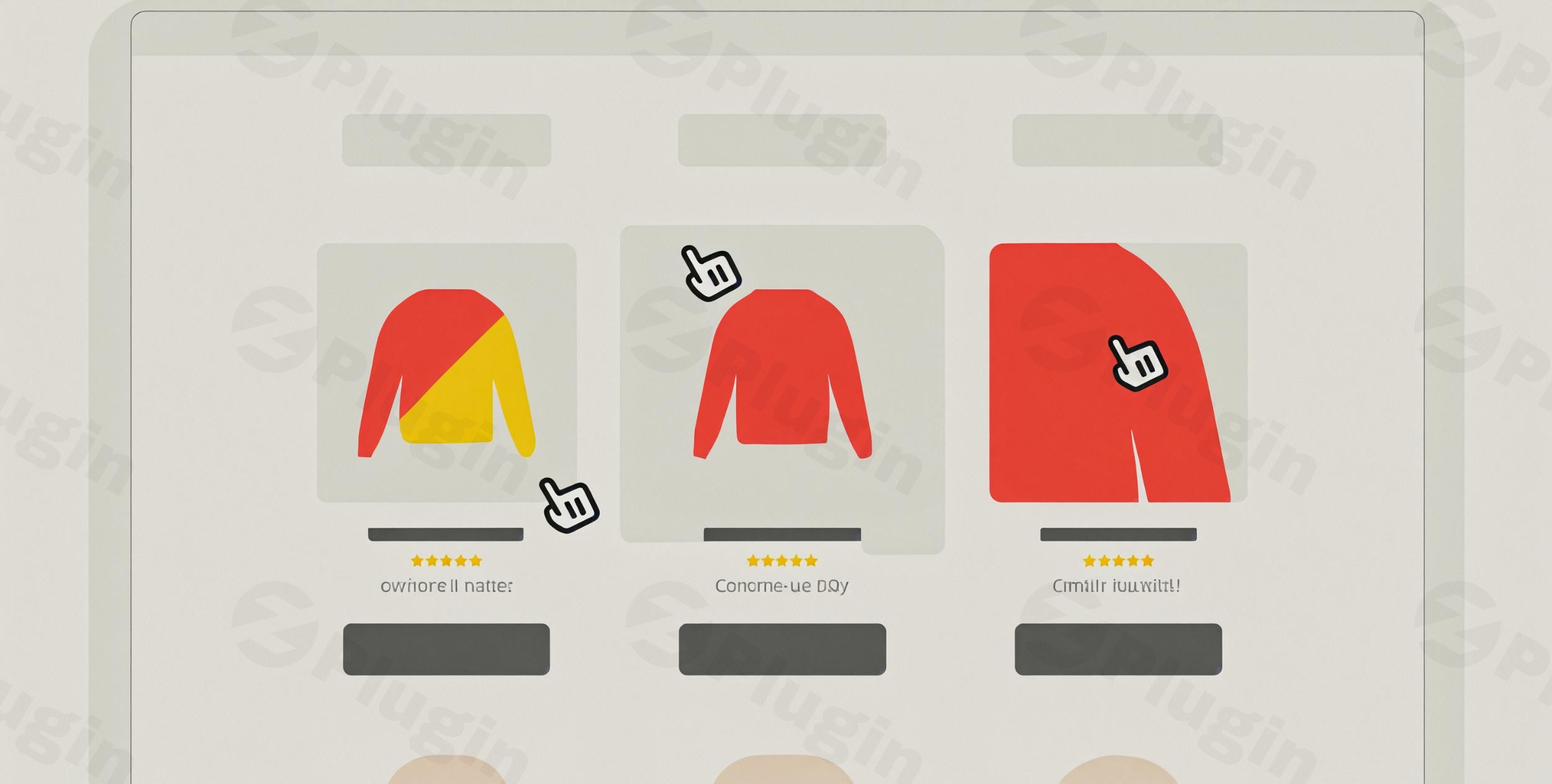
In the competitive landscape of e-commerce, visual presentation is paramount. The Iconic Image Swap for WooCommerce plugin is a premium WordPress solution designed to transform your standard product listings into dynamic, interactive showcases. By enabling automatic image swapping on hover or touch, this plugin significantly enhances the shopping experience, boosts engagement, and drives higher conversion rates for your WooCommerce store.Developed by the reputable IconicWP, a trusted name among over 20,000 WooCommerce businesses, and available through ZeroPlugin.com—a source for genuine, secure GPL-licensed software—this plugin offers a robust, reliable, and expertly crafted solution for modern online retailers.
Key Features That Drive Results
The Iconic Image Swap for WooCommerce plugin is packed with advanced functionalities meticulously designed to captivate your audience and simplify product discovery.
Seamless Hover-to-Swap Technology
At its core, the plugin offers an intuitive “hover-to-swap” functionality on desktop and touch-friendly swipe actions for mobile users. This allows customers to instantly view alternative product angles, colors, or variations directly on the shop or catalog page without needing to click through to individual product pages. This frictionless interaction keeps shoppers engaged and provides a comprehensive visual overview at a glance.
Mobile-Responsive Design for All Devices
Understanding the critical role of mobile commerce, the plugin is engineered with a fully mobile-responsive design. It ensures consistent, optimal performance across all devices—desktops, tablets, and smartphones. Mobile users benefit from touch-friendly swipe gestures, maintaining a seamless and engaging experience regardless of how they access your store.
Customizable Transition Effects
Tailor the visual experience to match your brand’s aesthetic with a wide array of customizable transition effects. Choose from multiple animation styles, including:
- Fade: A smooth, gradual appearance of the new image.
- Slide: Images transition by sliding horizontally or vertically.
- Zoom: A subtle zoom effect during the swap.
- Bullets & Thumbnails: Navigation options for multiple images within the swap.
- Picture-in-Picture & Modal Gallery: Advanced display options for detailed views.
- Enlarge & Flip: Unique effects to make your product images stand out.Each effect offers granular control, allowing you to fine-tune transition speed, timing, and other parameters for optimal visual appeal and performance. For instance, slider effects can be adjusted for orientation, navigation style, and speed, while thumbnail displays can be customized for image count and spacing.
Easy Configuration & Management
Designed with user-friendliness in mind, the plugin requires no complex coding expertise. Store owners can effortlessly set up image swapping globally across all products or configure it on a per-product basis using intuitive controls. Assigning secondary images is straightforward, integrating directly with your existing product galleries, streamlining your workflow.
Comprehensive Product Views
Beyond simple swapping, the plugin allows you to showcase different angles, color options, or variations of your products as if you’re offering a mini-gallery on your shop page. This richer visual information empowers customers to make more confident buying decisions faster, without navigating away from the product listings.
Why Professional Store Owners Choose Iconic Image Swap for WooCommerce
Investing in a premium solution like Iconic Image Swap for WooCommerce translates into tangible benefits for your online business.
Increase Conversion Rates
By providing immediate visual variety and detailed product insights directly on the shop page, the plugin reduces hesitation and encourages purchases. Customers gain confidence in their selections by seeing multiple facets of a product before committing to a click, directly contributing to higher conversion rates. A case study even reported a 40% increase in sales for an online fashion retailer after implementing image swapping.
Reduce Product Page Abandonment
Offer more product information at the category level, minimizing the need for constant back-and-forth navigation. This streamlined browsing experience keeps customers engaged longer on the shop page, decreasing the likelihood of them abandoning their shopping journey due to a cumbersome user flow.
Enhance User Experience
Create a modern, interactive, and professional shopping environment that delights visitors. The intuitive hover/swipe functionality feels natural and adds a polished touch to your store, fostering a positive perception of your brand and encouraging repeat visits.
Trusted Expertise and Reliability
Developed by IconicWP, a well-known provider of high-quality WooCommerce plugins, this solution benefits from a deep understanding of e-commerce needs. ZeroPlugin.com further ensures trustworthiness by offering genuine GPL-licensed software with regular updates and comprehensive security scans, guaranteeing malware-free code and ongoing compatibility with the latest WooCommerce versions. Iconic’s commitment is backed by a 30-day money-back guarantee, reflecting their confidence in the product’s value.
Setup & Usage Guide
Setting up the Iconic Image Swap for WooCommerce plugin is designed to be straightforward, even for users without technical expertise.
- Installation: After purchasing, download the plugin file. Navigate to your WordPress Dashboard > Plugins > Add New > Upload Plugin. Choose the downloaded file and click “Install Now,” then “Activate Plugin.”
- Configuration: Once activated, the plugin’s settings will be accessible within your WordPress admin area. You’ll typically find options under WooCommerce > Settings or a dedicated “Iconic Image Swap” menu.
- Global Settings: Configure default image swap behaviors and effects that apply across your entire store.
- Per-Product Assignment: For specific products, navigate to the individual product editor. Within the product data section (or the product gallery metabox), you’ll find options to assign secondary images that will be used for the swap effect. This allows for tailored visual merchandising.
- Customization: Utilize the intuitive controls to select your desired transition effects (fade, slide, zoom, etc.) and fine-tune parameters like speed, direction, and navigation styles to perfectly match your store’s design.
Technical Specifications & Compatibility
The Iconic Image Swap for WooCommerce plugin is built for performance and broad compatibility.
- WordPress & WooCommerce: Fully compatible with WordPress 5.0+ and WooCommerce 3.0+ (and all newer versions).
- Theme Compatibility: Designed to work seamlessly with any well-coded WordPress theme, including popular options, page builders like Elementor, templates, and block editors.
- Lightweight Code: Developed with optimized, lightweight code to ensure minimal impact on your website’s page loading speeds, maintaining fast and efficient performance.
- No Additional Frameworks: Does not require any additional frameworks, ensuring a lean and conflict-free integration.
- Block-Based Compatibility: Fully compatible with modern block-based shop and category page loops, ensuring future-proof functionality.
Perfect For These Applications
The versatility of the Iconic Image Swap plugin makes it ideal for a wide range of WooCommerce stores:
- Fashion and Apparel Stores: Display different color variations or outfits on models.
- Electronics Retailers: Showcase multiple angles and features of a gadget.
- Home Decor Shops: Feature products in various room settings or close-up details.
- Any Store with Product Variations: Visually differentiate product options like size, material, or style.
- Businesses Prioritizing Visual Merchandising: Any store aiming to create a more engaging and informative shopping experience.
Start Converting More Visitors Today
Transform your standard product listings into compelling visual experiences that directly drive sales. The Iconic Image Swap for WooCommerce is an essential premium enhancement that pays for itself through increased conversion rates, reduced bounce rates, and an elevated user experience. Experience the significant difference that professional, interactive image swapping technology can make for your online store, ensuring your products are seen, admired, and purchased with greater confidence.
I. Download Limits & Account Benefits
- Free Downloads: Each email address receives 3 downloads per day for free products
- Upgrade Benefits: Purchase any paid product to increase your daily download limit by 3 for each paid product
- No Account Required: You can download immediately by receiving the download link via email
- Account Recommended: Create an account for easier access to your order history and direct update downloads
II. Understanding GPL vs Official Versions
Important: The products available on WPPick are GPL-licensed versions, which differ from official developer versions. Before purchasing, please read our comprehensive guide: Understanding GPL & Official Differences at WPPick
Key Points:
- GPL versions may not include premium support from original developers
- Updates may be delayed compared to official releases
- Some premium features might have limitations
- Always consider your specific needs and support requirements
III. Support & Assistance
We’re here to help through multiple channels:
- Email Support: Direct email assistance for all inquiries
- Live Chat: Real-time support during business hours
- Comprehensive Documentation: Detailed guides and tutorials
IV. Order Tracking
Access your complete purchase history and download links anytime: Order History
V. Account Access
New to WPPick? Login or Create Account to manage your downloads and orders efficiently.
VI. Refund Protection
We stand behind our products with a clear refund policy. Review our terms: Refund Policy
VII. Privacy & Security
Your data security is our priority. Learn how we protect your information: Privacy Policy
VII. Terms of Service
Understanding our service terms ensures a smooth experience: Terms of Use
Quick Tips for Best Experience
- Verify Compatibility: Check plugin/theme compatibility with your WordPress version
- Backup First: Always backup your site before installing new plugins or themes
- Test Environment: Consider testing on a staging site first
- Stay Updated: Regularly check for updates in your account dashboard
- Read Documentation: Review any included documentation for optimal setup
Need Help?
If you have questions about downloads, licensing, or need technical assistance, don’t hesitate to contact our support team. We’re committed to ensuring you have the best possible experience with WPPick products.
Ready to get started? Your download adventure begins with just one click!
- Compatibility with Salient theme
- Sale badge not showing on block themes
ngl, this saved me so much custom css time. worked straight out the box on my theme. super quick setup. 5/5
We sell shirts and this made a HUGE difference on mobile! customer retention is up tbh. worth the price, highly recommend.
The performance is solid, didn’t see any major slowdown on the category pages. Easy to integrate, no conflicts so far.
it just works! perfect for showing the product backside in the main shop view. u guys nailed it fr 🙌