
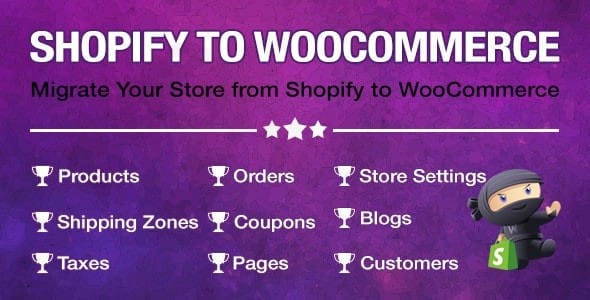
Import Shopify To Woocommerce – Migrate Your Store From Shopify To Woocommerce
/Year
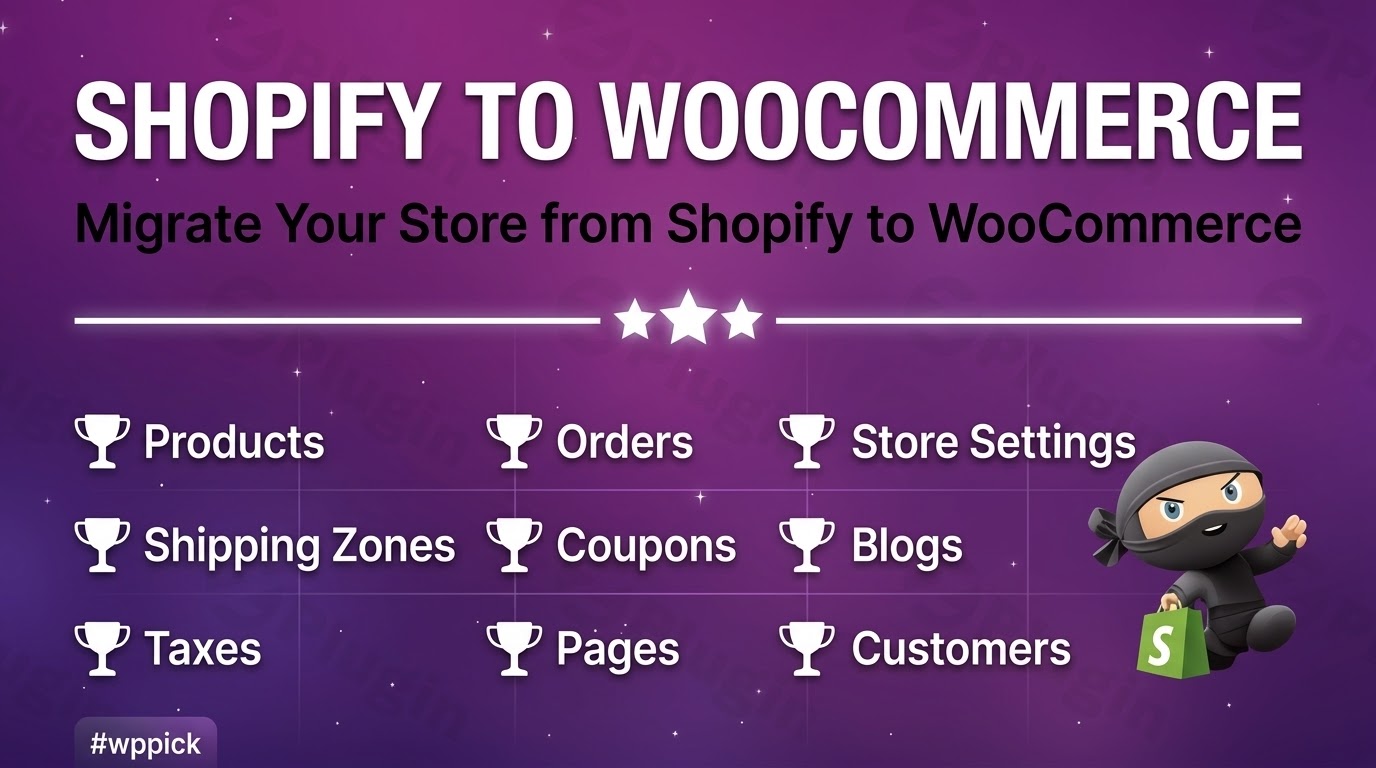
Seamlessly Migrate from Shopify to WooCommerce
Migrating an entire e-commerce store between platforms can often be complex, risking broken links, missed data, or lost customer history. The S2W Import Shopify to WooCommerce plugin provides an automated, API-driven path to transfer your digital assets directly into WordPress. Built specifically for store owners looking to move away from recurring Shopify subscription costs and regain complete control of their self-hosted ecosystem, this utility handles background processing seamlessly to preserve database integrity during shifts.
Latest Version 1.4.5 Changes
VillaTheme released version 1.4.5 of ‘S2W – Import Shopify to WooCommerce’ on March 20, 2026. This version introduces an update providing support for importing all Shopify blogs regardless of their current status or creation date.
- S2W – Import Shopify to WooCommerce is developed by VillaTheme.
- Version 1.4.5 was officially released on March 20, 2026 (2026.03.20).
- The changelog update for version 1.4.5 states: ‘Updated: Support importing all blogs regardless of status or creation date’.
What the Plugin Does
This premium data migration tool establishes a secure link with your Shopify account using API credentials. Once authenticated, it systematically downloads chosen datasets and reconstructs them perfectly within WooCommerce structure. Rather than relying on messy CSV files that often fail over large collections or drop product configurations, this tool directly queries the source platform to pull structured relational records.
Who It Is For
This migration utility is designed for agency developers managing client store re-platforming and independent e-commerce merchants ready to expand customization possibilities on WordPress. Whether managing a store with a few dozen custom pieces or a high-volume warehouse handling thousands of SKUs and rich historical orders, the scalable architecture handles ongoing requests without causing timeout failures.
Key Capabilities and Features
- Unlimited Import Volume: Move extensive catalogs including descriptions, options, pricing structures, inventory levels, and image galleries without artificial thresholds.
- Flexible Data Scope: Bring over customer profiles, full order histories, structural collections, shipping rules, and standalone content pages.
- Intelligent Status Mapping: Align Shopify order fulfillments and customer lifecycle states perfectly with standard WooCommerce statuses.
- Advanced Filtering Parameters: Selectively import specific catalogs by date range, publish status, or ID arrays to perform staging tests.
- Background Processing Queue: Utilize server cron loops to populate large inventories over time without triggering execution time limits.
Practical WordPress Use Cases
- Complete Platform Shifts: Safely close out existing Shopify accounts by migrating product variants, customer credentials, and completed order archives to a fresh WooCommerce setup.
- Hybrid Shop Testing: Duplicate accurate catalog scenarios on a staging subdomain to test loading layouts, theme templates, and alternative payment solutions before executing a global switch.
- Content and Blog Preservation: Transfer old lifestyle blog posts, author fields, and informational subpages alongside product records to retain existing search visibility rankings.
Setup and Compatibility Guidelines
To configure connection paths, navigate to the newly created admin dashboard and enter your Shopify Dev App Client ID alongside your unique Secret Key. The modern GraphQL schema minimizes server overhead and protects data accuracy throughout long transfers. Ensure your destination host runs the latest WordPress versions and possesses sufficient database memory to support multiple active background requests during heavy batch imports.
Why Source This Plugin via WPPick
Acquiring tools through WPPick ensures clean, vetted install packages free from embedded tracking lines or unauthorized scripts. Store configurations remain entirely private within local staging environments. Users gain direct file updates alongside historical access options to align active migration tools with target server architectures perfectly.
Latest Version Context
The newest platform enhancement, version 1.4.5, includes critical functional updates optimizing historical data retrieval. Specifically, the import process can now capture all native Shopify blog entries completely, regardless of original author creation date or live visibility settings. This update guarantees full content continuity across the transition process.
Frequently Asked Questions
Will my existing customer accounts retain passwords after migrating?
No, because encryption algorithms differ significantly between the proprietary Shopify framework and open-source WordPress builds, raw passwords cannot be exported. Customer accounts will transfer accurately with names, shipping locations, and purchase histories intact, but clients must perform a standard password reset via the website upon their initial login.
Can I run the import process multiple times without creating duplicate products?
Yes. The import process records the unique source identifier assigned to each Shopify item during original creation. If you execute consecutive import sequences to fetch newly modified listings, the system matches records and updates existing items rather than generating duplicate entries.
Does the tool successfully transfer variant pricing and attribute options?
Yes. Complex configurations including dimensions, color variations, and corresponding individual image pairings map accurately over to variable WooCommerce item setups. Individual inventory track levels and special sale prices update consistently according to original source parameters.
Are high-resolution image attachments downloaded directly to my WordPress media library?
Yes. The background process references original image locations via the source API, downloads files directly to your WordPress upload directories, and associates them automatically with specific items. Ensure your host has sufficient storage capacity before beginning large image transfers.
Do I need to keep the web browser page active throughout the migration?
No. Large catalog transfers operate asynchronously via background worker actions on your server. You can safely navigate away from the backend dashboard panel or close your browser without interrupting the active data collection process.
I. Download Limits & Account Benefits
- Free Downloads: Each email address receives 3 downloads per day for free products
- Upgrade Benefits: Purchase any paid product to increase your daily download limit by 3 for each paid product
- No Account Required: You can download immediately by receiving the download link via email
- Account Recommended: Create an account for easier access to your order history and direct update downloads
II. Understanding GPL vs Official Versions
Important: The products available on WPPick are GPL-licensed versions, which differ from official developer versions. Before purchasing, please read our comprehensive guide: Understanding GPL & Official Differences at WPPick
Key Points:
- GPL versions may not include premium support from original developers
- Updates may be delayed compared to official releases
- Some premium features might have limitations
- Always consider your specific needs and support requirements
III. Support & Assistance
We’re here to help through multiple channels:
- Email Support: Direct email assistance for all inquiries
- Live Chat: Real-time support during business hours
- Comprehensive Documentation: Detailed guides and tutorials
IV. Order Tracking
Access your complete purchase history and download links anytime: Order History
V. Account Access
New to WPPick? Login or Create Account to manage your downloads and orders efficiently.
VI. Refund Protection
We stand behind our products with a clear refund policy. Review our terms: Refund Policy
VII. Privacy & Security
Your data security is our priority. Learn how we protect your information: Privacy Policy
VII. Terms of Service
Understanding our service terms ensures a smooth experience: Terms of Use
Quick Tips for Best Experience
- Verify Compatibility: Check plugin/theme compatibility with your WordPress version
- Backup First: Always backup your site before installing new plugins or themes
- Test Environment: Consider testing on a staging site first
- Stay Updated: Regularly check for updates in your account dashboard
- Read Documentation: Review any included documentation for optimal setup
Need Help?
If you have questions about downloads, licensing, or need technical assistance, don’t hesitate to contact our support team. We’re committed to ensuring you have the best possible experience with WPPick products.
Ready to get started? Your download adventure begins with just one click!
- Support importing all blogs regardless of status or creation date.
- Updated: Instructions on how to get the Client ID & Secret
- Updated: Villatheme support
- Support the new Shopify Dev App, adding 2 fields of new required API credentials - Client ID and Secret
- File support
- Save price when the base price is lower than the sale price
- Add some detail log when import
- Sku search query when import
- Compatibility check with WP 6.9 and WC 10.4.3
- Issue with customer address when import
- Issue when importing orders with more than 10 items
- Issue with customer count based on filters in settings
- Improved compatibility with EXMAGE – WordPress Image Links Premium
- File support
- Issue with product/order count based on filters in settings
- Blog import failed when description field was empty
- Updated version API
- Compatibility check with WC 10.1.2
- Resolved several issues with retrieving data via GraphQL.
- Corrected the update of Shopify metadata to the product short description.
- Improved compatibility with WooCommerce Brands.
- File support
- Line item price of Order
- Count Orders, Products, Customer, Page via GraphQL
- Compatibility check with WP 6.8.2 and WC 10.0.4
- Compatibility check with WC 9.9.5
- Notification error from Shopify
- Import product category
- Count Orders, Products, Customer, Page via GraphQL
Did the job. transferred everything fine. worth it if u wanna switch platforms.
ngl this plugin saved me so much hassle. migration was smooth af, no issues 👍
Super easy to use, literally migrated my whole store in like 15 mins. amazing plugin fr! 🔥
Works as advertised, moved my shopify store to woo with no drama. pretty good ngl.