
Improved Sale Badges For Woocommerce
/Year
In the dynamic world of e-commerce, capturing customer attention and driving purchasing decisions is paramount. The default WooCommerce sale badges, while functional, often lack the visual flair and customization options needed to truly stand out. This is where Improved Sale Badges For WooCommerce steps in—a premium WordPress plugin meticulously designed to transform your product presentation, elevate your store’s visual appeal, and significantly boost your sales conversions.This article provides a comprehensive overview of how this professional plugin seamlessly integrates with your existing WooCommerce setup, offering immediate visual improvements that command attention. We’ll explore its robust feature set, technical specifications, and the distinct advantages it offers both technical and non-technical store owners.
Transform Your Product Presentation with Customizable Badges
Improved Sale Badges For WooCommerce offers a sophisticated solution to create compelling visual cues for your products. It goes beyond basic functionality, providing a suite of tools that enable you to highlight sales, promotions, and key product attributes with unmatched professionalism. This plugin empowers you to craft a shopping experience that not only builds trust but also encourages purchases through visually appealing and informative badges.
Key Features That Set Your Store Apart
This premium solution is packed with features designed for impact and flexibility, ensuring your store maintains a competitive edge.
Extensive Design Library
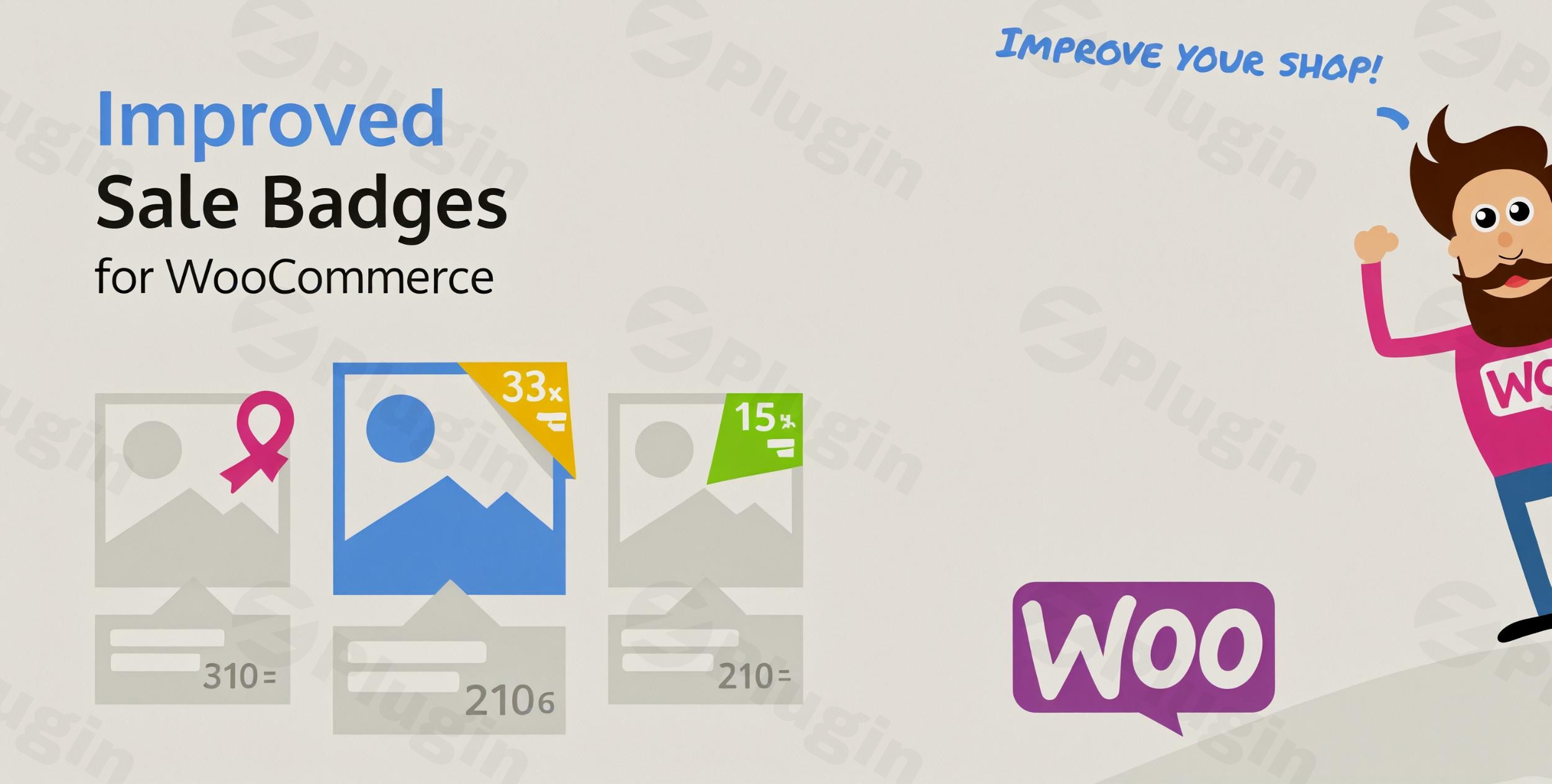
Gone are the days of generic badges. Improved Sale Badges For WooCommerce offers an impressive selection of fifteen professionally designed badge presets, along with two seasonal Christmas-themed options. This diverse library ensures you have the perfect style to match any marketing campaign, whether it’s seasonal collections, holiday specials, or ongoing sales, all while maintaining your store’s unique aesthetic.
Complete Customization Control
Take granular control over your product presentation with individual product override capabilities. This allows you to create unique badge styles for specific products, collections, or even entire categories. The flexibility extends to discount displays, where you can showcase savings as clear percentages or fixed monetary amounts. The plugin automatically calculates and displays these savings with professional precision, ensuring accuracy across your entire catalog. Furthermore, you can utilize customizable text options to align badge messaging with your specific marketing voice.
Seamless Integration and Responsiveness
Designed for optimal compatibility, Improved Sale Badges For WooCommerce integrates effortlessly with WooCommerce and all WordPress themes that support it. Installation is quick and straightforward, allowing you to begin enhancing your product pages in minutes without requiring any technical expertise. Crucially, all badges generated by the plugin are fully responsive, guaranteeing they display correctly and attractively across various devices, from desktops to mobile phones.
Urgent Call to Action with Countdown Timers
Beyond static displays, this plugin can also incorporate countdown timers on your sale badges. This powerful feature creates a sense of urgency, encouraging immediate purchases and helping you capitalize on time-sensitive promotions.
Translation Ready
For global e-commerce operations, Improved Sale Badges For WooCommerce is compatible with WPML, making it translation-ready. This ensures you can easily localize your sale badges into multiple languages, broadening your reach and enhancing the customer experience for an international audience.
Lightweight and SEO-Friendly
The plugin is engineered to be lightweight, ensuring it does not negatively impact your website’s loading speed or overall performance. Its optimized code structure ensures efficiency and scalability. Additionally, it is designed to be SEO-friendly, contributing positively to your store’s visibility in search engine results.
Why Choose Our Premium WooCommerce Badge Solution? (EEAT Principles)
Opting for Improved Sale Badges For WooCommerce means investing in a solution built on expertise, reliability, and continuous improvement.
Trusted Source with Guaranteed Safety
When you acquire this plugin from ZeroPlugin.com, you are guaranteed genuine GPL-licensed software backed by regular updates and comprehensive security verification. Our commitment to trustworthiness is demonstrated through rigorous VirusTotal third-party dependency scanning for all products, ensuring complete safety and reliability for your e-commerce business.
Ongoing Support and Updates
The e-commerce landscape is constantly evolving. Our commitment to quality means your investment is protected through consistent plugin improvements and compatibility updates as WooCommerce and WordPress advance. You benefit from a solution that remains current and performs optimally in an ever-changing digital environment.
Professional Results Immediately
Unlike basic solutions that demand extensive configuration and design knowledge, Improved Sale Badges For WooCommerce delivers professional-grade badge designs from the moment of activation. The intuitive interface makes customization straightforward, while automatic discount calculations ensure accuracy across your entire product catalog, saving you time and effort. This focus on ease of use ensures that store owners can create compelling sale badges without needing coding knowledge.
Optimized Performance
The plugin’s optimized code structure ensures efficiency and scalability, meaning it performs well even on stores with a large number of products and high traffic, contributing to a smooth user experience for your customers.
Simple Setup and Effective Usage
Setting up Improved Sale Badges For WooCommerce is designed to be straightforward:
- Installation: After purchasing, download the plugin file. Navigate to your WordPress dashboard, go to “Plugins” > “Add New” > “Upload Plugin,” and select the downloaded file. Click “Install Now” and then “Activate Plugin.”
- Configuration: Once activated, you’ll find a dedicated settings panel within your WordPress admin area. Here, you can configure global settings for your badges, choosing from the extensive design library.
- Customization: To apply badges, navigate to individual product edit pages or WooCommerce product categories. The plugin’s interface will allow you to select a preset, customize text, define discount types (percentage or fixed), and set specific colors or styles for that particular product or category. For time-sensitive offers, easily enable and configure the countdown timer.This intuitive workflow ensures that you can quickly implement eye-catching badges across your store, enhancing product visibility and marketing effectiveness with minimal effort.
Benefits for All Users
Improved Sale Badges For WooCommerce provides significant advantages for both technical and non-technical users:
- For Non-Technical Users: The plugin’s intuitive interface and pre-designed presets mean you can achieve professional results without writing a single line of code. It simplifies complex design tasks, allowing you to focus on marketing and sales strategies.
- For Technical Users: While easy to use, the plugin’s robust architecture and clean code ensure compatibility and extensibility. It provides a reliable foundation for custom implementations if needed, without sacrificing performance.Ultimately, this plugin simplifies tasks, improves visual workflows, and provides a clear return on investment through enhanced customer engagement and higher sales conversions.
Elevate Your E-commerce Visual Strategy Today
In today’s highly competitive online marketplace, a professional presentation directly impacts conversion rates and customer perception. Improved Sale Badges For WooCommerce offers the visual sophistication your products deserve, creating a compelling shopping experience that builds trust and encourages purchases.The plugin’s automatic functionality for discount calculations and easy customization means you can focus on growing your business while the technical details handle themselves. From seasonal promotions to ongoing sales, your badges will consistently present your offers in the most compelling light possible.Join thousands of satisfied store owners who have transformed their product presentation and increased conversion rates with this professional badge enhancement system. The investment in visual professionalism pays dividends through improved customer engagement and higher sales performance.
I. Download Limits & Account Benefits
- Free Downloads: Each email address receives 3 downloads per day for free products
- Upgrade Benefits: Purchase any paid product to increase your daily download limit by 3 for each paid product
- No Account Required: You can download immediately by receiving the download link via email
- Account Recommended: Create an account for easier access to your order history and direct update downloads
II. Understanding GPL vs Official Versions
Important: The products available on WPPick are GPL-licensed versions, which differ from official developer versions. Before purchasing, please read our comprehensive guide: Understanding GPL & Official Differences at WPPick
Key Points:
- GPL versions may not include premium support from original developers
- Updates may be delayed compared to official releases
- Some premium features might have limitations
- Always consider your specific needs and support requirements
III. Support & Assistance
We’re here to help through multiple channels:
- Email Support: Direct email assistance for all inquiries
- Live Chat: Real-time support during business hours
- Comprehensive Documentation: Detailed guides and tutorials
IV. Order Tracking
Access your complete purchase history and download links anytime: Order History
V. Account Access
New to WPPick? Login or Create Account to manage your downloads and orders efficiently.
VI. Refund Protection
We stand behind our products with a clear refund policy. Review our terms: Refund Policy
VII. Privacy & Security
Your data security is our priority. Learn how we protect your information: Privacy Policy
VII. Terms of Service
Understanding our service terms ensures a smooth experience: Terms of Use
Quick Tips for Best Experience
- Verify Compatibility: Check plugin/theme compatibility with your WordPress version
- Backup First: Always backup your site before installing new plugins or themes
- Test Environment: Consider testing on a staging site first
- Stay Updated: Regularly check for updates in your account dashboard
- Read Documentation: Review any included documentation for optimal setup
Need Help?
If you have questions about downloads, licensing, or need technical assistance, don’t hesitate to contact our support team. We’re committed to ensuring you have the best possible experience with WPPick products.
Ready to get started? Your download adventure begins with just one click!
- Changelog Not Found!