

Instagram Facebook Twitter Feed – Advanced WordPress Social Media Feed Grid Gallery Plugin
/Year
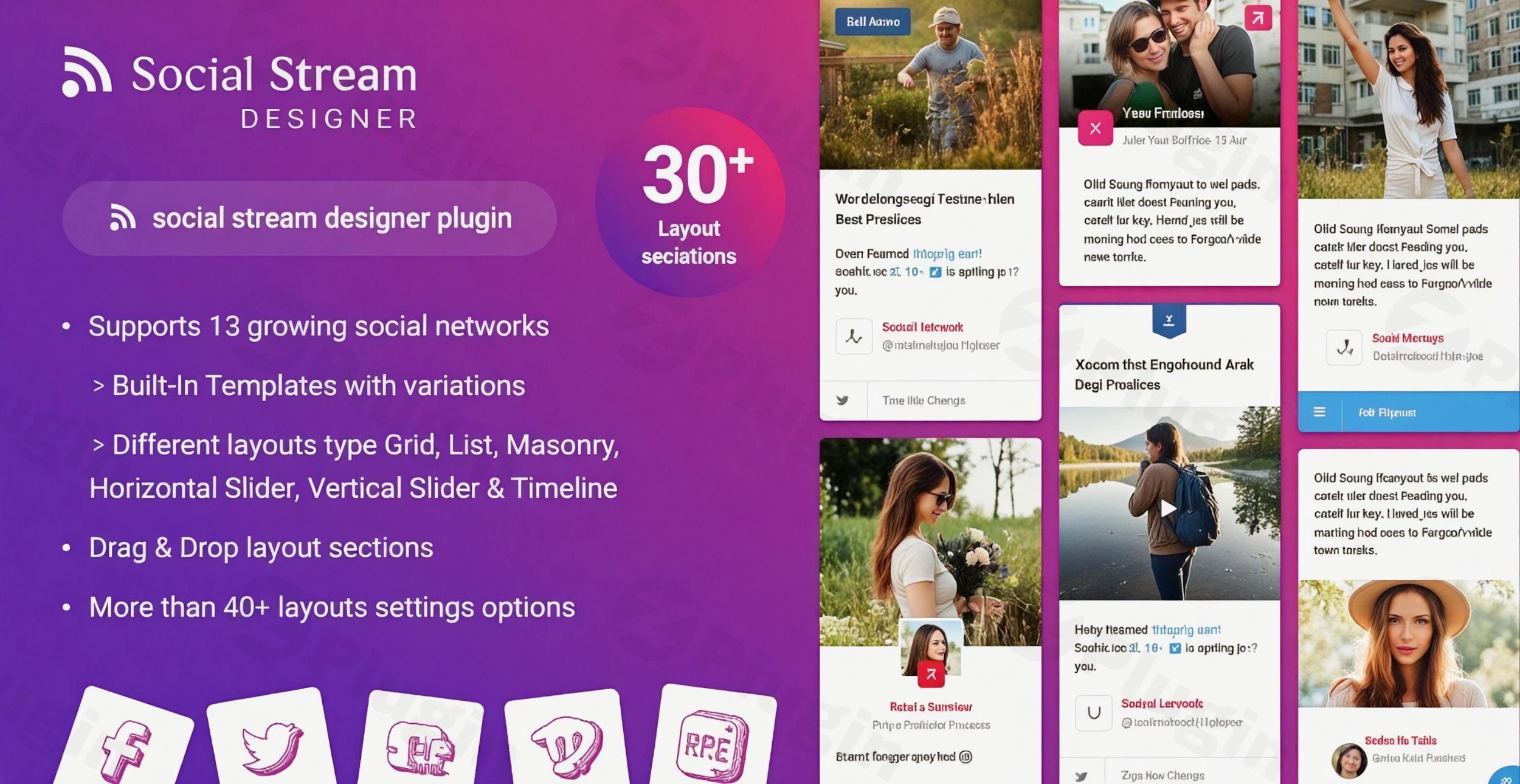
In today’s interconnected digital world, showcasing your social media presence directly on your website is crucial for engagement and building community. If you’re looking for a robust and customizable social media feed plugin to effortlessly integrate your online content, the WP Social Stream Designer (also known as Social Stream Designer) is an excellent solution. This powerful WordPress social media feed plugin allows you to display dynamic content from multiple social networks in a beautifully designed, responsive stream or “social wall” on your site. Whether your goal is to create a vibrant Instagram Facebook Twitter feed WordPress gallery or aggregate content from a broader range of platforms, WP Social Stream Designer makes it simple to keep your audience updated and engaged.
Why WP Social Stream Designer is Your Go-To Social Media Aggregator for WordPress
The WP Social Stream Designer plugin by Solwin Infotech addresses the common challenge of unifying diverse social media content into a cohesive and visually appealing display. Instead of relying on individual plugins for each network, this comprehensive tool acts as a powerful social media aggregator WordPress, allowing you to combine feeds from up to 14 different platforms into a single, elegant stream. This not only streamlines your workflow but also enhances your website’s interactivity and content freshness, providing a centralized hub for your digital story.
Key Features for a Dynamic Social Grid Gallery
WP Social Stream Designer boasts an impressive array of features designed to offer unparalleled flexibility and visual appeal, making it ideal for creating a stunning WordPress social grid gallery.
- Extensive Social Network Support: Connect with a vast audience by displaying content from 14 popular social networks and platforms, including:
- Twitter: Home timelines, user feeds, search results (by keyword or hashtag), user lists, and liked tweets.
- Facebook: Page posts, album posts, event posts, and group posts.
- YouTube: User feeds, channels, playlists, and search results.
- Instagram: Public photos by username or hashtag.
- Pinterest: Latest pins and public boards.
- And More: Vimeo, Flickr, Tumblr, Dribbble, Foursquare, SoundCloud, RSS, WordPress (for blog posts, comments, custom post types), and TikTok.
- Diverse Feed Types (30+ Options): Go beyond basic feeds. The plugin offers granular control, allowing you to display specific types of content from each network, ensuring relevance to your site visitors.
- Combined Social Streams (Social Wall): Create a unified “social wall” that merges content from various platforms into one dynamic feed, offering a holistic view of your brand’s activity. You can also showcase individual network feeds with unique designs.
- Rich Layout Options: Present your social feeds in 6 popular, attractive layout styles, including:
- Grid
- List
- Masonry
- Horizontal Slider
- Vertical Slider
- TimelineThese options ensure your WordPress social grid gallery perfectly matches your website’s aesthetic.
- Advanced Customization: Tailor every aspect of your social streams with over 40 customization options available in a user-friendly admin panel. Modify background colors, font families, font sizes, borders, card elements, and even add custom CSS for advanced styling. This makes it a truly customizable social media feed plugin.
- Interactive Elements & Engagement: Boost user interaction with built-in social sharing buttons, like and follow buttons, and the ability to display like and comment counts directly on your feeds.
- Filtering and Sorting: Organize your content effectively. Users can filter combined social streams, and you can apply sorting options to present content in the most logical order.
- Fully Responsive Design & Animations: All layouts adapt perfectly to any device – desktops, tablets, or smartphones – ensuring a seamless viewing experience. The plugin also includes engaging animations and Fancybox interaction for a more dynamic display.
- Automatic API Refresh & Performance: WP Social Stream Designer employs smart caching with a background server task to minimize API requests, ensuring your feeds are always up-to-date without slowing down your site. It also features smart media preloading for optimal performance.
- GDPR Compliant: Privacy is paramount. The plugin is designed to be GDPR compliant as it does not collect any data from your site visitors.
- Easy Integration: Embed your social feeds effortlessly using shortcodes on any post, page, or sidebar. For modern WordPress users, it offers dedicated Gutenberg and Elementor blocks for seamless drag-and-drop integration.
- Drag & Drop Builder: Easily manage and order pre-built template sections with an intuitive drag-and-drop interface, requiring no coding skills.
Installation & Setup: How to Embed Instagram, Facebook, Twitter Feed on WordPress Website
Adding the WP Social Stream Designer to your website is a straightforward process, even for non-developers. Here’s a step-by-step guide on how to embed Instagram Facebook Twitter feed on WordPress website:
- Purchase and Download: First, acquire the premium WP Social Stream Designer plugin from a reputable marketplace like CodeCanyon or directly from Solwin Infotech. You will receive a
.zipfile. - Upload the Plugin:
- Log in to your WordPress admin dashboard.
- Navigate to Plugins > Add New.
- Click the Upload Plugin button at the top of the page.
- Click Choose File, select the
wp-social-stream-designer.zipfile you downloaded, and click Install Now.
- Activate the Plugin: Once installed, click the Activate Plugin button.
- Configure Social Networks:
- After activation, you’ll see a new menu item, typically “Social Stream Designer” or similar, in your WordPress dashboard sidebar. Click on it.
- Go to the “Settings” or “Social Networks” section. Here, you’ll need to connect each social network by providing the necessary API keys, access tokens, or account credentials. The plugin provides clear instructions and links to guide you through obtaining these from each social platform.
- Create Your First Stream:
- Navigate to “Add New Stream” or “Create Stream.”
- Give your stream a title.
- Select the social networks and specific feed types you want to include (e.g., Facebook Page Posts, Instagram Hashtag Feed, Twitter User Timeline).
- Customize the layout (Grid, Masonry, Slider, etc.), design elements (colors, fonts), and interactive features using the intuitive options.
- Use the live preview to see your changes in real-time.
- Embed on Your Site:
- Once you’re happy with your stream’s design, save it.
- The plugin will generate a shortcode (e.g.,
[social_stream id="1"]). - Go to any post, page, or widget area where you want to display your feed.
- Paste the shortcode. If you’re using Gutenberg, you can use the dedicated “Social Stream Designer” block. For Elementor users, a widget is also available.
- Publish or update your content, and your dynamic social media feed will be live!
Practical Usage & Best Practices for Your WordPress Plugin for Combined Social Feeds
The WP Social Stream Designer isn’t just about displaying content; it’s about leveraging your social presence to enhance your website’s value. Here are some practical use cases and best practices for this powerful WordPress plugin for combined social feeds:
- Boost Brand Storytelling: Ideal for businesses and agencies, use the plugin to create a central “Social Hub” page. Aggregate feeds from all your active platforms (Facebook, Instagram, Twitter, YouTube) to tell a consistent brand story and showcase a dynamic tapestry of your content. This is the best way to keep visitors engaged with your latest updates without leaving your site.
- Event Promotion & Live Updates: For event organizers, when to use this plugin is during conferences, webinars, or product launches. Display a live Twitter feed based on a specific event hashtag, combined with Instagram photos from attendees, to create excitement and provide real-time updates directly on your event landing page.
- Showcase User-Generated Content (UGC): eCommerce stores or lifestyle blogs can leverage the plugin to display Instagram photos tagged with their brand hashtag. This acts as powerful social proof and encourages more customers to share their experiences, making your product pages or galleries more dynamic and trustworthy.
- Artist/Portfolio Display: Artists, photographers, or designers can use the Masonry or Grid layouts to create a stunning visual gallery from their Dribbble, Flickr, or Instagram accounts. This provides a fresh, auto-updating portfolio that integrates seamlessly into their WordPress site.
- Community Engagement for Bloggers: Bloggers can use the plugin to display their latest blog posts via the WordPress feed type, alongside comments from their Facebook page or tweets discussing their content. This builds a sense of community and encourages further interaction directly on their blog.By thoughtfully integrating your social feeds, you transform your website into an interactive destination that mirrors your brand’s vibrant online presence.
FAQ & Troubleshooting
Here are answers to some common questions about using a WordPress social media feed plugin like WP Social Stream Designer:
What is the best WordPress plugin to display social media feeds?
While “best” can be subjective, WP Social Stream Designer is a highly comprehensive WordPress social media feed plugin supporting 14 social networks and over 30 feed types, offering extensive customization, responsive design, and performance optimization. Other popular alternatives include Smash Balloon and Feed Them Social, which may offer different feature sets or focus areas.
How do I add Instagram, Facebook, and Twitter feeds to my WordPress site?
To add Instagram, Facebook, and Twitter feeds to your WordPress site using WP Social Stream Designer, you’ll first install and activate the plugin. Then, navigate to the plugin’s settings to connect your accounts by providing API keys or access tokens for each platform. After configuration, create a new stream, select your desired networks (Instagram, Facebook, Twitter), customize its appearance, and finally, embed the generated shortcode or use the Gutenberg/Elementor block on any page, post, or widget area.
Is WP Social Stream Designer GDPR compliant?
Yes, WP Social Stream Designer is designed to be GDPR compliant. The plugin explicitly states that it does not collect any personal data from your website visitors. This ensures that when you display social media feeds, you are adhering to privacy regulations without requiring additional visitor consent for data collection by the plugin itself.
Does WP Social Stream Designer support all major social media platforms?
WP Social Stream Designer provides extensive support for 14 major social networks, including Facebook, Twitter, Instagram, YouTube, Pinterest, Vimeo, Flickr, Tumblr, Dribbble, Foursquare, SoundCloud, RSS, WordPress, and TikTok. This broad compatibility makes it a versatile choice for aggregating content from diverse online sources.
Can I customize the appearance of my social media feeds?
Absolutely. WP Social Stream Designer is built as a customizable social media feed plugin. It offers over 40 customization options in its intuitive admin panel, allowing you to control layouts (Grid, Masonry, Slider, etc.), colors, fonts, borders, and other card elements. You can also apply custom CSS for highly specific styling to perfectly match your brand’s aesthetic.
Conclusion: Transform Your Site with a Dynamic Social Media Feed Plugin
The WP Social Stream Designer stands out as a powerful and highly flexible WordPress social media feed plugin. It empowers website owners, marketers, and agencies to seamlessly integrate their online presence, turning static pages into dynamic content hubs. With its extensive support for 14 social networks, diverse feed types, rich customization options, and commitment to performance and GDPR compliance, it offers an all-in-one solution for anyone looking to create engaging and informative social walls. If you aim to enhance user engagement, boost your content’s reach, and provide a fresh, continuously updating experience for your visitors, the WP Social Stream Designer is an invaluable tool for your WordPress toolkit.
I. Download Limits & Account Benefits
- Free Downloads: Each email address receives 3 downloads per day for free products
- Upgrade Benefits: Purchase any paid product to increase your daily download limit by 3 for each paid product
- No Account Required: You can download immediately by receiving the download link via email
- Account Recommended: Create an account for easier access to your order history and direct update downloads
II. Understanding GPL vs Official Versions
Important: The products available on WPPick are GPL-licensed versions, which differ from official developer versions. Before purchasing, please read our comprehensive guide: Understanding GPL & Official Differences at WPPick
Key Points:
- GPL versions may not include premium support from original developers
- Updates may be delayed compared to official releases
- Some premium features might have limitations
- Always consider your specific needs and support requirements
III. Support & Assistance
We’re here to help through multiple channels:
- Email Support: Direct email assistance for all inquiries
- Live Chat: Real-time support during business hours
- Comprehensive Documentation: Detailed guides and tutorials
IV. Order Tracking
Access your complete purchase history and download links anytime: Order History
V. Account Access
New to WPPick? Login or Create Account to manage your downloads and orders efficiently.
VI. Refund Protection
We stand behind our products with a clear refund policy. Review our terms: Refund Policy
VII. Privacy & Security
Your data security is our priority. Learn how we protect your information: Privacy Policy
VII. Terms of Service
Understanding our service terms ensures a smooth experience: Terms of Use
Quick Tips for Best Experience
- Verify Compatibility: Check plugin/theme compatibility with your WordPress version
- Backup First: Always backup your site before installing new plugins or themes
- Test Environment: Consider testing on a staging site first
- Stay Updated: Regularly check for updates in your account dashboard
- Read Documentation: Review any included documentation for optimal setup
Need Help?
If you have questions about downloads, licensing, or need technical assistance, don’t hesitate to contact our support team. We’re committed to ensuring you have the best possible experience with WPPick products.
Ready to get started? Your download adventure begins with just one click!
- Carousel Album For Facebook
- Carousel Album For Instagram
- video support on facebook page
- Bulk Delete and Sorting Functionality
- Make compatible with WordPress version 6.6.1
- Make compatible with Elementor version 3.x
- Make compatible with PHP version 8.3
- Make compatible with Facebook API v20
- Make compatible with Foursquare API v3
- Make compatible with Font Awesome 6
- functionality issues
- Design issues