

Interlinks Manager WordPress Plugin
/Year
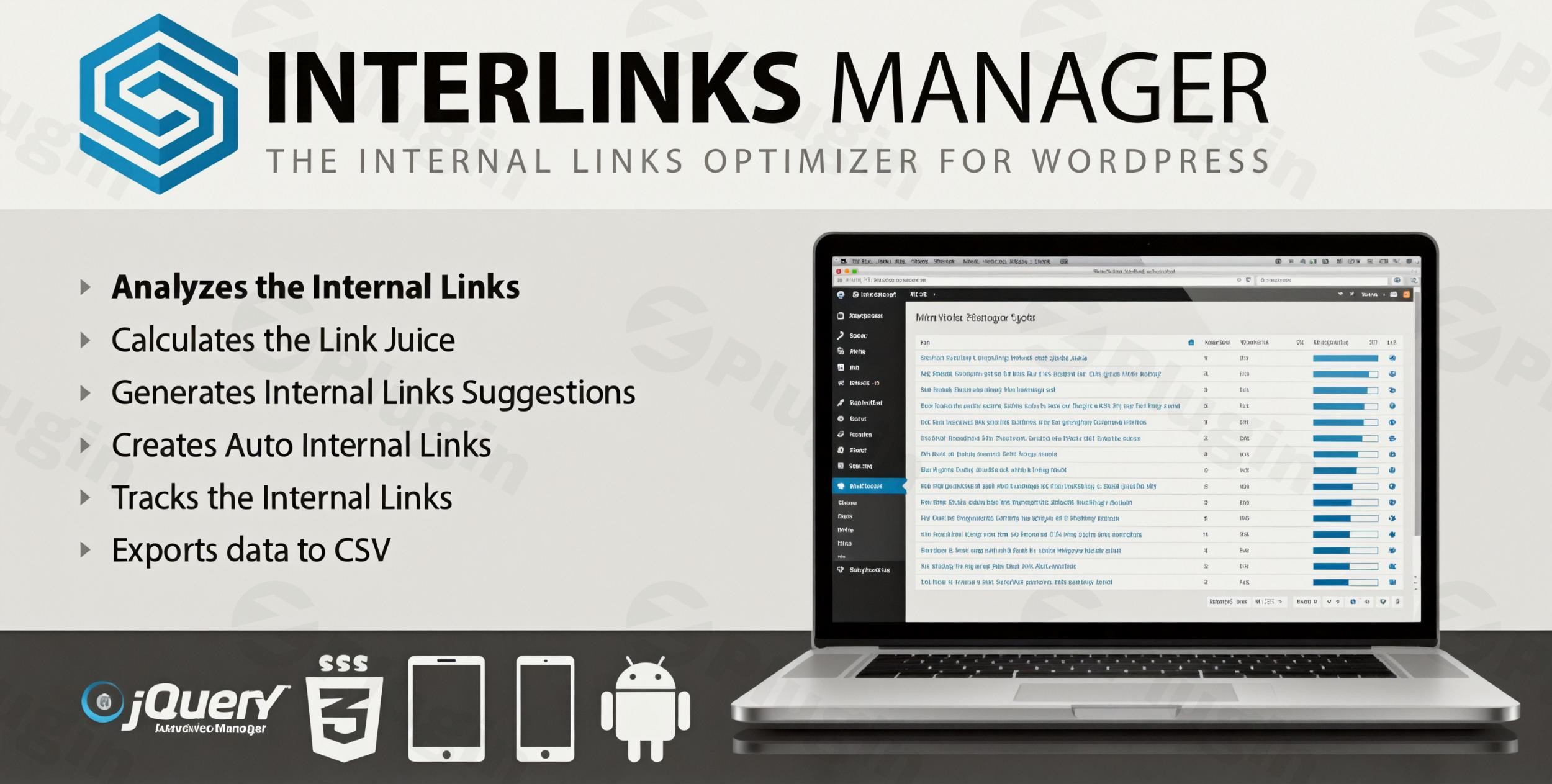
Internal linking is often the “hidden lever” of SEO. While many site owners focus heavily on external backlinks, the way you distribute equity within your own site—commonly known as “link juice”—can be the difference between page one and page ten of search results. The Interlinks Manager WordPress plugin is a professional-grade tool designed to automate, analyze, and optimize your internal linking structure to boost SEO performance and improve user discoverability.
By using this WordPress internal link optimizer, you move away from guesswork and toward a data-driven strategy. Whether you are managing a niche blog or a massive eCommerce store, Interlinks Manager provides the granular control needed to ensure your cornerstone content gets the authority it deserves.
Key Features of Interlinks Manager
Interlinks Manager stands out by offering more than just simple keyword-to-link replacements. It provides a deep link juice analysis for WordPress that helps you visualize how SEO value is distributed across your site.
1. Advanced Link Juice Analysis
The plugin calculates an “SEO Power” score for every page on your site. By analyzing your current link architecture, it shows you exactly which pages are “hoarding” link equity and which pages are under-optimized. This allows you to identify “link orphans” (pages with no internal links) that search engines may struggle to find.
2. Automatic Internal Links (AIL)
One of the most powerful features is the ability to automate internal links in WordPress. You can create specific rules to convert keywords or phrases into links automatically.
- Precision Control: Define keyword-URL pairs and limit the number of links per post to avoid “over-optimization” penalties.
- Targeting: Restrict automatic links to specific post types, categories, or tags.
- Regex Support: For advanced users, the Pro version supports custom regular expressions for complex matching rules.
3. In-Editor Internal Link Suggestions
While you are drafting new content, the plugin scans your existing library to provide internal link suggestions. This ensures that every new post you publish is immediately integrated into your site’s ecosystem, saving you the time of manual searching.
4. Click Tracking & Engagement Analytics
Understanding how users interact with your links is vital for UX. Interlinks Manager tracks every click on your internal links, providing detailed reports on which links are driving traffic and which are being ignored. You can export all this data to CSV for deeper analysis.
Installation & Setup: How to Get Started
Setting up Interlinks Manager is straightforward, but because it performs deep content analysis, there are a few technical optimizations to keep in mind.
- Install the Plugin: Navigate to your WordPress Dashboard, go to Plugins > Add New, and upload the Interlinks Manager zip file. Click Activate.
- Configure Technical Settings: To optimize internal linking structure for SEO, the plugin needs resources to scan your database.
- Go to the plugin settings and ensure your PHP memory limit is set to at least 256MB (or 512MB+ for sites with thousands of posts).
- Set the
max_execution_timeto 300 seconds to prevent the analysis from timing out.
- Run the Initial Analysis: Navigate to the “Analysis” tab and click the button to generate your first link report. This will build the index of your existing links and calculate your initial “SEO Power” scores.
- Set Up Your First Auto-Link Rule: Go to the AIL (Auto Internal Links) section. Enter a keyword (e.g., “WordPress SEO”) and a destination URL. Save the rule to immediately apply these links across your site.
Practical Usage & Best Practices
To get the most out of this WordPress SEO plugin link management tool, follow these real-world workflows used by SEO professionals:
Strengthening Cornerstone Content
Identify your most important “Money Pages” or pillar posts. Use the link juice analysis feature to see their current SEO Power. If the power is low, use the Automatic Internal Links feature to link from high-traffic blog posts back to these cornerstone pages using relevant anchor text.
Content Audits for Agencies
If you manage client sites, use the CSV Export feature. Export the link distribution data to show clients exactly where their site structure is weak. It’s a powerful way to justify content updates and structural changes with hard data.
Avoiding “Self-Linking” and Over-Optimization
A common mistake in internal linking is linking to the same page within its own content. The Pro version of Interlinks Manager allows you to “Prevent Self-Links,” ensuring your automation rules stay clean and professional.
FAQ & Troubleshooting
What is Interlinks Manager?
Interlinks Manager is a premium WordPress plugin designed to monitor, analyze, and automate internal linking. It helps site owners distribute SEO authority (link juice) effectively and provides tools to automatically create links based on specific keywords.
Does Interlinks Manager calculate link juice?
Yes. The plugin features a specialized link juice analysis tool that assigns an “SEO Power” score to each page. It visualizes how link equity flows through your site, allowing you to identify which pages need more internal links to rank better.
How to automate internal links in WordPress with Interlinks Manager?
To automate links, navigate to the AIL (Auto Internal Links) menu in the plugin. Create a new rule by entering your desired keyword and the destination URL. You can then customize the frequency, choose specific categories, and set limits to ensure the links appear naturally across your content.
Is the plugin compatible with Page Builders like Elementor?
Yes. Interlinks Manager is fully compatible with major page builders including Elementor, Divi, and Bricks, as well as WooCommerce and Advanced Custom Fields (ACF).
What should I do if the analysis takes too long or fails?
Internal link analysis is resource-intensive. If the process stalls, check your hosting settings. Ensure your PHP memory limit is at least 256MB and your execution time is increased to 300 seconds. The plugin also uses caching to help speed up subsequent scans.
Final Verdict: Is It Worth It?
The Interlinks Manager WordPress plugin is an essential tool for any site owner serious about technical SEO. While there are free alternatives, few offer the same level of depth regarding link juice analysis and granular automation control.
By automating the tedious parts of link building and providing clear data on how equity moves through your site, it delivers a high ROI in saved time and improved search rankings. It is ideal for SEO agencies, large-scale content publishers, and eCommerce stores looking to optimize internal linking structure for SEO without the manual headache.
Ready to take control of your site’s SEO? Explore the features of Interlinks Manager on wppick.com for more WordPress insights.
I. Download Limits & Account Benefits
- Free Downloads: Each email address receives 3 downloads per day for free products
- Upgrade Benefits: Purchase any paid product to increase your daily download limit by 3 for each paid product
- No Account Required: You can download immediately by receiving the download link via email
- Account Recommended: Create an account for easier access to your order history and direct update downloads
II. Understanding GPL vs Official Versions
Important: The products available on WPPick are GPL-licensed versions, which differ from official developer versions. Before purchasing, please read our comprehensive guide: Understanding GPL & Official Differences at WPPick
Key Points:
- GPL versions may not include premium support from original developers
- Updates may be delayed compared to official releases
- Some premium features might have limitations
- Always consider your specific needs and support requirements
III. Support & Assistance
We’re here to help through multiple channels:
- Email Support: Direct email assistance for all inquiries
- Live Chat: Real-time support during business hours
- Comprehensive Documentation: Detailed guides and tutorials
IV. Order Tracking
Access your complete purchase history and download links anytime: Order History
V. Account Access
New to WPPick? Login or Create Account to manage your downloads and orders efficiently.
VI. Refund Protection
We stand behind our products with a clear refund policy. Review our terms: Refund Policy
VII. Privacy & Security
Your data security is our priority. Learn how we protect your information: Privacy Policy
VII. Terms of Service
Understanding our service terms ensures a smooth experience: Terms of Use
Quick Tips for Best Experience
- Verify Compatibility: Check plugin/theme compatibility with your WordPress version
- Backup First: Always backup your site before installing new plugins or themes
- Test Environment: Consider testing on a staging site first
- Stay Updated: Regularly check for updates in your account dashboard
- Read Documentation: Review any included documentation for optimal setup
Need Help?
If you have questions about downloads, licensing, or need technical assistance, don’t hesitate to contact our support team. We’re committed to ensuring you have the best possible experience with WPPick products.
Ready to get started? Your download adventure begins with just one click!
- Fixed incorrect detection of the classic editor context in the post editor.