
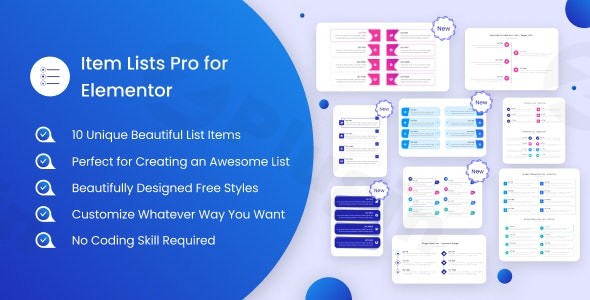
Item Lists Pro For Elementor
/Year
Product-Intent Opening
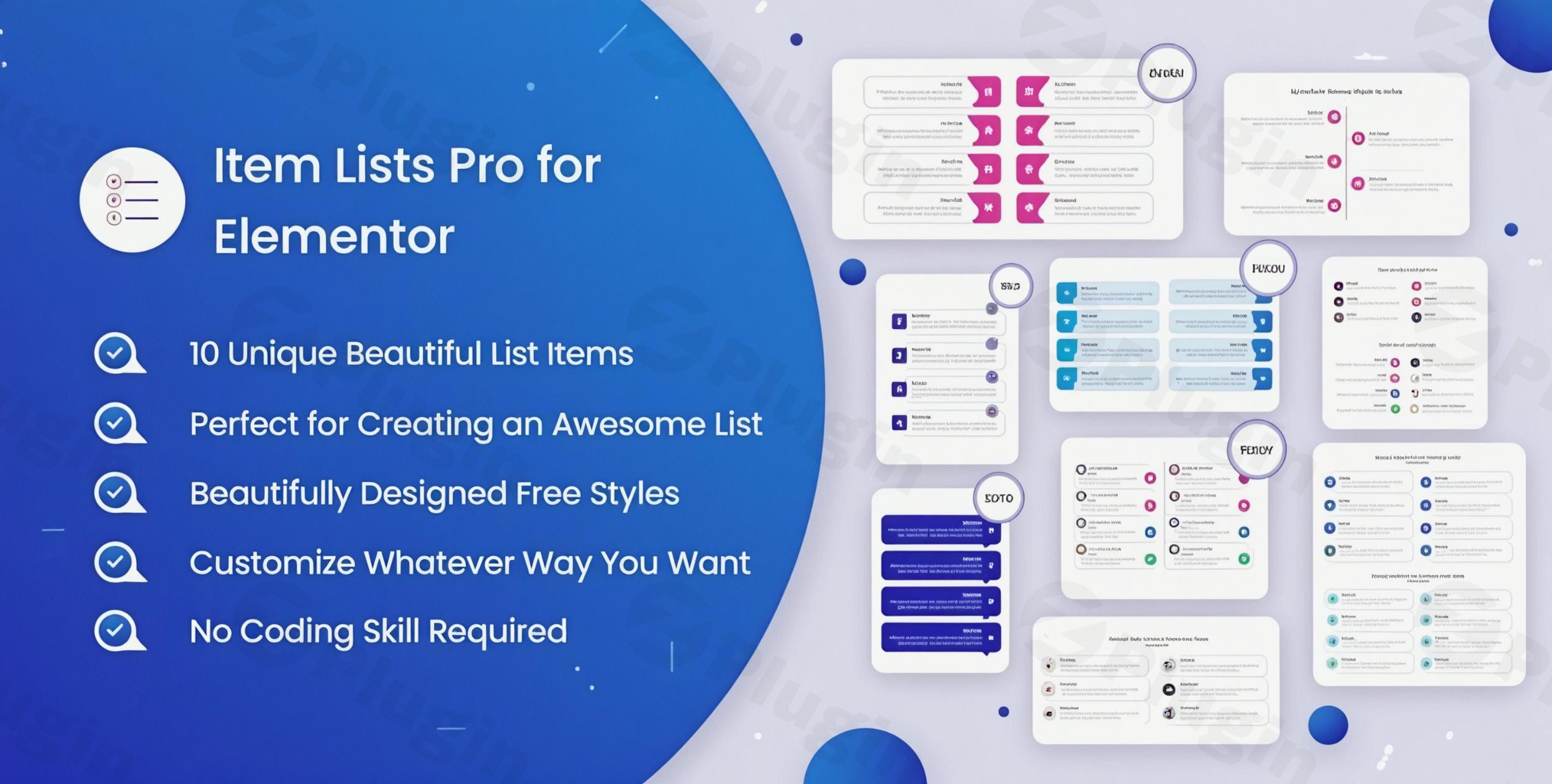
Item Lists Pro For Elementor is a specialized WordPress plugin engineered to solve common content layout challenges by introducing ten unique, professionally structured list templates directly into the Elementor page builder. Instead of relying on default, unstyled bullet points or repetitive text blocks, site administrators and designers can deploy dynamic, animated lists that capture user attention and communicate hierarchical information clearly.
What It Does
The plugin integrates natively with the Elementor interface, adding custom widgets dedicated to advanced list creation. It removes the need for custom CSS or complex shortcodes by providing dedicated controls for icons, spacing, typography, colors, and entrance animations. Users can configure lists for feature comparisons, step-by-step instructions, pricing benefits, or resource inventories directly from the familiar Elementor panel.
Who It Is For
This extension serves WordPress developers, digital marketers, agency professionals, and content creators who utilize Elementor to build client websites, landing pages, or documentation portals. It is particularly useful for anyone seeking to improve information hierarchy and readability on content-heavy pages without increasing page load times or writing custom code.
Key Capabilities
- Ten distinct pre-designed list templates tailored for varied use cases.
- Full integration with Elementor’s drag-and-drop live editing interface.
- Granular typography controls for list titles, descriptions, and numbers.
- Customizable entrance animations to boost visual engagement.
- Dynamic tag compatibility for flexible, data-driven link rendering.
Practical WordPress Use Cases
Item Lists Pro streamlines several common publishing workflows across diverse WordPress environments. E-commerce store owners use the templates to highlight product specifications and bundle inclusions. SaaS companies deploy them to display feature matrices on landing pages. Bloggers and educators utilize the layouts to organize resource lists, key takeaways, and course outlines cleanly.
Setup and Compatibility Notes
Installation follows standard WordPress plugin protocols via the Plugins menu. Once activated, the custom list widgets appear inside the Elementor editor under the designated category. The plugin requires an active installation of the Elementor page builder and maintains full compatibility with standard WordPress themes and PHP environments running modern versions.
Reasons to Choose It on WPPick
Acquiring Item Lists Pro through WPPick ensures access to clean, safety-scanned installation files distributed under the GPL license. Users benefit from regular updates that preserve compatibility with core WordPress releases and Elementor updates, providing a reliable foundation for professional web projects without restrictive licensing hurdles.
Latest Version Context
Version 1.5.5 introduces critical compatibility updates for WordPress 7.1 alongside essential security refinements, such as enforced rel=”noopener” attributes on external list links and corrected attribute output to prevent double-encoding. Furthermore, this release updates the widget render method to utilize getsettingsfor_display(), ensuring that Elementor dynamic tags applied to link fields resolve correctly during frontend rendering.
Frequently Asked Questions
Does this plugin require Elementor Pro?
No, Item Lists Pro For Elementor operates successfully with the free version of Elementor, though it integrates smoothly with Elementor Pro installations as well.
Can I customize the colors and icons for each list item?
Yes, the plugin provides individual styling controls for icons, backgrounds, typography, and hover effects across all included templates.
Are the list templates responsive on mobile devices?
All templates are built with responsive design principles, adapting cleanly to mobile and tablet screen resolutions automatically.
How do I receive future updates for this plugin?
Updates are made available through your WPPick account dashboard as new versions are released by the developer.
Is coding knowledge required to set up the lists?
No coding knowledge is necessary; all configuration is handled visually through the drag-and-drop Elementor editor interface.
I. Download Limits & Account Benefits
- Free Downloads: Each email address receives 3 downloads per day for free products
- Upgrade Benefits: Purchase any paid product to increase your daily download limit by 3 for each paid product
- No Account Required: You can download immediately by receiving the download link via email
- Account Recommended: Create an account for easier access to your order history and direct update downloads
II. Understanding GPL vs Official Versions
Important: The products available on WPPick are GPL-licensed versions, which differ from official developer versions. Before purchasing, please read our comprehensive guide: Understanding GPL & Official Differences at WPPick
Key Points:
- GPL versions may not include premium support from original developers
- Updates may be delayed compared to official releases
- Some premium features might have limitations
- Always consider your specific needs and support requirements
III. Support & Assistance
We’re here to help through multiple channels:
- Email Support: Direct email assistance for all inquiries
- Live Chat: Real-time support during business hours
- Comprehensive Documentation: Detailed guides and tutorials
IV. Order Tracking
Access your complete purchase history and download links anytime: Order History
V. Account Access
New to WPPick? Login or Create Account to manage your downloads and orders efficiently.
VI. Refund Protection
We stand behind our products with a clear refund policy. Review our terms: Refund Policy
VII. Privacy & Security
Your data security is our priority. Learn how we protect your information: Privacy Policy
VII. Terms of Service
Understanding our service terms ensures a smooth experience: Terms of Use
Quick Tips for Best Experience
- Verify Compatibility: Check plugin/theme compatibility with your WordPress version
- Backup First: Always backup your site before installing new plugins or themes
- Test Environment: Consider testing on a staging site first
- Stay Updated: Regularly check for updates in your account dashboard
- Read Documentation: Review any included documentation for optimal setup
Need Help?
If you have questions about downloads, licensing, or need technical assistance, don’t hesitate to contact our support team. We’re committed to ensuring you have the best possible experience with WPPick products.
Ready to get started? Your download adventure begins with just one click!
- Updated: Latest WordPress 7.1 compatibility Check
- Security: Added rel="noopener" to list item links that open in a new tab, and fixed attribute output so target/rel are no longer double-encoded
- Fixed: Widget render() now uses get_settings_for_display() so Elementor Dynamic Tags on link fields resolve correctly