

Jetformbuilder – User Login Action Addon
/Year
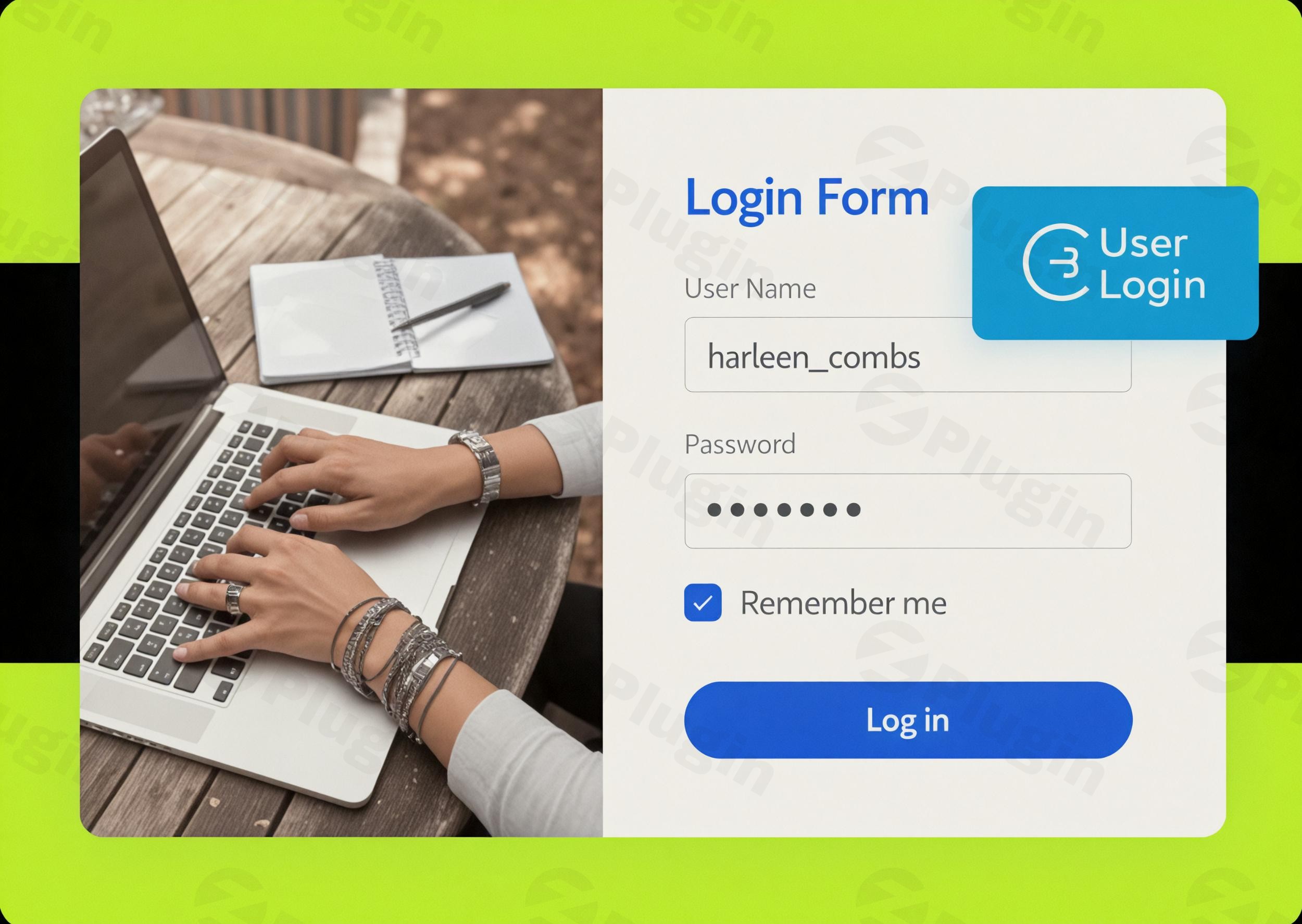
In today’s digital landscape, a secure and user-friendly login experience is paramount for any WordPress website. Whether you run an e-commerce store, a membership site, or a community portal, providing a reliable way for users to access their accounts directly from your front-end is crucial. This is where the JetFormBuilder User Login Action Addon shines. This powerful extension transforms your JetFormBuilder forms into robust, secure, and customizable login, registration, and password reset interfaces, moving beyond the default WordPress login page for an enhanced user journey.
Key Features for Advanced User Authentication
The JetFormBuilder User Login Action Addon isn’t just about creating a login form; it’s about building a comprehensive, secure, and intuitive user authentication system right into your website. It extends the core capabilities of JetFormBuilder to manage user access with precision and flexibility.
Secure Standard Authorization System
At its core, this addon leverages WordPress’s standard authorization protocols to ensure robust user identification and authentication. This means that every login process adheres to the established security measures of WordPress, allowing registered users to securely access their accounts while maintaining the integrity of your site’s user management system. You’re building on a solid, trusted foundation for a secure user login form WordPress plugin.
Enhanced User Experience Capabilities
Beyond security, the addon significantly improves user convenience.
- “Remember Me” Functionality: Offer a familiar “Remember Me” option, allowing users to stay logged in for up to 14 days. This reduces friction and makes return visits smoother, without compromising security. It’s an essential feature to enable remember me feature WordPress login form.
- Secure Cookies: Crucial for websites operating over HTTPS, the addon supports secure cookies, ensuring that authentication data transmitted between the user’s browser and your server remains encrypted and protected.
Versatile Website Integration & Customization
The User Login Action Addon is designed for broad applicability and deep customization, making it an ideal WordPress login form builder for diverse needs.
- Multi-Purpose Application: This addon supports various website types that require user authentication, including e-commerce platforms, membership sites, multivendor directories, community portals, and business websites.
- Customizable Form Fields & Layouts: Gain full control over your login forms. Easily connect each form field to corresponding function parameters (username, email, password, “remember me”), creating tailored login experiences that match your website’s specific requirements and design aesthetic. You can transform fields into groups for a personalized layout, leading to a truly custom WordPress login page.
- Password Reset Functionality: Enable front-end password reset functionality directly through your JetFormBuilder forms. This includes the use of time-limited reset tokens for enhanced security, providing a complete user management solution.
- Multi-State Forms: Integrate seamlessly with JetFormBuilder’s “Render States” feature. This allows for the dynamic display of different form states (login, registration, reset password) within a single, cohesive form, streamlining the user journey.
- AJAX Forms & Anti-Spam Support: The addon is compatible with AJAX forms for a smoother, faster user experience without page reloads. It also integrates with reCAPTCHA and other anti-spam tools, adding an extra layer of security against bots and malicious activity.
Installation & Setup: How to Create a Custom Login Form with JetFormBuilder
Installing and configuring the JetFormBuilder User Login Action Addon is a straightforward process that integrates directly into your existing WordPress workflow.
- Ensure JetFormBuilder is Installed: The User Login Action Addon is an extension, so you must have the core JetFormBuilder plugin already installed and activated on your WordPress site.
- Upload and Activate the Addon:
- Download the JetFormBuilder User Login Action Addon from your ZeroPlugin.com account or chosen marketplace.
- Navigate to Plugins > Add New in your WordPress dashboard.
- Click Upload Plugin, choose the downloaded zip file, and click Install Now.
- Once installed, click Activate Plugin.
- Create Your Login Form:
- Go to JetFormBuilder > Add New to create a new form.
- Design your form with fields for “Username or Email” and “Password.” You can add a “Remember Me” checkbox as well.
- In the form editor, go to Post Submit Actions and add the “User Login” action.
- Map your form fields to the corresponding “User Login” action parameters (e.g., “Login” field to “Username/Email,” “Password” field to “Password”).
- Configure post-login redirects and other settings as needed.
- If you’re building a password reset form, select the “User Password Reset” action and map the relevant email field.
- Easy Form Placement:
- Once your form is designed and configured, simply place it on your desired login page, account page, or any other page using the JetFormBuilder block in Gutenberg, the Elementor widget, or a shortcode. This allows for front-end login WordPress integration without hassle.
Practical Usage & Best Practices
Leveraging the JetFormBuilder User Login Action Addon can significantly enhance user interaction and site management across various platforms.
- E-commerce Stores: For WooCommerce or similar online shops, provide a seamless front-end login WordPress experience directly on your shop or account pages. This allows customers to log in to manage orders, view wishlists, or update profiles without being redirected to the standard WordPress admin login. Use the “Remember Me” feature to simplify repeat purchases.
- Membership & Subscription Sites: If you offer exclusive content or services, creating a custom JetFormBuilder login action form helps maintain brand consistency. You can design login pages that match your brand’s aesthetic, guiding members efficiently to their premium content. Combine it with the password reset feature for a self-service membership portal.
- Community & Forum Platforms: For sites like BuddyPress or bbPress communities, custom login forms improve the onboarding and ongoing engagement of users. A dedicated login area integrated directly into the community layout makes it easier for members to participate and connect.
- Multi-vendor Directories: If you run a directory where vendors have their own dashboards, a custom login form allows them to quickly access their profiles, listings, and sales data directly from the front-end, enhancing their operational efficiency.Best Practice Tip: Always configure appropriate redirect URLs after successful login or password reset. For instance, redirect users to their account dashboard, a specific product page, or a welcome page to enhance their post-login experience.
FAQ & Troubleshooting
Here are answers to common questions about using the JetFormBuilder User Login Action Addon:
Can JetFormBuilder create login forms?
Yes, the JetFormBuilder User Login Action Addon is specifically designed to enable JetFormBuilder to create highly customizable and secure login forms, as well as password reset forms, directly on the front-end of your WordPress website.
How to reset password with JetFormBuilder?
To implement password reset functionality, you would create a new JetFormBuilder form with an email field. In the “Post Submit Actions,” select the “User Password Reset” action and map your email field to the appropriate parameter. When a user submits their email, the system will send them a time-limited token to reset their password.
Is JetFormBuilder user login secure?
Yes, the JetFormBuilder user login addon is built on WordPress’s standard authorization protocols, ensuring that user authentication is secure. It also supports secure cookies, which are vital for HTTPS-enabled sites, and can integrate with reCAPTCHA and other anti-spam tools for enhanced protection against unauthorized access.
Is the JetFormBuilder User Login Action Addon compatible with other plugins and themes?
The addon is designed to work seamlessly within the JetFormBuilder ecosystem and with WordPress’s core user management system. It is generally compatible with most well-coded WordPress themes and other plugins, leveraging standard WordPress APIs. Specific compatibility details can be found on the developer’s official documentation.
How can I enable the “Remember Me” feature for my login forms?
When configuring the “User Login” action in your JetFormBuilder form, ensure you include a checkbox field in your form that you can then map to the “Remember Me” parameter within the action’s settings. This will activate the functionality for your users.
I. Download Limits & Account Benefits
- Free Downloads: Each email address receives 3 downloads per day for free products
- Upgrade Benefits: Purchase any paid product to increase your daily download limit by 3 for each paid product
- No Account Required: You can download immediately by receiving the download link via email
- Account Recommended: Create an account for easier access to your order history and direct update downloads
II. Understanding GPL vs Official Versions
Important: The products available on WPPick are GPL-licensed versions, which differ from official developer versions. Before purchasing, please read our comprehensive guide: Understanding GPL & Official Differences at WPPick
Key Points:
- GPL versions may not include premium support from original developers
- Updates may be delayed compared to official releases
- Some premium features might have limitations
- Always consider your specific needs and support requirements
III. Support & Assistance
We’re here to help through multiple channels:
- Email Support: Direct email assistance for all inquiries
- Live Chat: Real-time support during business hours
- Comprehensive Documentation: Detailed guides and tutorials
IV. Order Tracking
Access your complete purchase history and download links anytime: Order History
V. Account Access
New to WPPick? Login or Create Account to manage your downloads and orders efficiently.
VI. Refund Protection
We stand behind our products with a clear refund policy. Review our terms: Refund Policy
VII. Privacy & Security
Your data security is our priority. Learn how we protect your information: Privacy Policy
VII. Terms of Service
Understanding our service terms ensures a smooth experience: Terms of Use
Quick Tips for Best Experience
- Verify Compatibility: Check plugin/theme compatibility with your WordPress version
- Backup First: Always backup your site before installing new plugins or themes
- Test Environment: Consider testing on a staging site first
- Stay Updated: Regularly check for updates in your account dashboard
- Read Documentation: Review any included documentation for optimal setup
Need Help?
If you have questions about downloads, licensing, or need technical assistance, don’t hesitate to contact our support team. We’re committed to ensuring you have the best possible experience with WPPick products.
Ready to get started? Your download adventure begins with just one click!
- PHP warnings