
JetPopup – Popup Add-on for Elementor
/Year
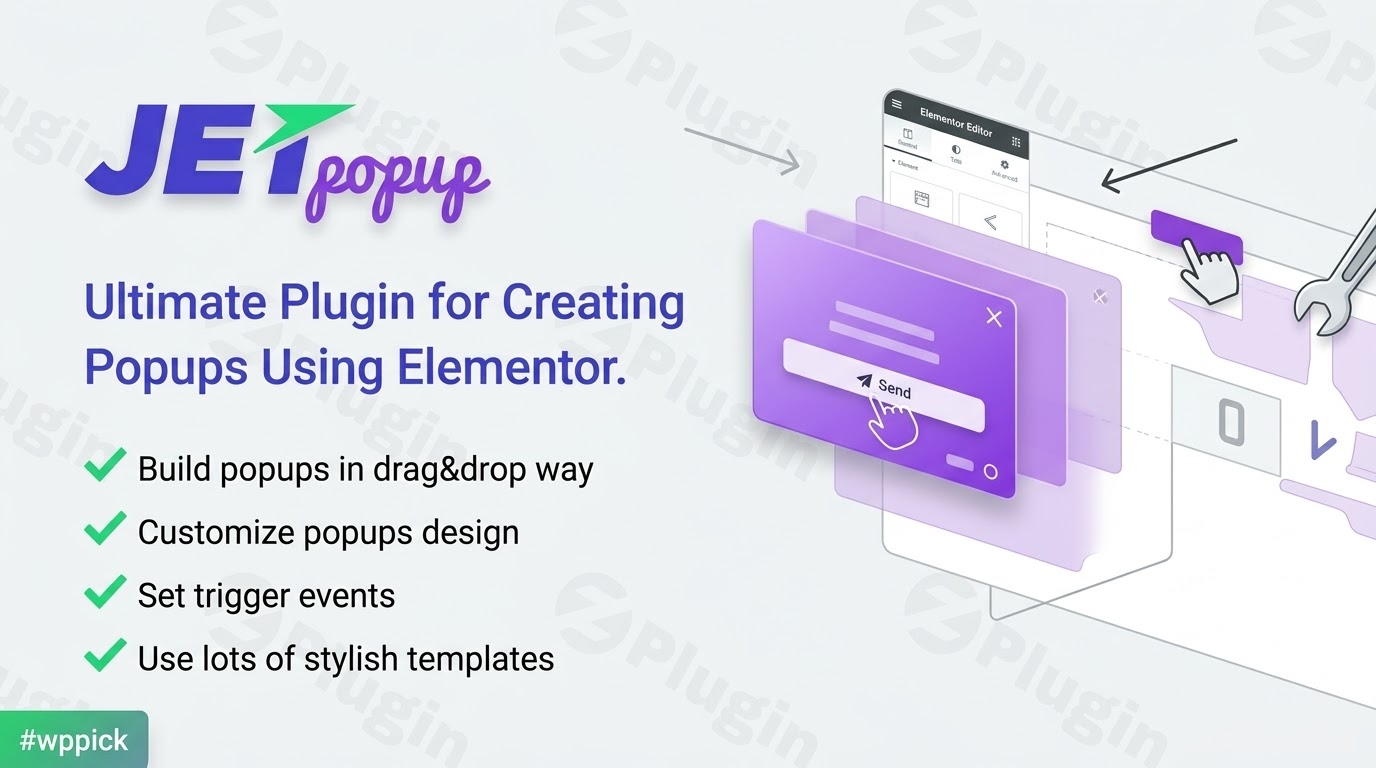
Dynamic Popup Creation for Elementor Workflows
JetPopup by Crocoblock is a dedicated popup construction add-on designed for the Elementor page builder. It allows site owners, marketers, and developers to design modal windows, slide-ins, top bars, and full-screen overlays directly inside the standard Elementor editing canvas. By blending visual layout tools with target-specific visibility rules, JetPopup eliminates the need for standalone third-party SaaS popup software, keeping your marketing assets hosted directly within WordPress.
What JetPopup Does and Who It Is For
JetPopup functions as an extension to Elementor, converting standard widgets into interactive promotional or transactional modal windows. It helps site administrators capture leads, display sale banners, announce policy changes, or present age-verification screens without editing code. This tool is ideal for digital agencies, e-commerce store managers running WooCommerce, content creators looking to grow newsletter subscribers, and site builders who rely on the Crocoblock ecosystem for custom dynamic websites.
Key Capabilities and Behavioral Triggers
JetPopup provides control over when, where, and how a popup appears on a web page. Rather than relying solely on page-load displays, the plugin offers granular behavioral triggers to ensure popups match user intent:
- On-Page Load and Inactivity Triggers: Display overlays immediately when a visitor arrives or after a specified duration of user inactivity.
- Scroll Depth and Page Exit Intent: Prompt users when they scroll down a specific percentage of a page or move their cursor to leave the window.
- Click-Based and Custom Selectors: Attach popup events to specific buttons, navigation links, or CSS selectors anywhere on your layout.
- Granular Display Conditions: Target popups to specific post types, custom URLs, user roles, devices, or single pages.
- Animation and Style Options: Customize entry transitions, background overlays, close-button styling, and modal dimensions within Elementor.
- Template Integration: Select from pre-made popups for email subscriptions, sale discount codes, cookie consent banners, and video embeds.
Practical WordPress Use Cases
JetPopup integrates into various digital marketing and site administration scenarios:
- Lead Generation: Pair JetPopup with form widgets to deliver lead magnets, collect newsletter sign-ups, or prompt event registrations.
- WooCommerce Cross-Selling: Trigger discount popups on checkout pages, display cart addition confirmations, or highlight flash sales based on shopping behavior.
- User Access Control and Compliance: Implement age-gate confirmation windows, cookie consent notices, or terms acceptance modals before granting access to site sections.
- Dynamic Content Overlays: Combine JetPopup with JetEngine to render dynamic custom post data, custom field values, or interactive gallery models inside popups.
Setup, Compatibility, and Ecosystem Context
JetPopup requires an active installation of WordPress and the Elementor plugin. Because it operates natively inside the Elementor editor, users can drop in native Elementor elements or Crocoblock JetPlugins widgets (such as JetFormBuilder or JetElements). The plugin adheres to standard WordPress hook architectures, enabling smooth background loading via AJAX to prevent modal content from slowing down initial page render times.
Why Choose JetPopup on WPPick
Sourcing JetPopup on WPPick grants access to authentic plugin packages designed to enhance your page-building toolkit. WPPick provides convenient access to essential Crocoblock utilities, helping developers and business owners deploy responsive marketing popups across client sites efficiently while maintaining clean site management practices.
Latest Version Context
Detailed release notes are not available from the provided sources. While version tracking indicates ongoing updates to maintain compatibility with WordPress core and Elementor environments, documented vendor release logs were not publicly accessible at the time of publication.
Frequently Asked Questions
Does JetPopup require Elementor Pro to function?
No, JetPopup works with the free version of Elementor as well as Elementor Pro. You can design popups using standard free Elementor widgets or custom Crocoblock widgets without requiring a Pro license from Elementor.
Can I trigger a JetPopup modal using a custom button or link?
Yes, JetPopup supports click-event triggers. You can assign a specific popup ID or custom class selector to any button, text link, or navigation item on your site to trigger the modal when clicked.
How does JetPopup handle dynamic content from custom fields?
When combined with Crocoblock’s JetEngine, JetPopup can display dynamic field data, custom post types, and dynamic images inside popup templates, making it suitable for dynamic product previews or directory listings.
Are popups created with JetPopup responsive on mobile devices?
Yes, all popups built with JetPopup inherit Elementor’s responsive controls. You can adjust popup sizes, padding, hide specific elements on mobile screens, or customize trigger behaviors depending on device type.
Can I set frequency rules so popups do not annoy returning visitors?
Yes, JetPopup includes cookie-based display rules that allow you to specify how often a popup appears to a unique visitor, such as showing it once per session or hiding it for a set number of days after closing.
I. Download Limits & Account Benefits
- Free Downloads: Each email address receives 3 downloads per day for free products
- Upgrade Benefits: Purchase any paid product to increase your daily download limit by 3 for each paid product
- No Account Required: You can download immediately by receiving the download link via email
- Account Recommended: Create an account for easier access to your order history and direct update downloads
II. Understanding GPL vs Official Versions
Important: The products available on WPPick are GPL-licensed versions, which differ from official developer versions. Before purchasing, please read our comprehensive guide: Understanding GPL & Official Differences at WPPick
Key Points:
- GPL versions may not include premium support from original developers
- Updates may be delayed compared to official releases
- Some premium features might have limitations
- Always consider your specific needs and support requirements
III. Support & Assistance
We’re here to help through multiple channels:
- Email Support: Direct email assistance for all inquiries
- Live Chat: Real-time support during business hours
- Comprehensive Documentation: Detailed guides and tutorials
IV. Order Tracking
Access your complete purchase history and download links anytime: Order History
V. Account Access
New to WPPick? Login or Create Account to manage your downloads and orders efficiently.
VI. Refund Protection
We stand behind our products with a clear refund policy. Review our terms: Refund Policy
VII. Privacy & Security
Your data security is our priority. Learn how we protect your information: Privacy Policy
VII. Terms of Service
Understanding our service terms ensures a smooth experience: Terms of Use
Quick Tips for Best Experience
- Verify Compatibility: Check plugin/theme compatibility with your WordPress version
- Backup First: Always backup your site before installing new plugins or themes
- Test Environment: Consider testing on a staging site first
- Stay Updated: Regularly check for updates in your account dashboard
- Read Documentation: Review any included documentation for optimal setup
Need Help?
If you have questions about downloads, licensing, or need technical assistance, don’t hesitate to contact our support team. We’re committed to ensuring you have the best possible experience with WPPick products.
Ready to get started? Your download adventure begins with just one click!
- Update: jet-popup/ajax-request/content-data filter hook
- Fixed: Fatal error in some cases
- Missing Star Rating CSS in Listing Grid rendered via JetPopup
- Popup not attaching due to wrong jetPopupInstance validation
- Register blocks with apiVersion 3
- Issue with update elementor CSS files
- Allow non-published popups only for users with read_post capability
- Permission checks for private popups
- Improve permission_callback by validating popup_id and using edit_post check
- Fixed security issue
- Updated: Vulnerable Axios version to latest safe release
- Fixed: Preserve attached popups when Elementor element cache is enabled
- Render JetPopups without conditions even if Elementor cache is enabled
- Prevent fatal error from duplicate Finder_Category class declaration
- Regenerate Elementor CSS only for supported post types
- Clear popup cache when saving a JetFormBuilder form