

JetTabs – Tabs and Accordion for Elementor Page Builder
/Year
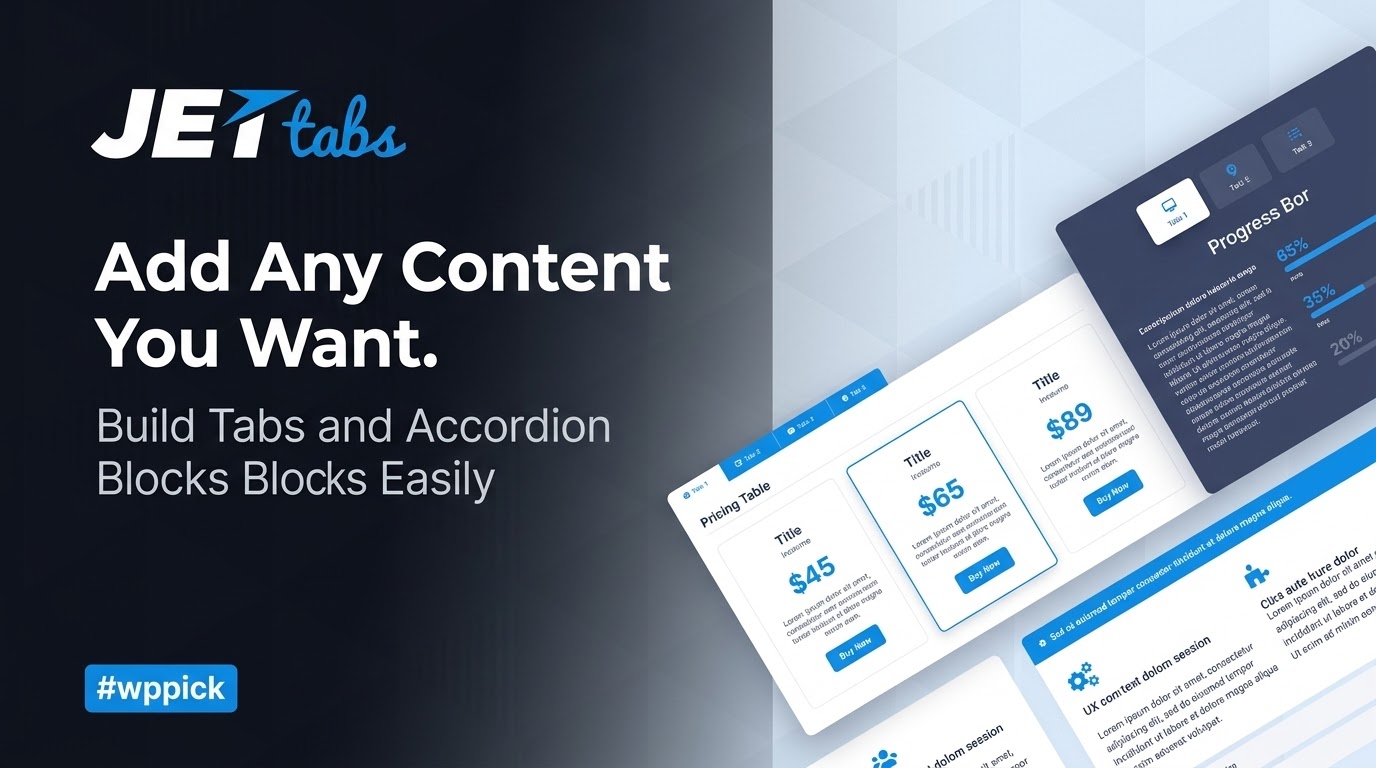
Enhance Website Structure with JetTabs for Elementor
Managing extensive information on a single web page often results in cluttered layouts, long scrolling times, and poor user engagement. JetTabs solves this structural challenge by introducing a set of clean, responsive widgets built explicitly for the Elementor Page Builder ecosystem. The plugin allows creators to condense dense documentation, pricing tiers, FAQs, and media galleries into space-saving tabs, content switchers, and accordions. By utilizing an intuitive drag-and-drop workflow, users can present multi-layered layouts logically, improving overall readability and onsite retention.
What JetTabs Does and Who It Is For
JetTabs embeds directly into the Elementor interface, expanding its native design toolkit with dedicated behavioral components. The plugin empowers developers, agency designers, and content editors to group related information chronologically or topically without writing complex HTML or JavaScript. It is particularly valuable for e-commerce store operators presenting multi-part product details, tech businesses detailing SaaS features, and digital marketers deploying concise landing pages. Whether building a simple toggle or nested structures containing custom Elementor templates, JetTabs provides a stable layout framework that respects mobile screens and modern search engine readability guidelines.
Key Capabilities and Layout Widgets
The plugin concentrates on a core set of interactive elements engineered to distribute complex data efficiently:
- Tabs Widget: Displays text, images, or saved dynamic templates in linear horizontal or vertical tab structures. It supports custom icons, individual tab backgrounds, and automatic text orientation toggles.
- Classic Accordion: Organizes information into collapsible vertical panels, perfect for structural documentation, syllabus schedules, or service lists where only one section needs to be expanded at a time.
- Image Accordion: Combines visual storytelling with text blocks. Hovering or clicking an image panel smoothly expands the column to reveal deeper descriptive data or calls to action.
- Content Switcher: Facilitates a dual-state toggle interface, universally applied to monthly versus annual subscription tables, product variations, or light and dark comparison mockups.
Practical WordPress Use Cases
Integrating JetTabs translates directly into improved usability metrics across distinct web properties:
- E-Commerce Product Pages: Consolidate WooCommerce reviews, technical specifications, shipping rules, and sizing charts alongside the main purchase block to prevent continuous scrolling.
- SaaS Pricing Modules: Deploy a content switcher above pricing matrices to let prospective customers switch instantly between billing terms, reducing visual clutter.
- Company Knowledge Bases: Arrange customer service answers inside the Classic Accordion widget to build scannable self-service centers.
- Portfolio Showcases: Use the Image Accordion to showcase architecture designs, marketing case studies, or photography galleries that interact cleanly based on cursor movement.
Setup, Integration, and Compatibility Context
JetTabs functions as an extension of the Elementor environment and requires the core builder to operate. It is designed to inherit global typography and color tokens defined in your active WordPress theme settings, preserving aesthetic consistency across layouts. For complex configurations, each tab or accordion panel can ingest pre-built Elementor Templates, enabling nested structures where sliders, contact forms, or custom loop listings reside neatly inside a single tab container. The plugin maintains full compatibility with translation frameworks like WPML and supports Right-to-Left (RTL) reading directions seamlessly.
Reasons to Choose JetTabs on WPPick
Obtaining JetTabs provides access to a clean, security-scanned file designed for clean performance. The plugin streamlines interface design without relying on bulky third-party script integrations that delay mobile layout rendering. By consolidating multiple display patterns into one extension, you reduce the necessity of installing fragmented individual plugins for switchers, tabs, and image highlights. This centralized approach guarantees long-term template stability, direct element control, and an optimized editing footprint within the WordPress dashboard.
Latest Version Context
Detailed release notes for version 2.3.2 are not available from the provided official internet sources. To maintain complete operational integrity and avoid unsupported assumptions, specific updates for this iteration are omitted. Users are encouraged to evaluate current environment compatibility prior to updates to ensure custom template rendering and asset paths map smoothly over active installations.
Frequently Asked Questions
Can I place entire Elementor templates inside a single tab panel?
Yes. JetTabs allows you to select any saved Elementor section or page template from a dropdown menu inside the widget settings. This enables you to nest complex layouts, such as maps, contact forms, or post grids, directly inside individual tabs or accordion rows.
Does JetTabs slow down page loading speeds?
The plugin is engineered using clean code structures that load necessary scripts selectively. It minimizes layout shift and complies with modern core web vitals. Performance remains highly dependent on the density of the content or templates you embed within the containers.
Is the content hidden inside tabs visible to search engines?
Yes, all textual data and media placed within the tabs or collapsible accordions are rendered directly in the source HTML markup. Search engine crawlers can index the text for SEO ranking purposes, even when the specific panel is closed by default to the user.
How does the content switcher handle pricing tables?
The content switcher allows you to assign two distinct templates or blocks to a single master toggle. By connecting your monthly pricing table to state A and your annual matrix to state B, users can alternate between choices smoothly without refreshing the page.
Does this plugin support vertical tab alignments for mobile views?
Yes, the tab components include responsive options that let you adjust alignment dynamically. You can configure tabs to display vertically or horizontally on desktop screens and stack or scroll smoothly on mobile viewpoints to guarantee mobile-friendly interfaces.
I. Download Limits & Account Benefits
- Free Downloads: Each email address receives 3 downloads per day for free products
- Upgrade Benefits: Purchase any paid product to increase your daily download limit by 3 for each paid product
- No Account Required: You can download immediately by receiving the download link via email
- Account Recommended: Create an account for easier access to your order history and direct update downloads
II. Understanding GPL vs Official Versions
Important: The products available on WPPick are GPL-licensed versions, which differ from official developer versions. Before purchasing, please read our comprehensive guide: Understanding GPL & Official Differences at WPPick
Key Points:
- GPL versions may not include premium support from original developers
- Updates may be delayed compared to official releases
- Some premium features might have limitations
- Always consider your specific needs and support requirements
III. Support & Assistance
We’re here to help through multiple channels:
- Email Support: Direct email assistance for all inquiries
- Live Chat: Real-time support during business hours
- Comprehensive Documentation: Detailed guides and tutorials
IV. Order Tracking
Access your complete purchase history and download links anytime: Order History
V. Account Access
New to WPPick? Login or Create Account to manage your downloads and orders efficiently.
VI. Refund Protection
We stand behind our products with a clear refund policy. Review our terms: Refund Policy
VII. Privacy & Security
Your data security is our priority. Learn how we protect your information: Privacy Policy
VII. Terms of Service
Understanding our service terms ensures a smooth experience: Terms of Use
Quick Tips for Best Experience
- Verify Compatibility: Check plugin/theme compatibility with your WordPress version
- Backup First: Always backup your site before installing new plugins or themes
- Test Environment: Consider testing on a staging site first
- Stay Updated: Regularly check for updates in your account dashboard
- Read Documentation: Review any included documentation for optimal setup
Need Help?
If you have questions about downloads, licensing, or need technical assistance, don’t hesitate to contact our support team. We’re committed to ensuring you have the best possible experience with WPPick products.
Ready to get started? Your download adventure begins with just one click!
- Added: Control CSS ID option for Image Accordion items.
- Fixed: SVG icons rendering from Dynamic Data repeater fields in Classic Accordion.
- Fixed: Classic Accordion content disappearing before the close animation.
- Updated: JetDashboard module to the latest version.
- Added: Flip Text Direction for left and right tab layouts.
- Added: Responsive “Scrolling to the Content” settings for Classic Accordion.
- Classic Accordion Ajax “Current Query” template loading.
- Tabs control wrapper width when used via shortcode.
- Switcher anchor links inside listings (correct smooth scroll + no layout breaks).
- Image Accordion “Title Default” no longer overlaps clickable content.
- Added content filtering support and dynamic styles handling for Accordion/Tabs content.
- Videos now auto-pause when switching between tabs.
- Auto Switch no longer reveals content of tabs hidden by the Hide Empty Items add-on.
- Arrow key navigation is now blocked inside inputs/textareas to prevent unintended tab/listing navigation (including Review Listing).
- Fixed: Potential XSS vulnerability in Tabs/Accordion widgets.
- Fixed: Broken Access Control issue.
- Scrolling tabs navigation issue — improved scroll behavior and active state handling for tab controls
- Accordion content hidden under the container border — adjusted height calculation so content is fully visible inside “View More” and similar wrappers
- Classic Accordion content disappearing after rapid clicks — added animation/timeout protection to prevent empty panels on fast toggling
- Auto Switch in Tabs widget stopping after manual interaction — autoswitch now resumes correctly, including when using slider-based tab navigation
- JetMenu + JetTabs integration — templates used inside Mega Menu tabs are now rendered properly in the editor and remain accessible for editing
- Compatibility with Hide Empty Tabs addon — now works correctly with Elementor Tabs / JetTabs
- Missing styles for nested tabs (tabs inside tabs)
- Repeated "Jet Tabs Data Update" banner — update notice now appears only when a real DB migration is required
- Escaped dynamic output in templates and widgets for better XSS protection.
- Escaped icon class attribute in widget output for XSS protection