

JetThemeCore for Elementor WordPress Plugin
/Year
Take Control of Your WordPress Site Structure
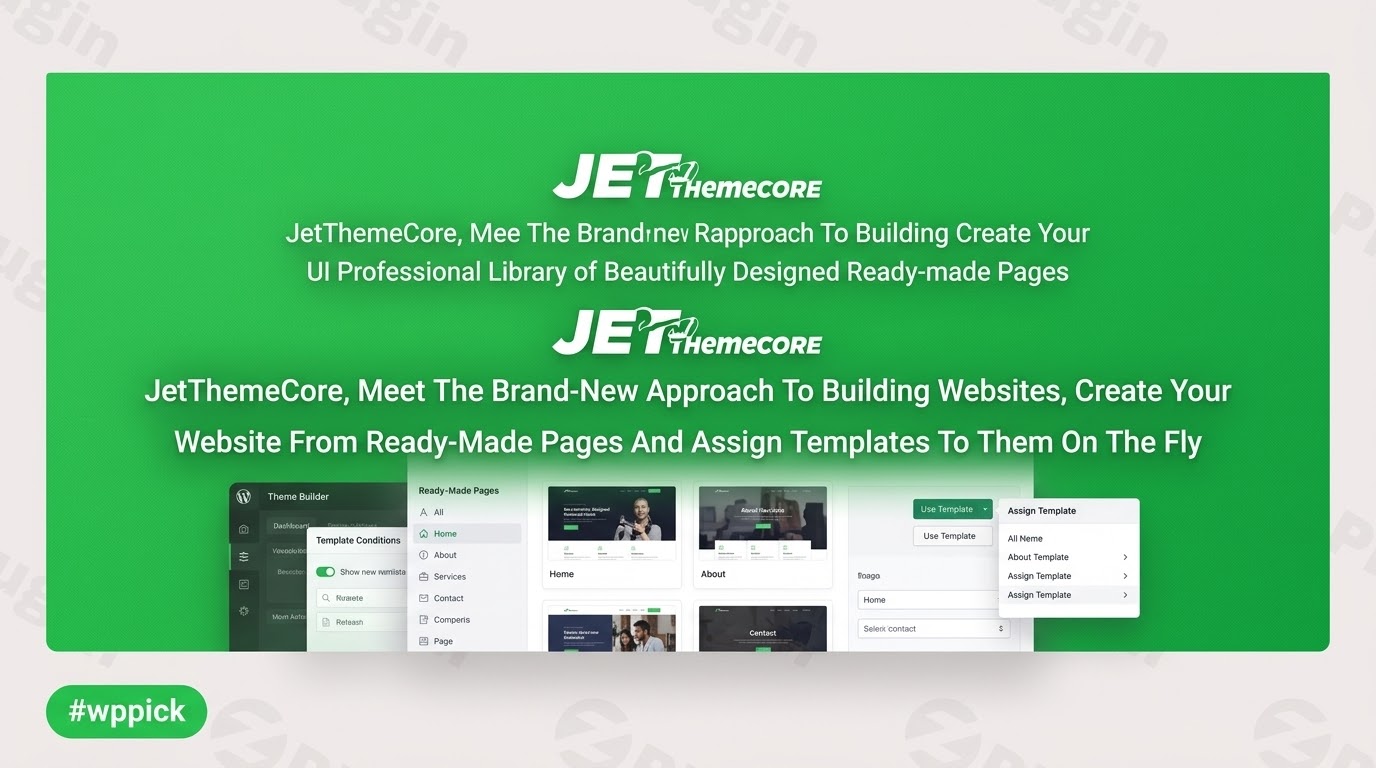
JetThemeCore provides a structured approach to website design by functioning as a modular theme builder extension for Elementor and Gutenberg. Instead of relying on rigid WordPress theme frameworks, this plugin empowers users to design, assign, and manage custom structural parts such as headers, footers, single page structures, single post layouts, and search result views directly from a unified interface.
What JetThemeCore Does
The primary function of JetThemeCore is to override standard theme layout rendering. It introduces an intuitive control panel where structural templates can be linked to precise conditional destinations across a web property. This eliminates the need to edit theme files or write custom PHP template hierarchy logic when building dynamic websites.
Who Is This Plugin For?
- Freelance web designers who need to rapidly spin up cohesive mockups and client sites without manual coding.
- WordPress developers looking for advanced target conditional rules to deliver complex digital architectures.
- Agency teams seeking an efficient, repeatable workflow for managing header and footer templates across varied content types.
- E-commerce site operators running WooCommerce who require specialized templates for distinct category views.
Key Capabilities and Features
- Comprehensive Theme Builder Interface: Easily create, configure, and manage structural layouts from a central control panel.
- Advanced Conditional Logic: Assign specific layout parts based on parameters like specific URLs, taxonomy categories, custom post types, or distinct user roles.
- Broad Page Builder Compatibility: Seamlessly integrates alongside Elementor, Elementor Pro, and the native Block Editor (Gutenberg).
- Pre-built Skin Library: Access a diverse ecosystem of ready-made layout pieces to accelerate prototyping and deployment timelines.
Practical WordPress Use Cases
JetThemeCore is frequently deployed to resolve common layout constraints. For instance, an agency can design a dedicated header layout featuring conversion tracking elements explicitly for marketing landing pages, while ensuring the standard corporate header remains active across remaining sections. Another practical implementation includes setting up distinct single post layouts for varied content categories, such as displaying unique structural sidebars on a ‘News’ archive compared to a ‘Case Studies’ portfolio entry.
Setup and Integration Context
Configuration begins in the WordPress dashboard where the template manager lists active parts. JetThemeCore works cleanly alongside popular modern themes like Hello Elementor, Astra, and OceanWP. Because it handles core layout overrides, ensuring your hosting environment meets standard memory allocations for modern page builders prevents unexpected rendering conflicts during initial setup.
Why Source JetThemeCore via WPPick?
Acquiring JetThemeCore on WPPick offers clean, unedited files directly from the source repository. This delivery method ensures your project stays optimized, secure, and clear of arbitrary code modifications or unwanted validation scripts. Users can quickly test layout configurations or run scalable development environments under an accessible structural model.
Latest Version Context
Detailed release notes are not available from the provided sources. No official vendor changelog explicitly detailing the itemized changes for version 2.3.1.1 could be found via public documentation, though surrounding versions focus on refining the Theme Builder interface, stabilizing backend template assignments, and maintaining strict compatibility with evolving WordPress core codebases.
Frequently Asked Questions
Can JetThemeCore be used alongside the native WordPress Block Editor?
Yes, while the plugin is highly optimized for Elementor environments, it includes structural support for Gutenberg templates, allowing you to combine layout assignments across both design systems.
Does this plugin completely replace my active WordPress theme?
No, it acts as a layer that overrides specific template areas. You still maintain an active baseline theme, but JetThemeCore intercepts and replaces the default output for areas like headers, footers, and archives.
How specific can the conditional display rules get?
The conditional engine is highly granular. You can target specific custom post types, individual archive taxonomies, unique target pages, or apply generalized rules across an entire ecosystem with single-click exclusions.
Is it possible to export templates created in JetThemeCore to other sites?
Yes, templates can be exported as standardized layout files via the WordPress backend, making it straightforward to transfer your custom headers, footers, or complete structural systems to separate development environments.
I. Download Limits & Account Benefits
- Free Downloads: Each email address receives 3 downloads per day for free products
- Upgrade Benefits: Purchase any paid product to increase your daily download limit by 3 for each paid product
- No Account Required: You can download immediately by receiving the download link via email
- Account Recommended: Create an account for easier access to your order history and direct update downloads
II. Understanding GPL vs Official Versions
Important: The products available on WPPick are GPL-licensed versions, which differ from official developer versions. Before purchasing, please read our comprehensive guide: Understanding GPL & Official Differences at WPPick
Key Points:
- GPL versions may not include premium support from original developers
- Updates may be delayed compared to official releases
- Some premium features might have limitations
- Always consider your specific needs and support requirements
III. Support & Assistance
We’re here to help through multiple channels:
- Email Support: Direct email assistance for all inquiries
- Live Chat: Real-time support during business hours
- Comprehensive Documentation: Detailed guides and tutorials
IV. Order Tracking
Access your complete purchase history and download links anytime: Order History
V. Account Access
New to WPPick? Login or Create Account to manage your downloads and orders efficiently.
VI. Refund Protection
We stand behind our products with a clear refund policy. Review our terms: Refund Policy
VII. Privacy & Security
Your data security is our priority. Learn how we protect your information: Privacy Policy
VII. Terms of Service
Understanding our service terms ensures a smooth experience: Terms of Use
Quick Tips for Best Experience
- Verify Compatibility: Check plugin/theme compatibility with your WordPress version
- Backup First: Always backup your site before installing new plugins or themes
- Test Environment: Consider testing on a staging site first
- Stay Updated: Regularly check for updates in your account dashboard
- Read Documentation: Review any included documentation for optimal setup
Need Help?
If you have questions about downloads, licensing, or need technical assistance, don’t hesitate to contact our support team. We’re committed to ensuring you have the best possible experience with WPPick products.
Ready to get started? Your download adventure begins with just one click!
- WP admin bar visible
- Added ability to modify list of WP Options in Theme Builder
- Elementor compatibility improvements
- Gutenberg Templates disappearing after enabling Elementor
- Frontend JS errors (reading 'handlers') / (reading 'tools')
- Search Results template not applied for specific keywords
- Location templates and theme builder conflict
- Saving page template to elementor error
- All post archive condition
- All archive CPT condition