
JetTricks – Visual Effects Addon for Elementor
/Year
Enhance WordPress Engagement with JetTricks Visual Effects
JetTricks is a feature-rich extension designed specifically for the Elementor page builder. It enables web creators to implement advanced visual animations and interactive design elements without modifying complex code. In a competitive online marketplace, static websites struggle to hold visitor attention. This plugin solves that challenge by transforming standard layouts into dynamic digital experiences, improving user engagement metrics and overall dwell time.
Latest Version 1.5.10 Changes
JetTricks version 1.5.10 introduces JetFormBuilder (JFB) Formless Actions Endpoints compatibility for tooltips and resolves potential 404 errors in browser consoles by removing source map references from CSS and JS assets.
- Compatibility added: JFB Formless Actions Endpoints compatibility for tooltip.
- Optimization: Removed source map references from CSS and JS files to prevent 404 errors in the browser console.
What JetTricks Does and Who It Is For
JetTricks functions as an animation Toolkit that integrates directly into your existing Elementor interface. It provides unique style controls, interactive hotspot maps, and scroll-driven behavior options to enrich any design layer. This plugin is built for freelance web designers, agency developers, and digital marketers who want to deliver premium, interactive user interfaces without relying on heavy custom JavaScript libraries or slow-loading alternative tools.
Key Capabilities and Visual Enhancements
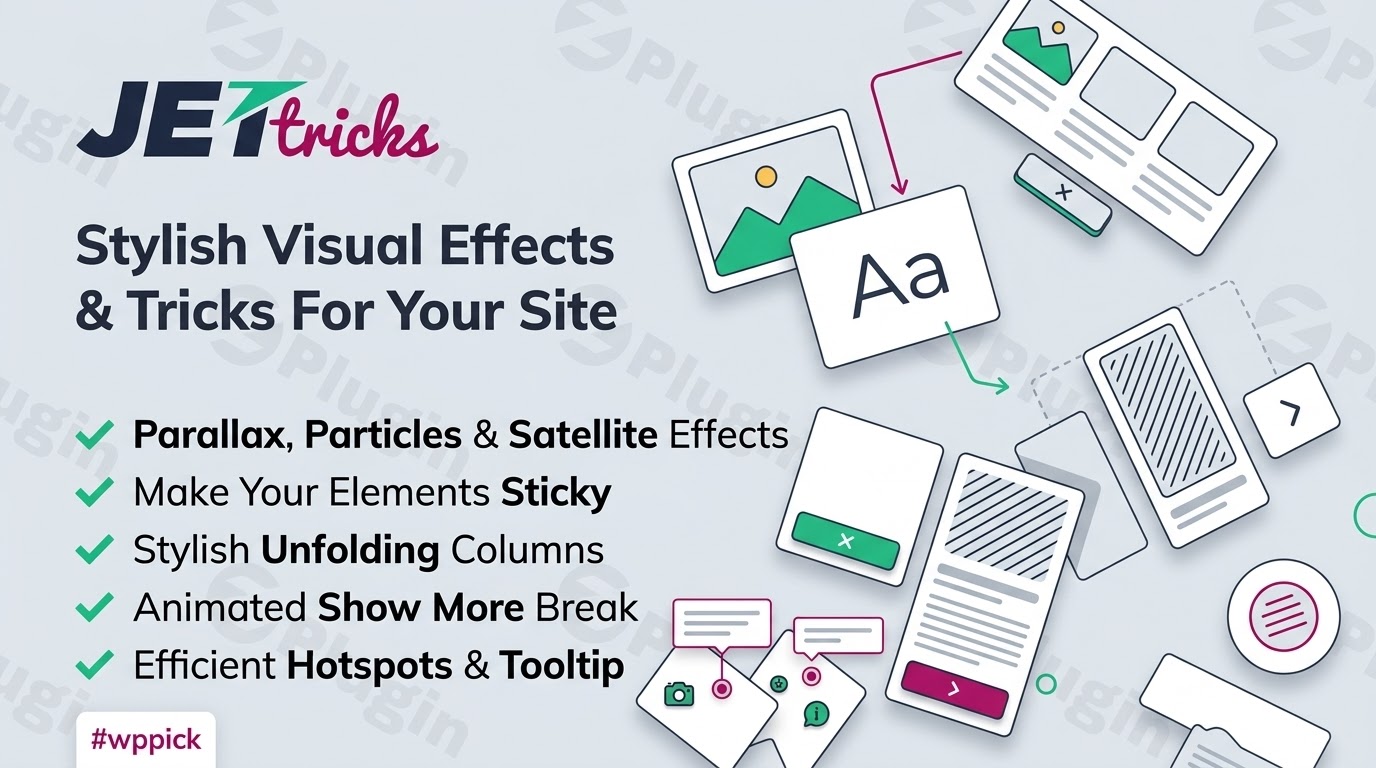
- Scroll Parallax Effects: Apply independent motion behaviors to background layers, text columns, or images as users scroll down your pages.
- Interactive Image Hotspots: Place descriptive markers across static graphics to display informative tooltips or trigger interactive popups.
- Sticky Section Extensions: Pin critical navigation panels, promotional bars, or sidebar elements during scrolling maneuvers.
- Unfold and Read More Mechanics: Compact long text blocks elegantly with a customizable reveal button, saving vertical screen real estate.
- Satellite Imagery Overlays: Layer secondary graphical accents or stylistic text objects behind or ahead of standard content elements.
Practical WordPress Use Cases
Designers utilize JetTricks across various web formats to improve readability and conversion architecture. On modern corporate landing pages, developers use image hotspots to highlight structural components of physical machinery or specific features within software dashboards. E-commerce platforms leverage sticky sections to ensure a shopping cart summary or checkout trigger remains accessible during long product research sessions. Portfolio sites benefit from parallax scrolling animations that establish distinct depth perceptions, making design presentations feel multi-dimensional.
Setup, Configuration, and Integration Context
Getting started with JetTricks requires an active installation of the Elementor core plugin on WordPress. Once activated, the plugin injects its custom widgets and layout extensions directly inside the standard Elementor editing panel. Users can activate or deactivate specific interactive features globally to ensure optimal script loading speeds. It maintains broad compatibility with major modern themes and aligns smoothly with advanced dynamic structures powered by plugins like JetEngine or JetFormBuilder.
Why Choose JetTricks on WPPick
Acquiring JetTricks through WPPick ensures clean, deployment-ready software files for production environments. WPPick offers verified plugin packages that undergo thorough integrity scans to protect your web hosting architecture from vulnerabilities. This allows developers to construct high-performance client sites economically while avoiding strict single-site verification locks during rapid multi-page prototyping cycles.
Latest Version Improvements
The current release of JetTricks focuses on infrastructure stability and seamless cross-plugin compatibility. A significant structural upgrade introduces the option to append tooltips dynamically, which resolves overlay boundary issues in complex theme layouts. Additionally, this version establishes native compatibility with JetFormBuilder Formless Actions Endpoints for interactive tooltips. Asset optimization also removes old source map references from production CSS and JavaScript files, eliminating 404 warning logs inside browser diagnostic consoles.
Frequently Asked Questions
Does JetTricks require custom coding knowledge to operate?
No coding knowledge is necessary to use this software. All animation routines, parallax rates, sticky triggers, and image hotspot behaviors are configured inside the visual style controls of the Elementor page builder workspace.
Can I use Elementor templates inside the interactive tooltips?
Yes, recent core updates enable developers to select saved Elementor layout templates to serve as the structural content inside tooltips, allowing for intricate layouts, text formatting, and image combinations within a single hover element.
Will adding these parallax and motion effects slow down my website performance?
The plugin is engineered for performance efficiency and relies on clean asset handling. To maintain maximum site performance, you can toggle off widgets or visual effects you are not utilizing through the plugin administration settings dashboard.
How does the sticky extension feature differ from standard section pinning?
This plugin extends standard configuration rules by offering deep control over precise column tracking, responsive breakpoints for mobile displays, offset spacing, and boundary definitions to prevent design overlapping during scrolling events.
I. Download Limits & Account Benefits
- Free Downloads: Each email address receives 3 downloads per day for free products
- Upgrade Benefits: Purchase any paid product to increase your daily download limit by 3 for each paid product
- No Account Required: You can download immediately by receiving the download link via email
- Account Recommended: Create an account for easier access to your order history and direct update downloads
II. Understanding GPL vs Official Versions
Important: The products available on WPPick are GPL-licensed versions, which differ from official developer versions. Before purchasing, please read our comprehensive guide: Understanding GPL & Official Differences at WPPick
Key Points:
- GPL versions may not include premium support from original developers
- Updates may be delayed compared to official releases
- Some premium features might have limitations
- Always consider your specific needs and support requirements
III. Support & Assistance
We’re here to help through multiple channels:
- Email Support: Direct email assistance for all inquiries
- Live Chat: Real-time support during business hours
- Comprehensive Documentation: Detailed guides and tutorials
IV. Order Tracking
Access your complete purchase history and download links anytime: Order History
V. Account Access
New to WPPick? Login or Create Account to manage your downloads and orders efficiently.
VI. Refund Protection
We stand behind our products with a clear refund policy. Review our terms: Refund Policy
VII. Privacy & Security
Your data security is our priority. Learn how we protect your information: Privacy Policy
VII. Terms of Service
Understanding our service terms ensures a smooth experience: Terms of Use
Quick Tips for Best Experience
- Verify Compatibility: Check plugin/theme compatibility with your WordPress version
- Backup First: Always backup your site before installing new plugins or themes
- Test Environment: Consider testing on a staging site first
- Stay Updated: Regularly check for updates in your account dashboard
- Read Documentation: Review any included documentation for optimal setup
Need Help?
If you have questions about downloads, licensing, or need technical assistance, don’t hesitate to contact our support team. We’re committed to ensuring you have the best possible experience with WPPick products.
Ready to get started? Your download adventure begins with just one click!
- Added: `Append tooltip to` option to fix tooltip overlay issues.
- Fixed: JFB Formless Actions Endpoints compatibility for tooltip.
- Fixed: removed source map references from CSS and JS files to prevent 404 errors in browser console.
- per-hotspot `Show Tooltip on Init` option
- `jet-tricks/hotspots/show_on_init` hook to filter tooltip visibility on init for each hotspot
- `jet-tricks/hotspots/icon_html` hook to filter hotspot icon HTML output
- `Word Count` option for controlling visible content height in Unfold widget
- prevent double initialization of JetForm inside tabs
- Added: Follow Cursor control for Tooltip https://github.com/Crocoblock/suggestions/issues/2276
- Fixed: Particles not initializing with Elementor Element Cache enabled
- Updated: Popper.js to v2.11.8 https://github.com/Crocoblock/suggestions/issues/8261
- Added: JetEngine Query Gateway support for Hotspots widget
- Fixed: prevent MutationObserver recursion in sticky columns https://github.com/Crocoblock/suggestions/issues/6203
- Fixed: shortcode processing in Tooltips https://github.com/Crocoblock/suggestions/issues/8253
- Fixed: tooltip display positioning in editor for Hotspots widget
- WP Security Standard warnings
- XSS vulnerability
- icon display in satellite widget
- sanitize user input in Satellite to prevent XSS
- security vulnerability in AJAX get_query_control_options endpoint
- tooltip content duplication
- Link control for Satellite https://github.com/Crocoblock/suggestions/issues/217
- Ability to use Elementor Template as Tooltip content https://github.com/Crocoblock/suggestions/issues/934
- Gradient mask (CSS mask-image) option for Unfold widget https://github.com/Crocoblock/suggestions/issues/8116
- Spacing control for the button in Unfold widget https://github.com/Crocoblock/suggestions/issues/8136
- Layout shift on initial load in Unfold widget https://github.com/Crocoblock/suggestions/issues/8115