

Jobsearch – Wp Job Board WordPress Plugin
/Year
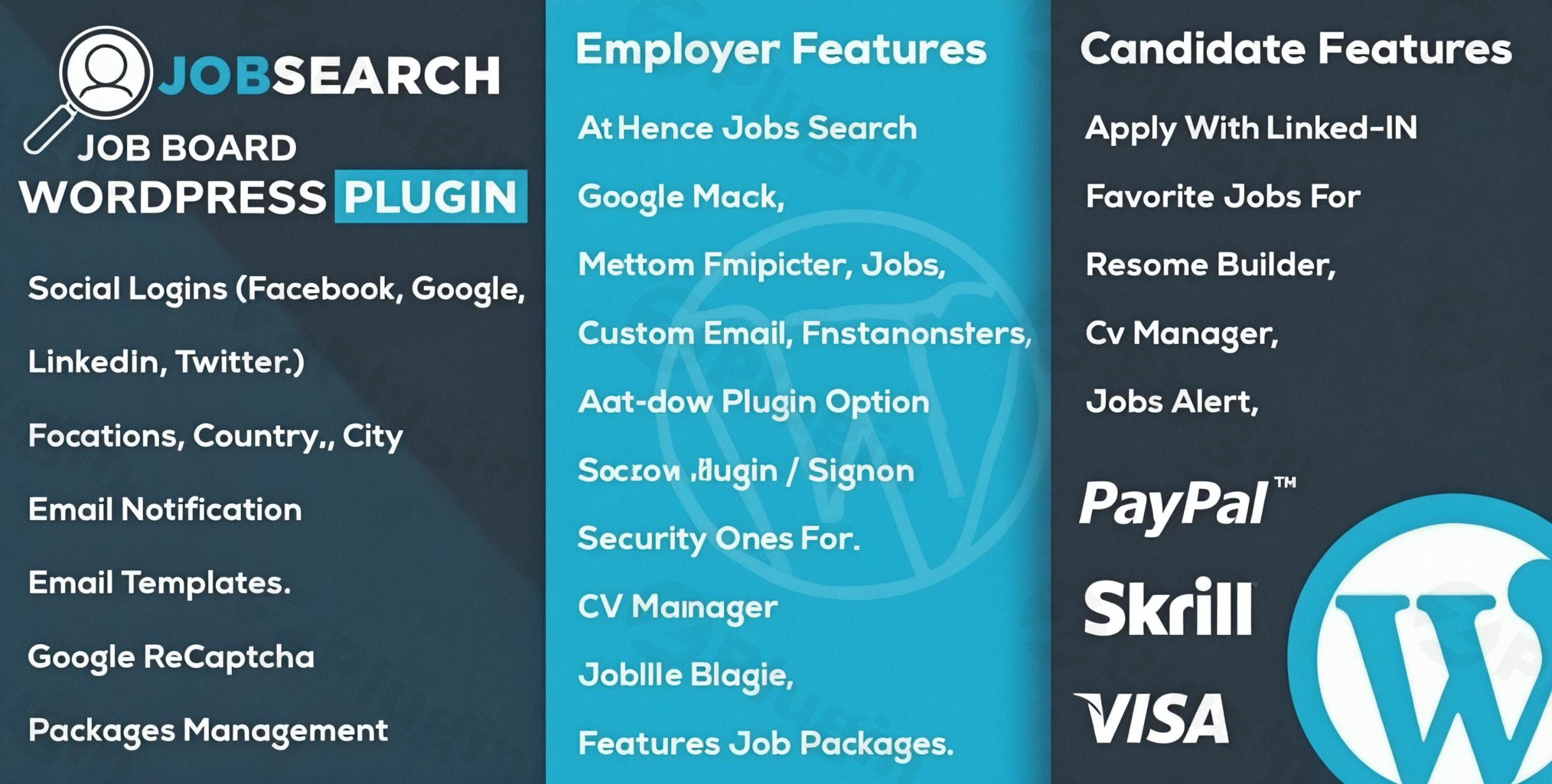
In today’s competitive landscape, building a dedicated platform for job seekers and employers is a smart move for many businesses, agencies, and entrepreneurs. The Jobsearch WP Job Board WordPress Plugin transforms any WordPress website into a comprehensive, feature-rich job portal, streamlining the recruitment process for all parties involved. This powerful WordPress job board plugin offers an intuitive interface, extensive customization options, and robust functionalities to help you create a job portal WordPress site that stands out.Whether you’re looking to launch a niche job board, integrate recruitment features into an existing site, or simply offer a valuable service to your audience, the Jobsearch WP Job Board WordPress Plugin provides a complete solution without requiring any coding expertise.
Key Features That Make Jobsearch a Leading WordPress Recruitment Plugin
The Jobsearch plugin is designed with both the site administrator and the end-users (employers and candidates) in mind, offering a suite of features that enhance functionality and user experience.
Comprehensive User Dashboards & Management
Jobsearch empowers all users with dedicated frontend dashboards, simplifying the job application and posting workflow.
- Employer Dashboard & Features: Employers can easily register, create detailed company profiles, post and manage their job listings, and track applications from a centralized, intuitive dashboard. This includes viewing applicant details, downloading resumes, and communicating directly with candidates. This functionality makes it an excellent employer dashboard WordPress plugin.
- Candidate Profile & Management: Job seekers benefit from creating rich, detailed profiles, uploading resumes and cover letters, and setting up personalized job alerts. They can shortlist favorite jobs and apply directly through the platform. A significant advantage is the ability to apply using social media accounts like Facebook and LinkedIn, simplifying the application process for candidates and enriching the candidate profile WordPress plugin experience.
Advanced Job Search & Filtering Capabilities
Helping users find the right opportunities quickly is paramount for any job board. Jobsearch excels here with its sophisticated search functionality.
- Powerful Search and Filtering: The plugin provides robust search capabilities with a wide array of filters. Job seekers can refine their searches by location (including geo-location search), job type, category, salary range, experience level, and keywords, ensuring highly relevant results.
- Multiple Display Options: Present job listings and resumes in various attractive layouts to suit your site’s design and user preferences, improving user engagement.
Flexible Monetization Options
For those looking to generate revenue from their job board, the Job board plugin monetization features are incredibly versatile and integrate seamlessly with WooCommerce.
- Diverse Revenue Streams: You can monetize your job board by charging employers for job postings (per listing), offering featured listings for increased visibility, selling job submission packages, or even providing access to a resume database through subscriptions or one-time packages.
- WooCommerce Compatibility: Full integration with WooCommerce allows for secure and flexible payment processing for all your monetization strategies.
Streamlined Application Management & Tracking
Managing applications effectively is crucial for employers. Jobsearch provides the tools to do just that.
- Application Tracking System: Includes comprehensive tools for tracking job applications, shortlisting promising candidates, and managing the entire hiring workflow from submission to potential hire. Administrators and employers can review applications efficiently, ensuring no candidate falls through the cracks.
- Email Notifications & Job Alerts: Automated email alerts notify candidates of new job postings that match their saved criteria and keep employers informed of new applications, maintaining engagement and responsiveness.
Customization & Design Flexibility
Tailoring your job board’s look and feel to match your brand is straightforward with Jobsearch.
- Highly Customizable Interface: The plugin offers a highly customizable interface to perfectly match your brand’s aesthetics. Its comprehensive admin panel provides easy management of all settings.
- Pre-designed Templates & Layouts: Get a head start with pre-designed page templates for various layouts, allowing for quick setup with a one-click demo import.
- No Coding Required: Designed for users of all skill levels, the plugin requires absolutely no coding knowledge for setup or ongoing management.
- Responsive & Retina-Ready Design: Ensures your job board looks stunning and functions flawlessly on all devices, from desktops to smartphones, with fully responsive and retina-ready graphics.
Seamless Integrations & Technical Strengths
The Jobsearch plugin is built with robust technical specifications and broad compatibility.
- WPML Ready: Create a truly global recruitment platform with full support for multilingual sites via WPML.
- SEO Friendly: Includes essential SEO features like Schema.org rich snippets and breadcrumbs to enhance your job listings’ visibility in search engine results.
- Shortcode Support: Easily embed job listings, search forms, and user dashboards into any page or post using simple shortcodes.
- Job Aggregation: Integrates with popular job portals (like Indeed, CareerJet, SimplyHired, ZipRecruiter) to pull and display external job listings, potentially expanding your offerings and earning affiliate commissions.
- Security: Regular updates address security and vulnerability fixes, and includes spam protection with reCAPTCHA for submission forms.
Installation & Setup: How to Set Up the Jobsearch WP Job Board Plugin
Installing and configuring the Jobsearch WP Job Board WordPress Plugin is designed to be straightforward, even for those without technical expertise.
- Purchase and Download: Obtain the Jobsearch plugin file (a
.zipfile) from ZeroPlugin.com or your chosen marketplace. - Upload to WordPress:
- Log in to your WordPress admin dashboard.
- Navigate to Plugins > Add New.
- Click on the “Upload Plugin” button at the top of the page.
- Click “Choose File”, select the downloaded Jobsearch
.zipfile, and then click “Install Now”.
- Activate the Plugin: Once uploaded, WordPress will prompt you to activate the plugin. Click “Activate Plugin”.
- One-Click Demo Import (Optional but Recommended): For a quick start, Jobsearch offers a one-click demo import. This will set up pre-designed pages and configurations, giving you a functional job board that you can then customize. Look for this option in the plugin’s settings or a notification banner immediately after activation.
- Initial Configuration: Navigate to the new “Jobsearch” menu item in your WordPress dashboard. Here you will find the comprehensive admin panel to:
- Configure general settings, such as currency, job listing defaults, and user roles.
- Set up payment gateways (if using WooCommerce for monetization).
- Customize email notification templates.
- Create job categories, types, and locations.
- Page Setup: Ensure your core job board pages (e.g., Job Listings, Employer Dashboard, Candidate Dashboard, Job Submission) are correctly assigned or created. The demo import usually handles this, but you can manually check under Jobsearch > Pages or Settings > Reading to ensure they are accessible.
Practical Usage & Best Practices for Your WordPress Job Board
Implementing the WP JobSearch plugin effectively can significantly boost your website’s value. Here are some practical use cases and best practices:
- Launching a Niche Job Portal:
- Use Case: An industry expert wants to create a dedicated job board for a specific sector (e.g., “Remote AI Jobs,” “Sustainable Fashion Careers”).
- Best Practice: Leverage Jobsearch’s powerful search and filtering to highlight industry-specific categories and job types. Utilize the customization options to brand the portal with industry-relevant visuals and terminology. Promote the candidate profile WordPress plugin features to attract specialized talent.
- Enhancing a Recruitment Agency Website:
- Use Case: A recruitment agency wants to streamline job postings, candidate applications, and client interactions directly on their WordPress site.
- Best Practice: Use the employer dashboard WordPress plugin features to allow clients to post jobs directly, reducing manual input for the agency. Implement the application tracking system for efficient candidate management. Promote social media login options to simplify applications for job seekers, increasing conversion rates.
- Monetizing Content with a Job Board:
- Use Case: A popular blog or news site wants to add a revenue stream by offering a job board relevant to their audience.
- Best Practice: Integrate Jobsearch with WooCommerce to offer various job board plugin monetization models, such as featured listings for premium placement or job posting packages. Strategically place job listings using shortcodes within relevant articles to maximize visibility and clicks.
- Building a Community-Driven Career Hub:
- Use Case: An educational institution or professional association wants to provide a career resource for its members and alumni.
- Best Practice: Enable frontend submission for both employers and job seekers, fostering a self-sustaining community. Utilize the email notification system to keep members informed of new opportunities and to remind employers of pending applications. Consider integrating with job aggregation sites to offer a broader range of opportunities while focusing on your community’s specific needs.
FAQ & Troubleshooting for Your Jobsearch Powered Website
Here are answers to common questions about the Jobsearch WP Job Board WordPress Plugin.
Q: Is Jobsearch WP Job Board plugin SEO friendly?
A: Yes, the Jobsearch WP Job Board WordPress Plugin is designed with SEO in mind. It includes features such as Schema.org rich snippets and breadcrumbs, which help search engines understand your content better and can improve your job listings’ visibility and ranking in search results. This makes it easier for potential candidates to find your job board through traditional search engines and AI answer systems.
Q: How to monetize a job board website with WordPress using Jobsearch?
A: You can monetize your job board website with WordPress using Jobsearch through several methods, largely facilitated by its seamless Jobsearch plugin WooCommerce integration. You can charge employers for submitting job listings, offer premium or “featured” listing options for increased visibility, sell job posting packages, or even provide paid access to a resume database for employers. All these transactions can be managed securely through WooCommerce.
Q: Can candidates apply with LinkedIn or Facebook using the Jobsearch plugin?
A: Yes, a significant advantage of the Jobsearch plugin is its support for social media logins and applications. Candidates can easily create profiles and apply to jobs using their existing Facebook or LinkedIn accounts, simplifying the application process and improving the user experience for job seekers on your platform.
Q: What should I do if my Jobsearch plugin demo import fails or doesn’t look like the demo?
A: If your Jobsearch plugin demo import fails or doesn’t match the demo site, first check your server’s resources (PHP memory limit, execution time) as demo imports can be resource-intensive. Increase these limits if necessary. Also, ensure all required plugins (often listed in the plugin documentation) are installed and activated. If issues persist, temporarily disable other plugins to check for conflicts, and ensure you’re running a compatible WordPress version. As a last resort, reach out to the plugin’s support or consult its official documentation.
Q: Is Jobsearch WP Job Board plugin compatible with popular WordPress page builders?
A: Yes, the Jobsearch WP Job Board WordPress Plugin is designed for broad compatibility with popular WordPress tools. It is compatible with page builders like WP Bakery PageBuilder, allowing you to design and customize your job board pages with visual tools. Additionally, it is generally designed to work with any standard WordPress theme, offering flexibility in your site’s overall design.
Conclusion: Your Ultimate WordPress Job Board Solution
The Jobsearch WP Job Board WordPress Plugin stands out as a robust and comprehensive solution for anyone looking to create a job portal WordPress site. Its intuitive design, extensive feature set—including advanced search, comprehensive user dashboards, and flexible monetization options—makes it ideal for recruiters, businesses, and content creators aiming to offer a valuable recruitment platform.With its strong focus on user experience, powerful integrations like Jobsearch plugin WooCommerce integration, and built-in SEO capabilities, Jobsearch provides all the tools you need to build a high-performing and profitable online job board. For those seeking a professional, scalable, and easy-to-manage WordPress job board plugin, Jobsearch offers undeniable value and empowers you to transform your website into a dynamic employment hub.
I. Download Limits & Account Benefits
- Free Downloads: Each email address receives 3 downloads per day for free products
- Upgrade Benefits: Purchase any paid product to increase your daily download limit by 3 for each paid product
- No Account Required: You can download immediately by receiving the download link via email
- Account Recommended: Create an account for easier access to your order history and direct update downloads
II. Understanding GPL vs Official Versions
Important: The products available on WPPick are GPL-licensed versions, which differ from official developer versions. Before purchasing, please read our comprehensive guide: Understanding GPL & Official Differences at WPPick
Key Points:
- GPL versions may not include premium support from original developers
- Updates may be delayed compared to official releases
- Some premium features might have limitations
- Always consider your specific needs and support requirements
III. Support & Assistance
We’re here to help through multiple channels:
- Email Support: Direct email assistance for all inquiries
- Live Chat: Real-time support during business hours
- Comprehensive Documentation: Detailed guides and tutorials
IV. Order Tracking
Access your complete purchase history and download links anytime: Order History
V. Account Access
New to WPPick? Login or Create Account to manage your downloads and orders efficiently.
VI. Refund Protection
We stand behind our products with a clear refund policy. Review our terms: Refund Policy
VII. Privacy & Security
Your data security is our priority. Learn how we protect your information: Privacy Policy
VII. Terms of Service
Understanding our service terms ensures a smooth experience: Terms of Use
Quick Tips for Best Experience
- Verify Compatibility: Check plugin/theme compatibility with your WordPress version
- Backup First: Always backup your site before installing new plugins or themes
- Test Environment: Consider testing on a staging site first
- Stay Updated: Regularly check for updates in your account dashboard
- Read Documentation: Review any included documentation for optimal setup
Need Help?
If you have questions about downloads, licensing, or need technical assistance, don’t hesitate to contact our support team. We’re committed to ensuring you have the best possible experience with WPPick products.
Ready to get started? Your download adventure begins with just one click!
- Miner Fixes
- Job Alerts fixed
- Login Style Miner Styling Issues
- Admin user delete while deleting unverified users issue fixed
- Total applicants count issue fixed at all applicants page both for admin and employer dashboad
- Miner styling issue
- In email templates Codes enabled in Test email address field
- Approval link code removed/deprecated in New candidate approval email template
- Approval link code removed/deprecated in New employer approval email template
- Miner styling issue
- In dashboard during job posting "make this job feature" option also appear with simple jobs package selection issue fixed
- Miner styling issue
- Save candidate popup issue
- Image upload on ajax issue resolved
- Miner styling issue
- Job post without logged in user issue fixed
- Fixed: Minor Styling Issues
- Custom pretty permalinks for sector terms issue fixed.
- Date custom field issue fixed in listing filters
- Manual locations sorting by count in listing filters issue fixed
- Captcha error on account activation in registration form fixed