
Kadence Blocks Pro
/Year
Empowering WordPress Design with Kadence Blocks Pro
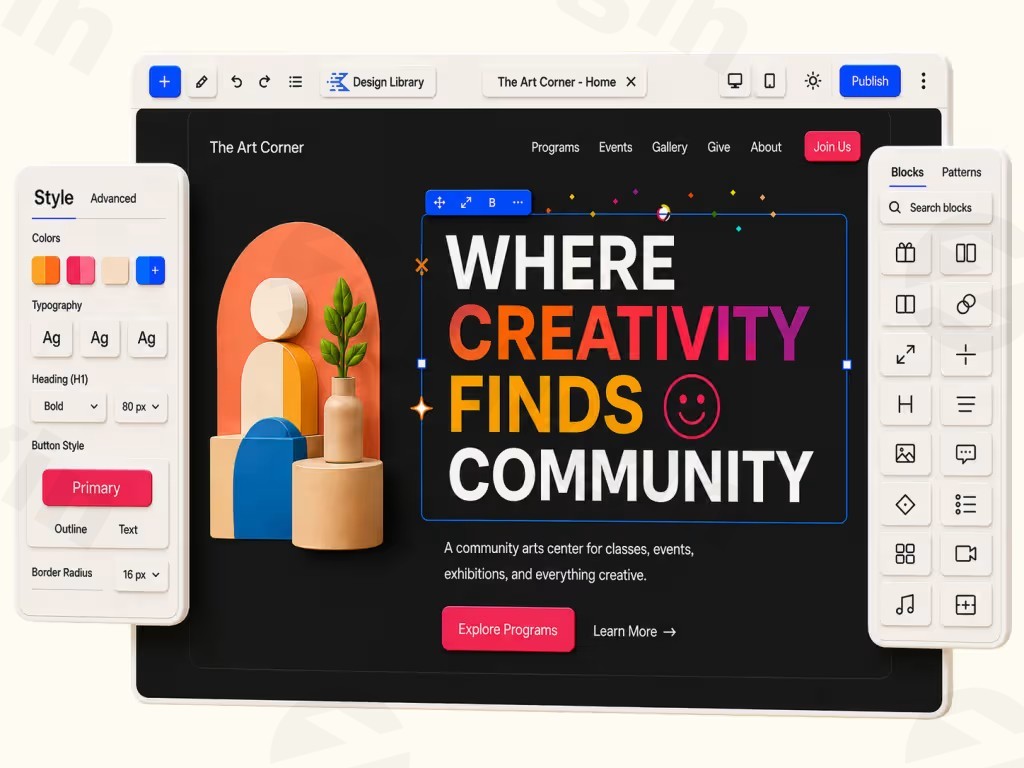
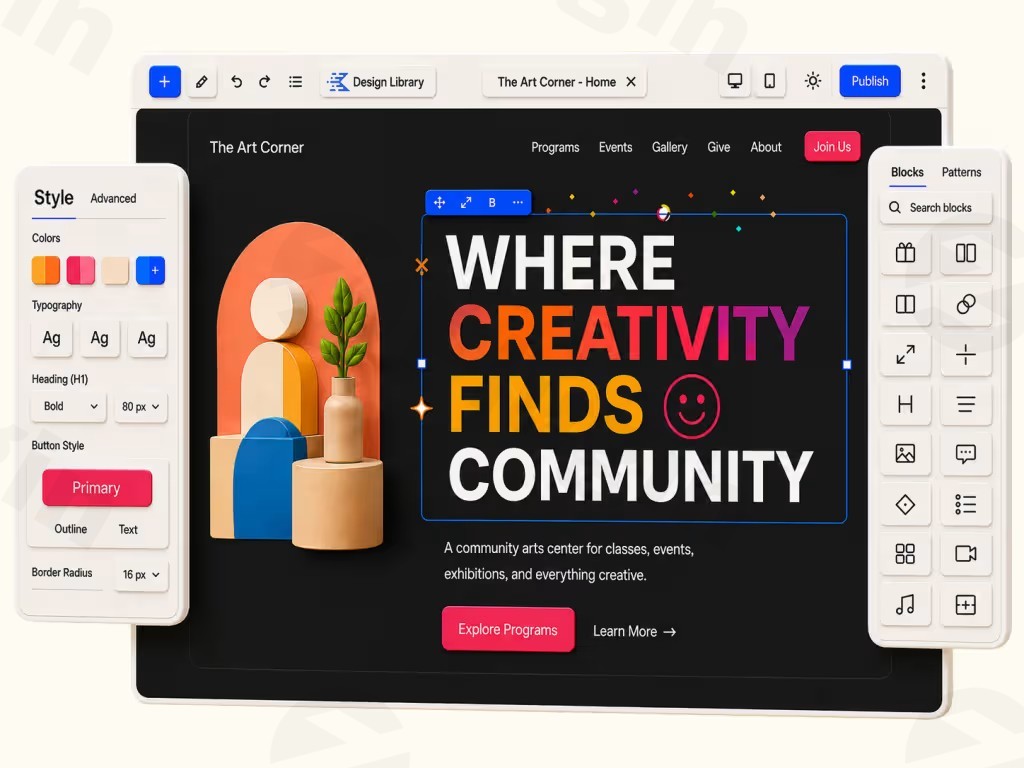
Kadence Blocks Pro is a comprehensive extension for the native WordPress block editor. It transforms Gutenberg into a robust page-building environment, allowing users to create sophisticated, high-performance layouts without writing code. By building upon the solid foundation of the free version, this plugin introduces advanced functionality required for professional-grade websites, ranging from dynamic content handling to complex layout controls.
What Kadence Blocks Pro Does
This plugin expands the standard block collection with high-utility elements designed to enhance both design and user interaction. It enables developers and site owners to implement advanced logic and styling that are typically unavailable in the default WordPress editor. From complex animations and carousels to field-level conditional logic, the tool focuses on providing control over how content is presented to different users under specific conditions.
Who Should Use This Plugin
Kadence Blocks Pro is designed for:
- Web designers who want to leverage the speed of the native Gutenberg editor while maintaining high levels of customization.
- Content managers needing to display dynamic information across different templates.
- Business owners who require conversion-focused pages, such as landing pages with complex sliders and interactive elements.
- Developers looking for a lightweight alternative to heavy third-party page builders that might impact site performance.
Key Capabilities
The plugin is packed with tools that bridge the gap between simple content creation and professional web design:
- Dynamic Content: Pull information from post meta and user data to populate blocks automatically, streamlining site management.
- Conditional Display: Control exactly when and for whom specific blocks or sections appear based on user role, logged-in status, or other variables.
- Advanced Slider Block: Create responsive, interactive sliders with full design control over every slide element.
- Premium Design Library: Access a professionally curated collection of pre-built, editable design blocks to speed up project development.
- Custom Icons and Fonts: Expand your typography and iconography options without relying on external assets that slow down page loads.
Practical WordPress Use Cases
Kadence Blocks Pro shines in scenarios where site structure demands more than basic formatting. Use it to build custom archive pages where dynamic fields automatically update when new content is added. Utilize conditional display to show personalized offers or member-only content to specific user segments, effectively increasing engagement. The advanced slider is ideal for product showcases on WooCommerce sites, providing a smooth user experience that encourages clicks and conversions.
Why Choose This Version from WPPick
Choosing Kadence Blocks Pro through WPPick provides you with the authentic GPL-licensed version of the software. This approach allows for full functionality and flexibility, ensuring you can deploy the plugin across your projects with confidence. We provide verified assets, ensuring that your installation is secure and ready for use in a production environment.
Latest Version Context
As of June 24, 2026, version 2.8.17 is the latest release for Kadence Blocks Pro. This update focuses on improving the workflow within the Advanced Slider block. Specifically, it corrects an issue where the block editor failed to sync with the correct slide when inner blocks were selected. The slider now correctly navigates to the selected slide, ensuring a more intuitive editing experience for site builders.
Frequently Asked Questions
Does Kadence Blocks Pro replace the free version?
No, it is an extension that requires the free Kadence Blocks plugin to be installed and active to function correctly.
Can I use this on multiple websites?
Yes, the GPL nature of the plugin allows for use on multiple sites, providing flexibility for agencies and freelancers managing various projects.
Does it affect site loading speed?
The plugin is engineered for performance. It only loads the assets required for the blocks used on a specific page, keeping your site fast and efficient.
Is coding knowledge required to use these blocks?
No. All features are designed to be used within the Gutenberg editor using a drag-and-drop interface, making advanced design accessible to all skill levels.
How does the dynamic content feature work?
It allows you to map blocks to existing WordPress data fields, such as custom fields or user information, so the content updates automatically whenever the underlying data changes.
I. Download Limits & Account Benefits
- Free Downloads: Each email address receives 3 downloads per day for free products
- Upgrade Benefits: Purchase any paid product to increase your daily download limit by 3 for each paid product
- No Account Required: You can download immediately by receiving the download link via email
- Account Recommended: Create an account for easier access to your order history and direct update downloads
II. Understanding GPL vs Official Versions
Important: The products available on WPPick are GPL-licensed versions, which differ from official developer versions. Before purchasing, please read our comprehensive guide: Understanding GPL & Official Differences at WPPick
Key Points:
- GPL versions may not include premium support from original developers
- Updates may be delayed compared to official releases
- Some premium features might have limitations
- Always consider your specific needs and support requirements
III. Support & Assistance
We’re here to help through multiple channels:
- Email Support: Direct email assistance for all inquiries
- Live Chat: Real-time support during business hours
- Comprehensive Documentation: Detailed guides and tutorials
IV. Order Tracking
Access your complete purchase history and download links anytime: Order History
V. Account Access
New to WPPick? Login or Create Account to manage your downloads and orders efficiently.
VI. Refund Protection
We stand behind our products with a clear refund policy. Review our terms: Refund Policy
VII. Privacy & Security
Your data security is our priority. Learn how we protect your information: Privacy Policy
VII. Terms of Service
Understanding our service terms ensures a smooth experience: Terms of Use
Quick Tips for Best Experience
- Verify Compatibility: Check plugin/theme compatibility with your WordPress version
- Backup First: Always backup your site before installing new plugins or themes
- Test Environment: Consider testing on a staging site first
- Stay Updated: Regularly check for updates in your account dashboard
- Read Documentation: Review any included documentation for optimal setup
Need Help?
If you have questions about downloads, licensing, or need technical assistance, don’t hesitate to contact our support team. We’re committed to ensuring you have the best possible experience with WPPick products.
Ready to get started? Your download adventure begins with just one click!
- Fix: Advanced Slider block editor not syncing to the correct slide when selecting inner blocks (the slider now navigates to the selected slide automatically).