
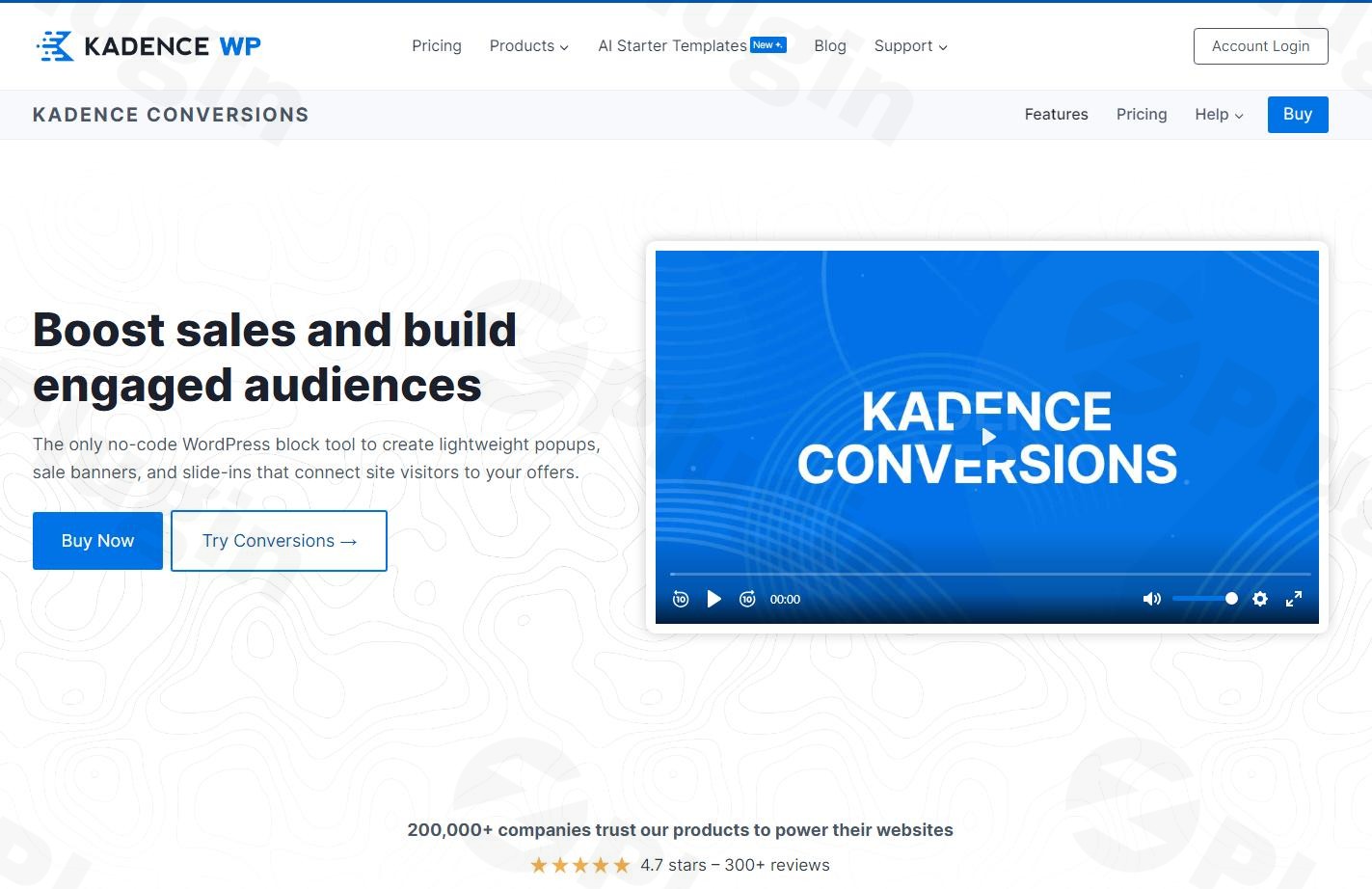
Kadence Conversions – Boost Sales And Build Engaged Audiences
/Year
In the dynamic world of online business, transforming website visitors into loyal customers and engaged subscribers is paramount. However, many WordPress conversion plugins often compromise site performance or demand complex coding skills. This is where Kadence Conversions, a powerful and lightweight Gutenberg popup plugin, steps in, offering a no-code solution to craft stunning popups, slide-ins, and notification bars designed to skyrocket your sales and build a thriving audience without slowing down your site.Kadence Conversions provides an intuitive yet robust toolkit, seamlessly integrating with the WordPress block editor to help you create highly effective conversion elements. Whether you’re an eCommerce store owner aiming to reduce cart abandonment, a blogger looking to expand your email list, or a marketer launching targeted campaigns, Kadence Conversions is engineered to deliver real results.
Key Features That Drive Real Results
Kadence Conversions isn’t just another popup builder; it’s a comprehensive WordPress conversion plugin packed with features designed for maximum impact and ease of use.
- Pre-Built High-Converting Templates: Launch your campaigns rapidly with a growing library of professionally designed templates. These ready-made designs save you time and provide a strong foundation for various conversion needs, from promotions to email sign-ups.
- Behavior-Based Triggers: Precision timing is crucial for conversions. Kadence Conversions allows you to show the right message at the perfect moment using intelligent triggers based on user actions. These include:
- Time Delay: Display after a set period on a page.
- Exit Intent: Capture visitors as they prepare to leave your site, a powerful exit-intent popups WordPress feature.
- Scroll Distance: Trigger when a user scrolls a specific percentage or distance down the page.
- On Page Load: Appear as soon as the page loads.
- End of Content: Show a conversion element when a user reaches the end of your post or page.
- User Click: Trigger a popup or slide-in when a visitor clicks on a specific element.
- eCommerce Optimization (WooCommerce Integration): For online stores, Kadence Conversions offers specialized tools to enhance promotions and significantly reduce abandoned carts. This includes targeting popups based on products in a cart or the total cart price, making it an excellent WooCommerce cart abandonment plugin.
- Advanced Display Conditions & Targeting: Go beyond basic popups with granular control over who sees your conversion elements and where. Target users based on:
- Device type (desktop, tablet, mobile)
- Specific pages, posts, categories, or tags
- Logged-in/logged-out status or specific user roles
- URL query parameters and custom cookies for highly personalized campaigns.
- Date scheduling for time-sensitive offers.
- Gutenberg-Native Design: A core unique selling point, Kadence Conversions leverages the native WordPress block editor. This means you design and customize conversion elements using familiar Gutenberg blocks, including advanced ones from Kadence Blocks Pro, eliminating the need for new learning curves or bloated third-party builders. This approach prevents website bloat, contributing to faster loading speeds and a smoother workflow.
- Advanced Analytics: Track what works with a clean, built-in dashboard that displays views, conversions, and conversion rates for each campaign. This data empowers you to make informed, data-driven decisions to optimize your offers. It also supports integration with Google Analytics for deeper insights.
- Lightweight & Fast: Built for speed, Kadence Conversions prioritizes performance without bloating your site. It loads assets only when and where needed, ensuring minimal impact on your site’s Core Web Vitals and overall loading times, which is crucial for both user experience and SEO.
- Email Marketing & Webhook Integrations: Seamlessly integrate with popular email marketing services and leverage webhooks to ensure your captured leads flow directly into your desired platforms.
- Repeat Control: Enhance user experience by preventing conversion elements from showing repeatedly to the same user after they’ve closed them, thanks to intelligent cookie-based controls.
Installation & Setup: Get Kadence Conversions Running Fast
Installing and setting up Kadence Conversions is straightforward, ensuring you can start building your conversion campaigns quickly.
- Purchase and Download: Obtain the Kadence Conversions plugin from ZeroPlugin.com (or the official Kadence WP website). You will receive a
.zipfile. - Upload to WordPress:
- Log in to your WordPress admin dashboard.
- Navigate to Plugins > Add New.
- Click on the “Upload Plugin” button at the top of the page.
- Click “Choose File”, select the
kadence-conversions.zipfile you downloaded, and click “Install Now”.
- Activate the Plugin: Once installed, click “Activate Plugin”.
- Install Kadence Blocks (Recommended): For the full design experience and access to pre-built templates, install and activate the free Kadence Blocks plugin (available from the WordPress plugin repository) if you haven’t already. Kadence Blocks Pro will unlock even more design possibilities.
- Access Kadence Conversions: After activation, you’ll find the Kadence Conversions menu item (usually under “Kadence” or “Conversions”) in your WordPress dashboard, ready for you to start creating your first popup, slide-in, or banner.
Practical Usage & Best Practices for Maximizing Conversions
Kadence Conversions shines in real-world scenarios, empowering various types of users to achieve their marketing goals.
1. Boosting eCommerce Sales and Reducing Abandonment
For online stores, Kadence Conversions is an invaluable tool.
- Use Case: Implement an exit-intent popup offering a special discount code when a customer attempts to leave their cart.
- Best Practice: Target this popup specifically to users who have items in their WooCommerce cart but haven’t proceeded to checkout. This focused approach makes it an ideal strategy for Kadence Conversions WooCommerce abandoned cart popup recovery. You can also trigger an upsell or cross-sell slide-in based on specific products in their cart.
2. Supercharging Lead Generation for Bloggers and Marketers
Building an email list is crucial for content creators and marketers.
- Use Case: Create a custom slide-in banner that appears after a user scrolls 50% down a blog post, offering a content upgrade (e.g., an eBook or checklist) in exchange for their email address.
- Best Practice: Use compelling headlines and clear calls to action. Leverage the
End of Contenttrigger for a contextually relevant lead magnet signup form. This is an effective way to implement Kadence lead generation strategies.
3. Announcing Promotions and Site-Wide Messages
Effectively communicate promotions or important announcements to your visitors.
- Use Case: Deploy a non-intrusive notification bar at the top of your website to announce a seasonal sale or an upcoming webinar.
- Best Practice: Use date scheduling to ensure the banner appears and disappears automatically. Target specific pages if the promotion is only relevant to certain products or services. Its lightweight nature ensures these messages appear quickly without affecting user experience.
4. Personalizing User Experience with Targeted Content
Deliver tailored messages that resonate more deeply with specific user segments.
- Use Case: Show a unique popup welcome message or a special offer specifically to users who are logged into your site and belong to a particular user role (e.g., “subscriber” or “member”).
- Best Practice: Utilize the advanced display conditions to target specific user roles, device types, or even referral sources. This personalization can dramatically increase engagement and conversion rates, making your content more relevant.
FAQ & Troubleshooting
Here are answers to common questions about Kadence Conversions:
Is Kadence Conversions lightweight and performance-friendly?
Yes, Kadence Conversions is performance friendly. It is built with a strong emphasis on speed and optimization. Unlike many other popup plugins that can bloat your site, Kadence Conversions uses clean code and loads assets only when and where they are needed, ensuring minimal impact on your website’s load times and Core Web Vitals.
What are the main features of Kadence Conversions?
Kadence Conversions offers a robust set of features including diverse conversion types (popups, slide-ins, banners), Gutenberg-native design, a wide array of behavior-based triggers (like exit intent and scroll distance), advanced display conditions and targeting, built-in analytics, WooCommerce integration, pre-built templates, and integrations with email marketing services and webhooks.
How much does Kadence Conversions cost?
Kadence Conversions is a premium plugin. While specific pricing can vary or be part of larger bundles (like the Kadence Full Bundle), it is typically offered as a one-time purchase or a subscription through the official Kadence WP website or authorized resellers like ZeroPlugin.com, providing full feature access under a GPL license. For exact and current pricing, it’s best to check the official Kadence WP website.
Can Kadence Conversions replace traditional lead generation plugins like Thrive Leads or OptinMonster?
For many users, Kadence Conversions can effectively replace plugins like Thrive Leads or OptinMonster, especially if you’re already in the Kadence ecosystem or prefer a Gutenberg-native solution. It offers similar core functionalities, including advanced triggers like exit intent, without the recurring SaaS fees often associated with competitors. While some very niche features or a vast template library might differ, its performance-first approach and deep WordPress integration make it a strong, often more economical, alternative.
What integrations does Kadence Conversions have?
Kadence Conversions integrates seamlessly with the WordPress block editor (Gutenberg) and the Kadence Blocks plugin for design capabilities. For lead capture, it integrates with popular email marketing services and supports webhooks to connect with various CRM and marketing automation platforms. For eCommerce, it has robust WooCommerce integration. It also supports integration with Google Analytics for enhanced reporting.
Conclusion
Kadence Conversions stands out as an exceptionally effective and intelligent WordPress popup & lead capture plugin. By combining deep Gutenberg integration, advanced targeting, performance optimization, and robust analytics, it empowers businesses of all sizes to transform passive visitors into active customers. It’s an ideal solution for those seeking to boost sales WordPress, enhance lead generation, and improve user engagement without compromising site speed or wrestling with complex coding.If you’re ready to stop losing potential customers and start converting more visitors today, Kadence Conversions offers a smart, reliable, and powerful way to genuinely grow your business. Its commitment to the native WordPress experience and focus on tangible results makes it a top-tier choice for any WordPress site.
I. Download Limits & Account Benefits
- Free Downloads: Each email address receives 3 downloads per day for free products
- Upgrade Benefits: Purchase any paid product to increase your daily download limit by 3 for each paid product
- No Account Required: You can download immediately by receiving the download link via email
- Account Recommended: Create an account for easier access to your order history and direct update downloads
II. Understanding GPL vs Official Versions
Important: The products available on WPPick are GPL-licensed versions, which differ from official developer versions. Before purchasing, please read our comprehensive guide: Understanding GPL & Official Differences at WPPick
Key Points:
- GPL versions may not include premium support from original developers
- Updates may be delayed compared to official releases
- Some premium features might have limitations
- Always consider your specific needs and support requirements
III. Support & Assistance
We’re here to help through multiple channels:
- Email Support: Direct email assistance for all inquiries
- Live Chat: Real-time support during business hours
- Comprehensive Documentation: Detailed guides and tutorials
IV. Order Tracking
Access your complete purchase history and download links anytime: Order History
V. Account Access
New to WPPick? Login or Create Account to manage your downloads and orders efficiently.
VI. Refund Protection
We stand behind our products with a clear refund policy. Review our terms: Refund Policy
VII. Privacy & Security
Your data security is our priority. Learn how we protect your information: Privacy Policy
VII. Terms of Service
Understanding our service terms ensures a smooth experience: Terms of Use
Quick Tips for Best Experience
- Verify Compatibility: Check plugin/theme compatibility with your WordPress version
- Backup First: Always backup your site before installing new plugins or themes
- Test Environment: Consider testing on a staging site first
- Stay Updated: Regularly check for updates in your account dashboard
- Read Documentation: Review any included documentation for optimal setup
Need Help?
If you have questions about downloads, licensing, or need technical assistance, don’t hesitate to contact our support team. We’re committed to ensuring you have the best possible experience with WPPick products.
Ready to get started? Your download adventure begins with just one click!
- SureCart instant checkout issue with conversion rules.
- Issue with inline style tags in some situations
- Allow for larger values in the “Target Woocommerce Cart” options
- Issue with conversion click triggers in Query Loop (adv) blocks