

Kadence Woocommerce Elementor Pro
/Year
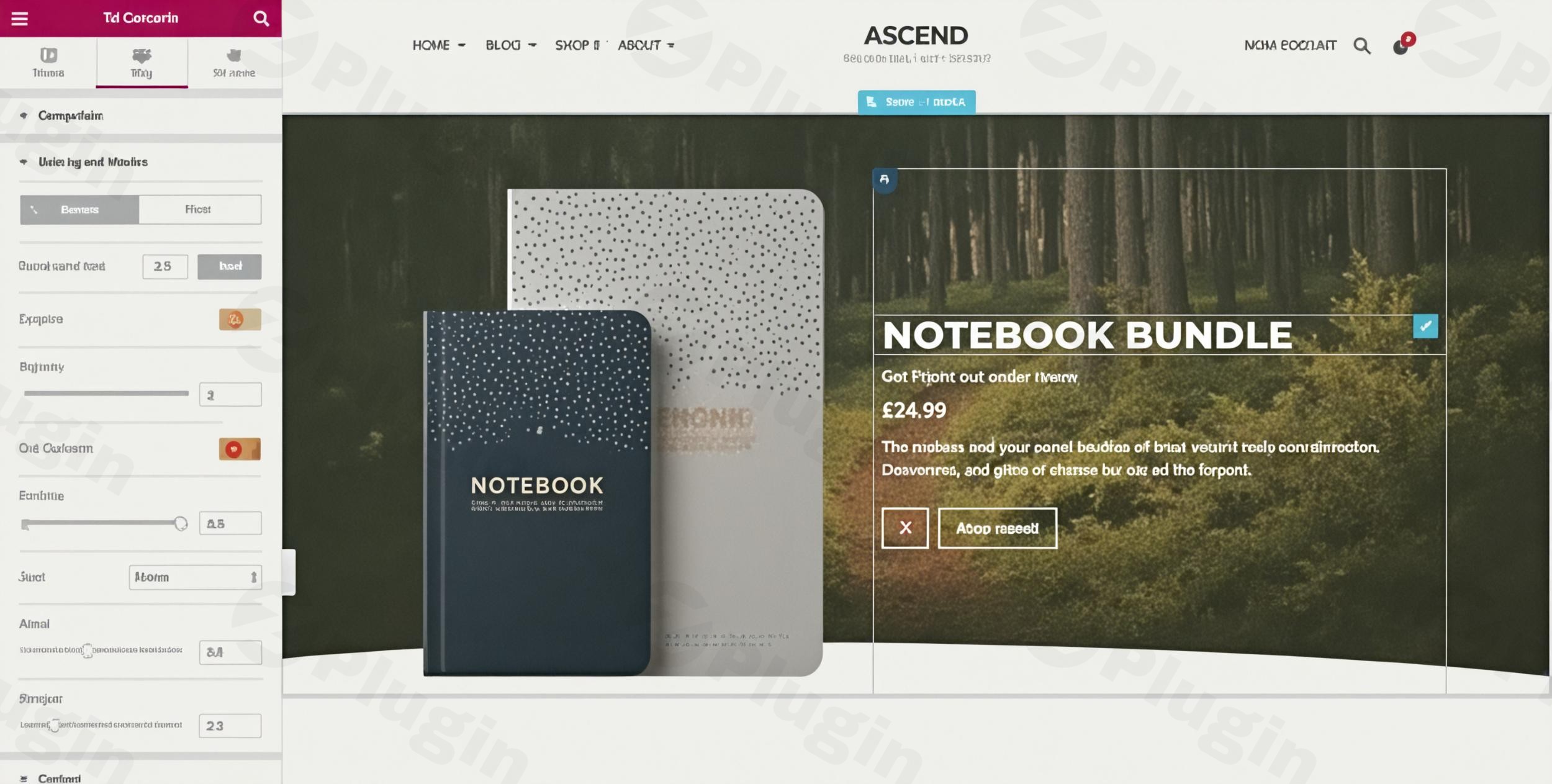
Transforming a generic WooCommerce store into a unique, high-converting online shop often feels like a daunting task, requiring complex coding or sacrificing design flexibility. This is where Kadence WooCommerce Elementor Pro shines. It’s a powerful WordPress plugin that empowers you to visually design every aspect of your WooCommerce store using the familiar drag-and-drop interface of Elementor Pro, all without writing a single line of code.Whether you’re a store owner looking to stand out, an agency building bespoke e-commerce sites, or a marketer focused on optimizing conversion paths, Kadence WooCommerce Elementor Pro offers the tools to craft stunning, user-friendly, and sales-driven experiences. It acts as the ultimate Elementor WooCommerce Builder, providing unparalleled control over your product pages, shop archives, and critical checkout flows.
Key Features for Unmatched WooCommerce Customization
Kadence WooCommerce Elementor Pro extends Elementor Pro’s capabilities specifically for your online store, offering a comprehensive suite of features designed to enhance aesthetics and boost conversions.
Complete Product Page Customization
Gone are the days of rigid product page layouts. With Kadence WooCommerce Elementor Pro, you gain full control over the presentation of individual product pages. Design unique layouts that highlight your products exactly how you envision, customizing every element from product images and descriptions to pricing and add-to-cart buttons. This granular control is essential for creating custom WooCommerce product pages with Elementor that truly engage your visitors and maximize sales.
Advanced Archive Page Templates
Break free from the default WooCommerce shop and category page designs. This plugin allows you to design custom layouts for your shop pages, category archives, and tag pages. Implement diverse column configurations, add custom content sections above and below product grids, and create an intuitive browsing experience that keeps customers engaged.
Custom Product Loop Design
Beyond static archive pages, Kadence WooCommerce Elementor Pro enables you to design custom product loop templates. This means you can dictate precisely how individual products appear within your archive grids, ensuring a consistent and branded look across all your product listing pages. Tailor the display to match your brand identity and improve overall user experience.
Conversion-Optimized Checkout Templates
Cart abandonment is a major challenge for online stores. This plugin helps you combat it by enabling the creation of professionally designed checkout templates. Customize the entire checkout experience with Elementor’s intuitive drag-and-drop interface, including the option for distraction-free canvas templates that remove unnecessary headers and footers, guiding your customers smoothly to purchase completion. Learn how to create custom WooCommerce checkout pages with Elementor Pro and Kadence to minimize friction.
Smart Template Assignment System
Streamline your design workflow with a flexible template assignment system. You can assign custom templates to individual products for unique promotions or automatically apply them to entire product categories, ensuring design consistency across related items and saving significant time.
Professional E-commerce Features
The plugin integrates a range of professional e-commerce functionalities, all manageable through Elementor:
- Individual product page customization
- Global archive template management
- Custom product loop designs
- Checkout page optimization
- Category-based template assignments
- Elementor drag-and-drop interface for all designs
- Built for mobile-responsive designs across devices
- Conversion-focused layouts to drive sales
Installation & Setup: Getting Started with Kadence WooCommerce Elementor Pro
Setting up Kadence WooCommerce Elementor Pro is straightforward, allowing you to quickly begin customizing your store.
- Prerequisites: Ensure you have a functional WordPress installation, WooCommerce installed and activated, and Elementor Pro installed and activated. This plugin leverages Elementor Pro’s advanced features for its full functionality.
- Purchase & Download: Obtain the Kadence WooCommerce Elementor Pro plugin file (typically a
.zipfile) from your chosen vendor, such as ZeroPlugin, which provides genuine GPL-licensed software. - Upload the Plugin: Log in to your WordPress dashboard. Navigate to Plugins > Add New, then click the “Upload Plugin” button at the top of the page.
- Choose File & Install: Click “Choose File” and select the
.zipfile you downloaded. Then, click “Install Now”. - Activate the Plugin: Once installed, click “Activate Plugin”.
- Begin Customizing: After activation, you’ll find new options within Elementor to create and assign custom WooCommerce templates. You can typically start by navigating to Templates > Theme Builder (or similar section depending on your Elementor Pro version) and selecting the WooCommerce-specific template types.
Practical Usage & Best Practices for Your Online Store
Leveraging Kadence for WooCommerce with Elementor Pro opens up a world of design possibilities. Here are some practical applications and best practices:
- Design a “Hero Product” Page: For your best-selling or most important product, create a dedicated, highly customized single product template. Use large images, engaging video embeds, detailed feature sections, and prominent calls-to-action to maximize its impact. Assign this template only to that specific product.
- Unify Category Displays: Use the Advanced Archive Page Templates to customize WooCommerce archive pages using Kadence and Elementor Pro. Create a consistent look for all products within a specific category (e.g., “Apparel” or “Electronics”). This improves brand cohesion and user navigation.
- Craft a Streamlined Checkout Experience: Design a multi-step or single-page checkout template that minimizes distractions. Use Elementor’s design flexibility to add trust badges, clear progress indicators, and concise form fields, significantly reducing cart abandonment rates. This is a critical step in conversion optimization.
- A/B Test Product Layouts: Experiment with different product page designs using the template assignment system. Create two distinct templates for a product category and track which one performs better in terms of conversions. This data-driven approach can lead to significant sales improvements.
FAQ & Troubleshooting
Here are answers to common questions about Kadence WooCommerce Elementor Pro:
Q: What is Kadence WooCommerce Elementor Pro?
A: Kadence WooCommerce Elementor Pro is a premium WordPress plugin that integrates deeply with Elementor Pro to provide extensive design and customization options for WooCommerce stores. It allows users to visually build custom layouts for product pages, shop archives, and checkout pages without needing to write code.
Q: Does Kadence WooCommerce Elementor Pro work with Elementor free?
A: No, Kadence WooCommerce Elementor Pro requires Elementor Pro to be installed and activated for its full functionality. It leverages the advanced theme building and widget capabilities exclusive to the Pro version of Elementor.
Q: How to assign custom templates in Kadence WooCommerce Elementor Pro?
A: After designing a custom template (e.g., for a single product or archive page) within Elementor Pro, you can assign it via the plugin’s settings, typically found in the Elementor Theme Builder interface. You can set global conditions (e.g., “All Products”), or assign specific templates to individual products, categories, or tags.
Q: What are the main features of Kadence WooCommerce Elementor Pro?
A: The main features include complete customization of single product pages, advanced control over shop and archive page layouts, custom product loop designs, conversion-optimized checkout page templates, and a smart system for assigning templates based on products or categories.
Q: Is Kadence WooCommerce Elementor Pro compatible with the Kadence Theme?
A: Yes, Kadence WooCommerce Elementor Pro is designed to work seamlessly and cohesively with the popular Kadence theme, providing an optimized and unified workflow for building high-performance e-commerce websites.
Conclusion
Kadence WooCommerce Elementor Pro stands out as an indispensable tool for anyone serious about creating a custom, high-performing WooCommerce store. It bridges the gap between the powerful design capabilities of Elementor Pro and the robust e-commerce features of WooCommerce, empowering users to craft unique online shopping experiences. By offering unparalleled control over product displays, archive layouts, and checkout processes, this plugin not only enhances your site’s aesthetics but also directly contributes to improved user experience and higher conversion rates.If you aim to eliminate design limitations, reduce cart abandonment, and build a truly custom e-commerce presence without touching code, Kadence WooCommerce Elementor Pro is an investment that delivers significant ROI. For a secure and reliable experience, sourcing your premium plugins from trusted providers like ZeroPlugin ensures genuine GPL licensing, regular updates, and comprehensive security verification.
I. Download Limits & Account Benefits
- Free Downloads: Each email address receives 3 downloads per day for free products
- Upgrade Benefits: Purchase any paid product to increase your daily download limit by 3 for each paid product
- No Account Required: You can download immediately by receiving the download link via email
- Account Recommended: Create an account for easier access to your order history and direct update downloads
II. Understanding GPL vs Official Versions
Important: The products available on WPPick are GPL-licensed versions, which differ from official developer versions. Before purchasing, please read our comprehensive guide: Understanding GPL & Official Differences at WPPick
Key Points:
- GPL versions may not include premium support from original developers
- Updates may be delayed compared to official releases
- Some premium features might have limitations
- Always consider your specific needs and support requirements
III. Support & Assistance
We’re here to help through multiple channels:
- Email Support: Direct email assistance for all inquiries
- Live Chat: Real-time support during business hours
- Comprehensive Documentation: Detailed guides and tutorials
IV. Order Tracking
Access your complete purchase history and download links anytime: Order History
V. Account Access
New to WPPick? Login or Create Account to manage your downloads and orders efficiently.
VI. Refund Protection
We stand behind our products with a clear refund policy. Review our terms: Refund Policy
VII. Privacy & Security
Your data security is our priority. Learn how we protect your information: Privacy Policy
VII. Terms of Service
Understanding our service terms ensures a smooth experience: Terms of Use
Quick Tips for Best Experience
- Verify Compatibility: Check plugin/theme compatibility with your WordPress version
- Backup First: Always backup your site before installing new plugins or themes
- Test Environment: Consider testing on a staging site first
- Stay Updated: Regularly check for updates in your account dashboard
- Read Documentation: Review any included documentation for optimal setup
Need Help?
If you have questions about downloads, licensing, or need technical assistance, don’t hesitate to contact our support team. We’re committed to ensuring you have the best possible experience with WPPick products.
Ready to get started? Your download adventure begins with just one click!
- Update: Plugin name and description