

LatePoint – Appointment Booking & Reservation plugin for WP
/Year
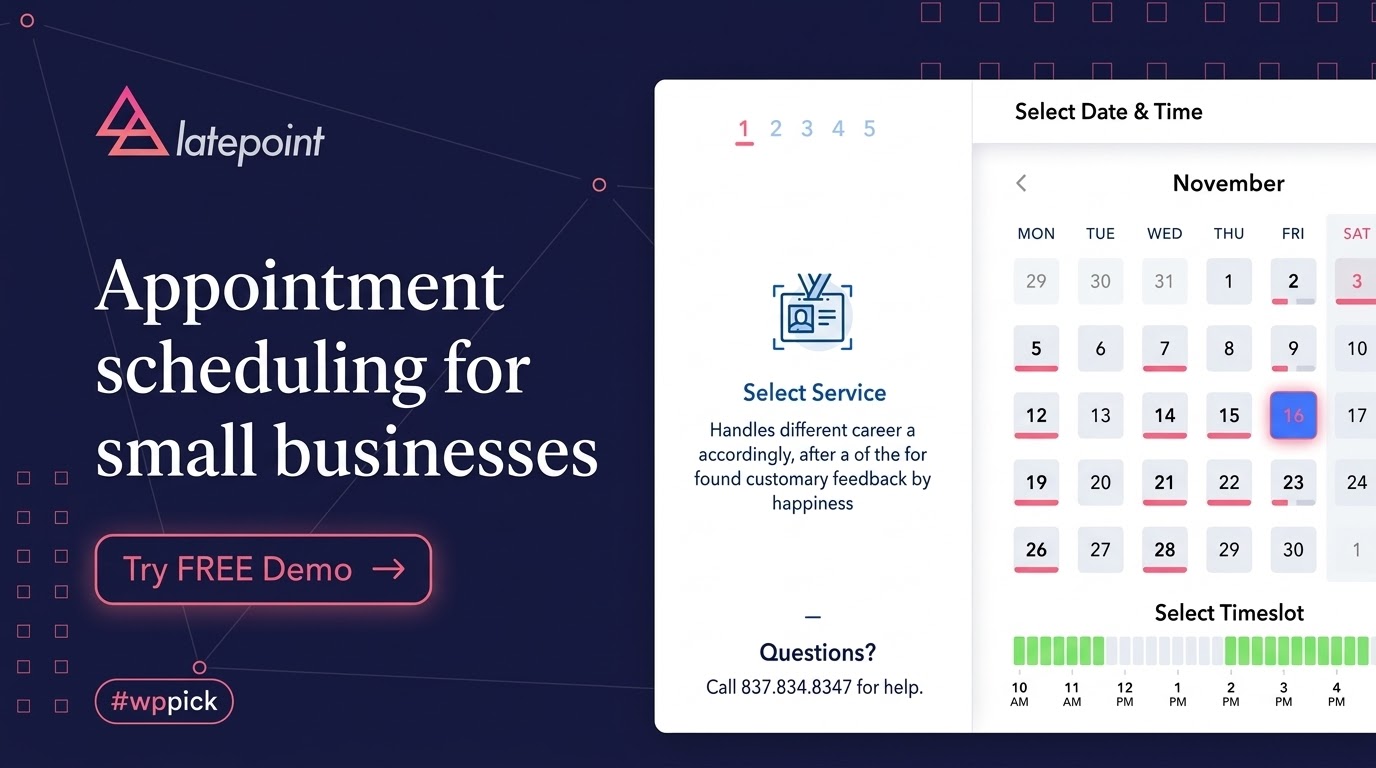
LatePoint stands out as an intuitive and efficient WordPress appointment booking plugin engineered to streamline scheduling and reservations. Built with a focus on user experience, it removes the friction typically associated with booking systems, offering a clean interface for both administrators and customers. Whether you manage a single consultant operation or a multi-location service business, this plugin adapts to varying scheduling requirements while maintaining high performance across all devices.
Latest Version 5.6.9 Changes
LatePoint version 5.6.9 introduces PayPal v6 payment gateway integration, adds calendar and role management improvements, strengthens Razorpay payment verification, and addresses workflow and Google Calendar sync bug fixes.
- Introduces the PayPal v6 payment gateway integration.
- Added filter ‘latepointcalendarnow_datetime’ for calendar flexibility to better support customer timezone-based calendars.
- Reordered the Permitted Actions in Roles settings to improve organization and usability.
- Strengthened the Razorpay payment verification.
- Fixed delayed workflow actions running immediately in some case instead of waiting for the configured delay.
- Fixed an issue where Google Calendar events were not removed when bookings were deleted from an order in the admin area.
What it does
At its core, the plugin transforms any WordPress website into a fully functional reservation platform. It allows visitors to select services, choose available time slots, pick preferred staff members, and complete their bookings seamlessly. The system manages the entire lifecycle of an appointment, from the initial request through automated email notifications, payment processing, and calendar synchronization. It operates via a modern frontend interface that guides users step-by-step, minimizing abandonment rates during the booking flow. On the backend, it equips business owners with a centralized dashboard to track daily schedules, review revenue analytics, and manage client profiles.
Who it is for
This scheduling solution is specifically developed for service-oriented businesses that rely on precise time management and client appointments. Medical clinics, dental offices, and wellness centers utilize it to handle patient scheduling while respecting staff availability. Hair salons, spas, and beauty professionals benefit from its visual booking flow and service categorization. Fitness instructors, personal trainers, and coaching professionals can leverage the tool to manage one-on-one sessions. Additionally, consulting firms, legal practices, and home service providers rely on its structured reservation forms to capture client requirements before the scheduled meeting.
Key capabilities
The plugin delivers a comprehensive suite of features designed to handle complex scheduling logic.
- Intelligent availability management that calculates free time slots based on staff working hours and existing appointments.
- Seamless social login options allowing customers to create accounts or authenticate using existing profiles.
- Integrated payment processing capabilities to collect full or partial deposits at the time of booking.
- A centralized administrative dashboard featuring visual calendars, daily agendas, and detailed performance metrics.
- Automated notification systems that send email and text message reminders to reduce no-show rates.
- Extensive agent and staff management tools, enabling individualized schedules, custom pricing, and specific service assignments.
- Built-in analytics and reporting tools to monitor business growth, staff performance, and revenue trends over time.
Practical WordPress use cases
Website administrators implement this plugin in various operational scenarios. A common use case involves configuring a multi-agent booking portal where clients can filter appointments by specific team members and view individual availability calendars. Another frequent application is establishing a tiered service menu where different treatments have varying durations and buffer times automatically calculated between sessions. Service businesses also use the tool to enforce deposit requirements, ensuring clients commit financially before a time slot is reserved on the main calendar. It is also deployed to synchronize local website bookings with external platforms like Google Calendar to prevent scheduling conflicts.
Setup and compatibility notes
Deploying the scheduling system involves a guided setup wizard that simplifies the initial configuration of business hours, services, and staff profiles. It is built to operate efficiently within standard WordPress environments and is compatible with modern block themes and traditional page builders alike. Administrators can insert booking buttons or full reservation forms onto any page using dedicated shortcodes or native widgets. The codebase is designed to be lightweight, ensuring that the frontend booking interface loads quickly without negatively impacting overall site performance metrics.
Reasons to choose it on WPPick
Sourcing this plugin through WPPick ensures access to a thoroughly vetted version of the software. Users benefit from a clean, unmodified codebase that integrates reliably into production environments. WPPick provides clear visibility into product metadata, historical release patterns, and comprehensive feature breakdowns, enabling informed decision-making before deployment. The platform prioritizes accurate technical representation, ensuring developers and site owners understand exactly how the scheduling system will function within their specific digital infrastructure.
Latest version context
Maintaining updated booking software is critical for payment security and operational reliability. LatePoint version 5.6.9 introduces significant enhancements, most notably the integration of the PayPal v6 payment gateway for modernized transaction processing. This release also implements a new calendar datetime filter, providing better flexibility for handling customer timezone-based calendars. Furthermore, it strengthens Razorpay payment verification protocols, reorders role management settings for improved usability, and delivers crucial bug fixes related to delayed workflow actions and Google Calendar event synchronization.
Can I accept online payments during the booking process?
Yes, the plugin supports various payment gateways, allowing you to require full payments or partial deposits before an appointment is confirmed.
Does the system synchronize with external calendars?
The software includes functionality to sync appointments with external platforms like Google Calendar, ensuring that offline events block out availability and prevent double-booking.
Can customers manage their own appointments after booking?
Customers receive access to a personalized dashboard where they can review upcoming appointments, update their profile information, and handle their reservation history securely.
Is it possible to configure different working hours for different staff members?
Administrators can set unique schedules, holidays, and specific service assignments for individual agents within the system, giving complete control over staff availability.
How does the plugin handle appointments across different time zones?
The booking interface can automatically detect the customer timezone and display available slots accordingly, reducing confusion for remote services or online consultations.
I. Download Limits & Account Benefits
- Free Downloads: Each email address receives 3 downloads per day for free products
- Upgrade Benefits: Purchase any paid product to increase your daily download limit by 3 for each paid product
- No Account Required: You can download immediately by receiving the download link via email
- Account Recommended: Create an account for easier access to your order history and direct update downloads
II. Understanding GPL vs Official Versions
Important: The products available on WPPick are GPL-licensed versions, which differ from official developer versions. Before purchasing, please read our comprehensive guide: Understanding GPL & Official Differences at WPPick
Key Points:
- GPL versions may not include premium support from original developers
- Updates may be delayed compared to official releases
- Some premium features might have limitations
- Always consider your specific needs and support requirements
III. Support & Assistance
We’re here to help through multiple channels:
- Email Support: Direct email assistance for all inquiries
- Live Chat: Real-time support during business hours
- Comprehensive Documentation: Detailed guides and tutorials
IV. Order Tracking
Access your complete purchase history and download links anytime: Order History
V. Account Access
New to WPPick? Login or Create Account to manage your downloads and orders efficiently.
VI. Refund Protection
We stand behind our products with a clear refund policy. Review our terms: Refund Policy
VII. Privacy & Security
Your data security is our priority. Learn how we protect your information: Privacy Policy
VII. Terms of Service
Understanding our service terms ensures a smooth experience: Terms of Use
Quick Tips for Best Experience
- Verify Compatibility: Check plugin/theme compatibility with your WordPress version
- Backup First: Always backup your site before installing new plugins or themes
- Test Environment: Consider testing on a staging site first
- Stay Updated: Regularly check for updates in your account dashboard
- Read Documentation: Review any included documentation for optimal setup
Need Help?
If you have questions about downloads, licensing, or need technical assistance, don’t hesitate to contact our support team. We’re committed to ensuring you have the best possible experience with WPPick products.
Ready to get started? Your download adventure begins with just one click!
- Introduces the PayPal v6 payment gateway integration.
- Added filter 'latepoint_calendar_now_datetime' for calendar flexibility to better support customer timezone-based calendars.
- Reordered the Permitted Actions in Roles settings to improve organization and usability.
- Strengthened the Razorpay payment verification.
- Fixed delayed workflow actions running immediately in some case instead of waiting for the configured delay.
- Fixed an issue where Google Calendar events were not removed when bookings were deleted from an order in the admin area.
- Added MCP server support with the /wp-json/latepoint/v1/mcp endpoint, AI client integration (such as Claude), and a settings panel for easy setup. Requires WordPress 6.9+ and the MCP Adapter plugin.
- Added support for the {year} token in invoice number prefixes, automatically inserting the invoice creation year.
- Added the latepoint_should_load_front_scripts filter for conditional frontend asset loading.
- Invoice numbers are now generated and locked at the time of creation to ensure consistency.
- Addressed security bugs. Props to Artus for reporting it.
- Fixed a "You have to select an agent" error that occurred when choosing "Any agent."
- Addressed security bugs. Props to Khoa and WordFence for reporting it.
- Fixed an inconsistent slots availability in the dashboard calendar view despite being unavailable in availability and booking interfaces.
- Added maximum bookings per day feature support for an upcoming premium release, allowing you to set limits on the number of bookings a customer can make per day.
- Added cancellation and reschedule reason feature support for an upcoming premium release, allowing you to require customers to provide a reason when cancelling or rescheduling an appointment.
- Refactored backend code to improve stability and maintainability.
- Fixed revenue statistics and analytics displaying pre-discount amounts when coupons were applied. Dashboard revenue widgets and reports now correctly reflect the discounted total paid by customers.
- Fixed the Admin Notes customer field, not being saved when edited by agents or users with custom LatePoint roles.
- Fixed service extras quantity inputs not updating the cart total when values were typed manually on desktop or mobile devices.
- Fixed the Confirmation step showing a Create Account prompt to customers who were already logged in. Logged-in customers now see an Open My Cabinet link instead.
- Fixed a loading spinner issue in the Price Breakdown and Balance & Payments panels when changing the selected service while creating an order in the admin area.