

League Table WordPress Plugin
/Year
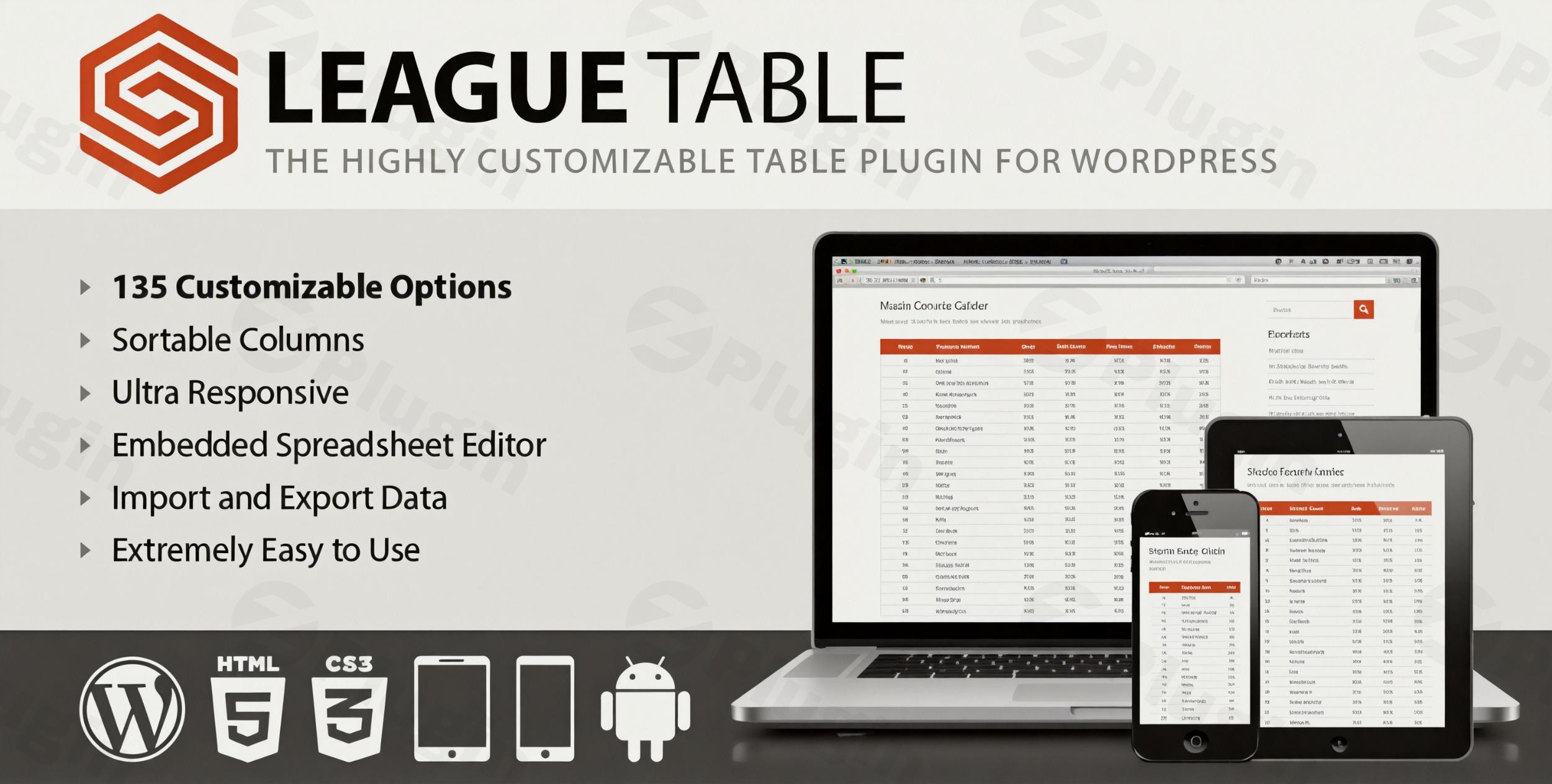
The digital landscape demands more than just static content; it thrives on interactive and well-organized information. For WordPress users, presenting complex data in an accessible and engaging format can be a challenge. This is where the League Table WordPress Plugin shines. It’s a powerful and highly customizable solution designed to help you effortlessly create dynamic, responsive, and sortable tables for virtually any kind of content on your website.Whether you’re managing sports standings, crafting detailed pricing comparisons, displaying financial reports, or showcasing product features, the League Table plugin provides unmatched flexibility for organizing and presenting your data effectively. It’s an indispensable WordPress table plugin for anyone looking to enhance their site’s data presentation without compromising on design or user experience.
Key Features That Make League Table Stand Out
The League Table WordPress Plugin is packed with robust features, all designed to give you precise control over your data presentation, ensuring both functionality and aesthetic appeal.
Intuitive Spreadsheet Editor for Seamless Data Management
Gone are the days of tedious manual data entry. The League Table plugin features an embedded spreadsheet editor that feels instantly familiar. You can import Excel data to WordPress table plugin by simply copying and pasting from applications like Excel, Google Sheets, or OpenOffice Calc. This dramatically streamlines the data entry process, saving you countless hours and making table creation a breeze.
Advanced Sorting Capabilities for Dynamic Data Display
Engagement soars when users can interact with your data. The League Table plugin empowers you to create sortable tables in WordPress with sophisticated multi-column sorting. It intelligently handles various data types—including text, numbers, percentages, currencies, dates, and URLs—allowing your visitors to sort by their preferred criteria. You can even configure automatic position numbering based on your defined sorting rules, making it an ideal WordPress plugin for sports standings.
Unparalleled Customization for Perfect Brand Alignment
Your website’s design is unique, and your tables should be too. The League Table plugin offers an extraordinary level of customization with:
- 105+ table options: Fine-tune every aspect of your table’s layout.
- 17 cell properties: Individually style cells, rows, or columns with custom colors and typography.
- 13 global settings: Apply consistent design choices across all your tables.You have complete control over colors, typography (font family, weight, style, size), and element sizing. Plus, you can easily embed images and links directly into table cells, enriching your content visually and interactively. This makes it a highly customizable WordPress table plugin for rankings and any other data display.
Mobile-Optimized Responsiveness for Every Device
In today’s multi-device world, tables must look great everywhere. The League Table plugin ensures your responsive WordPress tables adapt flawlessly to any screen size. You can set different display rules for various devices, including adjusting font sizes based on breakpoints and controlling column visibility. For particularly wide or tall tables, horizontal and vertical scrolling options are available, guaranteeing a perfect display on desktops, tablets, and smartphones alike. If you’re wondering, “how to make a responsive table in WordPress?”, this plugin provides all the tools you need.
Smart Cell Functionality for Enhanced Data Presentation
Beyond basic display, the League Table offers intelligent cell functionalities:
- Highlight Important Data: Emphasize key information with custom background colors or text styles.
- Mathematical Formulas: Apply common calculations like SUM, AVG (average), MIN/MAX (minimum/maximum) directly within cells. This feature is especially useful if you need a “WordPress plugin for sports standings with formulas.”
- Custom HTML/JavaScript: For advanced users, integrate custom HTML or JavaScript code for even more dynamic and interactive elements.
- Image and Link Support: Yes, you can add images to WordPress table cells and include hyperlinks to external resources or internal pages, making your tables more informative and engaging.
Professional-Grade Features for Robust Performance
The League Table WordPress Plugin is built with a focus on reliability, performance, and advanced integration:
- Import/Export Tables as XML: Easily back up your tables or migrate them between different WordPress installations or multisite networks.
- Full Multisite Compatibility: Manage tables across an entire network of websites seamlessly.
- Multilingual Ready: The plugin comes with English and Italian translations and is fully compatible with popular translation plugins, making it ideal for global audiences.
- Granular User Access Controls: Define who can create, edit, or manage tables on your site.
- OOP-Coded for Reliability: Built with Object-Oriented Programming principles, ensuring a stable and efficient codebase.
- Comprehensive Documentation: Access detailed guides and video tutorials to help you master every feature.
Installation & Setup: Get Your Tables Running in Minutes
Installing the League Table WordPress Plugin is a straightforward process, even for beginners.
- Download the Plugin: Obtain the plugin’s zip file from ZeroPlugin.com or your purchase source.
- Upload to WordPress:
- Log in to your WordPress dashboard.
- Navigate to Plugins > Add New.
- Click the “Upload Plugin” button at the top of the page.
- Click “Choose File”, select the
league-table.zipfile you downloaded, and then click “Install Now”.
- Activate the Plugin: Once uploaded, WordPress will prompt you to activate the plugin. Click “Activate Plugin”.
- Access Settings: After activation, you’ll find a new menu item, usually labeled “League Table” or similar, in your WordPress dashboard. Click on it to access the plugin’s settings and begin creating your first table.
Practical Usage & Best Practices
The versatility of the League Table WordPress Plugin makes it suitable for a wide range of applications. Here are a few concrete use cases:
1. Sports Standings and Event Rankings
This plugin is perfectly suited for sports enthusiasts, clubs, and sports news websites. Easily create dynamic league tables for football, basketball, esports, or any competitive activity. Use the mathematical formulas to calculate points, wins, losses, or other statistics, and leverage the multi-column sorting to rank teams or players by various criteria. The ability to embed images (like team logos) and links (to team pages) further enhances the user experience.
2. Detailed Pricing & Product Comparison Tables
For eCommerce sites, SaaS businesses, or reviewers, creating clear and compelling pricing and product comparison tables is crucial for conversion. Highlight feature differences, pricing tiers, and unique selling points using custom cell styling. Ensure your tables are fully responsive so potential customers can easily compare options on any device before making a purchase. The intuitive editor makes updating prices or features quick and efficient.
3. Financial Data and Statistical Reports
Businesses and analysts often need to present financial data, market trends, or other statistical information in an organized manner. With League Table, you can present complex numerical data in an easy-to-digest format. Utilize sorting capabilities to arrange data by date, value, or category. The flexibility to apply custom colors and typography can help draw attention to critical figures or trends within your reports.
FAQ & Troubleshooting
Here are answers to some common questions about the League Table WordPress Plugin:
What is the best WordPress plugin for league tables?
The League Table WordPress Plugin is consistently ranked among the best options for creating dynamic, sortable, and highly customizable league tables in WordPress. Its embedded spreadsheet editor, extensive customization options, and robust responsive design features make it a top contender, particularly for users who need precise control over data presentation and a user-friendly data entry experience.
How to make a responsive table in WordPress?
To make a responsive table using the League Table plugin, simply navigate to the table’s settings after creation. The plugin offers dedicated options under the “Responsive” tab where you can define breakpoints, set different font sizes for various devices, and control the visibility of specific columns on smaller screens. You can also enable horizontal or vertical scrolling for very large tables, ensuring optimal display across all devices.
Can I add images to WordPress table cells?
Yes, the League Table WordPress Plugin fully supports adding images to table cells. Within the intuitive spreadsheet editor, you can insert image URLs, which will then render as images in your live table. This feature is excellent for including team logos, product images, or icons to make your tables more visually engaging and informative.
Is the League Table plugin compatible with other themes/plugins?
The League Table WordPress Plugin is designed for broad compatibility. It generates tables that can be embedded using shortcodes or its dedicated Gutenberg block, ensuring it works seamlessly with most modern WordPress themes. It is also built with OOP coding for reliability and tested for compatibility with WordPress 4.0+ and PHP 5.2+. Its widespread use suggests broad compatibility with major plugins, including translation tools like WPML.
How do I update the League Table plugin?
If you’ve obtained the plugin with GPL licensing from a provider like ZeroPlugin.com, you will receive regular updates directly through your WordPress dashboard, similar to other plugins. When an update is available, you’ll see a notification in your Plugins section. Simply click “Update Now” to apply the latest version. Always back up your site before performing any major updates.
Conclusion
The League Table WordPress Plugin stands out as an exceptionally powerful and flexible solution for anyone needing to display structured data on their WordPress website. Its intuitive spreadsheet editor, coupled with extensive customization options and robust responsive design capabilities, makes it an invaluable asset for creating engaging and highly functional tables.Whether you’re a sports blogger needing to manage team standings, an eCommerce store owner comparing products, or an agency presenting complex data, this plugin provides the tools to enhance your content and improve user engagement. With its professional-grade features, ongoing compatibility, and strong focus on user experience, the League Table WordPress Plugin offers significant ROI for those seeking a premium WordPress table plugin that genuinely delivers.
I. Download Limits & Account Benefits
- Free Downloads: Each email address receives 3 downloads per day for free products
- Upgrade Benefits: Purchase any paid product to increase your daily download limit by 3 for each paid product
- No Account Required: You can download immediately by receiving the download link via email
- Account Recommended: Create an account for easier access to your order history and direct update downloads
II. Understanding GPL vs Official Versions
Important: The products available on WPPick are GPL-licensed versions, which differ from official developer versions. Before purchasing, please read our comprehensive guide: Understanding GPL & Official Differences at WPPick
Key Points:
- GPL versions may not include premium support from original developers
- Updates may be delayed compared to official releases
- Some premium features might have limitations
- Always consider your specific needs and support requirements
III. Support & Assistance
We’re here to help through multiple channels:
- Email Support: Direct email assistance for all inquiries
- Live Chat: Real-time support during business hours
- Comprehensive Documentation: Detailed guides and tutorials
IV. Order Tracking
Access your complete purchase history and download links anytime: Order History
V. Account Access
New to WPPick? Login or Create Account to manage your downloads and orders efficiently.
VI. Refund Protection
We stand behind our products with a clear refund policy. Review our terms: Refund Policy
VII. Privacy & Security
Your data security is our priority. Learn how we protect your information: Privacy Policy
VII. Terms of Service
Understanding our service terms ensures a smooth experience: Terms of Use
Quick Tips for Best Experience
- Verify Compatibility: Check plugin/theme compatibility with your WordPress version
- Backup First: Always backup your site before installing new plugins or themes
- Test Environment: Consider testing on a staging site first
- Stay Updated: Regularly check for updates in your account dashboard
- Read Documentation: Review any included documentation for optimal setup
Need Help?
If you have questions about downloads, licensing, or need technical assistance, don’t hesitate to contact our support team. We’re committed to ensuring you have the best possible experience with WPPick products.
Ready to get started? Your download adventure begins with just one click!
- Updated the internal version of the plugin options to support recent changes