
Link Whisper Pro – Quickly Build Smart Internal Links Both To and From Your Content
/Year
Streamline Your Website Structure with Smart Internal Linking
Building a logical internal link structure is critical for search engine visibility, yet manually adding contextual links across hundreds of articles is incredibly time-consuming. Link Whisper Pro resolves this bottleneck by serving as an intelligent, automated assistant that analyzes your site content and provides real-time internal linking suggestions directly within the WordPress editor.
By utilizing artificial intelligence and advanced text scanning, this plugin identifies contextual relationships between your posts and pages. Instead of searching your entire archive for relevant past content, you can inject contextual, keyword-focused internal links with a single click, ensuring search engines crawl and index your pages efficiently.
What Link Whisper Pro Does
Link Whisper Pro scans your content as you write or reviews your existing database to discover smart internal linking opportunities. It recommends relevant anchor text and target URLs, enabling you to build bidirectional pathways between new updates and legacy content. Beyond creating new links, it uncovers content management vulnerabilities by tracking broken links, managing unexpected redirects, and identifying pages lacking internal support.
Who Should Use This Internal Linking Solution
This plugin is engineered for WordPress site owners, professional bloggers, niche affiliate marketers, and search engine optimization specialists who manage content-heavy directories. Managing deep internal links across an expansive site becomes chaotic without automation. Publishers who want to distribute page authority evenly, reduce bounce rates, and guide human readers deeper into their content strategy find immense value in this architecture.
Key Architectural Capabilities
- Contextual Link Recommendations: Analyzes the semantic footprint of your sentences to suggest immediate, contextually appropriate links to related categories, tags, or articles.
- Auto-Linking via Keywords: Specifies exact target keywords and URLs to convert text patterns into active hyperlinks automatically across past and future articles.
- Inbound Internal Link Building: Simplifies the process of driving traffic to new content by identifying older relevant posts that can link forward to your newly published pages.
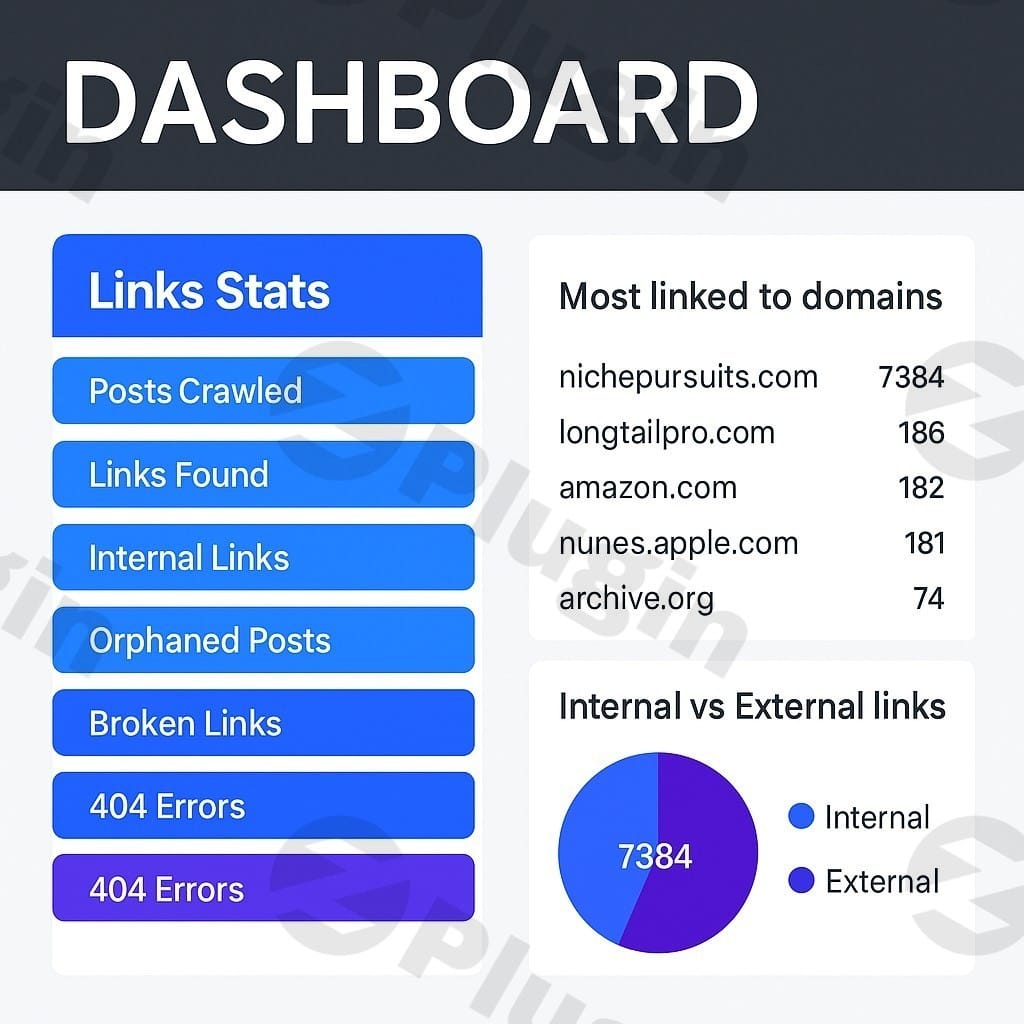
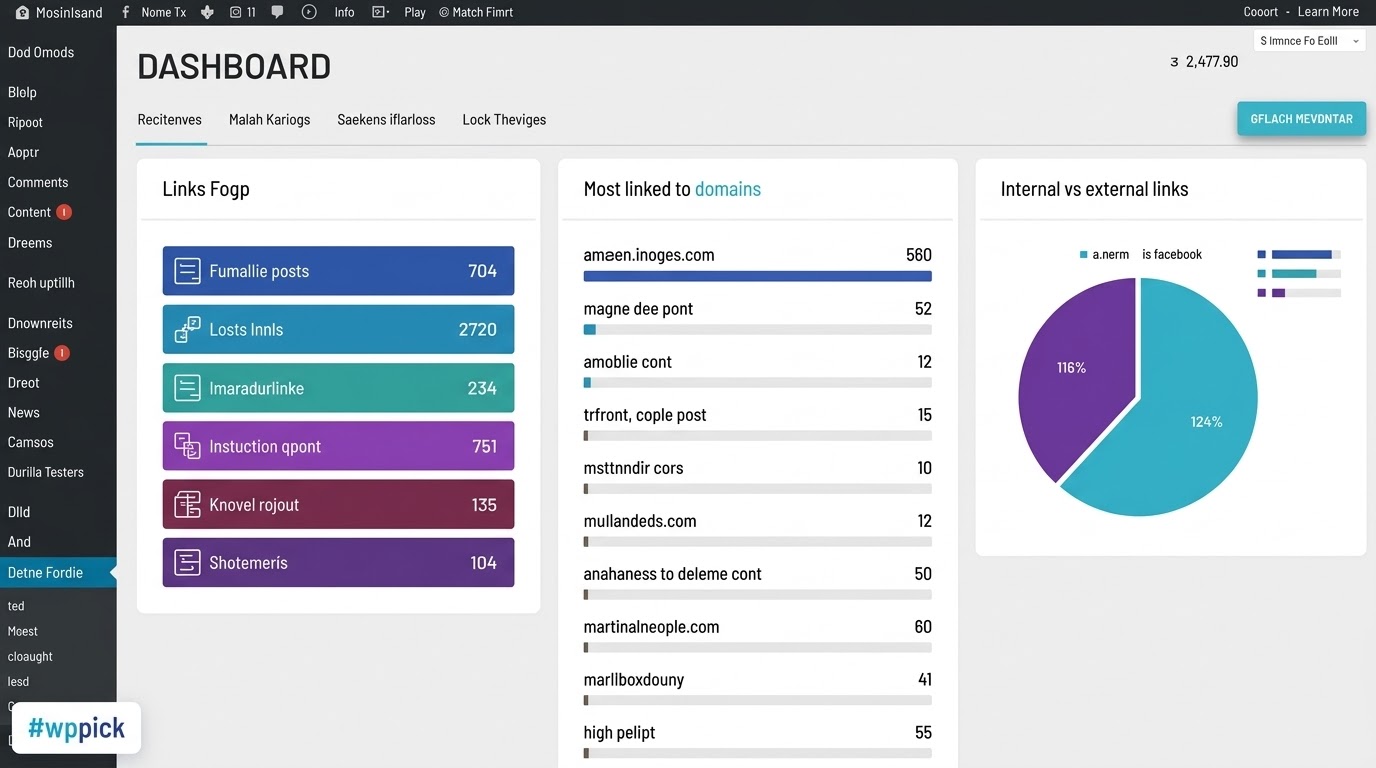
- Comprehensive Link Auditing Dashboard: Highlights internal links, external links, out-of-date redirects, and pages with broken links requiring manual fixing.
- Orphan Content Detection: Automatically identifies articles with zero incoming links, helping you rescue isolated pages and pass search engine authority back to them.
Practical WordPress Use Cases
- Reviving Niche Affiliate Blogs: Scan your older, high-traffic product reviews and quickly insert relevant links pointing to your newest monetization pages.
- Onboarding Corporate Knowledge Bases: Keep training documents and product documentation systematically interconnected without combing through archives manually.
- Optimizing Content Silos: Connect individual topic nodes to parent pillar pages to strengthen keyword contextual signals for competitive search engine rankings.
Setup and Ecosystem Compatibility
Link Whisper Pro works smoothly alongside major block and visual environments, including the default WordPress Gutenberg block editor, Classic Editor, Elementor, Divi, Beaver Builder, and Classic Widgets. It integrates gracefully alongside top SEO frameworks like Yoast SEO, Rank Math, and All in One SEO, using their data to adjust focus keywords and canonical pathways without creating software conflicts.
Why Source Link Whisper Pro from WPPick
Acquiring this tool from WPPick grants you instant access to a pre-verified, secure zip file tested for optimal execution. WPPick strips away cumbersome subscription hurdles, giving developers and digital marketers an economical way to run comprehensive structural optimization audits across multiple client properties without inflating fixed overhead costs.
Latest Version Context
Detailed release notes are not available from the provided sources. The system operates on version 2.8.5, focusing on continuous core optimization, semantic indexing accuracy, dashboard stability, and ongoing compatibility alignment with modern WordPress core frameworks and block editor interfaces.
Frequently Asked Questions
How does internal linking benefit my search engine rankings?
Internal links help search engine web crawlers discover, index, and understand the contextual relationships between your web pages. Distributing internal links correctly passes page authority from high-performing pages to newer or lower-tier articles, improving your overall structural visibility.
Can I edit the suggested anchor text before inserting a link?
Yes. The dashboard displays the full recommended sentence structure and anchor text. You can check individual boxes, modify specific phrases, or change target destination URLs manually before confirming and saving changes to your live post.
Will this plugin slow down my WordPress dashboard or site loading speeds?
No. The heavy processing and data scanning occur while saving posts or when manually triggering an internal linking analysis within the administration panel. Front-end visitors experience zero processing overhead, keeping your loading speeds completely optimized.
What happens if I decide to deactivate the plugin down the road?
All internal links generated by the plugin are written directly as standard HTML hyperlinks into your content database. If you choose to deactivate or remove the software later, the active internal links you created remain functional and intact for search engines and users.
Does it support custom post types like WooCommerce products?
Yes. Within the plugin setting suite, you can choose exactly which taxonomies, pages, standard posts, and custom post types (such as portfolio items or product listings) should be included or excluded during internal data mapping.
I. Download Limits & Account Benefits
- Free Downloads: Each email address receives 3 downloads per day for free products
- Upgrade Benefits: Purchase any paid product to increase your daily download limit by 3 for each paid product
- No Account Required: You can download immediately by receiving the download link via email
- Account Recommended: Create an account for easier access to your order history and direct update downloads
II. Understanding GPL vs Official Versions
Important: The products available on WPPick are GPL-licensed versions, which differ from official developer versions. Before purchasing, please read our comprehensive guide: Understanding GPL & Official Differences at WPPick
Key Points:
- GPL versions may not include premium support from original developers
- Updates may be delayed compared to official releases
- Some premium features might have limitations
- Always consider your specific needs and support requirements
III. Support & Assistance
We’re here to help through multiple channels:
- Email Support: Direct email assistance for all inquiries
- Live Chat: Real-time support during business hours
- Comprehensive Documentation: Detailed guides and tutorials
IV. Order Tracking
Access your complete purchase history and download links anytime: Order History
V. Account Access
New to WPPick? Login or Create Account to manage your downloads and orders efficiently.
VI. Refund Protection
We stand behind our products with a clear refund policy. Review our terms: Refund Policy
VII. Privacy & Security
Your data security is our priority. Learn how we protect your information: Privacy Policy
VII. Terms of Service
Understanding our service terms ensures a smooth experience: Terms of Use
Quick Tips for Best Experience
- Verify Compatibility: Check plugin/theme compatibility with your WordPress version
- Backup First: Always backup your site before installing new plugins or themes
- Test Environment: Consider testing on a staging site first
- Stay Updated: Regularly check for updates in your account dashboard
- Read Documentation: Review any included documentation for optimal setup
Need Help?
If you have questions about downloads, licensing, or need technical assistance, don’t hesitate to contact our support team. We’re committed to ensuring you have the best possible experience with WPPick products.
Ready to get started? Your download adventure begins with just one click!
- Creating Notification Hub in Dashboard! (The hub will tell you about Link Whisper features, news and updates, and let you know about events that we're planning)
- Adjusting the Anchor/URL editing functionality in the report pages so that the...
- Creating Notification Hub in Dashboard! (The hub will tell you about Link Whisper features, news and updates, and let you know about events that we're planning)
- Adjusting the Anchor/URL editing functionality in the report pages so that the... View full changelog
- Creating Notification Hub in Dashboard! (The hub will tell you about Link Whisper features, news and updates, and let you know about events that we're planning)
- Adjusting the Anchor/URL editing functionality in the report pages so that the...
- See changelog for details
- Creating Notification Hub in Dashboard! (The hub will tell you about Link Whisper features, news and updates, and let you know about events that we're planning)
- Adjusting the Anchor/URL editing functionality in the report pages so that the...
- Creating Notification Hub in Dashboard! (The hub will tell you about Link Whisper features, news and updates, and let you know about events that we're planning)
- Adjusting the Anchor/URL editing functionality in the report pages so that the...
- Creating Notification Hub in Dashboard! (The hub will tell you about Link Whisper features, news and updates, and let you know about events that we're planning)
- Adjusting the Anchor/URL editing functionality in the report pages so that the...
- Changelog Not Found!
- Creating Notification Hub in Dashboard! (The hub will tell you about Link Whisper features, news and updates, and let you know about events that we're planning)
- Adjusting the Anchor/URL editing functionality in the report pages so that the...
- Creating Notification Hub in Dashboard! (The hub will tell you about Link Whisper features, news and updates, and let you know about events that we're planning)
- Adjusting the Anchor/URL editing functionality in the report pages so that the...