
Livecanvas – Pure Html & Css Wp Builder
/Year
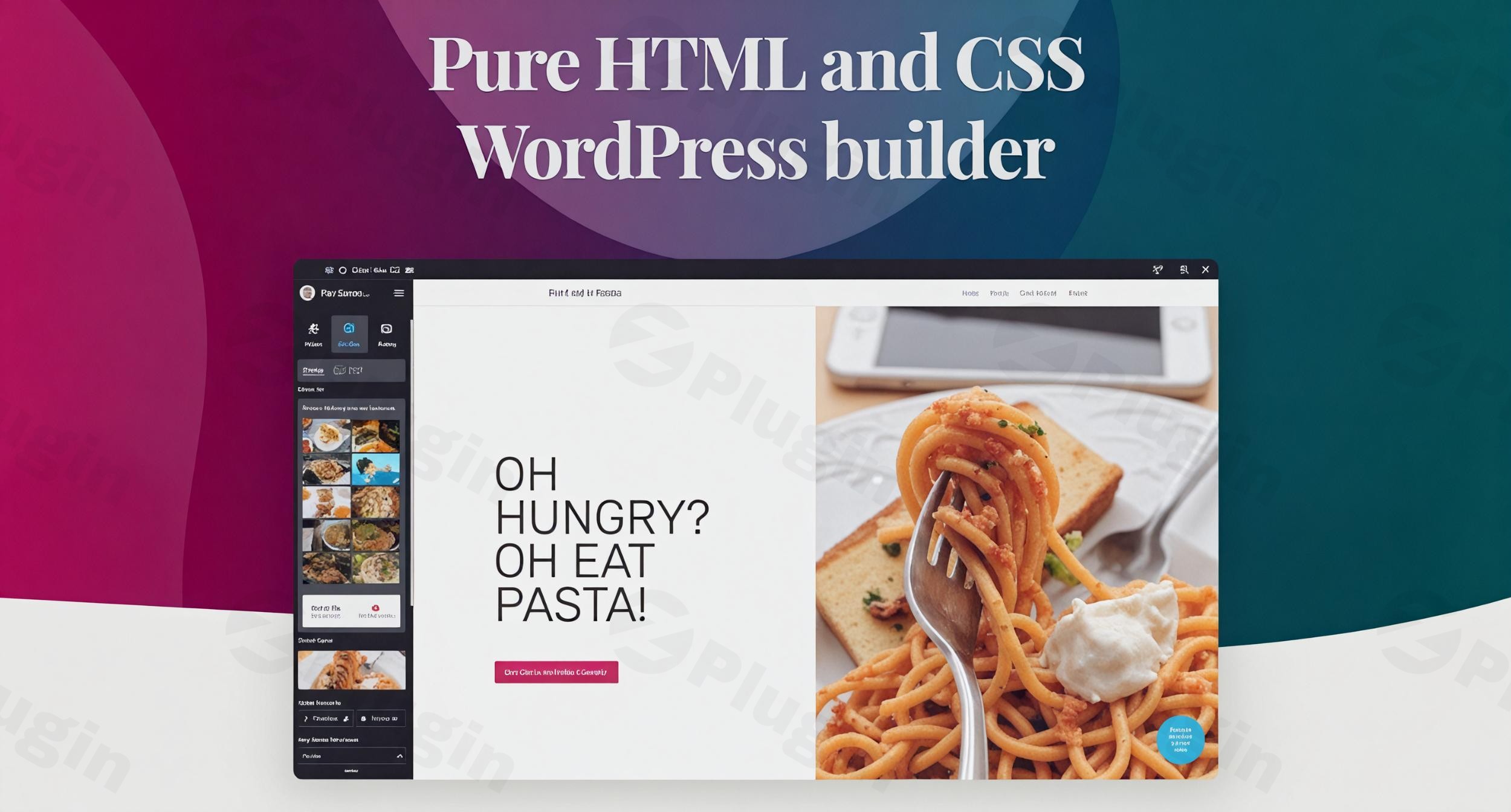
Are you a web professional tired of bloated WordPress page builders that compromise site speed and creative freedom? The LiveCanvas WordPress Builder is an innovative pure HTML CSS WordPress plugin designed to empower developers and designers to create lightning-fast, SEO-optimized websites with complete control over their code. Unlike traditional drag-and-drop tools, LiveCanvas provides a unique blend of visual editing and direct HTML/CSS manipulation, making it the ideal choice for crafting high-performance sites without any added bloat. If you’re looking for a Bootstrap WordPress page builder that respects clean code and speed, LiveCanvas offers a powerful alternative to generic solutions.
Why Choose LiveCanvas? Unleashing True Creative Freedom and Performance
LiveCanvas stands apart by prioritizing performance, developer control, and clean code. It solves the common pain points associated with many popular WordPress builders, which often inject excessive JavaScript and CSS, leading to slower load times and diminished SEO.
Lightweight & High-Performance with Zero Bloat
The core philosophy of LiveCanvas is “zero bloat.” This plugin adds no extra JavaScript or CSS to your site’s frontend, ensuring your pages load at maximum speed. It works seamlessly with your WordPress installation and theme to deliver exceptional PageSpeed scores and superior SEO results, a critical factor for modern web presence.
True Creative Freedom and Developer-Friendly Control
Break free from restrictive templates. LiveCanvas offers unparalleled control over your design by allowing you to work directly with pure HTML and CSS editing capabilities. This makes it a developer-friendly WordPress builder where you can prototype and perfect mobile-ready web pages with an intuitive interface that doesn’t sacrifice coding power.
Frontend Visual Editing for an Intuitive Workflow
Despite its code-centric nature, LiveCanvas features a powerful front-end visual editor. You can edit text and images directly on the page, experiencing a real-time, intuitive workflow. This visual feedback loop accelerates design iterations without the need to constantly switch between backend panels and frontend previews.
Version Control & Safety with WordPress Revisions
Designing and developing can involve many changes. LiveCanvas leverages WordPress’s built-in revision system, allowing you to track every modification and safely revert to previous versions if needed. This provides peace of mind, knowing your work is always recoverable.
Key Features of LiveCanvas: Crafting Clean, Fast WordPress Sites
LiveCanvas is packed with features designed for efficiency and control, helping you build fast WordPress sites with LiveCanvas.
- Visual HTML/CSS Editor: This is the heart of LiveCanvas. It allows you to directly view, edit, and refine the underlying HTML and CSS code of any page element in real-time. Features like automatic code indenting and autocomplete enhance the coding experience, making it a true live HTML editor WordPress.
- Custom Block Library: Streamline your workflow by creating and saving your own HTML snippets. These reusable “custom blocks” can be deployed across multiple projects, maintaining consistency and saving significant development time.
- Header & Footer Builder: Go beyond standard theme limitations. LiveCanvas enables you to design completely custom headers and footers, giving you granular control over these crucial site elements.
- Animation Effects: Implement sophisticated and engaging animations using pure CSS. This ensures performant interactions that enhance user experience without compromising speed.
- Unsplash Integration: Directly access a vast library of high-quality, royalty-free images from Unsplash within the editor, simplifying the process of adding stunning visuals to your pages.
- Bootstrap Framework Integration: Built to leverage the Bootstrap CSS framework (supporting both v4 and v5), LiveCanvas is ideal for developers already familiar with Bootstrap, enabling the creation of responsive and consistent designs.
- WordPress Dynamic Templating: Gain granular control over WordPress templates, supporting custom post types, archives, and seamless integration with WooCommerce for dynamic templating of product pages, categories, cart, and checkout. This is perfect for advanced customization, for example, with a Livecanvas WooCommerce dynamic templating tutorial.
- Universal Shortcode Support: Integrate any WordPress shortcode into your custom page designs, extending functionality with third-party plugins effortlessly.
- No Vendor Lock-In & HTML Export: A significant advantage is that pages built with LiveCanvas store plain HTML directly in the WordPress database. This means your content remains functional even if the plugin is deactivated. You can also export Livecanvas pages to static HTML, useful for archiving or migrating content outside of WordPress.
- White-Label Editor: For agencies and developers working with clients, LiveCanvas offers an option to white-label the editor, removing its branding for a completely custom client experience.
Installation & Setup: Getting Started with LiveCanvas
Installing and setting up LiveCanvas is straightforward, following standard WordPress plugin procedures.
- Download LiveCanvas: Obtain the plugin zip file from your purchase source (e.g., ZeroPlugin.com).
- Upload the Plugin:
- Log in to your WordPress admin dashboard.
- Navigate to Plugins > Add New.
- Click the “Upload Plugin” button at the top of the page.
- Click “Choose File,” select the LiveCanvas zip file, and then click “Install Now.”
- Activate the Plugin: Once installed, click “Activate Plugin.”
- Configure Settings: After activation, you’ll find a new “LiveCanvas” menu item in your WordPress dashboard. Navigate to its settings.
- Theme Compatibility: LiveCanvas functions best with Bootstrap-based themes. Picostrap 5 (an ultra-lightweight, Bootstrap 5-based starter theme) and UnderStrap are highly recommended for optimal performance. You can enable a specific option in LiveCanvas settings to run it on any Bootstrap 4 or 5 theme. For optimal performance, ensure your theme provides the Bootstrap framework, as LiveCanvas itself adds zero extra CSS/JS.
Practical Usage & Best Practices for Web Professionals
LiveCanvas is designed for efficiency and control, making it ideal for a range of web professionals. Here are some practical use cases:
- For WordPress Developers & Agencies:
- Rapid Prototyping: Quickly build responsive page layouts using Bootstrap and LiveCanvas’s visual editor, then refine the precise HTML/CSS code for pixel-perfect designs. This “layout-first” approach is highly efficient for client projects.
- Custom Theme Development: Use LiveCanvas to create custom headers, footers, and dynamic templates for custom post types and WooCommerce, giving you full control without being limited by rigid theme structures.
- Performance Optimization: Deliver client sites with exceptionally high PageSpeed scores, using LiveCanvas to ensure clean code and minimal frontend footprint. This addresses the “WordPress Page Builder no bloat” concern effectively.
- For Advanced Site Owners & Marketers:
- Building High-Converting Landing Pages: Craft custom, fast-loading landing pages with precise control over every element, optimizing for conversions. The clean code ensures faster load times, crucial for advertising campaigns.
- Maintaining Brand Consistency: Utilize the Custom Block Library to save and reuse branded HTML sections across your site, ensuring a consistent look and feel without repetitive coding.
- Best Practices for Maximizing LiveCanvas:
- Pair with a Lightweight Bootstrap Theme: For optimal performance, use LiveCanvas with themes like Picostrap 5 or UnderStrap that already integrate Bootstrap, allowing LiveCanvas to truly add zero extra code.
- Embrace the Code Editor: While the visual editor is great for initial layout, don’t shy away from diving into the HTML/CSS editor for fine-tuning. This is where LiveCanvas truly shines for precision and unique designs.
- Leverage Custom Blocks: Any section you find yourself reusing – be it a call-to-action, a specific hero layout, or a pricing table – save it as a custom block. This will drastically speed up your future projects.
FAQ & Troubleshooting
Is Livecanvas good for WordPress developers?
Yes, LiveCanvas is exceptionally good for WordPress developers. It’s designed by developers, for developers, prioritizing clean code, direct HTML/CSS editing, Bootstrap integration, and superior performance. It offers a workflow that respects coding expertise while providing visual assistance, making it a powerful tool for those who want full control over their output.
Does Livecanvas slow down WordPress?
No, LiveCanvas is designed specifically not to slow down WordPress. It adds zero extra JavaScript or CSS to the frontend, relying on the theme to provide the Bootstrap framework. This results in an extremely lightweight footprint (less than 150kb gzipped) and ensures exceptionally fast page loading times, leading to improved PageSpeed scores and SEO. It’s truly a “WordPress Page Builder no bloat” solution.
What themes work best with Livecanvas?
LiveCanvas primarily functions best with Bootstrap-based themes. Picostrap 5 (an ultra-lightweight, Bootstrap 5-based starter theme) and UnderStrap are highly recommended for optimal performance and customization due to their direct integration with Bootstrap. It can technically run on any Bootstrap 4 or 5 theme by enabling a specific option in its settings, but a dedicated Bootstrap theme ensures the cleanest setup.
Can I edit raw HTML in WordPress with Livecanvas?
Absolutely. A standout feature of LiveCanvas is its integrated Visual HTML/CSS Editor, which allows you to directly view, edit, and refine the underlying HTML and CSS code of any page element in real-time. This provides a high degree of control over design and customization, appealing especially to coders.
What happens if I deactivate Livecanvas?
One of the key advantages of LiveCanvas is its “no vendor lock-in” policy. Pages built with LiveCanvas store plain, standard HTML code directly into the post_content field of the WordPress database. This means that if you deactivate the plugin, your content will remain functional as standard HTML, unlike many other page builders that rely on proprietary shortcodes or JSON data which would break if their plugin is removed.
Conclusion: The Smart Choice for High-Performance WordPress Development
The LiveCanvas WordPress Builder stands out as a powerful and essential tool for web professionals who demand speed, clean code, and ultimate creative control. By providing a seamless blend of visual editing and direct HTML/CSS manipulation, it solves the long-standing problem of bloated page builders and slow-loading websites.For developers, agencies, and advanced site owners who prioritize performance, SEO, and maintainability, LiveCanvas delivers exceptional value. It empowers you to create custom, lightning-fast WordPress sites with the confidence that your code is clean, your pages are future-proof, and your workflow is efficient. If you’re serious about building high-quality, performant WordPress projects, LiveCanvas is an investment that pays dividends in speed, flexibility, and developer satisfaction.
I. Download Limits & Account Benefits
- Free Downloads: Each email address receives 3 downloads per day for free products
- Upgrade Benefits: Purchase any paid product to increase your daily download limit by 3 for each paid product
- No Account Required: You can download immediately by receiving the download link via email
- Account Recommended: Create an account for easier access to your order history and direct update downloads
II. Understanding GPL vs Official Versions
Important: The products available on WPPick are GPL-licensed versions, which differ from official developer versions. Before purchasing, please read our comprehensive guide: Understanding GPL & Official Differences at WPPick
Key Points:
- GPL versions may not include premium support from original developers
- Updates may be delayed compared to official releases
- Some premium features might have limitations
- Always consider your specific needs and support requirements
III. Support & Assistance
We’re here to help through multiple channels:
- Email Support: Direct email assistance for all inquiries
- Live Chat: Real-time support during business hours
- Comprehensive Documentation: Detailed guides and tutorials
IV. Order Tracking
Access your complete purchase history and download links anytime: Order History
V. Account Access
New to WPPick? Login or Create Account to manage your downloads and orders efficiently.
VI. Refund Protection
We stand behind our products with a clear refund policy. Review our terms: Refund Policy
VII. Privacy & Security
Your data security is our priority. Learn how we protect your information: Privacy Policy
VII. Terms of Service
Understanding our service terms ensures a smooth experience: Terms of Use
Quick Tips for Best Experience
- Verify Compatibility: Check plugin/theme compatibility with your WordPress version
- Backup First: Always backup your site before installing new plugins or themes
- Test Environment: Consider testing on a staging site first
- Stay Updated: Regularly check for updates in your account dashboard
- Read Documentation: Review any included documentation for optimal setup
Need Help?
If you have questions about downloads, licensing, or need technical assistance, don’t hesitate to contact our support team. We’re committed to ensuring you have the best possible experience with WPPick products.
Ready to get started? Your download adventure begins with just one click!
- Revamped HTML Blocks library and new Blocks UI
- Revamped and abstracted
- Clicking the context menu labels now directly opens "edit properties" panels
- The "Edit properties" panels now has ID & class on top
- Unified toolbar and panels
- New IMGIX effects are available for Unsplash images
- AI models update: (GPT-5, GPT-4.1, Claude Sonnet 4, Gemini 2.5 Flash, DeepSeek V3.1, Qwen3, Grok 4 and Grok code fast 1, Llama 4 Maverick)
- Better Onboarding with automatic content setup, featuring four child themes: Gourmet, Noirfolio. Ally Company
- Readymade Pages Library now works also on older child themes
- Sections: UI Kit now defaults to built-in theme UI kit
- "Download as HTML" feature now works on all relevant CPTs