

Lumise | Product Designer For Woocommerce WordPress
/Year
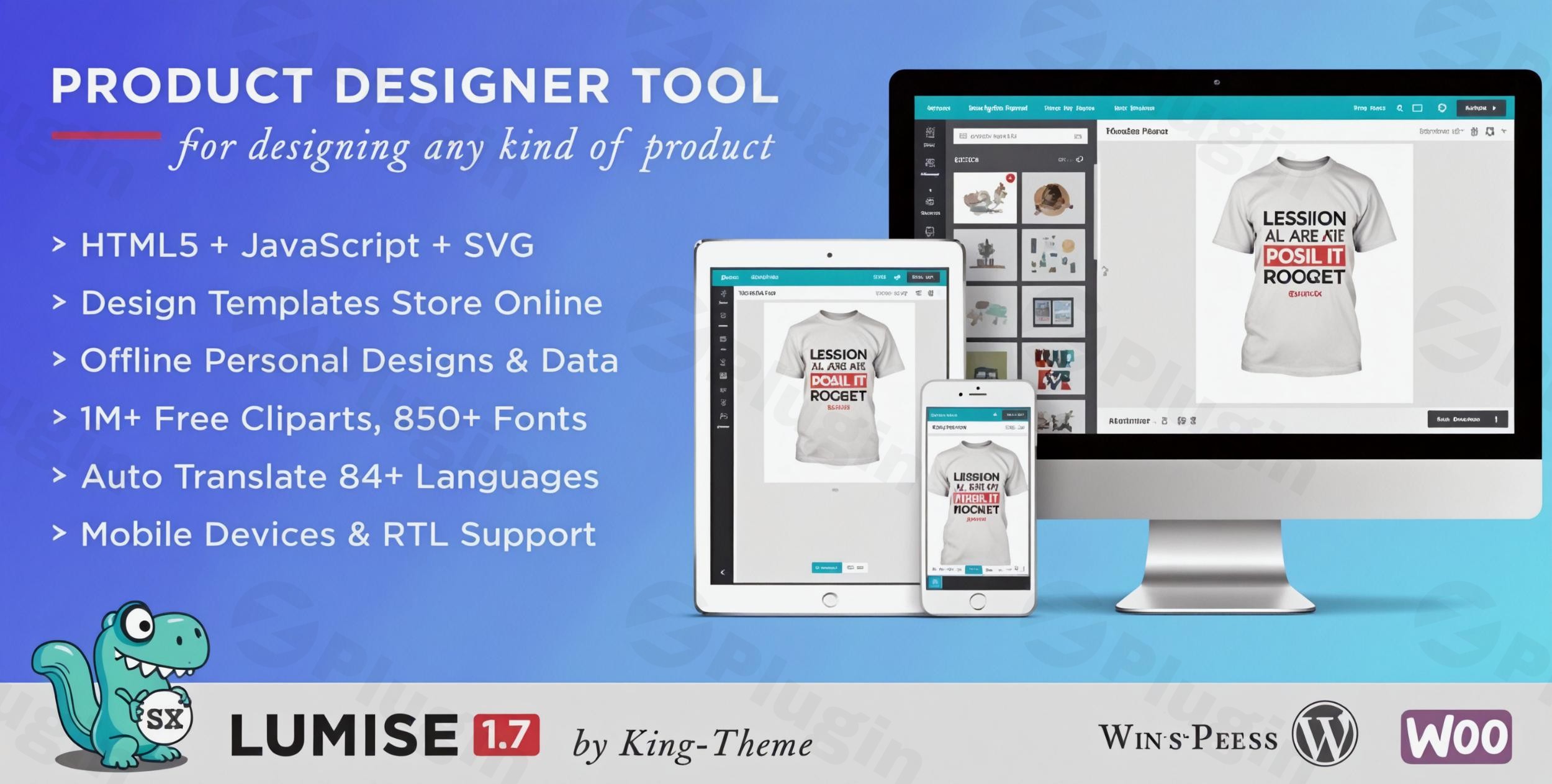
Lumise Product Designer is a comprehensive WooCommerce product designer plugin that empowers online store owners to offer professional-grade product customization. In an era where “personalization” is a key driver for e-commerce success, Lumise provides a seamless, application-like experience that allows customers to design their own t-shirts, mugs, phone cases, and more directly on your WordPress site.By integrating this WordPress product customizer, you solve the complex problem of manual order proofing and design back-and-forth. Whether you are running a boutique print shop or a high-volume print-on-demand (POD) business, Lumise transforms your store into an interactive design studio.
Key Features of Lumise Product Designer
The Lumise Product Designer for WooCommerce features a robust toolset designed to bridge the gap between amateur users and professional design outputs. Here are the core benefits:
1. High-End Design Tools & Effects
Unlike basic “text-only” add-ons, Lumise offers advanced manipulation tools:
- Curved & Special Text: Create fisheye, oblique, or convex text transformations.
- Image Manipulation: Built-in filters, cropping, background removal, and layer masks.
- QR Code Integration: Perfect for business cards or promotional items where customers want to link to their digital presence.
- Auto Snap & Alignment: Ensures designs are perfectly centered and professional without requiring graphic design skills.
2. Massive Resource Libraries
To jumpstart the creative process, this product designer plugin for WooCommerce integrates with:
- Pixabay & Openclipart: Access to millions of free-to-use clipart and images.
- Social Media Import: Customers can pull photos directly from their Facebook and Instagram accounts.
- Pre-built Design Templates: Admins can create and offer ready-to-use templates that customers can simply edit and buy.
3. Print-Ready Professional Output
For store owners, the most critical feature is the output quality. Lumise renders designs in 300 DPI, supporting high-quality formats:
- Vector Formats: SVG and PDF for lossless scaling.
- Standard Formats: PNG, JSON, and high-resolution images ready for your printing equipment.
4. Smart Pricing Engine
The plugin features a dynamic WooCommerce product personalization pricing system. You can set additional costs based on:
- The number of colors used in a design.
- The number of text layers or cliparts added.
* The use of specific premium templates or shapes.
How to Install and Set Up Lumise Product Designer
Follow these steps to understand how to add a product designer to WooCommerce using Lumise:
- Purchase and Download: Obtain the Lumise plugin from the official source (King-Theme).
- Upload to WordPress:
- Log in to your WordPress Dashboard.
- Navigate to Plugins > Add New > Upload Plugin.
- Select the
lumise.zipfile and click Install Now.
- Activate the Plugin: Once installed, click Activate.
- System Requirements Check: Go to the Lumise settings page to ensure your server meets the technical requirements. Lumise requires:
- PHP Extensions: ZipArchive, Imagick, and
allow_url_fopenmust be enabled. - Memory Limit: It is recommended to have at least 256MB of PHP memory for smooth image processing.
- PHP Extensions: ZipArchive, Imagick, and
5. Configure WooCommerce Integration: Navigate to Lumise > Settings to link the designer to your WooCommerce product pages. You can choose whether the “Design” button appears on the shop page, product page, or both.
Practical Usage & Best Practices
To get the most ROI from your WordPress product customizer, consider these real-world workflows:
Ideal for T-Shirt & Apparel Stores
If you are looking for the best WooCommerce t-shirt designer plugin, Lumise is a top contender.
- Best Practice: Define “Edit Zones” for the front, back, and sleeves of the shirt. This prevents customers from placing designs too close to the seams where printing is impossible.
Perfect for Promotional Products (Mugs, Pens, Stickers)
For small items, use the “Mask Layer” feature.
- Workflow: Upload a mask of a coffee mug. When a customer uploads a photo, the mask will automatically “clip” the photo to the shape of the mug, providing a realistic preview.
Agency and Print Shop Workflow
If you manage multiple clients, use the Import/Export feature. You can design a product layout once and export it to another site running Lumise, saving hours of configuration time.
FAQ & Troubleshooting
What is Lumise Product Designer?
Lumise Product Designer is a professional-grade WordPress plugin that integrates with WooCommerce to allow customers to customize products. It provides a full design interface where users can add text, images, and cliparts to products before checking out.
Is Lumise compatible with my WooCommerce version?
Lumise is highly compatible with modern WordPress environments. It supports WordPress versions 4.9.x through 6.x and WooCommerce versions 5.x through 9.x. It is also compatible with popular page builders like Elementor and WPBakery.
Does Lumise support mobile and tablet devices?
Yes. Lumise is built using HTML5 and is fully responsive. The interface adjusts to provide an “app-like” experience on smartphones and tablets, allowing customers to design and order on the go.
What should I do if the design editor doesn’t load?
The most common cause is missing server-side PHP extensions. Ensure your hosting provider has enabled Imagick and allowurlfopen. Additionally, check for conflicts with “lazy loading” plugins which might interfere with the editor’s JavaScript.
Can I charge different prices for different customization options?
Absolutely. Lumise allows for dynamic pricing. You can set specific surcharges for adding text, using certain colors, or adding a specific number of cliparts, which are then added to the base WooCommerce product price automatically.
Conclusion: Final Verdict
Lumise Product Designer for WooCommerce is an industry-leading solution for any business looking to enter the personalized goods market. Its balance of a user-friendly frontend and a technically advanced backend makes it a superior choice compared to simpler add-on plugins. While the initial setup requires attention to server requirements (like the Imagick extension), the payoff is a professional, high-converting WooCommerce product designer that automates the design-to-print workflow. If you want to increase your store’s average order value and customer engagement, Lumise is a highly recommended investment for your WordPress site.For more WordPress plugin reviews and tutorials, visit wppick.com.
I. Download Limits & Account Benefits
- Free Downloads: Each email address receives 3 downloads per day for free products
- Upgrade Benefits: Purchase any paid product to increase your daily download limit by 3 for each paid product
- No Account Required: You can download immediately by receiving the download link via email
- Account Recommended: Create an account for easier access to your order history and direct update downloads
II. Understanding GPL vs Official Versions
Important: The products available on WPPick are GPL-licensed versions, which differ from official developer versions. Before purchasing, please read our comprehensive guide: Understanding GPL & Official Differences at WPPick
Key Points:
- GPL versions may not include premium support from original developers
- Updates may be delayed compared to official releases
- Some premium features might have limitations
- Always consider your specific needs and support requirements
III. Support & Assistance
We’re here to help through multiple channels:
- Email Support: Direct email assistance for all inquiries
- Live Chat: Real-time support during business hours
- Comprehensive Documentation: Detailed guides and tutorials
IV. Order Tracking
Access your complete purchase history and download links anytime: Order History
V. Account Access
New to WPPick? Login or Create Account to manage your downloads and orders efficiently.
VI. Refund Protection
We stand behind our products with a clear refund policy. Review our terms: Refund Policy
VII. Privacy & Security
Your data security is our priority. Learn how we protect your information: Privacy Policy
VII. Terms of Service
Understanding our service terms ensures a smooth experience: Terms of Use
Quick Tips for Best Experience
- Verify Compatibility: Check plugin/theme compatibility with your WordPress version
- Backup First: Always backup your site before installing new plugins or themes
- Test Environment: Consider testing on a staging site first
- Stay Updated: Regularly check for updates in your account dashboard
- Read Documentation: Review any included documentation for optimal setup
Need Help?
If you have questions about downloads, licensing, or need technical assistance, don’t hesitate to contact our support team. We’re committed to ensuring you have the best possible experience with WPPick products.
Ready to get started? Your download adventure begins with just one click!
- Version 2.0.9 released.
- Release date: 10 January 2026