

Magic Responsive Slider And Carousel WordPress Plugin
/Year
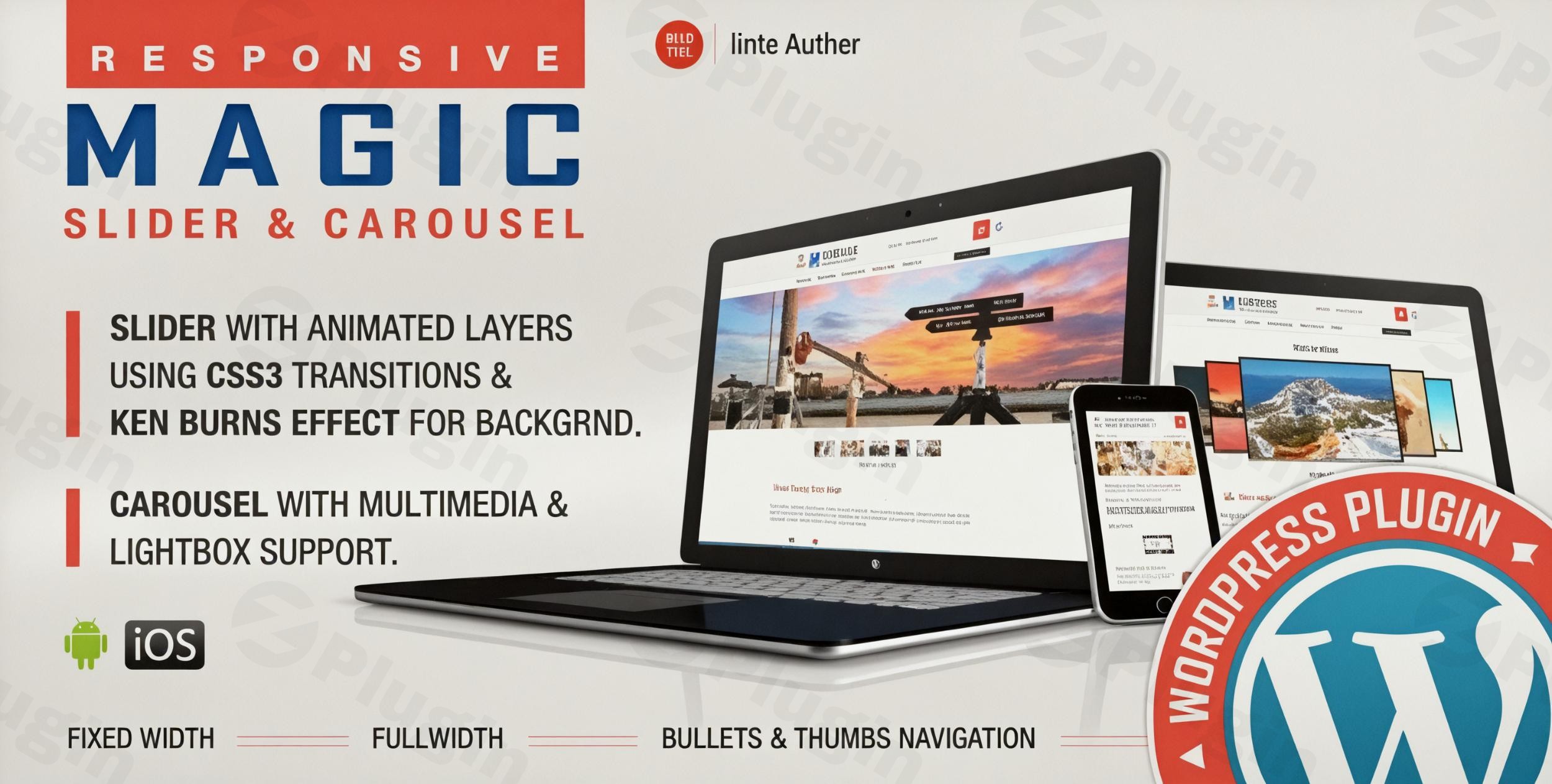
The digital landscape demands dynamic and engaging website experiences. For WordPress users, presenting content effectively often means moving beyond static images. The Magic Responsive Slider and Carousel WordPress Plugin emerges as a powerful, user-friendly solution to craft captivating, interactive visual elements that seamlessly adapt to any device.This WordPress responsive slider plugin is designed by LambertGroup to help website owners, marketers, and content creators showcase images, videos, and even audio with professional flair, all without needing to write a single line of code. Whether you need a striking hero slider for your homepage or a sleek product carousel, this plugin offers the tools to elevate your site’s visual appeal and user engagement.
Key Features for Dynamic Content Presentation
The Magic Responsive Slider and Carousel WordPress Plugin provides a comprehensive suite of features, ensuring flexibility and visual excellence for your WordPress site.
Fully Responsive Design & Touch Screen Navigation
At its core, the plugin is built for modern web browsing. It ensures your sliders and carousels look impeccable on desktops, tablets, and smartphones, thanks to its responsive design. Furthermore, it boasts WordPress touch-swipe slider functionality, offering intuitive touch controls for mobile users, enhancing their browsing experience with smooth swipe interactions. You even have the option to disable responsiveness if a fixed layout is preferred for specific use cases.
Rich Multimedia Support
Go beyond static images. The plugin allows you to integrate a wide array of multimedia content, making it an excellent WordPress video carousel solution.
- Images: Display high-quality images with ease.
- YouTube & Vimeo Videos: Embed videos directly from these popular platforms.
- HTML5 Videos: Host your own video content for greater control.
- HTML5 Audio: Incorporate audio tracks to create a more immersive experience.This comprehensive support makes it ideal for portfolios, product showcases, and interactive content hubs.
Layered Elements for Animated Storytelling
One of the standout features is the ability to add layered elements to your sliders. You can stack unlimited layers of images or text, bringing your slides to life with smooth CSS3 animations. These layers can animate from any direction (top, bottom, left, right), each with customizable parameters for its initial, intermediate, and exit animations. This transforms a simple image slider into a powerful storytelling tool, perfect for creating a WordPress image slider with layers that truly captures attention.
Ultra-Smooth Ken Burns Effect
Add a cinematic touch to your background images with the Ken Burns effect WordPress plugin feature. This ultra-smooth panning and zooming effect works across all major browsers, lending a dynamic and professional feel to your visual presentations.
Diverse Transition Styles and Layout Options
The plugin offers multiple transition styles, including classic Fade and Slide effects, with adjustable speed and easing parameters for fine-tuned control. For layout, you can choose between:
- Fixed Dimensions: For precise control over size.
- Full Width: To span the entire width of your content area.
- Full Screen: For an immersive background experience, particularly effective with the Ken Burns effect.
Extensive Customization & Control
Tailor every aspect of your sliders and carousels:
- Autoplay & Loop: Set your slides to automatically advance and loop continuously for passive engagement.
- Customizable Navigation: Easily show or hide controllers, navigation arrows, thumbnails, or bullets.
- Predefined Skins: Quickly apply different looks with included bullets and thumbs layouts.
- Circle Timer: Customize the color, dimensions, and transparency of the optional circle timer.
- External Links: Each slide or image can be linked to an external URL with target parameters (_blank or _self).
Multiple Instances & Shortcode Integration
Flexibility is key. You can deploy multiple instances of sliders or carousels on the same page, each with different settings or skins, allowing for diverse visual presentations within a single page. Integration is straightforward: simply use shortcodes to insert your creations into any post, page, or custom post type.
Lightbox Support & Carousel Border Customization
For carousels specifically, the plugin offers lightbox support for media content, allowing users to view images and videos in an enlarged overlay. Additionally, you can customize the border size and color for active and inactive images within your carousels, adding another layer of visual polish.
Installation & Setup: Getting Started with Magic Responsive Slider and Carousel
Installing the Magic Responsive Slider and Carousel WordPress Plugin is a straightforward process, even for beginners. Here’s a step-by-step guide on how to install Magic Responsive Slider And Carousel:
- Download the Plugin: Obtain the plugin zip file from your purchase source (e.g., ZeroPlugin, Envato/CodeCanyon).
- Upload via WordPress Admin:
- Log in to your WordPress dashboard.
- Navigate to Plugins > Add New.
- Click the “Upload Plugin” button at the top of the page.
- Click “Choose File”, select the plugin’s zip file you downloaded, and click “Install Now”.
- Activate the Plugin: Once installed, click the “Activate Plugin” button.
- (Alternative) Manual Installation via FTP:
- Unzip the plugin file on your computer.
- Connect to your WordPress site via FTP (using a client like FileZilla).
- Navigate to the
wp-content/plugins/directory. - Upload the unzipped plugin folder (e.g.,
magic-responsive-slider-carousel) to this directory. - Go to your WordPress dashboard, navigate to Plugins > Installed Plugins, and activate the “Magic Responsive Slider and Carousel” plugin.
- Start Creating: After activation, you’ll find a new menu item, likely named “Magic Slider” or similar, in your WordPress admin sidebar. Click on it to begin creating your first slider or carousel.
Practical Usage & Best Practices
The Magic Responsive Slider and Carousel WordPress Plugin is incredibly versatile, making it ideal for a variety of website types and purposes. Here are a few concrete use cases and best practices to get the most out of this powerful tool:
1. Engaging Hero Sections for Business Websites
For business or agency websites, a captivating hero section is crucial for first impressions.
- Use Case: Create a full-width or full-screen slider that showcases your key services or value propositions using high-quality images and text layers. Apply the Ken Burns effect WordPress plugin feature to background images for a sophisticated, cinematic feel.
- Best Practice: Keep text layers concise and actionable. Use strong calls to action (CTAs) that lead visitors deeper into your site. The layered animation capabilities allow you to strategically reveal information, guiding the user’s focus.
2. Dynamic Product Showcases for eCommerce Stores
Online stores can significantly benefit from visually rich product displays.
- Use Case: Implement a WordPress video carousel on product pages or category archives to highlight product features, demonstrations, and lifestyle shots. Use the lightbox feature for quick full-screen views of product images.
- Best Practice: Ensure your carousel is easily navigable with touch-swipe functionality, as many shoppers browse on mobile. Link each product image directly to its respective product page. For a customizable WordPress carousel with autoplay, set it to automatically advance to keep new arrivals or featured products in the spotlight.
3. Portfolio & Gallery Presentations for Creatives
Photographers, artists, and designers can present their work beautifully.
- Use Case: Build a responsive image slider that showcases your best work. Utilize the layered elements to add project titles, descriptions, or client names as overlays.
- Best Practice: Optimize your images for web performance to ensure fast loading times, even with multiple slides. Use “How to create a responsive image and video carousel in WordPress” tutorials to ensure your portfolio adapts perfectly to all screen sizes.
4. Interactive Content Galleries for Bloggers & Publishers
Enhance your blog posts or news articles with engaging visual content.
- Use Case: Create a WordPress slider with YouTube and Vimeo support to embed video tutorials, interviews, or trailers directly within your articles, making your content more interactive.
- Best Practice: Integrate sliders or carousels thoughtfully. Don’t overwhelm readers with too many dynamic elements on a single page. Ensure the content within the slider adds value to the surrounding article.
FAQ & Troubleshooting
Here are answers to some common questions about the Magic Responsive Slider and Carousel WordPress Plugin:
What is Magic Responsive Slider And Carousel WordPress Plugin?
The Magic Responsive Slider And Carousel WordPress Plugin is a versatile WordPress plugin developed by LambertGroup that allows users to create stunning, interactive, and fully responsive sliders and carousels. It supports images, YouTube, Vimeo, HTML5 videos, and HTML5 audio, along with advanced features like layered animations and the Ken Burns effect, all without requiring coding expertise.
How to install Magic Responsive Slider And Carousel?
To install the Magic Responsive Slider And Carousel, download the plugin zip file, then go to your WordPress dashboard, navigate to Plugins > Add New > Upload Plugin, choose the zip file, and click “Install Now” followed by “Activate Plugin”. Alternatively, you can upload the unzipped plugin folder via FTP to your wp-content/plugins/ directory and activate it from the WordPress Plugins page.
Is Magic Responsive Slider And Carousel compatible with Elementor?
Yes, the Magic Responsive Slider And Carousel WordPress Plugin is explicitly compatible with the Elementor page builder. This allows users to easily integrate and manage their sliders and carousels within their Elementor-built pages and designs.
Can I add videos to Magic Responsive Slider And Carousel?
Absolutely! The plugin offers robust multimedia support. You can easily add YouTube videos, Vimeo videos, and HTML5 videos to both your sliders and carousels, enhancing your visual presentations with dynamic content.
Does Magic Responsive Slider And Carousel support touch gestures?
Yes, the Magic Responsive Slider And Carousel is fully optimized for mobile devices and includes intuitive touch screen navigation. Users can smoothly swipe through slides and carousel items, providing an excellent user experience on smartphones and tablets.
Conclusion
The Magic Responsive Slider and Carousel WordPress Plugin stands out as an exceptional choice for anyone looking to create visually stunning and highly engaging content displays on their WordPress website. Its blend of powerful features—from rich multimedia support and layered animations to seamless responsiveness and the ultra-smooth Ken Burns effect—empowers users to craft professional-grade sliders and carousels without the need for complex coding.Whether you’re a blogger aiming to enrich your articles, an eCommerce store owner showcasing products, or a business seeking to create an impactful hero section, this WordPress carousel plugin provides the flexibility and control you need. With its focus on user-friendliness and performance, the Magic Responsive Slider and Carousel WordPress Plugin is a reliable investment for enhancing your site’s aesthetics and improving user interaction across all devices.
I. Download Limits & Account Benefits
- Free Downloads: Each email address receives 3 downloads per day for free products
- Upgrade Benefits: Purchase any paid product to increase your daily download limit by 3 for each paid product
- No Account Required: You can download immediately by receiving the download link via email
- Account Recommended: Create an account for easier access to your order history and direct update downloads
II. Understanding GPL vs Official Versions
Important: The products available on WPPick are GPL-licensed versions, which differ from official developer versions. Before purchasing, please read our comprehensive guide: Understanding GPL & Official Differences at WPPick
Key Points:
- GPL versions may not include premium support from original developers
- Updates may be delayed compared to official releases
- Some premium features might have limitations
- Always consider your specific needs and support requirements
III. Support & Assistance
We’re here to help through multiple channels:
- Email Support: Direct email assistance for all inquiries
- Live Chat: Real-time support during business hours
- Comprehensive Documentation: Detailed guides and tutorials
IV. Order Tracking
Access your complete purchase history and download links anytime: Order History
V. Account Access
New to WPPick? Login or Create Account to manage your downloads and orders efficiently.
VI. Refund Protection
We stand behind our products with a clear refund policy. Review our terms: Refund Policy
VII. Privacy & Security
Your data security is our priority. Learn how we protect your information: Privacy Policy
VII. Terms of Service
Understanding our service terms ensures a smooth experience: Terms of Use
Quick Tips for Best Experience
- Verify Compatibility: Check plugin/theme compatibility with your WordPress version
- Backup First: Always backup your site before installing new plugins or themes
- Test Environment: Consider testing on a staging site first
- Stay Updated: Regularly check for updates in your account dashboard
- Read Documentation: Review any included documentation for optimal setup
Need Help?
If you have questions about downloads, licensing, or need technical assistance, don’t hesitate to contact our support team. We’re committed to ensuring you have the best possible experience with WPPick products.
Ready to get started? Your download adventure begins with just one click!
- Version 1.5 released on 7 June 2025