
MailPoet Premium – Email and Newsletters in WordPress
/Year
Take Control of Email Marketing Directly Inside WordPress
MailPoet Premium is a self-contained, powerful email marketing solution built specifically for the WordPress platform. Unlike external software-as-a-service providers that require complex API integrations and sync cycles, this tool operates entirely within your WordPress administrative dashboard. It empowers site administrators, content publishers, and digital storefront owners to create, schedule, and deliver high-converting campaigns, newsletters, and automated workflows without ever leaving their websites. By centralizing subscriber data and email delivery, it reduces administrative overhead and ensures a seamless experience for your visitors.
Latest Version 5.34.0 Changes
MailPoet version 5.34.0 introduces a dedicated Manage Subscription block, subscriber timezone viewing, a Close button block for promotional forms, and bulk-change triggers for email automations. The update also matches theme color palettes in the form editor by default and resolves various CSV import mapping and tracked link bugs.
- WooCommerce/MailPoet released version 5.34.0 of MailPoet on July 13, 2026.
- The core and premium versions are distributed with unified release notes as detailed by WooCommerce and MailPoet’s official distribution portals.
- Major additions in version 5.34.0 include a dedicated ‘Manage Subscription’ block (which renders the modern form without requiring shortcodes or URL parameters), a subscriber ‘timezone’ viewing/editing field, a ‘Close button’ block for pop-up, slide-in, and fixed bar forms, and new automation triggers for bulk adding/moving list subscribers and bulk adding/removing tags.
- The form editor now automatically inherits active theme color palettes by default.
- Fixes in this version resolve issue with dead tracked links (homepage, store, and account links) in editor emails, map CSV first- and last-name headers using underscores/dashes/dots properly, and fix a potential pre-load fatal error with custom fields.
What MailPoet Premium Does and Who It Is For
This platform serves as a complete communications bridge between your website database and your audience’s inboxes. It provides an intuitive interface for designing visually appealing layouts, organizing subscriber lists, tracking campaign performance, and triggering messages based on user behaviors. It is an ideal fit for several key groups:
- Content Creators and Bloggers: Automatically share your newest articles with subscribers daily, weekly, or immediately upon publication to drive repeat traffic.
- WooCommerce Store Owners: Deploy transaction-driven campaigns, recover abandoned shopping carts, send post-purchase follow-ups, and segment buyers based on purchase history.
- Agencies and Freelancers: Deliver clean, manageable newsletter systems to clients that do not require juggling multiple external billing accounts or learning curve-heavy external platforms.
- Membership Sites: Inform members about updates, renewals, or community news using tailored subscriber segmentation.
Key Capabilities and Advanced Marketing Tools
The true strength of this extension lies in its rich feature set, designed to streamline your regular communication schedule. Some of the core features include:
- Drag-and-Drop Visual Editor: Build responsive, mobile-friendly layouts using pre-built content blocks, columns, button styles, and image placeholders without writing custom HTML.
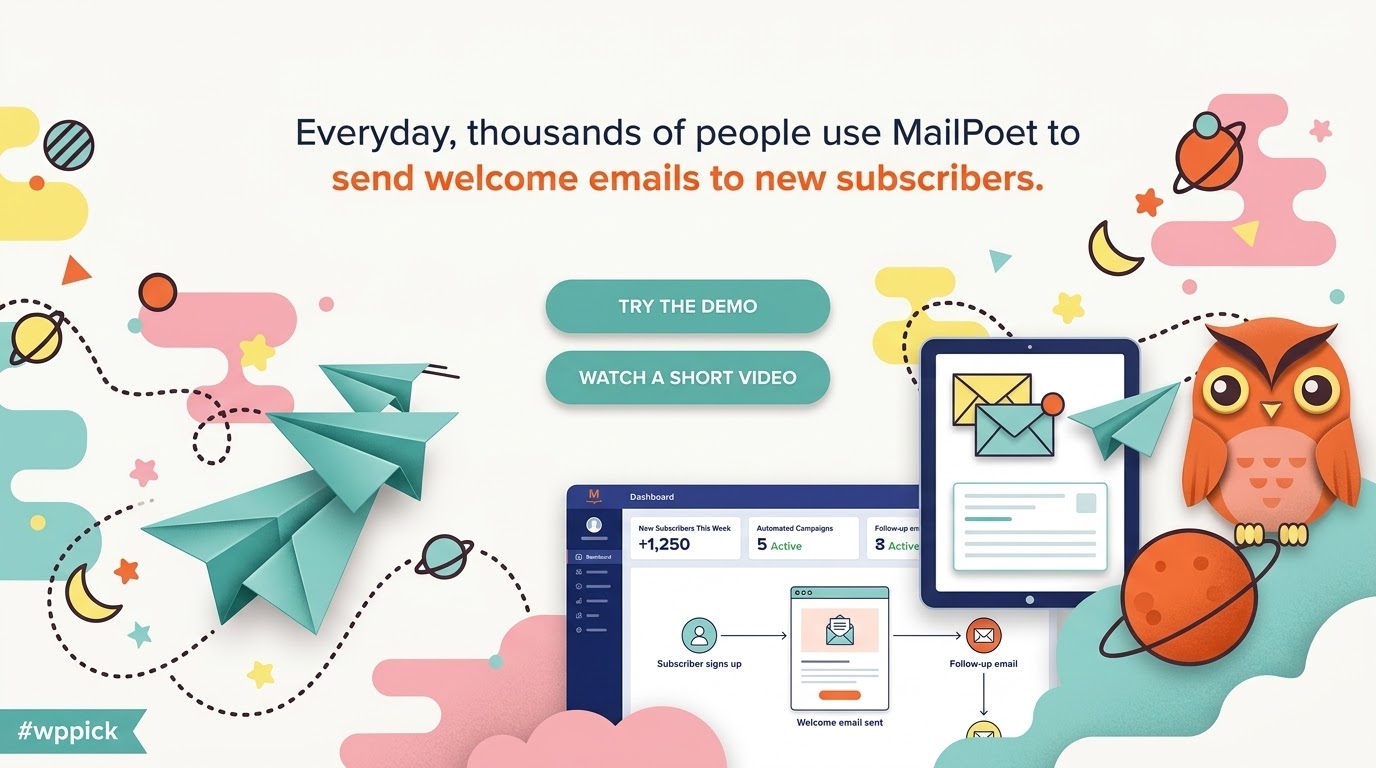
- Automated Welcome Series: Establish automated email sequences that trigger the moment a new visitor signs up, guiding them through onboarding or offering introductory discounts.
- Granular List Segmentation: Divide your audience into targeted subsets based on behavioral criteria, specific form sign-ups, or WordPress user roles.
- Built-in Sign-up Forms: Create elegant slide-ins, pop-ups, custom widgets, or fixed notification bars that encourage sign-ups and match your theme aesthetic.
Practical WordPress and WooCommerce Use Cases
Deploying this marketing suite opens up practical automation opportunities for various business models. For instance, store owners can set up a product follow-up sequence that automatically sends a helpful usage guide and a feedback request fourteen days after a customer makes a purchase. Content sites can use the automatic post notification tool to aggregate the week’s blog posts into a single newsletter delivered every Friday afternoon, saving hours of manual layout creation. Additionally, you can target users who have abandoned their carts, reminding them of the items they left behind with personalized product links.
Setup, Installation, and Theme Compatibility
Setting up this tool is straightforward, as it integrates natively with WordPress standard tables and standard database structure. It respects system resources while handling large batch processing tasks behind the scenes. In terms of design compatibility, the form builder is designed to match modern block-based editor standards, inheriting active theme color palettes automatically so that newly published signup forms blend naturally with your website design. It also integrates seamlessly with WooCommerce, translating order data into accessible, usable segment criteria instantly.
Why Choose MailPoet Premium on WPPick
WPPick provides a secure, optimized repository for high-quality GPL themes and extensions. Acquiring this newsletter tool through our marketplace allows developers, designers, and site managers to thoroughly test advanced automation features, draft visual campaigns, and design custom subscription workflows before deploying them across live environments. With clean files, regular updates, and affordable access, WPPick makes it easy to run complex staging simulations, evaluate interface layouts, and execute complete design audits without substantial budget constraints.
MailPoet Version 5.34.0: What is New?
The latest version 5.34.0 introduces several practical features that improve form customization, subscription flow, and campaign analytics. A dedicated Manage Subscription block has been added, allowing administrators to implement subscription management forms natively without relying on shortcodes or complicated URL parameters. Promotional forms are also enhanced with a new Close button block, giving you precise layout control over pop-ups, slide-ins, and top-bar callouts. Additionally, the form editor now inherits theme color palettes by default to ensure design consistency across your site.
For automation workflows, version 5.34.0 adds useful bulk-change triggers that enable automatic tasks when subscribers are bulk-added, moved between lists, or tagged. The update also upgrades campaign statistics with native filtering and sorting tools, resolves tracked link redirects in editor tests, handles CSV name-mapping issues, and fixes minor preload errors with custom field templates.
Frequently Asked Questions
- Is MailPoet Premium compatible with block-based editing? Yes. The plugin features full block editor integration, including the newest subscription and form blocks, making block-based page layouts simple to configure.
- Can I run automated email campaigns with WooCommerce? Yes. The plugin includes specific WooCommerce integrations that let you trigger automated emails for first-time buyers, product-specific purchases, and abandoned carts.
- Do I need a separate SMTP service? While the plugin operates completely in WordPress, you will need a reliable email delivery method. You can use standard server mail, third-party SMTP services, or dedicated transactional delivery networks.
- How does segmenting work? You can segment subscribers based on their behaviors, such as email opens, link clicks, specific list sign-ups, custom fields, or WooCommerce order history.
- Does this version support subscriber timezones? Yes. Starting with the latest version, the plugin records and displays subscriber timezone fields, enabling more precise tracking and subscriber management.
- Can I import existing subscriber lists? Yes. You can easily import your contacts via CSV files, and the latest update has improved mapping for name headers with dashes, dots, or underscores.
I. Download Limits & Account Benefits
- Free Downloads: Each email address receives 3 downloads per day for free products
- Upgrade Benefits: Purchase any paid product to increase your daily download limit by 3 for each paid product
- No Account Required: You can download immediately by receiving the download link via email
- Account Recommended: Create an account for easier access to your order history and direct update downloads
II. Understanding GPL vs Official Versions
Important: The products available on WPPick are GPL-licensed versions, which differ from official developer versions. Before purchasing, please read our comprehensive guide: Understanding GPL & Official Differences at WPPick
Key Points:
- GPL versions may not include premium support from original developers
- Updates may be delayed compared to official releases
- Some premium features might have limitations
- Always consider your specific needs and support requirements
III. Support & Assistance
We’re here to help through multiple channels:
- Email Support: Direct email assistance for all inquiries
- Live Chat: Real-time support during business hours
- Comprehensive Documentation: Detailed guides and tutorials
IV. Order Tracking
Access your complete purchase history and download links anytime: Order History
V. Account Access
New to WPPick? Login or Create Account to manage your downloads and orders efficiently.
VI. Refund Protection
We stand behind our products with a clear refund policy. Review our terms: Refund Policy
VII. Privacy & Security
Your data security is our priority. Learn how we protect your information: Privacy Policy
VII. Terms of Service
Understanding our service terms ensures a smooth experience: Terms of Use
Quick Tips for Best Experience
- Verify Compatibility: Check plugin/theme compatibility with your WordPress version
- Backup First: Always backup your site before installing new plugins or themes
- Test Environment: Consider testing on a staging site first
- Stay Updated: Regularly check for updates in your account dashboard
- Read Documentation: Review any included documentation for optimal setup
Need Help?
If you have questions about downloads, licensing, or need technical assistance, don’t hesitate to contact our support team. We’re committed to ensuring you have the best possible experience with WPPick products.
Ready to get started? Your download adventure begins with just one click!
- Native filters and sorting on the campaign statistics tables (engagement, bounces, clicked links, products sold and unsubscribe reasons);
- Show Create Segment when filtering campaign stats by a clicked link;
- Match shortcode link labels when searching the campaign stats clicked-links table;
- Apply date and subscriber-status filters to the engagement Status filter counts;
- Restore searching unsubscribe reasons by their label in campaign stats;
- Show the clicked-links stats table without relying on the legacy links argument;
- Sync the engagement Status filter chips to the clicked status when filtering by a link;
- Respect a single engagement status filter passed as a query string value;
- Show the unsubscribe reason column whenever unsubscribed is among the selected engagement statuses.
- Birthday and saved-card-expires automations now keep running every hour instead of stopping after the first run, and previously stopped automations resume automatically.