

Mailster – Email Newsletter Plugin for WordPress By EverPress
/Year
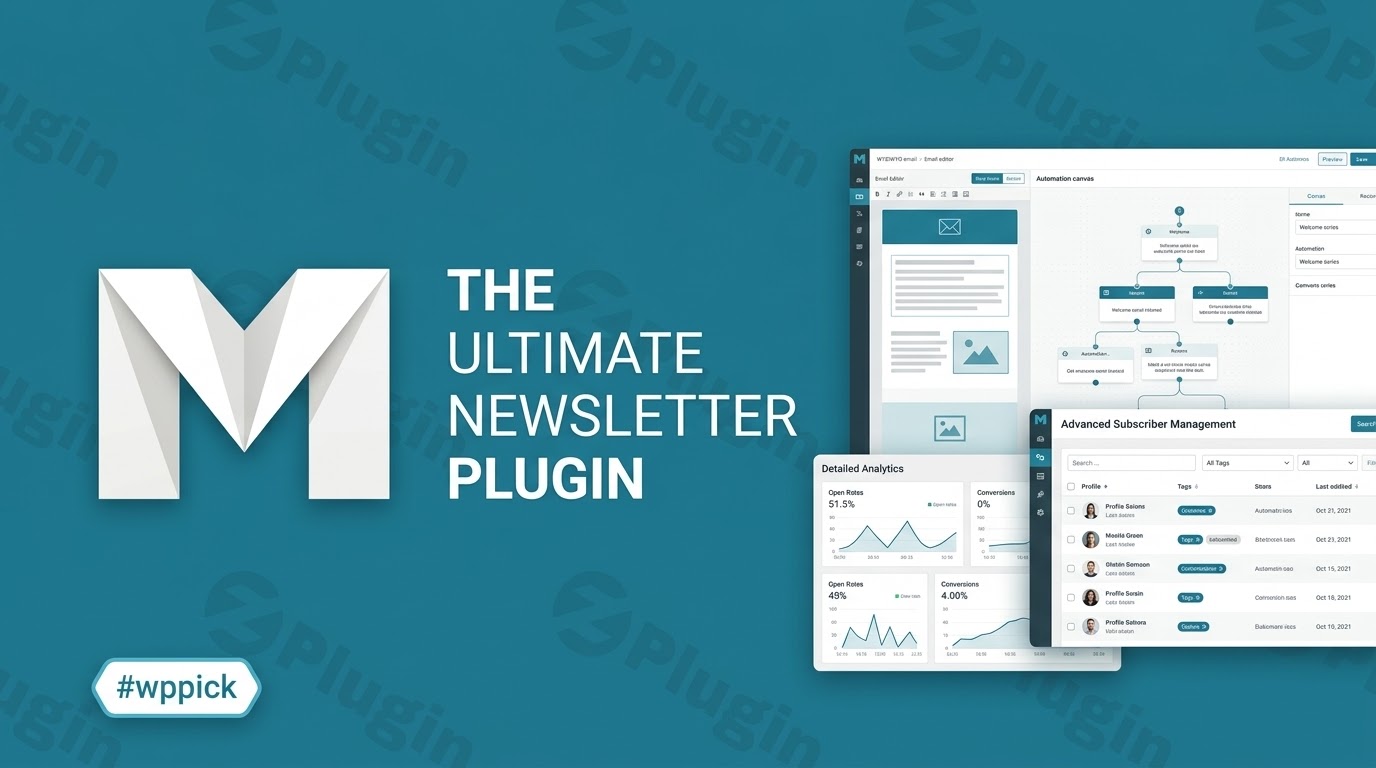
Streamline Your Email Campaigns Directly Inside WordPress
Mailster provides a self-hosted email marketing solution that integrates directly into your WordPress dashboard. This setup keeps your subscriber data, automated workflows, and comprehensive campaign statistics in one unified location. By removing reliance on external, subscription-based third-party marketing suites, users can take control of their digital outreach strategy while maintaining data privacy compliance.
What Mailster Does
Mailster serves as a centralized platform for designing, deploying, and tracking email campaigns. The plugin handles subscriber acquisition through custom forms, structures multi-step marketing automation sequences, and manages segmentation variables. Emails are dispatched via internal server resources or external delivery services to maintain clean delivery paths without external usage caps.
Who It Is For
This solution is designed for digital marketers, content publishers, e-commerce stores, and agency operators who require robust email systems without recurring monthly subscriber overheads. It is particularly valuable for organizations that demand strict data governance, as recipient profiles remain stored within the local WordPress database environment rather than shared with third-party networks.
Key Capabilities
- Visual drag-and-drop campaign builder for structured layout design.
- Automated follow-up sequences and behavior-triggered drip schedules.
- Dynamic list segmentation based on custom user data and interaction metrics.
- Native delivery tracking, featuring open rates, click tracking, and geolocation reporting.
- Multi-channel delivery flexibility with support for local server delivery, SMTP relays, or specialized providers.
- Deep integration with the native block editor for subscription form design.
Practical WordPress Use Cases
- Automating blog newsletter distribution by scheduling regular content roundups pulled from fresh RSS feeds or recent custom post types.
- Nurturing customer interactions by designing automated onboarding pathways following registration or product interactions.
- Re-engaging target audience subsets via targeted marketing distributions segmented by user roles or previous campaign analytics.
- Managing organizational announcements or community updates across large-scale membership platforms and corporate portals.
Setup and Compatibility Notes
Mailster coordinates with your web server’s architecture or external SMTP solutions to optimize message dispatch routines. It functions across major caching layers and multi-tenant environments. When managing high-volume email schedules, offloading delivery tracking and message relays onto a specialized service provider ensures server resources remain available for front-end web operations.
Reasons to Choose Mailster on WPPick
Deploying Mailster via WPPick provides an accessible path toward launching professional email outreach campaigns. The self-hosted model eliminates expanding tier pricing associated with database growth. Users gain comprehensive premium template features, automated workflow design utilities, and native tracking modules without ongoing cost adjustments.
Latest Version Context
Detailed release notes are not available from the provided sources. Regular updates address operational stability, ongoing block editing updates, and routine maintenance to preserve security parameters and deliverability rules within changing hosting ecosystems.
Frequently Asked Questions
How does Mailster handle high-volume email delivery without slowing down my web server?
Mailster separates background processes from front-end page generation by using background cron triggers. For large marketing distributions, you can configure the plugin to throttle transmission volume or route operations through standard third-party SMTP systems to avoid overextending web server limits.
Can I import existing subscriber lists from other marketing platforms?
Yes. The platform supports structured data imports through CSV formats. You can map custom tracking values, user groups, and profile details to match your pre-existing audience structure during the migration process.
Is this email marketing solution compliant with data privacy frameworks like GDPR?
Because Mailster is a self-hosted asset, all subscriber profiles remain inside your localized database. The system provides native checkbox verification, double opt-in support, and clear unsubscribe mechanisms to assist operators with regional compliance mandates.
Do I need an external SMTP service provider to send newsletters with Mailster?
While you can send directly through your website hosting resources for small lists, using an external SMTP relay or transactional service is recommended for large schedules. This ensures high deliverability scores and protects your domain authority from spam flags.
Can I trigger automated emails based on user behavior inside WordPress?
Yes. Mailster includes automation tools that trigger campaign sequences based on core site events, such as a new registration, post publication, or specific timing criteria designed within the visual campaign planner.
I. Download Limits & Account Benefits
- Free Downloads: Each email address receives 3 downloads per day for free products
- Upgrade Benefits: Purchase any paid product to increase your daily download limit by 3 for each paid product
- No Account Required: You can download immediately by receiving the download link via email
- Account Recommended: Create an account for easier access to your order history and direct update downloads
II. Understanding GPL vs Official Versions
Important: The products available on WPPick are GPL-licensed versions, which differ from official developer versions. Before purchasing, please read our comprehensive guide: Understanding GPL & Official Differences at WPPick
Key Points:
- GPL versions may not include premium support from original developers
- Updates may be delayed compared to official releases
- Some premium features might have limitations
- Always consider your specific needs and support requirements
III. Support & Assistance
We’re here to help through multiple channels:
- Email Support: Direct email assistance for all inquiries
- Live Chat: Real-time support during business hours
- Comprehensive Documentation: Detailed guides and tutorials
IV. Order Tracking
Access your complete purchase history and download links anytime: Order History
V. Account Access
New to WPPick? Login or Create Account to manage your downloads and orders efficiently.
VI. Refund Protection
We stand behind our products with a clear refund policy. Review our terms: Refund Policy
VII. Privacy & Security
Your data security is our priority. Learn how we protect your information: Privacy Policy
VII. Terms of Service
Understanding our service terms ensures a smooth experience: Terms of Use
Quick Tips for Best Experience
- Verify Compatibility: Check plugin/theme compatibility with your WordPress version
- Backup First: Always backup your site before installing new plugins or themes
- Test Environment: Consider testing on a staging site first
- Stay Updated: Regularly check for updates in your account dashboard
- Read Documentation: Review any included documentation for optimal setup
Need Help?
If you have questions about downloads, licensing, or need technical assistance, don’t hesitate to contact our support team. We’re committed to ensuring you have the best possible experience with WPPick products.
Ready to get started? Your download adventure begins with just one click!
- This update brings stability and improvements for WordPress 7.0.
- Block forms now support block gaps.
- Block form message now visible in the editor.
- Block form message now supports borders and shadows.
- Buttons on campaign edit screen for WordPress 7.0.
- Visual fixes for WordPress 7.0.
- Quickly copy Block Markup for block forms (next to short codes).
- Sanitize URLs using esc_url() for improved security.
- Included form patterns for WordPress 7.0.
- Validate form ID by ensuring it is numeric before processing in frontpage class.
- Replace ButtonGroup with Flex component in FormSelector and EmailSelector for improved layout consistency.
- Included form patterns for WordPress 7.0.
- Clean lists note on import screen.
- Deprecated `utf8_*` methods.
- Missing conditions error on manage subscribers screen.
- Missing colors on forms if block messages have a non-default color.
- Form section in form blocks now displays all available forms when there are more than 10.
- Updated dependencies.
- Eliminate remove_template method from MailsterAjax class to streamline AJAX functionality.
- Fixed broken blocks on automation by adding `sprintf` function to i18n imports for better string formatting in multiple files.
- Ensure only the latest export file is downloadable by validating the filename against stored option.
- Modify MIME type for zip uploads and enable type testing in MailsterAjax class.
- Synchronize max days for warmup settings between queue and delivery files
- Sanitize URLs in subscribers table class for improved security
- Update content filters and actions for better form rendering and modularity in block forms. Popups are now rendered inside the_content filter, which improves compatibility with more themes and core blocks, used inside the form
- Bump dependencies and lock files to latest versions for improved compatibility and performance
- Correct typo in welcome message on campaigns dashboard
- option to continue workflow on specific date delays if the date is in the past
- css: issues with some themes on the automation editor
- dependencies and lock files for improved compatibility and performance
- Implement installation checks and enhance default settings handling
- Link to documentation for capabilities settings page
- New capability to delete campaigns with appropriate roles and help text
- New helpdesk links to the settings page
- Improve notification template fallback and error handling
- Improve SMTP configuration type casting
- Improve wp_mail filter argument handling
- Enhance import functionality and UI interactions
- Correct parent block references for condition blocks
- Packages updates